

ONLINE OFFICE VIEWER
View Office files online
Give users a practical way to open Word, Excel, and PowerPoint files without leaving your product.
office document viewer
Collaborative web editors for AI agents, workflows, web apps and existing systems.
Self-hosted on your infrastructure.
Collaborative editors. Open APIs. Self-hosted.
See how one illustrative launch moves from research to proposal, operating numbers, and an executive decision without leaving the document workflow.
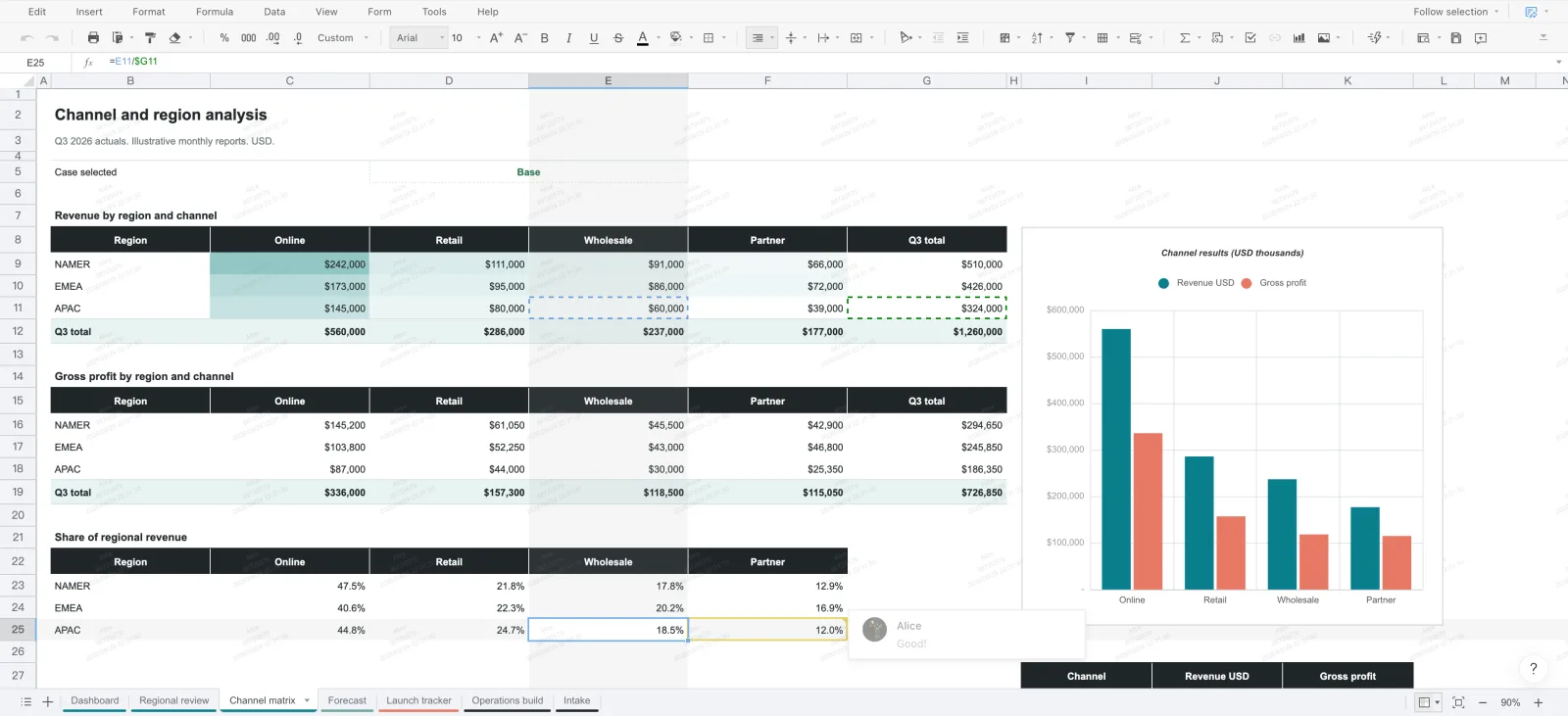
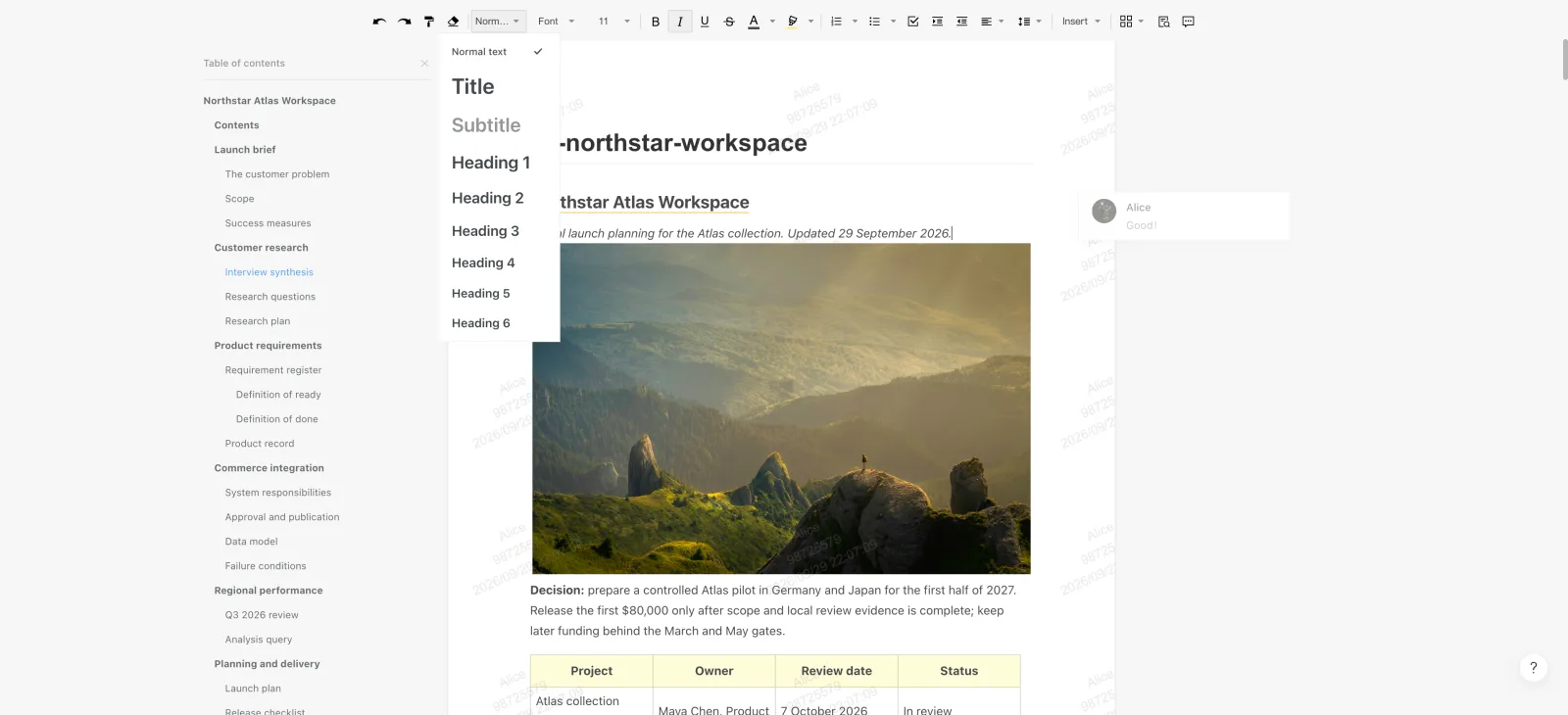
Open the full product story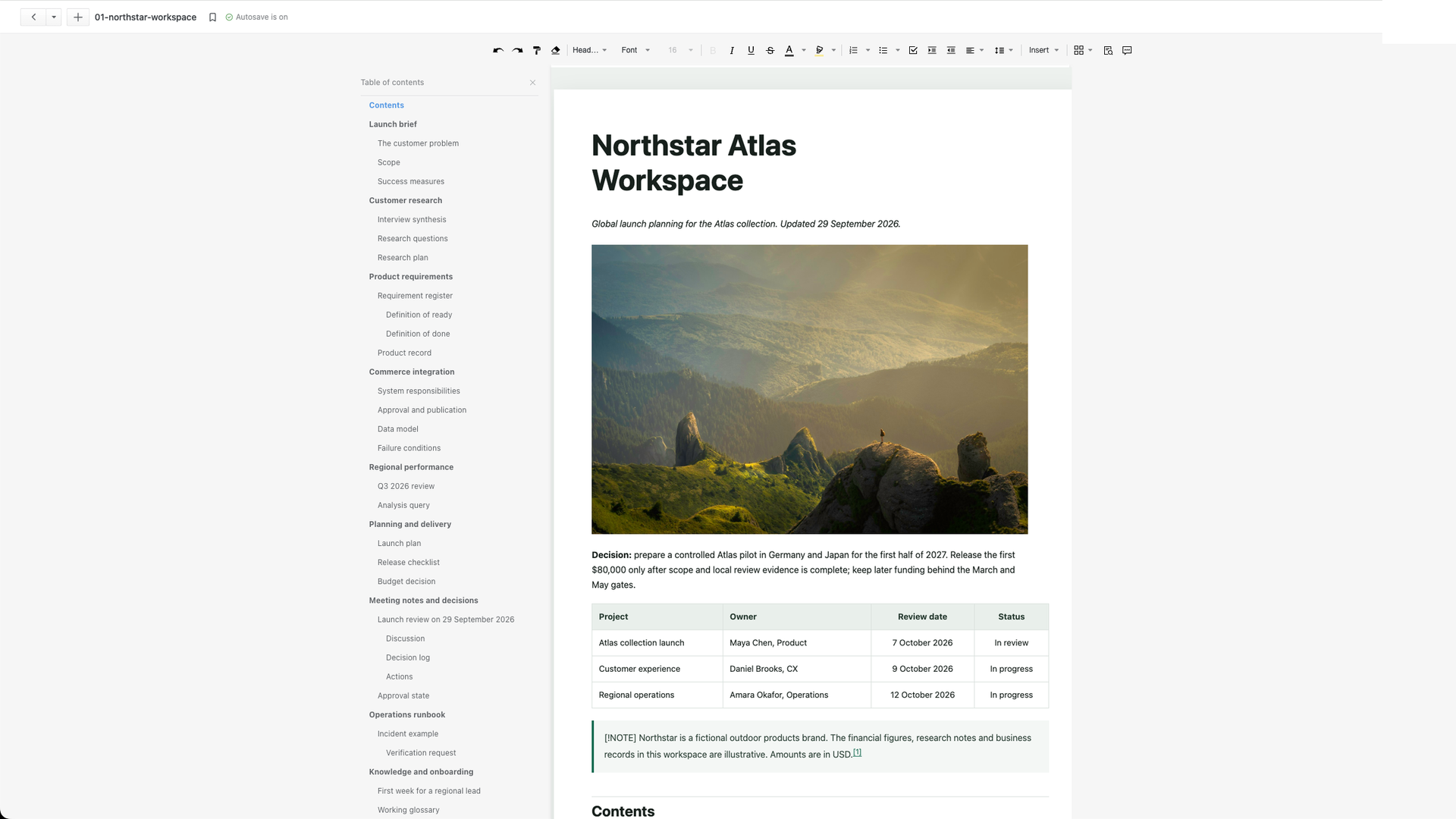 NOTES + MARKDOWNTurn research into a shared working context.
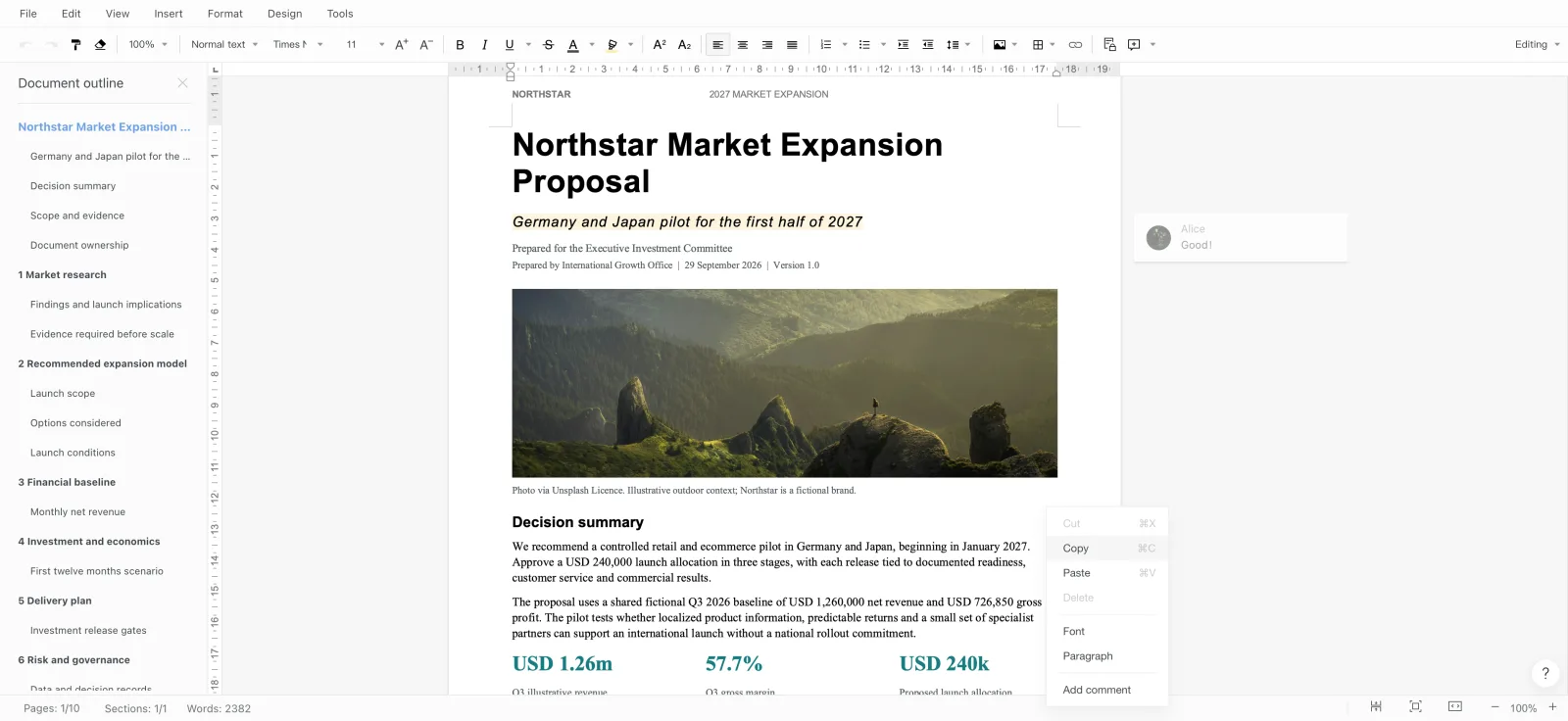
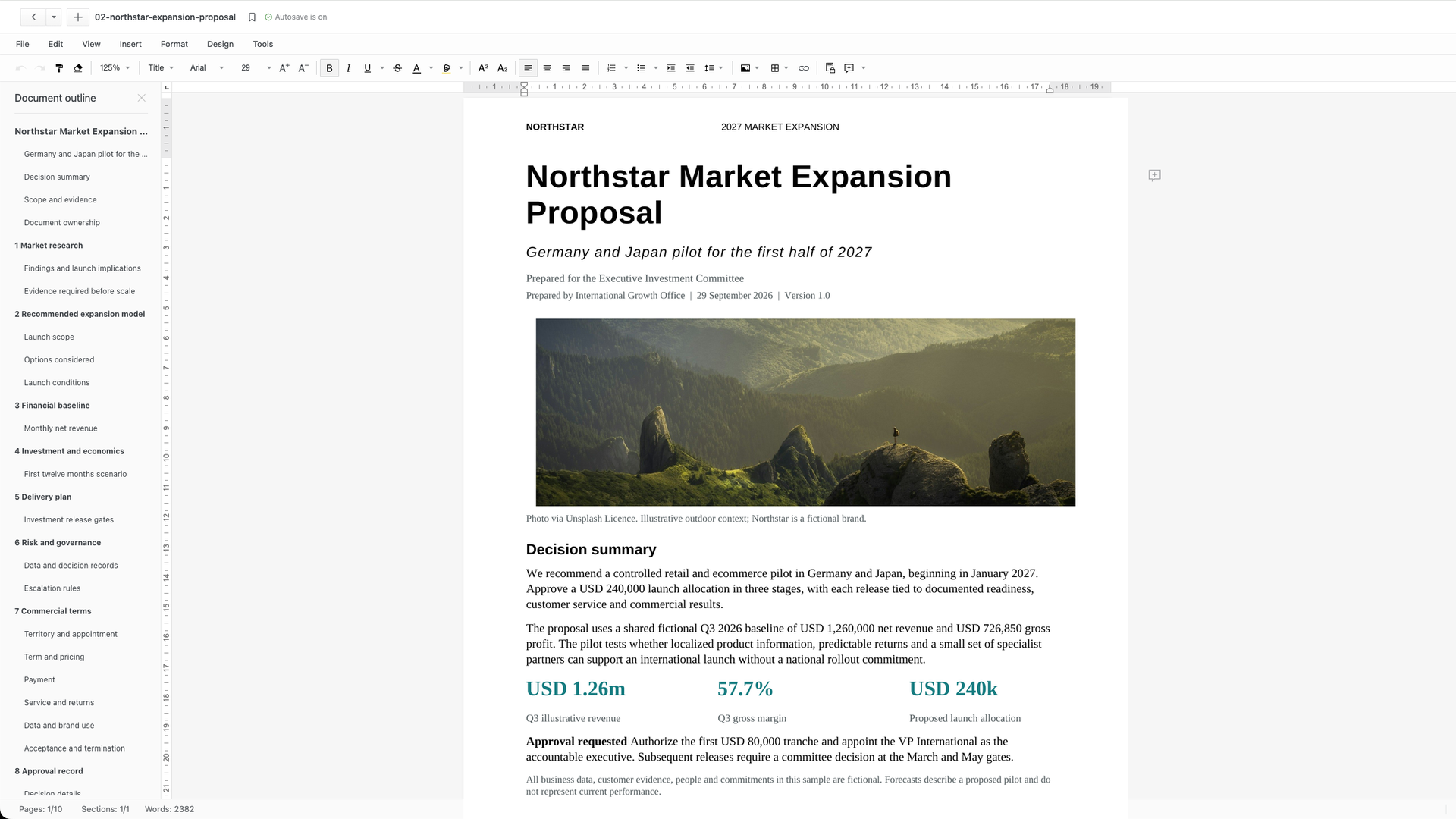 WORD DOCUMENTTurn an approved direction into a formal proposal.
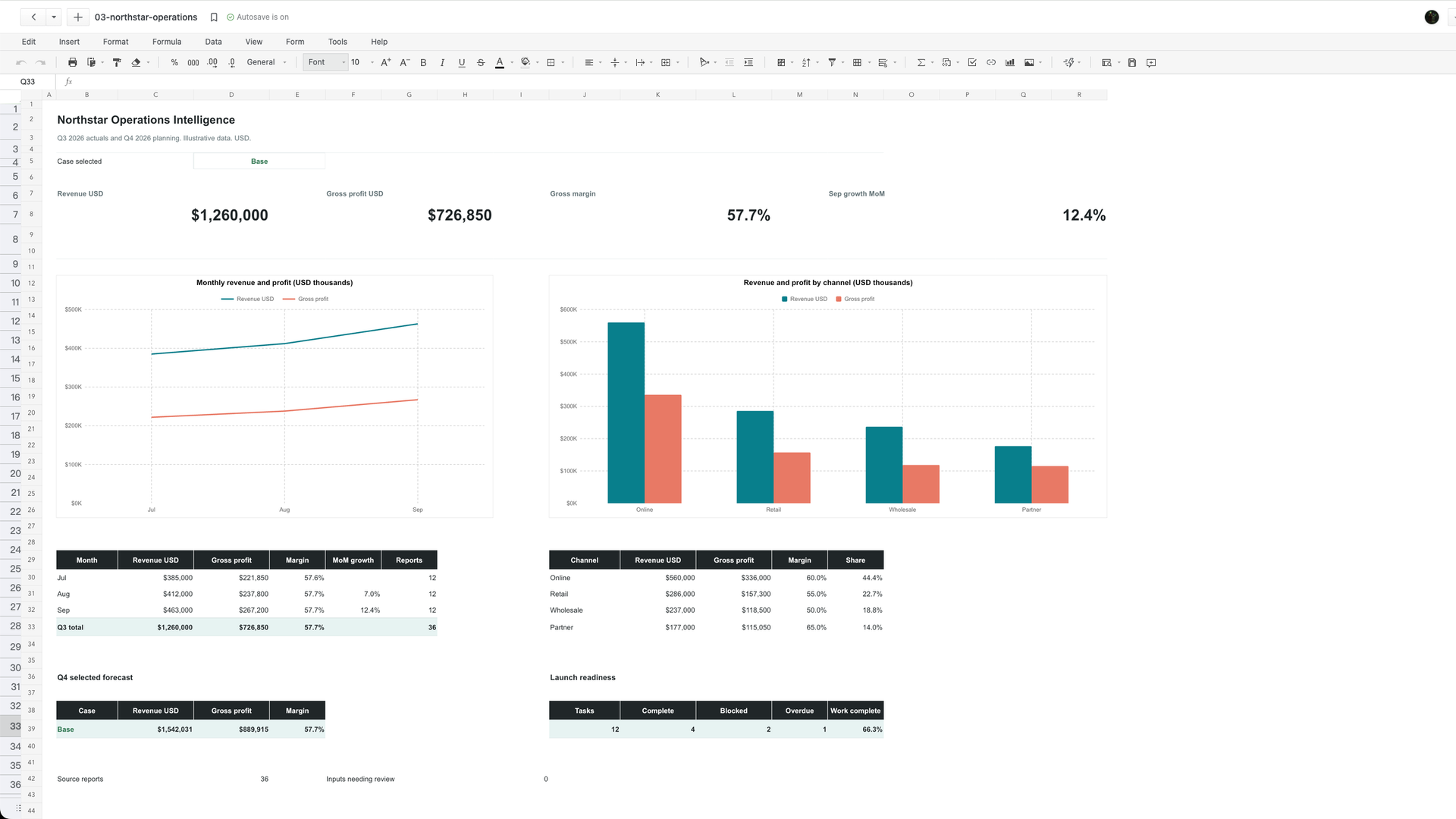 EXCEL WORKBOOKTurn a plan into numbers people can operate.
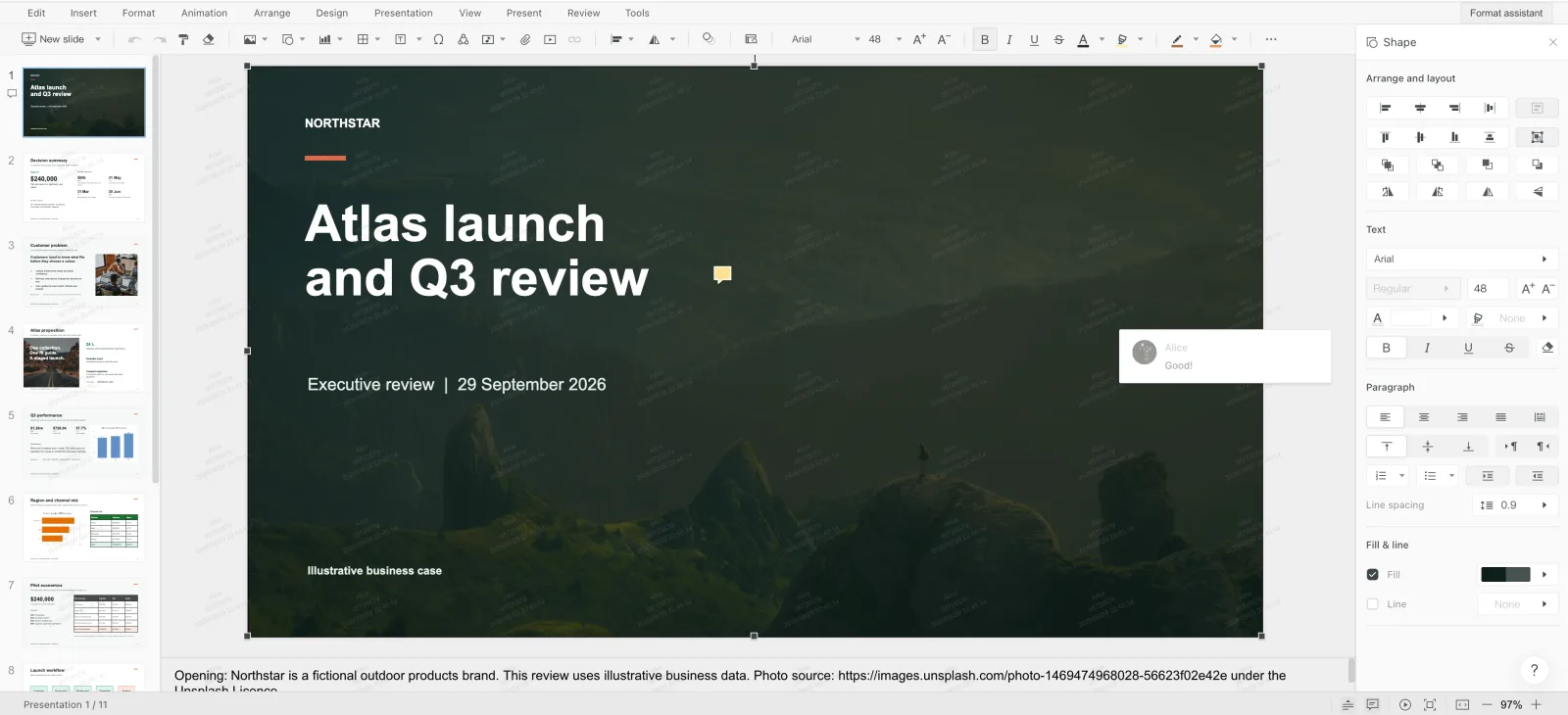
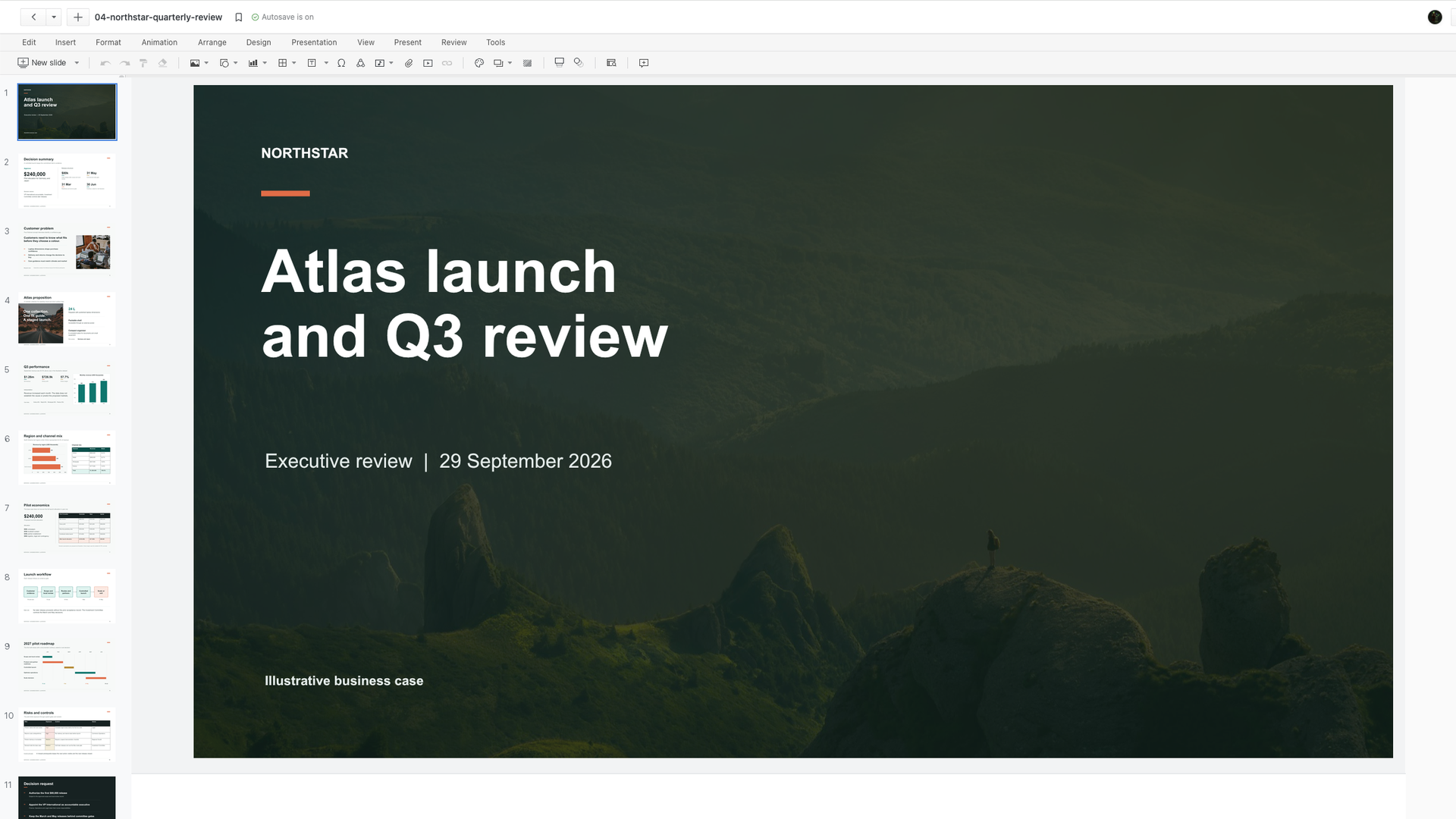 POWERPOINT REVIEWTurn operating detail into a decision-ready review.
Office SDK is an embedded web document surface for products that need Word, Excel, and PowerPoint work to stay beside the surrounding record, permissions, and business process.
Start with Word, Excel, and PowerPoint files that users already bring to the workflow.
Preview, edit, and review are separate experiences with separate acceptance checks.
Context, surface, callback, and result make ownership visible from open to save.
| Next action | Document surface | Host product keeps |
|---|---|---|
| Inspect a file | Preview | Identity, permission, and record context |
| Change content | Edit | Version owner and save destination |
| Move work forward | Review or import/export | Decision state and business result |
Office is a large category. Meet people at the problem they already describe, then give qualified teams a reason to evaluate the right document workflow.
Give users a practical way to open Word, Excel, and PowerPoint files without leaving your product.
Put an editable Office surface next to the records, permissions, and workflows your app already owns.
Use callbacks to supply file information and permissions, then follow the documented result path back into your system.
Keep approvals and business records close to the document they explain.
When the document is where the work happens, your users should not have to leave the system that owns the workflow.
Bring Word, Excel, and PowerPoint preview and collaborative editing into your web product. Users stay in the workflow that owns the file.
Use import and export flows to connect existing Office files with the document workflow your product provides.
Read and write document and spreadsheet content, and keep comments and version history close to the business record.
Your system owns users, files, permissions, and business data. As an integration boundary, business-level records remain in your system while Office SDK provides the editor, rendering, format processing, collaboration, and JavaScript SDK surface.
Callbacks let your backend supply user, file, permission, and organization information to the embedded document workflow.
Use the format families below to frame the first conversation. Preview and editing support differ by format, so validate the exact behavior with your target files before committing to a production workflow.
Use the first website to test high-intent Office workflows. The strongest ones become product pages, tools, and qualified conversations.
Preview and edit files where teams store and share them.
Connect a document to the people, notes, and decisions around it.
Make reports, course packs, and spreadsheets useful in one place.
Keep statements, plans, and business documents close to the system of record.
Office SDK is designed to sit inside the web product that already owns users, files, permissions, and business data. Use the deployment baseline to frame the first technical conversation.
Talk through your environmentA web-based integration keeps the document workflow available across the environments your users already use.
Start with a focused validation environment, then move to a multi-node deployment when scale and availability require it.
The current deployment guidance gives platform teams a concrete baseline for planning an installation.
The first version of this site is an orientation layer. It helps the right visitor recognize a use case, see the Office surface, and choose the next proof point.
Short, honest answers for teams deciding whether an Office workflow belongs inside their product.
Office SDK is an online document preview and editing service for teams that want to put Word, Excel, and PowerPoint workflows inside their own web product.
Start with the files your users already bring into the workflow. Evaluate preview, import, editing, and export paths separately for Word, Excel, and PowerPoint, with broader preview coverage including PDF and other common file types. Confirm the exact operation before launch.
That is the intended evaluation path. Your system keeps file storage and permission decisions, while Office SDK provides the document surface, callback communication, and JavaScript SDK integration points.
Start with one workflow and the file formats your users need. Identify the user action, target files, and deployment requirements, then validate the fit in a focused proof of concept.
PDF is supported for preview. Word, Excel, and PowerPoint are the editable Office file families; validate the exact behavior with the files and actions your workflow requires.
Your system does. Office SDK does not provide file storage. It communicates with your file system through documented callbacks and integration paths; apply your own storage, versioning, and permission rules to the resulting file or content.
Collaborative web editors for AI agents, workflows, web apps and existing systems.
Self-hosted on your infrastructure.