Embedded editor permissions: editing, downloads, and active-session revocation
Plan authorization checks for session creation, active editing, exports, and revocation across an embedded document workflow.
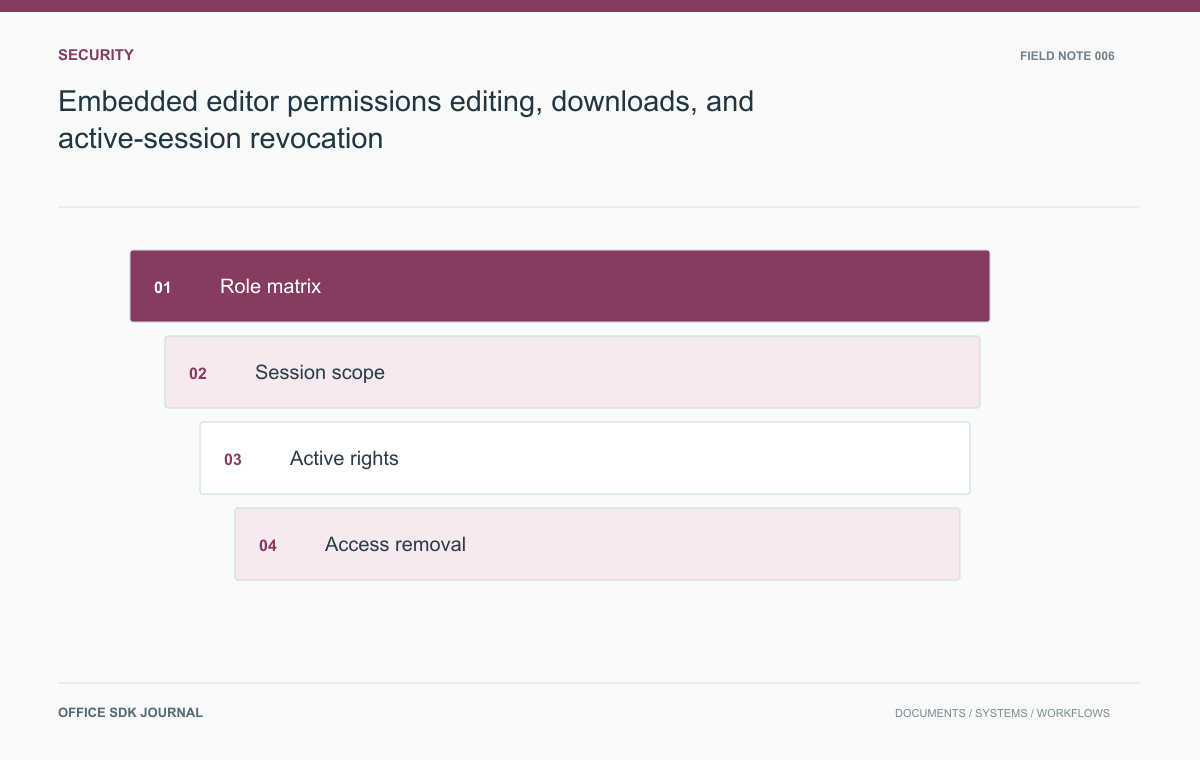
Authorize document operations separately and decide how permission changes reach an already open editor. A launch-time read only flag cannot, by itself, protect downloads, exports, comments, or later requests. The critical question is what an existing session can still do after access is removed.
Permission matrix: operation and enforcement point
Viewing, editing, commenting, downloading, sharing, printing, and managing versions are distinct business operations. Start with a matrix of roles and allowed actions, then map it to the controls actually supported by the editor and your application. Avoid assuming that a single read only flag expresses every policy. If the product cannot enforce a required distinction, change the workflow or record the limitation before launch. Server authorization should remain responsible for business endpoints even when the embedded interface also hides controls for a better user experience.
| Operation | Where to verify enforcement |
|---|---|
| Open or reopen | Application authorization and session issuance |
| Edit or comment | Supported editor session permissions and mutation path |
| Download or export | Application endpoint and any independently issued credential |
| Change collaborators | Business permission management endpoint |
Make the matrix concrete for your deployment. If the editor exposes a download action that goes directly to its own service, testing only your application's download endpoint leaves a gap. If a signed object URL remains valid after revocation, record that lifetime as part of the observed behavior.
Choose the strictest requirement first. An organization that requires immediate loss of all interactive access needs a supported termination or continuously enforced authorization mechanism. Where the product only changes permissions on the next open, that limitation affects workflow design. Do not hide it behind a successful role update in your database. For in-flight work, decide whether previously accepted edits finish publication and how an administrator can recover them without reopening the user's access.

Launch credentials carry a narrow purpose
Generate launch credentials for the authenticated user, intended document, tenant, and permitted operations using the provider's supported mechanism. Limit their lifetime according to the workflow and documented refresh behavior. A session for one document should not become a general storage credential. Keep provider secrets on trusted services and avoid encoding a broader permission set merely because the browser interface currently uses fewer features. Log the resulting authorization decision with a policy version or role context that makes later investigation possible without logging sensitive tokens.
Revocation changes the lifecycle, not just the toolbar
Discover whether the integration can terminate active sessions, refresh permissions, or only restrict subsequent opens. These behaviors differ materially. Your product requirement should specify an acceptable revocation window and explain any limitation to administrators. Also decide how in flight changes are handled when access ends: whether they are committed, rejected, or preserved for controlled recovery depends on available capabilities and policy. Do not promise instantaneous revocation from a database role change unless the complete session and save path has been verified to enforce it.
Remove a user with documents still open
Create a test user with an open document, a second tab, and a previously issued download link. Remove the user from the project and attempt an edit, a new open, a comment, an export, and a direct application download. Observe both immediate and delayed behavior. This operational example exposes stale session authorization and overlooked endpoints. Repeat after moving the document to a restricted folder, because permission inheritance may change without the user's account or global role changing at all.
- Document supported operations and the server endpoint that authorizes each one.
- Record the measured revocation behavior for active and new sessions.
- Check tenant boundaries using valid identifiers from another test tenant.
- Test inherited folder permissions after a move or ownership transfer.
- Review error messages so denial does not reveal confidential document names.

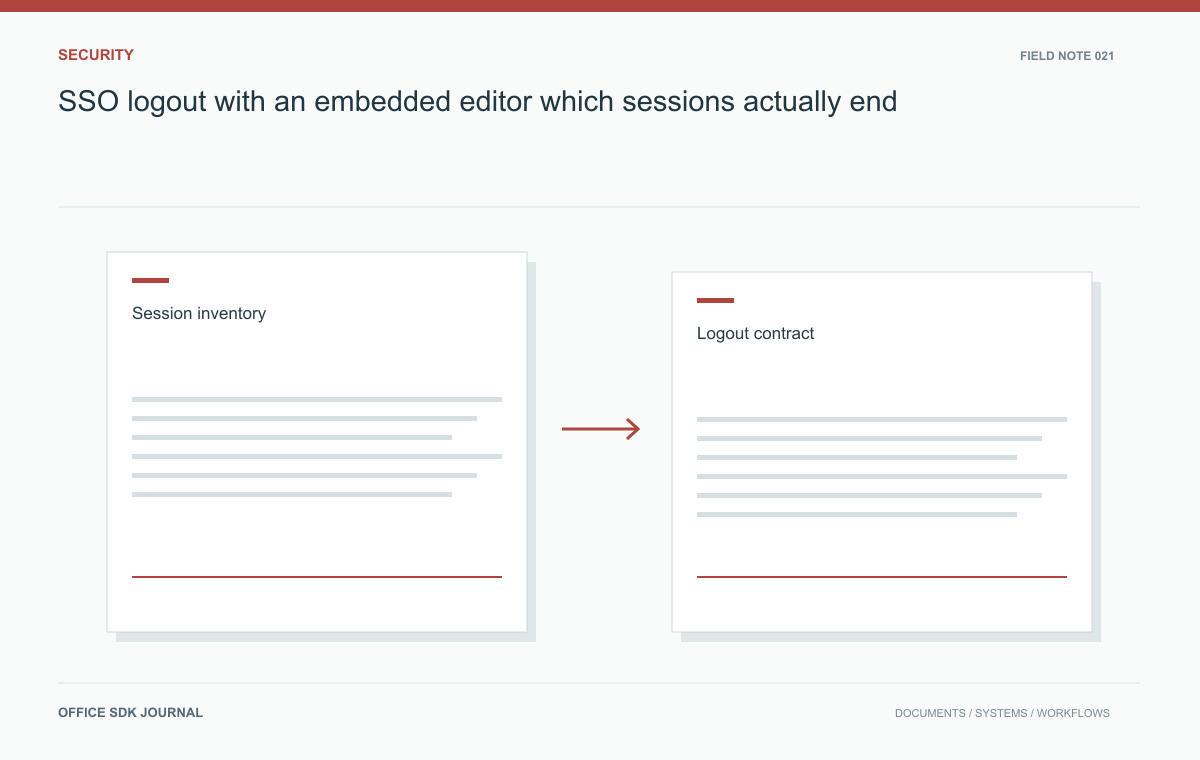
SSO logout with an embedded editor: which sessions actually end?
Identify separate session lifetimes and verify what logout, account switching, and access revocation actually terminate.
Read story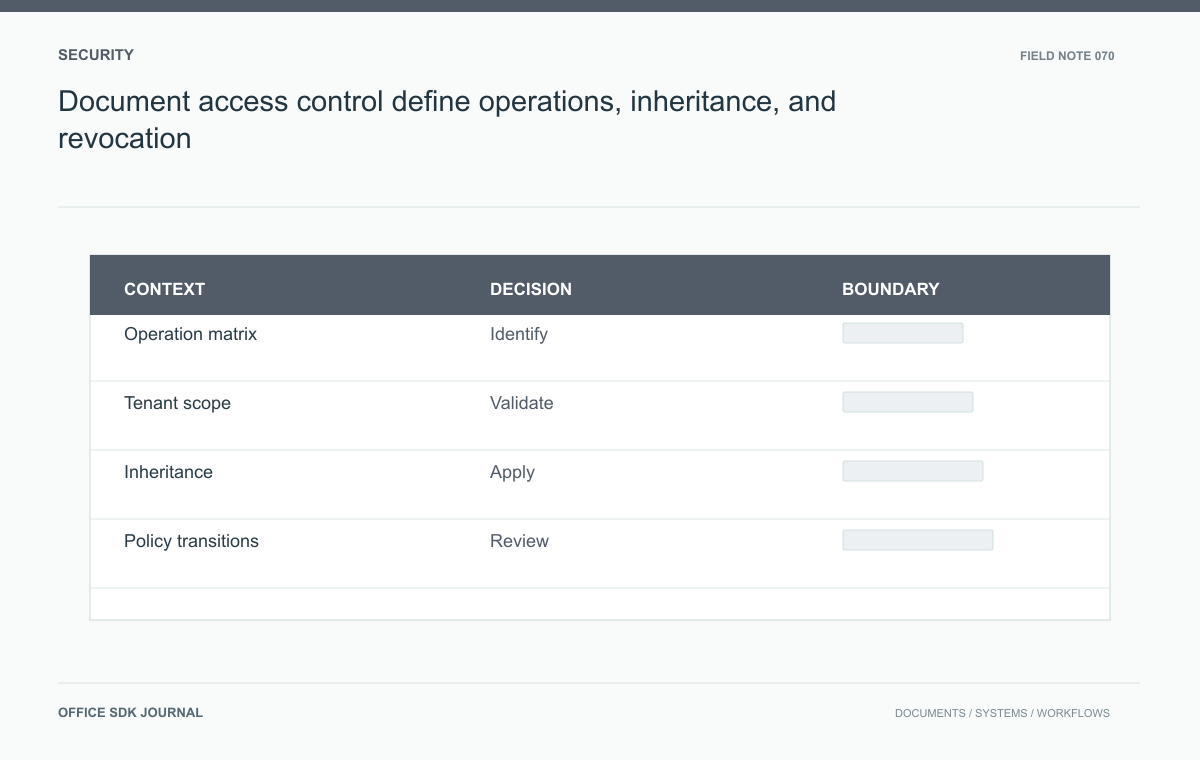
Document access control: define operations, inheritance, and revocation
Model allowed actions, inheritance, tenant scope, policy changes, and direct endpoint enforcement with testable decisions.
Read story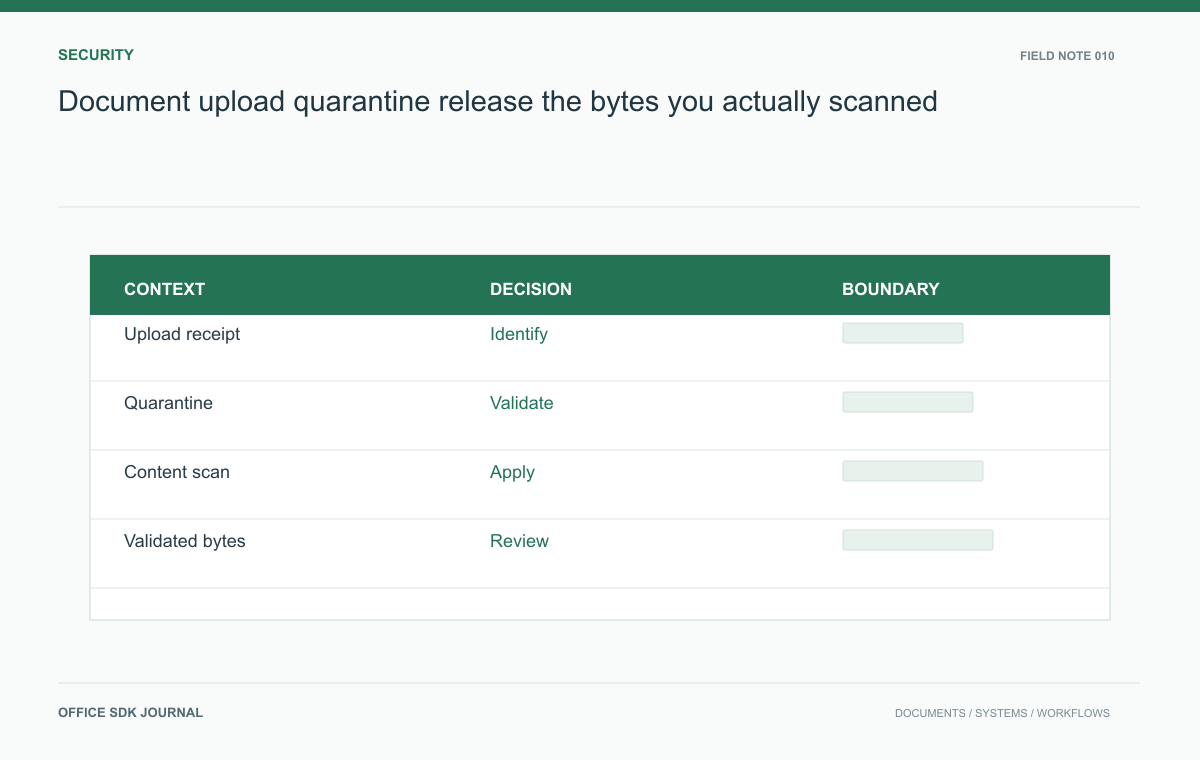
Document upload quarantine: release the bytes you actually scanned
Structure uploads so validation, scanning, and release happen before untrusted files reach shared document workflows.
Read story