Why an embedded document will not open: trace source retrieval
Map the first document open as a sequence of owned requests, then test the retrieval path from the system that actually fetches the file.
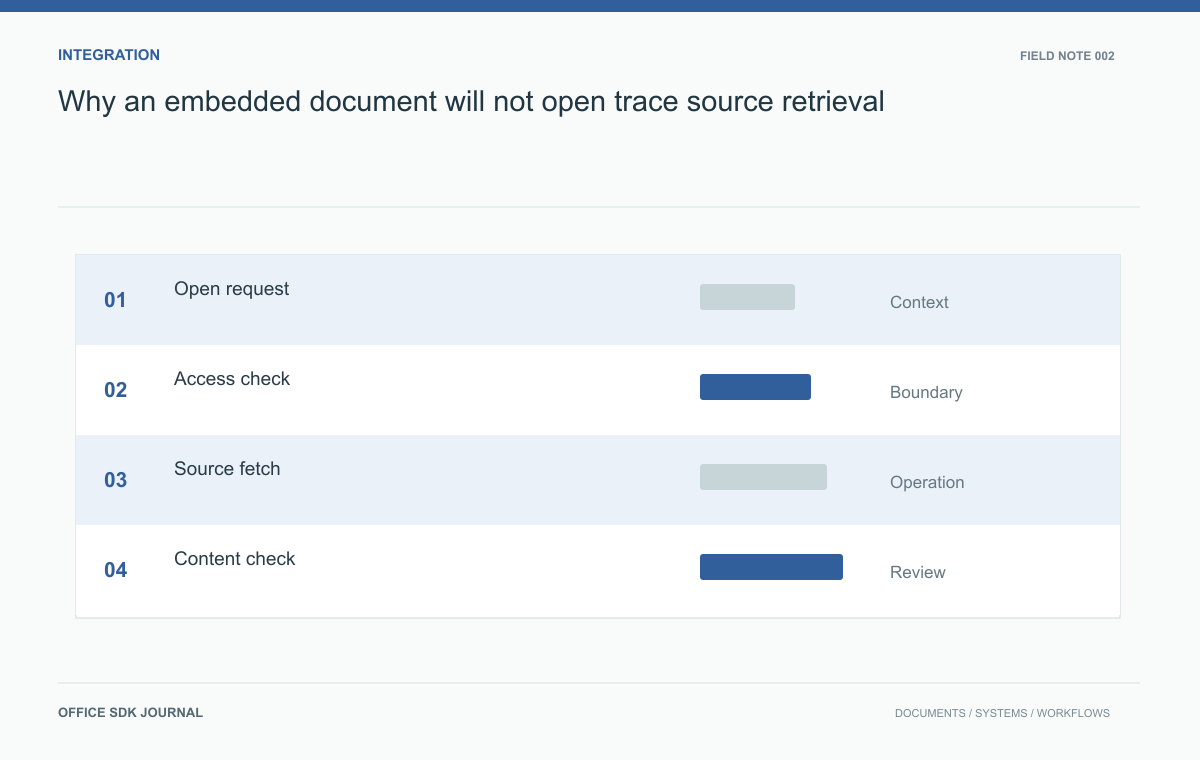
When a document opens in your browser but fails inside an embedded editor, test the source URL from the system that actually fetches the file. That may be a backend worker with different DNS, routing, and credentials. Start by identifying that requester; otherwise, a successful browser download can send the investigation in the wrong direction.
Who makes each request?
Start with the user selecting a business document. Your application authenticates the user, checks the requested operation, and prepares whatever launch information the integration requires. A browser or a backend service then retrieves the source, depending on the product architecture. Record that actor explicitly. Add the storage endpoint, redirects, conversion stage if present, and eventual editor response. Do not assume that a URL working in an administrator's browser proves that a backend worker in another network can retrieve the same resource.

Locate the first failed boundary
A source request can fail because DNS resolution, routing, TLS validation, authentication, or object authorization fails. Each layer needs a distinct observation. Record the destination host, response status, elapsed time, and a safe correlation identifier. Where signed links are used, inspect expiry and permitted operation without placing the full link in routine logs. Test redirects as part of the chain: a reachable application endpoint that redirects to an inaccessible storage host is still an unsuccessful source retrieval from the worker's perspective.
| Observation | Next evidence to collect |
|---|---|
| No connection reaches storage | Worker DNS result, route, and TLS error |
| Redirect followed by denial | Final destination and authorization behavior |
| HTTP 200 with HTML | Response content type and a safe identification of the login page |
| Bytes arrive; editor still fails | File integrity and initialization or conversion outcome |
Move down this table only after the previous boundary is understood. Changing editor settings cannot repair an unreachable storage endpoint. Conversely, opening firewall access will not repair a corrupt document that the worker already downloaded successfully.
For a reproducible probe, use an authorized disposable object and issue a fresh credential through the same application path. Record the requested object version and received byte count. Compare a digest where feasible, but do not dump the file or signed query string into shared logs. If a command line request succeeds while the worker fails, compare redirects, proxy configuration, certificate trust, and request headers. The probe is useful only to the extent that it matches the worker's actual behavior.
Reproduce a first open with a private source
Consider a report stored in a private object bucket. The application grants a short lived read link after checking project membership. A conversion worker receives that link and fetches the report. Reproduce the request from the worker network with equivalent DNS and certificate trust, using a disposable test object and freshly issued credentials. Record whether the response contains document bytes, an HTML login page, or a storage error. A successful HTTP status alone is insufficient if the returned content is not the expected file.
- Open a new document with a permitted user and identify every component that fetches bytes.
- Repeat with an expired link and check that the user receives a recoverable error.
- Return an authentication page and confirm that content validation rejects it.
- Test the largest agreed source file through the same production network route.
- Correlate launch, retrieval, initialization, and failure records without exposing credentials.

Decide what reopening should retrieve
Some integrations continue to use the business source as their authority; others establish an editing representation with a separate save or export path. Verify the chosen product's documented behavior before deciding when the original object may be replaced or removed. Specify what reopening means after the first successful import, and what happens if initialization fails halfway through. A retry should either resume a known attempt or start an independent attempt whose results cannot overwrite a newer successful state without an explicit version check.
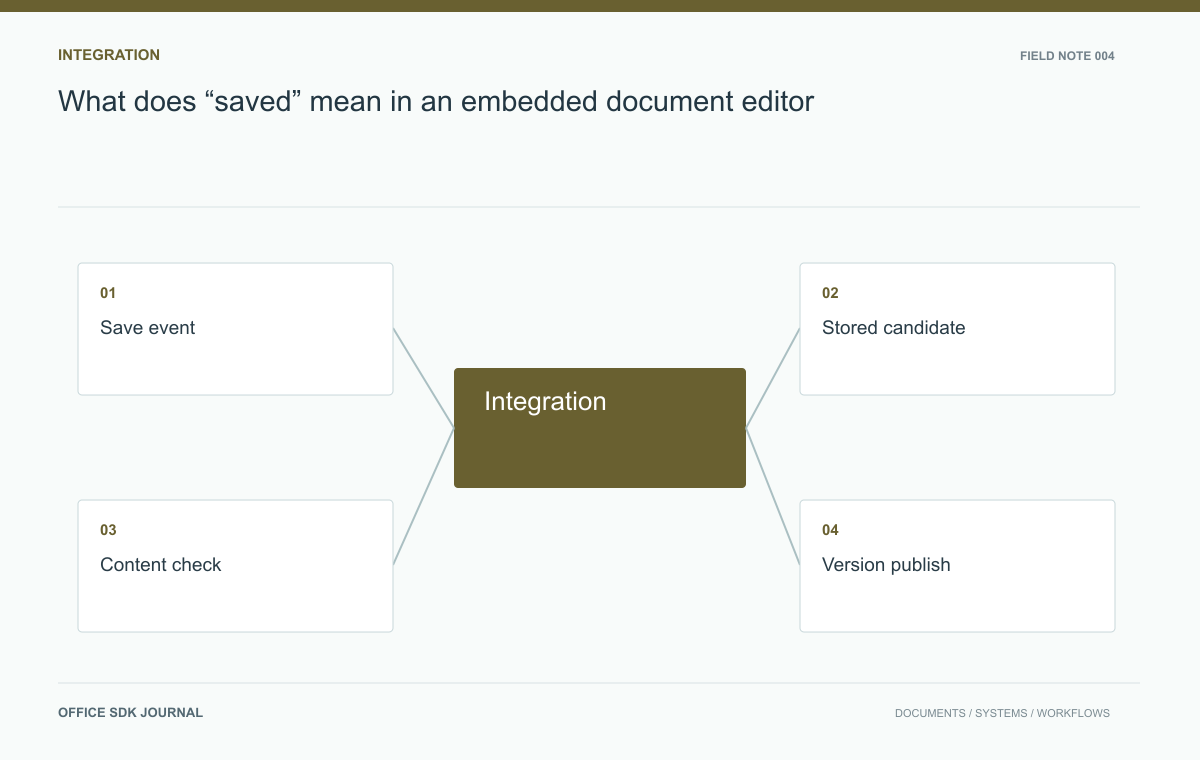
What does “saved” mean in an embedded document editor?
Distinguish session updates, durable application versions, and exported files to build a save contract users can trust.
Read story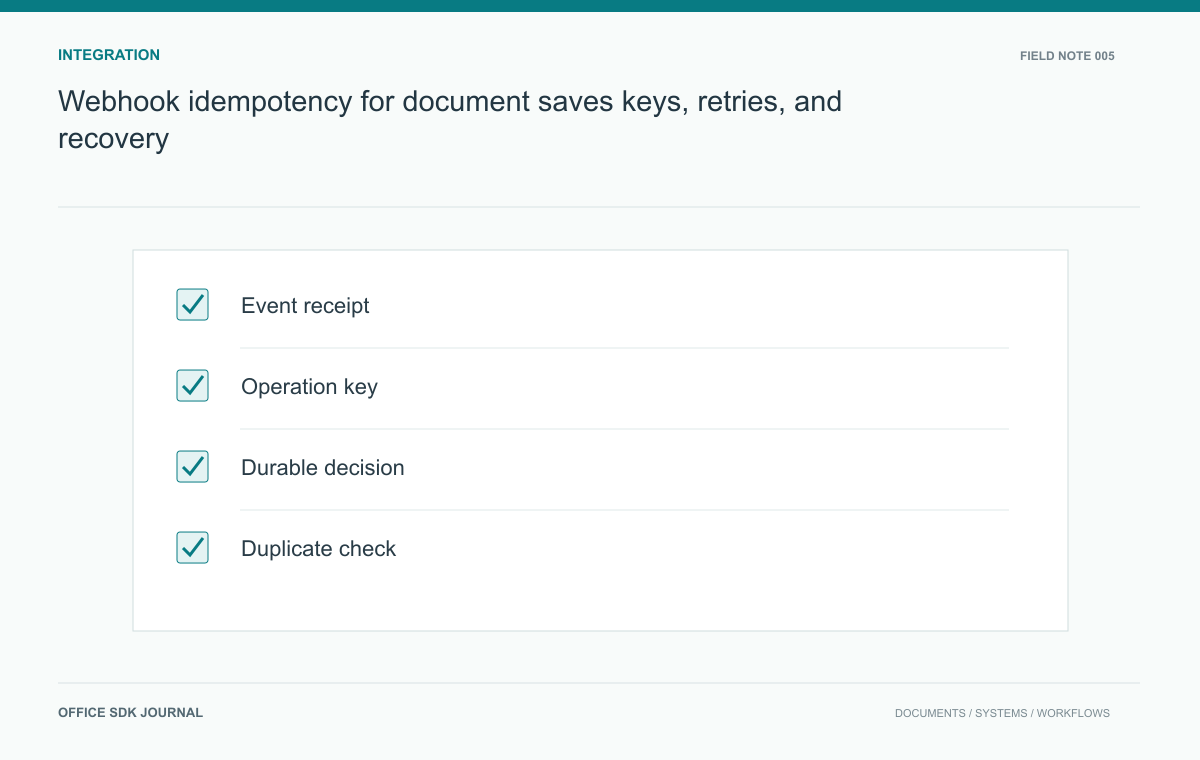
Webhook idempotency for document saves: keys, retries, and recovery
Design callback handling around authenticated events, durable acknowledgement, and idempotent effects.
Read story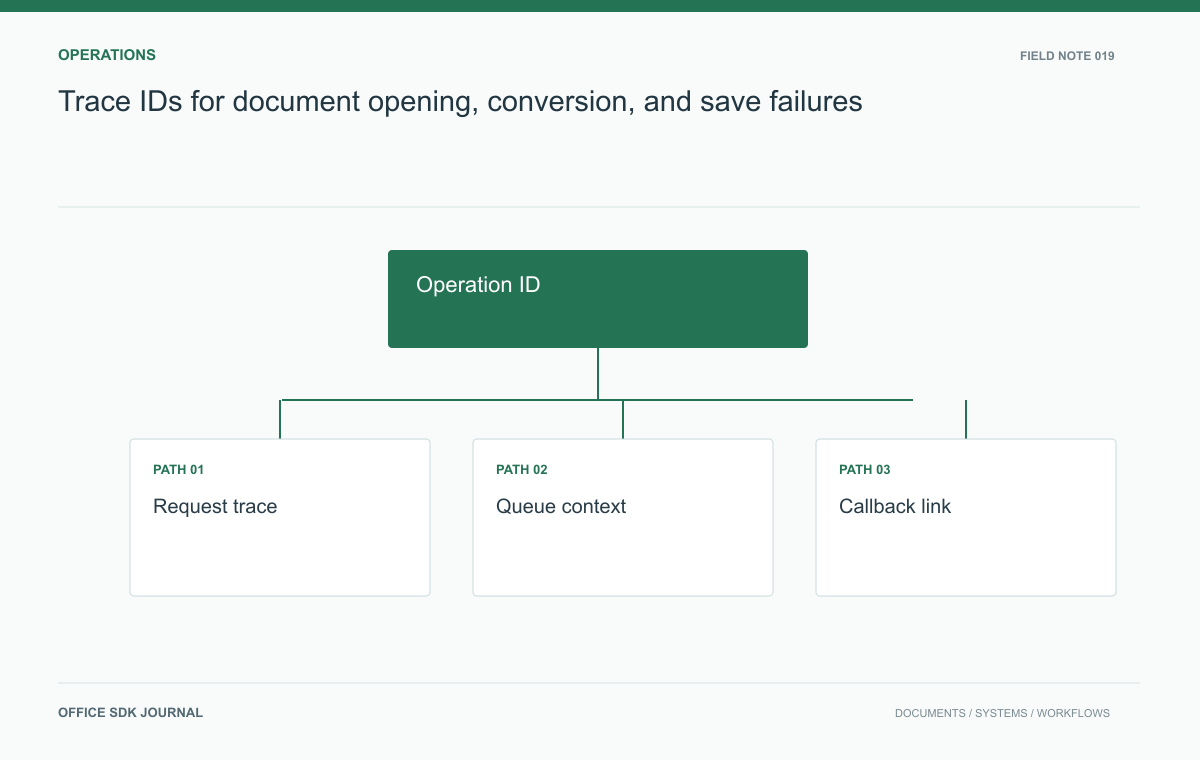
Trace IDs for document opening, conversion, and save failures
Connect launch, retrieval, conversion, and save evidence without placing document content or credentials in telemetry.
Read story