Embedded editor not loading in one browser: a diagnostic sequence
Distinguish cookies, mixed content, cross origin requests, extensions, and engine compatibility when an embedded editor fails to load.
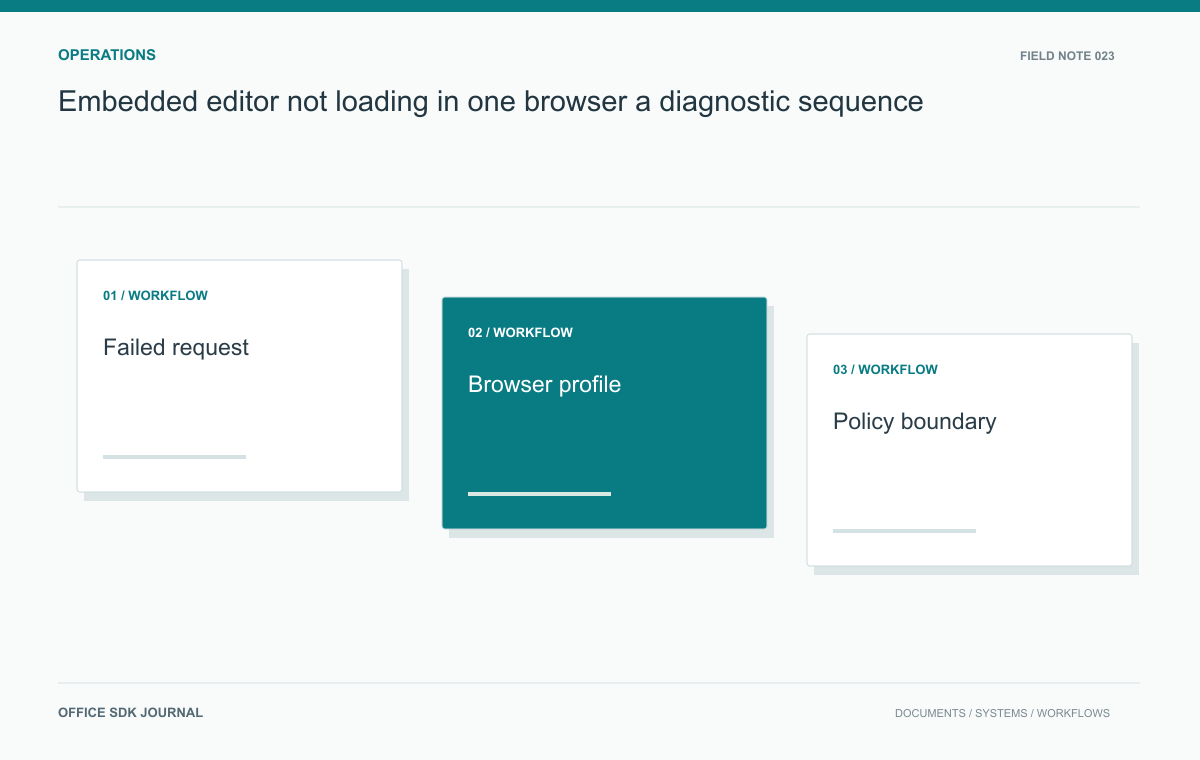
Find the first failed browser request before changing the document or server. A request blocked by an extension is different from an HTTP denial, a third-party cookie restriction, or an unsupported engine feature. Compare the same user and file under controlled browser conditions so the result identifies a cause rather than another symptom.
Find the first meaningful failure
Open browser developer tools before reproducing the issue and preserve the relevant network and console evidence. Identify the earliest meaningful failure, its initiator, and the browser's reason. A later timeout may only be a consequence. Distinguish an HTTP error response from a request blocked locally before reaching the server. Record the origin relationship between host, editor, authentication, and storage endpoints. Remove credentials and sensitive query strings before sharing evidence. A screenshot of a blank frame is useful context, but it cannot identify the failed loading policy alone.
| Evidence | Useful next test |
|---|---|
| Blocked locally; no server request | Inspect extension, privacy, and browser policy messages |
| Authentication redirects repeat | Compare effective cookie policy and session state |
| Mixed-content or frame error | Inspect the specific origin and embedding rules |
| Only an older engine fails | Reproduce on that actual engine version |
A clean profile is a diagnostic control, not proof that users should permanently reset their browsers. If it changes the result, narrow the difference: extensions, stored site state, managed settings, or cached resources. Change one factor at a time and preserve the original evidence.
When exporting a network capture, remove authorization headers, cookies, signed URLs, and unnecessary response bodies before sharing it. The useful record usually needs the initiator, timing, destination, status or blocking reason, and operation correlation. Keep the original sensitive capture only through the approved restricted process if deeper investigation requires it. Browser troubleshooting should not turn a failed open into an accidental document or credential disclosure.

Compare profiles without changing everything at once
Use the same account, document version, and network while changing one condition at a time. A clean profile can help distinguish site state and extensions from application behavior. If private browsing works, do not immediately conclude that clearing cookies is the permanent fix; extension behavior and storage policy can differ too. Inspect explicit blocked request messages and test the relevant condition. Record browser settings that administrators enforce through policy, since a local user's preference screen may not represent the effective enterprise configuration.
Cookies, CORS, frames, and CSP are different mechanisms
Cross origin request permissions, cookie restrictions, frame embedding rules, mixed content blocking, and content security policy solve different problems. A broad change to one does not reliably fix another. For example, allowing a network origin does not guarantee that a browser will send a cookie in a third party context. Follow the browser's specific error and the integration's documented authentication approach. Avoid disabling major protections as a production solution merely because a test succeeds with them removed; use that experiment only to identify the dependency that requires a supported design.
Focused checks before closing the incident
- Find the earliest failed request and determine whether it reached the server.
- Compare one browser condition at a time using the same test document.
- Separate cookie, frame, CORS, mixed content, and CSP evidence.
- Use the actual engine for compatibility acceptance.
- Retest the normal security configuration after applying a supported fix.
User-Agent spoofing does not test an older engine
For a supported older browser requirement, run the actual engine version in an appropriate isolated test environment and open a synthetic document through the real workflow. Changing the User-Agent string can test server side browser detection, but it does not reproduce old rendering, JavaScript, or storage behavior. Record the real engine version and operating system with results. Include opening, editing when permitted, saving, and reconnecting. A successful landing page load under a spoofed identifier is not evidence that the older engine supports the editor.

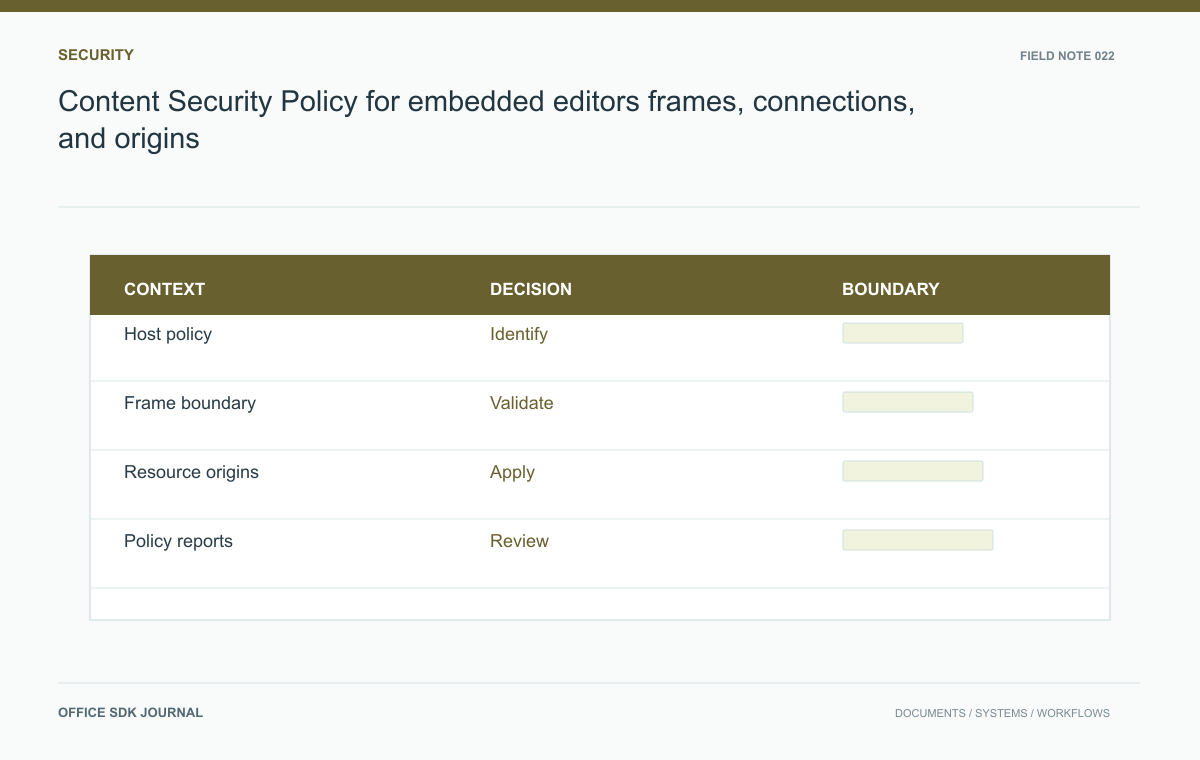
Content Security Policy for embedded editors: frames, connections, and origins
Use a narrow, tested content security policy for the host page and understand which controls belong to the embedded origin.
Read story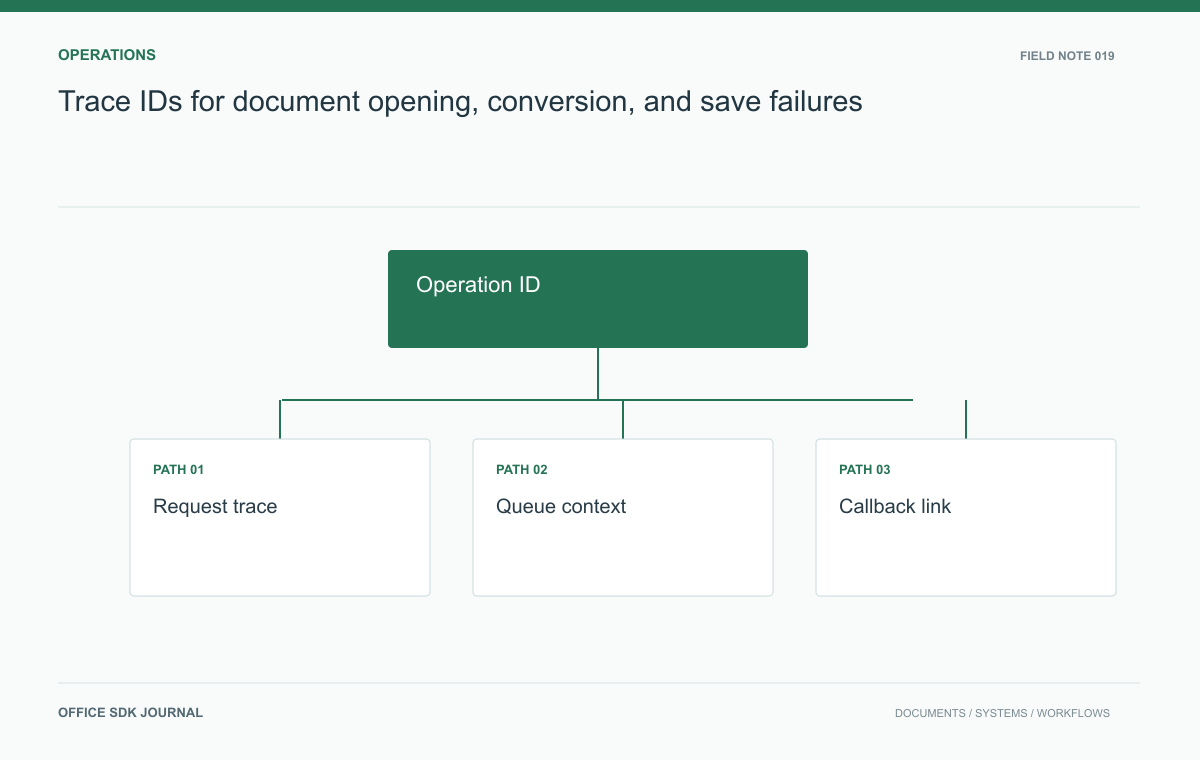
Trace IDs for document opening, conversion, and save failures
Connect launch, retrieval, conversion, and save evidence without placing document content or credentials in telemetry.
Read story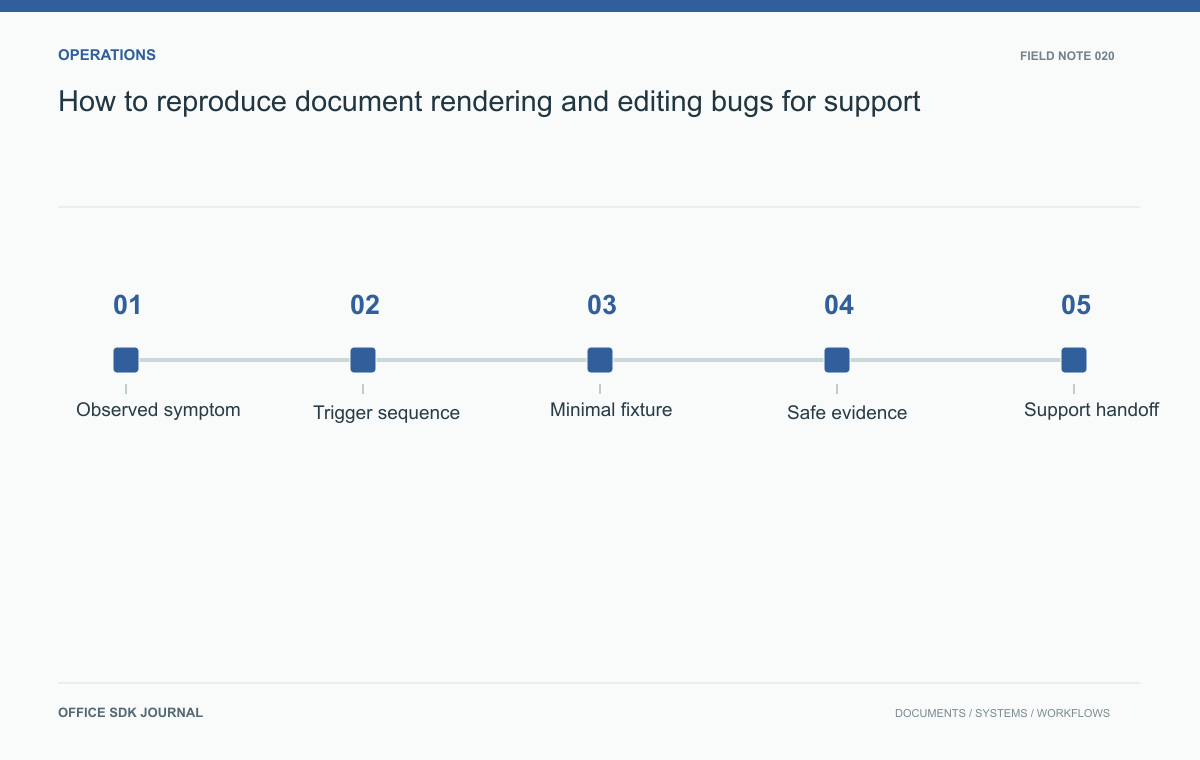
How to reproduce document rendering and editing bugs for support
Collect the environment, operation sequence, and smallest useful fixture so document failures can be reproduced safely and precisely.
Read story