How to reproduce document rendering and editing bugs for support
Collect the environment, operation sequence, and smallest useful fixture so document failures can be reproduced safely and precisely.
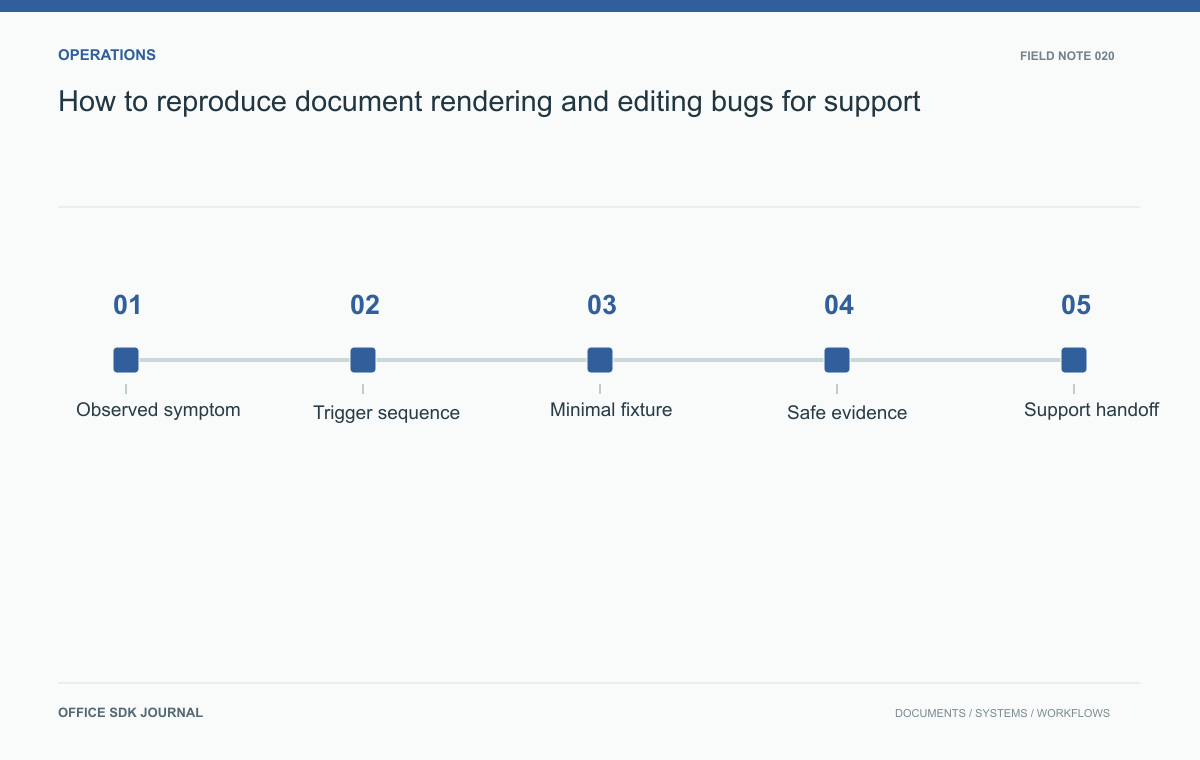
A useful bug report contains the exact source version, a short action sequence, the expected result, and the smallest authorized file that still reproduces the failure. Capture that evidence before clearing caches or replacing the source. Screenshots alone rarely explain whether the problem comes from content, state, or environment.
Capture the failure before changing its environment
Capture the action, expected result, actual result, time with timezone, operation identifier, and affected document version. Add the browser, application build, editor or converter version when known, and relevant deployment context. Describe whether the problem affects one file, one user, one network, or a broader group. Keep hypotheses separate from observations. A report saying font substitution changed pagination is stronger when it also identifies the affected page, expected font, and visible line break difference instead of assuming the cause from appearance alone.
List the smallest ordered steps that reproduce the issue, including whether the document was newly imported, reopened, copied, or restored. Note concurrent activity and whether a cached preview or active session existed. These conditions can distinguish a content parsing defect from a lifecycle race. Reproduce from a clean session only after capturing the original state, because clearing caches or replacing the source can destroy useful evidence. If the issue disappears, record the intervention and result rather than claiming the underlying cause has been established.

Reduce the file without removing the symptom
When authorized, create a sanitized copy and remove unrelated sheets, pages, objects, or text in controlled steps. Recheck the failure after each meaningful reduction. Replacing confidential text can alter line lengths, fonts, or formulas, so preserve the structural characteristics relevant to the issue. If sanitization removes the failure, retain the original only through the approved restricted process and document the limitation. Never promise that replacing names alone makes a complex file anonymous; comments, metadata, hidden sheets, and embedded objects may still contain sensitive information.
Build a handoff someone else can execute
Structure the handoff around an executable claim. For example: open fixture revision three, export with the recorded settings, and inspect the chart on page two; the reference contains four labeled series while the generated page is blank. This is a synthetic example of report structure, not an observed product defect.
| Evidence | Why it belongs |
|---|---|
| Fixture digest and version | Ensures investigators use the same bytes |
| Ordered actions | Preserves state changes that trigger the problem |
| Expected and actual output | Makes the discrepancy inspectable |
| Operation ID and environment | Connects reproduction to service evidence |
| Sanitization notes | Explains what was removed and whether the symptom survived |
Record unsuccessful reproduction attempts too, but keep them separate from the minimal failing sequence. “Works in a fresh profile, fails in the original profile” narrows the investigation. It does not prove a cache defect by itself. If access to the original file is necessary, use the approved restricted location and an expiry or deletion process; do not spread copies across unrelated chat threads.
- Include reproducible steps and clearly separated expected and actual outcomes.
- Identify the precise source version and relevant runtime versions.
- Provide sanitized artifacts through an approved access controlled location.
- Remove tokens, signed links, and unrelated personal information from evidence.
- Record who owns the next investigation and how temporary artifacts will be deleted.
Example: a chart disappears during export
Suppose one chart appears blank after a workbook export. The kit should include the smallest authorized workbook that still fails, the expected reference image, the actual rendered page, exact export settings, and the operation ID. Record whether editing the source data or reopening changes the result. A digest can help ensure every investigator uses the same fixture. Avoid attaching unrelated production logs or reusable credentials. This concrete package lets engineering test the rendering path without reconstructing the report from scattered messages and ambiguous screenshots.

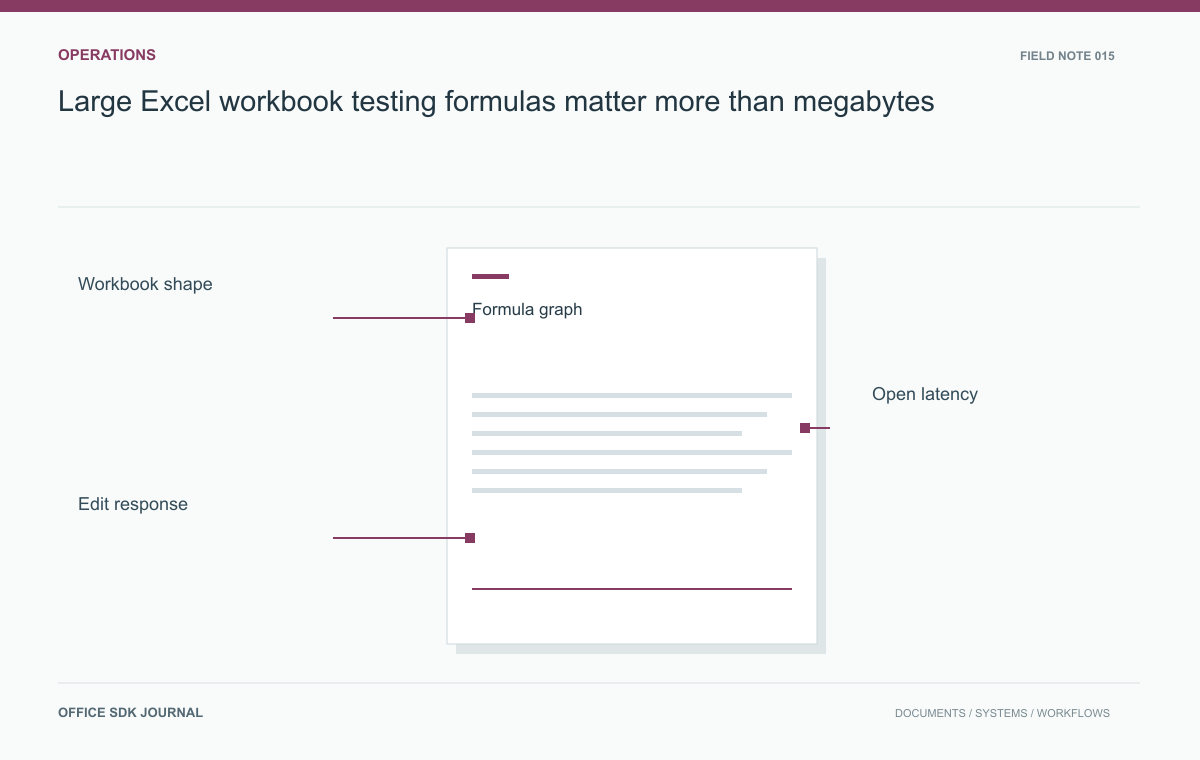
Large Excel workbook testing: formulas matter more than megabytes
Build a workbook acceptance matrix that covers formulas, formatting, charts, and user tasks alongside byte size.
Read story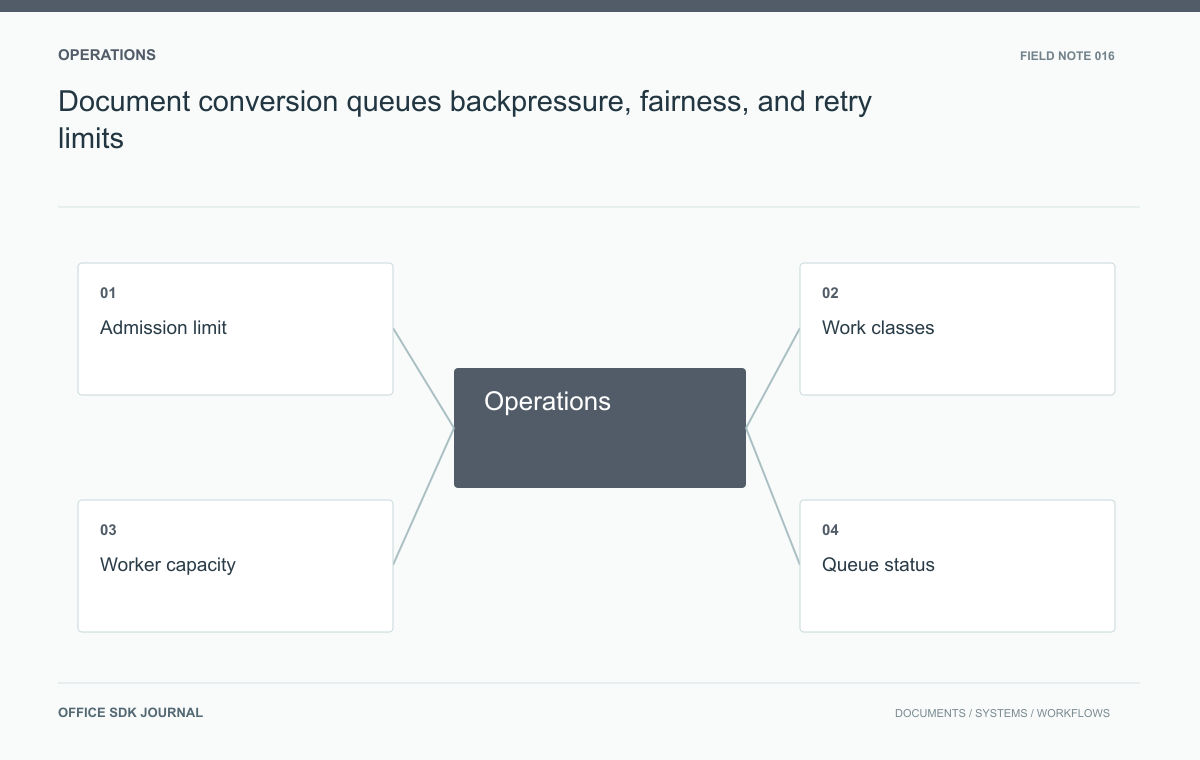
Document conversion queues: backpressure, fairness, and retry limits
Use admission limits, fair scheduling, and visible queue states to preserve predictable conversion behavior under bursts.
Read story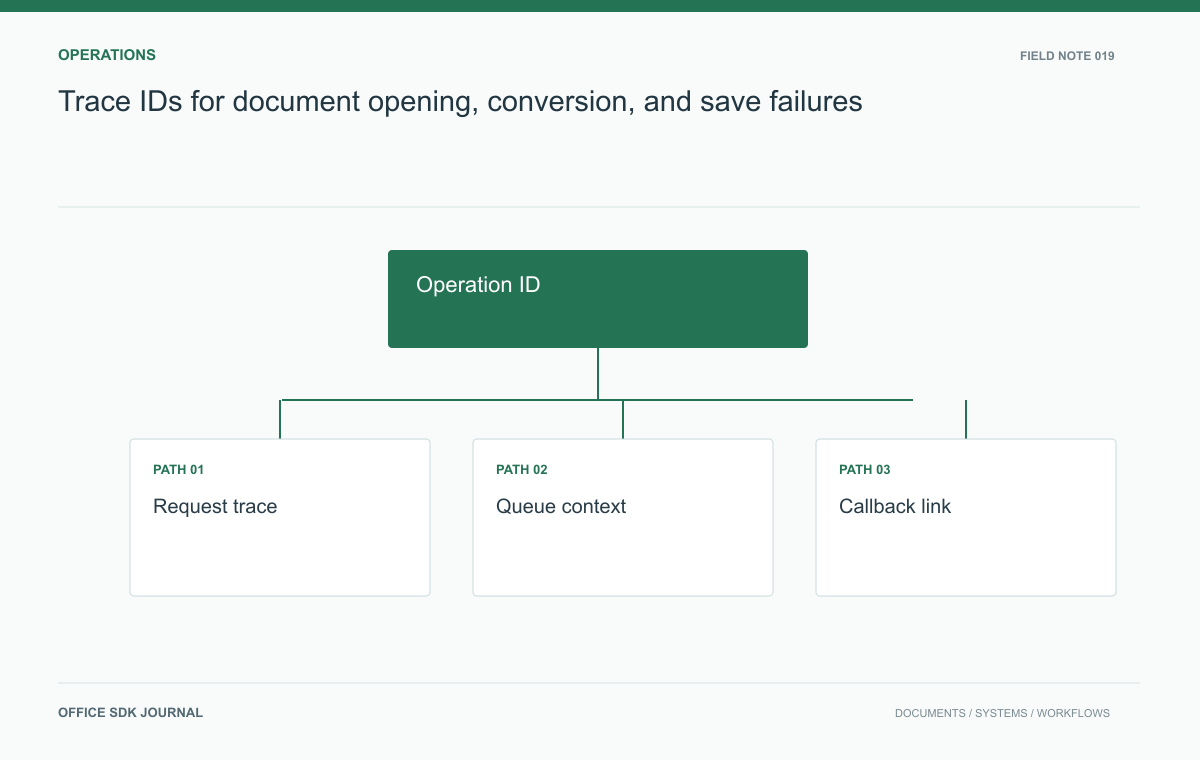
Trace IDs for document opening, conversion, and save failures
Connect launch, retrieval, conversion, and save evidence without placing document content or credentials in telemetry.
Read story