Document migration validation: reconcile every file, version, and permission
Track every source document through transfer, transformation, permission mapping, and final acceptance with an auditable manifest.
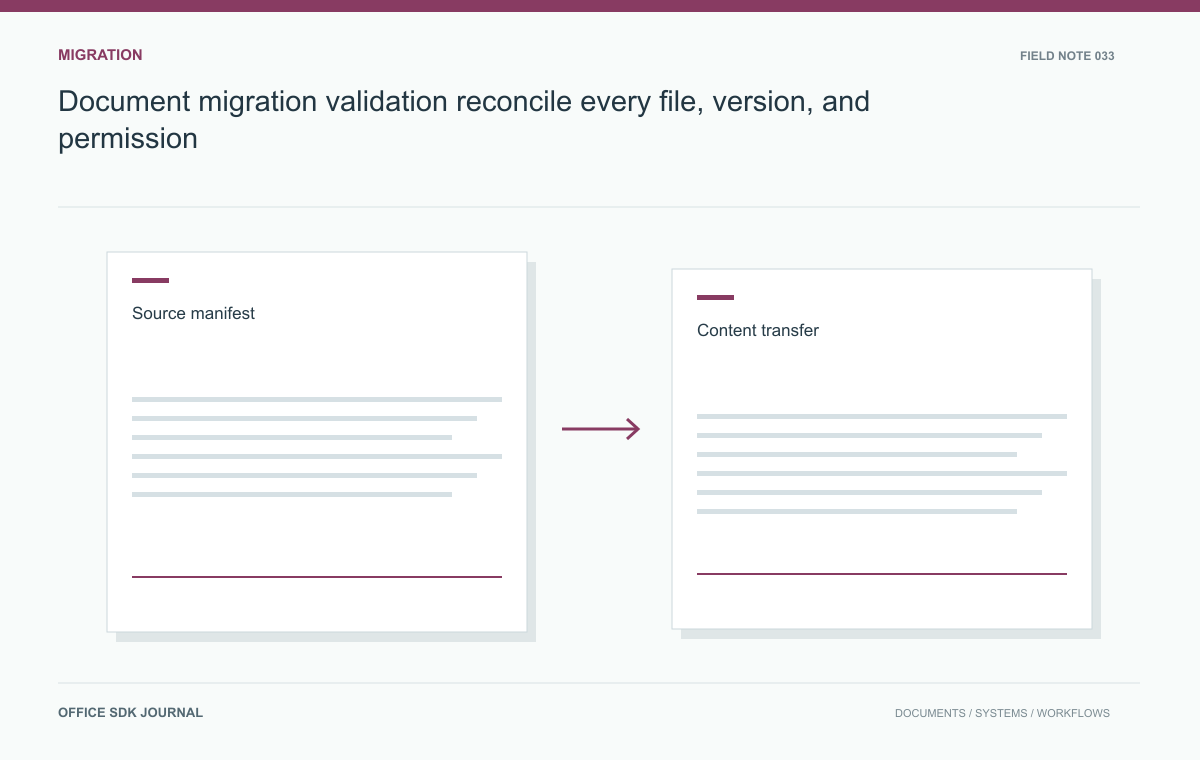
Build a source manifest before migrating and give every item a verified destination or an approved exception. File counts alone cannot prove that content, versions, owners, permissions, and links survived. Separate byte-preserving transfers from conversions, because they require different validation evidence.
Create a stable baseline and source manifest
Record a stable source identifier, path, document type, size, version information, owner, permissions, and an integrity digest where appropriate. Include folders and relationships that matter to the business workflow. Distinguish inaccessible or unsupported items from items not yet processed. Protect the manifest because names and access lists can reveal sensitive information even without document bytes. Capture the source snapshot or extraction time and define how later changes are handled. Without a stable baseline, a count difference may reflect ongoing user activity rather than a transfer defect.
Track mappings and rerun outcomes
source_item_id → destination_document_id
source_version → destination_version
transfer_mode → copy or documented transformation
outcome → verified, failed, excluded, or awaiting review
This is an illustrative reconciliation map. Preserve it across reruns so the migration can resume or update the same destination record instead of creating another copy. The source item ID should remain stable even when its filename changes during a long migration window.
Decide how to account for changes after the baseline snapshot. You may freeze edits during a defined cutover window, apply a controlled delta pass, or use another supported synchronization method. Each choice has an operational cost. Record which source state the acceptance report represents so a later modification is not mistaken for a missing migration item.
For transformed documents, retain both the transformation decision and the acceptance result. A digest mismatch is expected after format conversion and cannot distinguish a correct transformation from missing content. Check named values, structure, and rendering according to the document family's requirements. Keep unresolved items out of the verified total; a report that mixes exclusions with successes makes cutover risk difficult to assess.

Validate copies differently from transformations
A byte preserving copy can be verified with a compatible digest check. A conversion to another representation requires different evidence because the output bytes are expected to change. Record the transformation performed and validate critical content, structure, and rendering against agreed criteria. Keep the original when policy permits and recovery requires it. Do not call a transformed file identical merely because it has the same filename or opens successfully. Mark lost or unsupported features explicitly so document owners can accept a limitation or choose another migration route.
Resolve ownership and access mappings
Source users, groups, links, and folder inheritance may not have direct equivalents in the destination. Define mappings and default handling for unresolved identities before transfer. A missing group should not silently broaden access to everyone, and an unknown owner should not leave an important document unmanageable. Preserve source to destination identifier mappings for links, audit, and rollback. Test access with representative accounts rather than only an administrator, because administrative visibility can conceal broken ownership or overly restrictive permissions that ordinary users encounter after cutover.
Cutover accounting and exception review
- Account for every manifest item with a destination or an approved exception.
- Verify content, versions, ownership, and permissions separately.
- Track source changes during the migration window and apply the agreed delta process.
- Test reruns using stable migration identities.
- Keep the source available for the approved recovery period before retirement.
Migrate a restricted project folder twice
Migrate a test folder containing current documents, older versions, one restricted subfolder, and one unsupported file. Produce a report with one outcome per source item: verified, failed, excluded by policy, or awaiting review. Check byte integrity for unchanged copies and the agreed content criteria for converted files. Open destination links as a normal project member and as a user outside the project. Then rerun the batch and confirm that the migration resumes or updates according to policy without creating duplicate business documents.

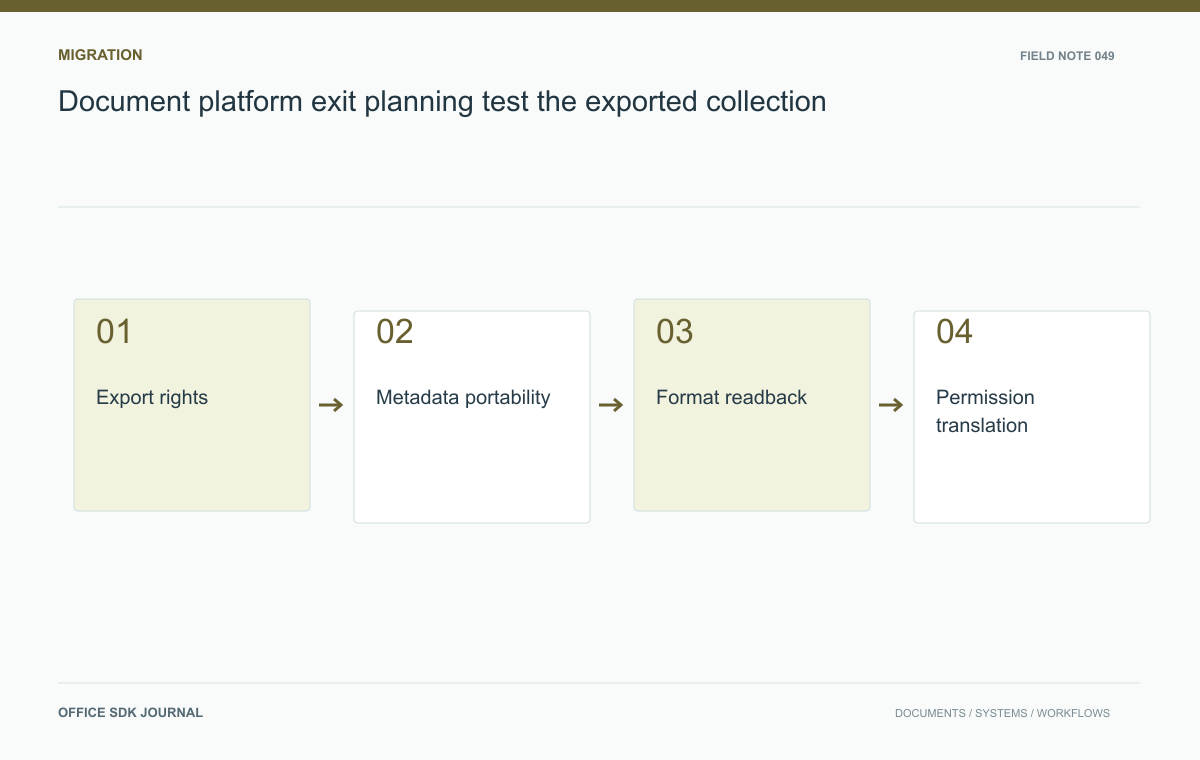
Document platform exit planning: test the exported collection
Test export, metadata recovery, permission translation, and downstream usability as an ongoing portability obligation.
Read story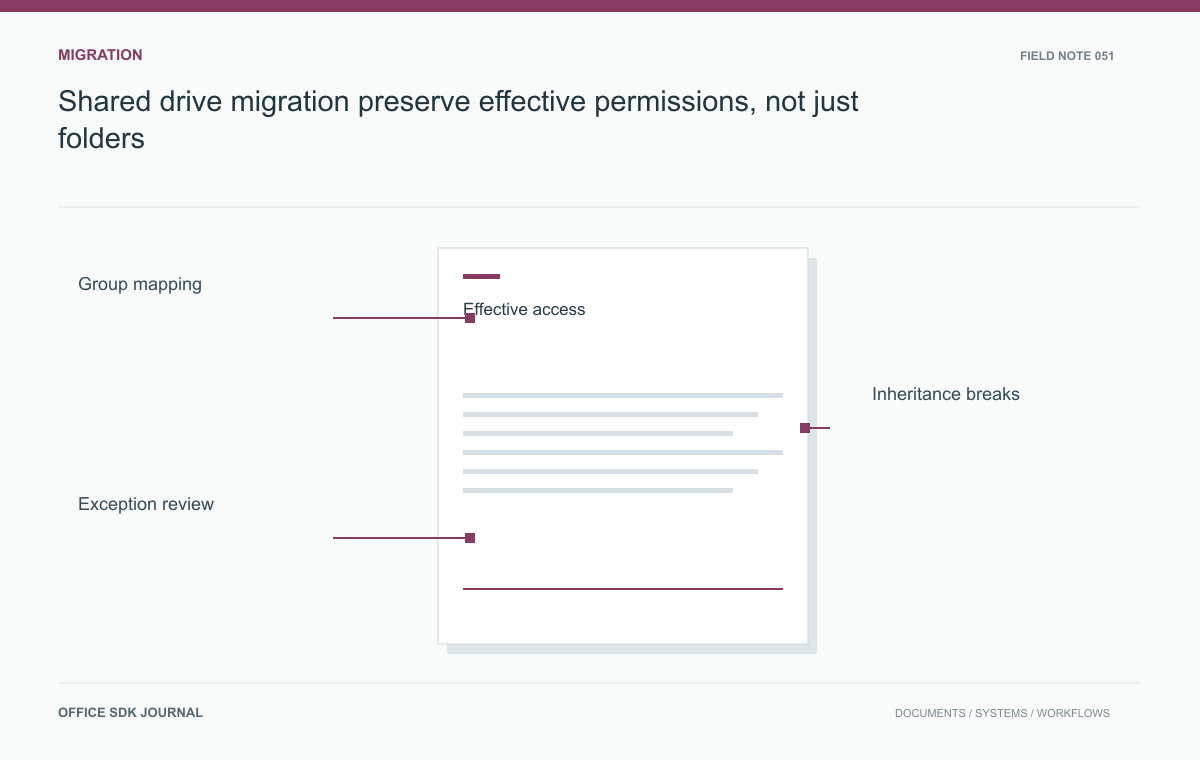
Shared drive migration: preserve effective permissions, not just folders
Inventory effective permissions, resolve group mappings, and verify access after a staged drive migration.
Read story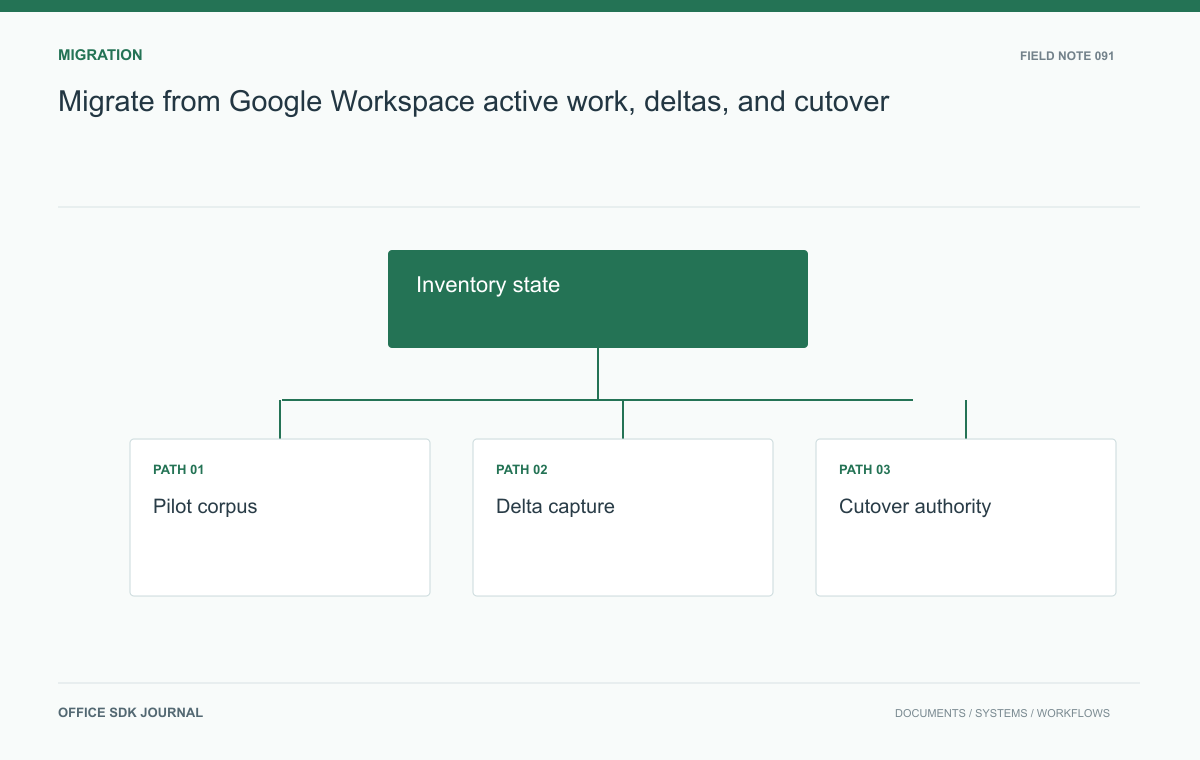
Migrate from Google Workspace: active work, deltas, and cutover
Move documents without losing unfinished work or the context of links, permissions, and submitted versions.
Read story