Migrate from Google Workspace: active work, deltas, and cutover
Move documents without losing unfinished work or the context of links, permissions, and submitted versions.
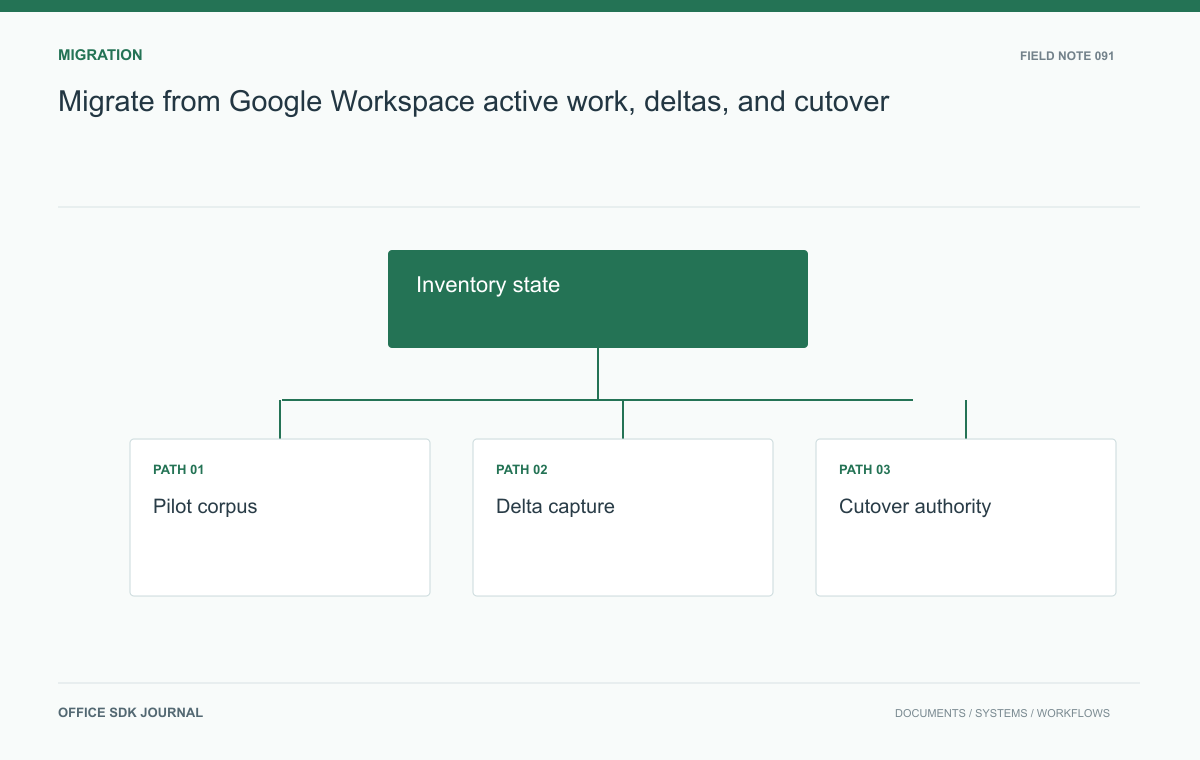
A safe Google Workspace migration needs an inventory, validated transfer method, change capture, and an explicit cutover authority. Separate active drafts from approved records and preserve old-to-new identifiers. Matching transfer totals cannot prove that formulas, permissions, or ongoing reviews survived.
Inventory content and dependencies
List documents, shared drives or equivalent containers, owners, collaborators, external links, scripts, and connected workflows in scope. Classify active work separately from approved records and archival material. Identify orphaned content and owners who have left before migration begins. Record native formats and the export representations required by the destination. Some metadata or collaborative features may not transfer through the selected method, so verify current tooling and document limitations. Treat email, calendar, and identity migration as explicit scope decisions rather than silently assuming a document transfer replaces the entire workspace.

Pilot the difficult artifacts
Choose samples with complex formulas, comments, large tables, linked references, embedded objects, and unusual access rules. Export and import them through the intended migration route, then inspect both visible output and editable structure. Ask owners to complete a real task with the migrated copy. Preserve source identifiers, destination identifiers, chosen versions, and validation results in a mapping file. Count files and bytes where useful, but do not treat matching totals as proof of fidelity. A migrated workbook can have the correct size while losing a calculation or an important permission relationship.
Handle a live reporting cycle
Suppose finance is closing the quarter during migration. Keep that team's active work in the original environment until an agreed checkpoint, while transferring approved older records first. Define how changes after the initial export are captured and whether the tooling supports a safe delta transfer. At cutover, identify the authoritative environment and communicate any brief write restriction. Verify the final report and its submission version with the business owner. Running two editable copies without an explicit reconciliation rule can create divergent figures that no file count or migration dashboard will detect.
A cutover record for one migration wave
Give each wave a bounded set of owners and artifacts. The cutover record should state what was transferred, which late changes were reconciled, when the destination became authoritative, and who accepted the result.
- Freeze the inventory for the wave while recording additions separately.
- Transfer initial content and preserve source-to-destination identifiers.
- Collect changes after the export through the method supported by the chosen tooling.
- Validate the final versions with owners before changing the working link.
- Retain the source under the agreed verification or rollback arrangement.
For the finance team, record the quarter-end workbook version at submission separately from the next quarter's working draft. If the draft changes after cutover, rollback must account for those destination edits rather than merely reopening the old environment.
Use a status such as Needs owner verification when technical transfer is complete but the business task has not been checked. That prevents a dashboard from compressing distinct milestones into Migrated. Also record untransferred features and manual repairs as named tasks. A comments limitation may be acceptable for an archive but unacceptable for an active contract review. The wave owner needs that distinction before signing off.

Wave Decision notes
- Inventory active work, owners, links, integrations, and access rules.
- Validate difficult samples through the actual transfer route.
- Agree on delta capture, cutover authority, and any write restriction.
- Test user access and preserve old to new reference mappings.
- Define rollback triggers and protect work created after cutover.
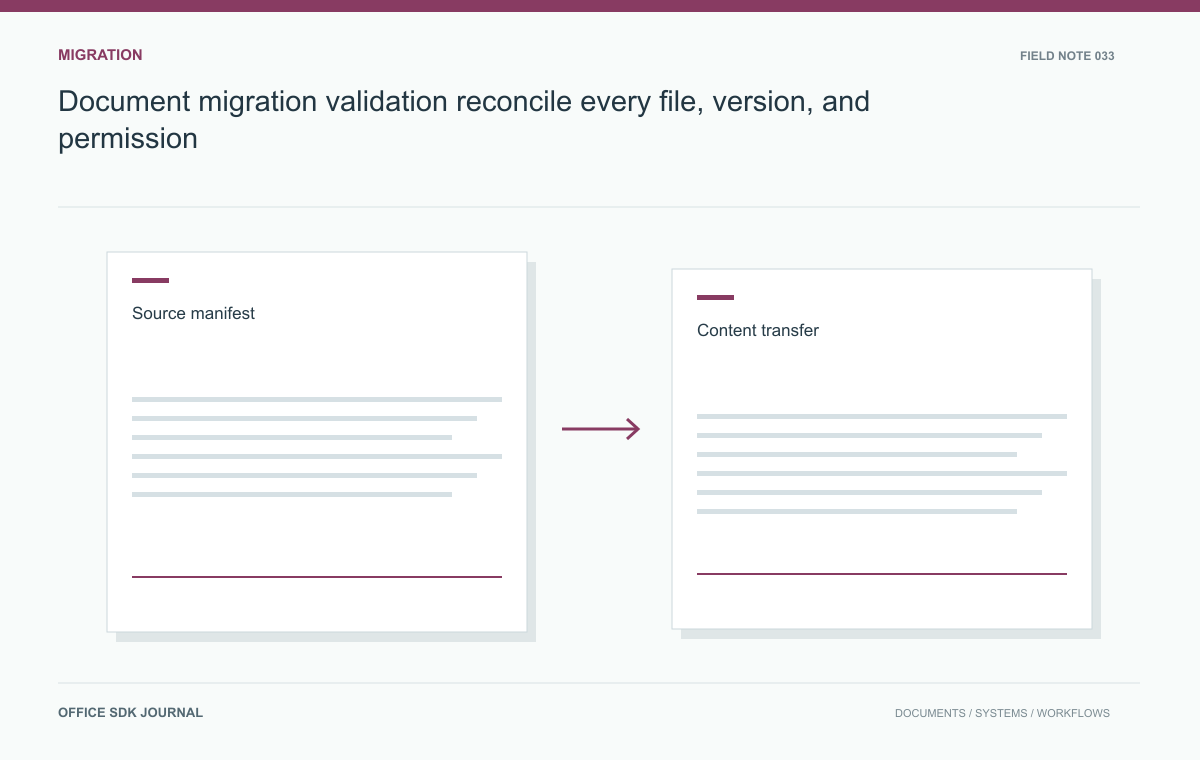
Document migration validation: reconcile every file, version, and permission
Track every source document through transfer, transformation, permission mapping, and final acceptance with an auditable manifest.
Read story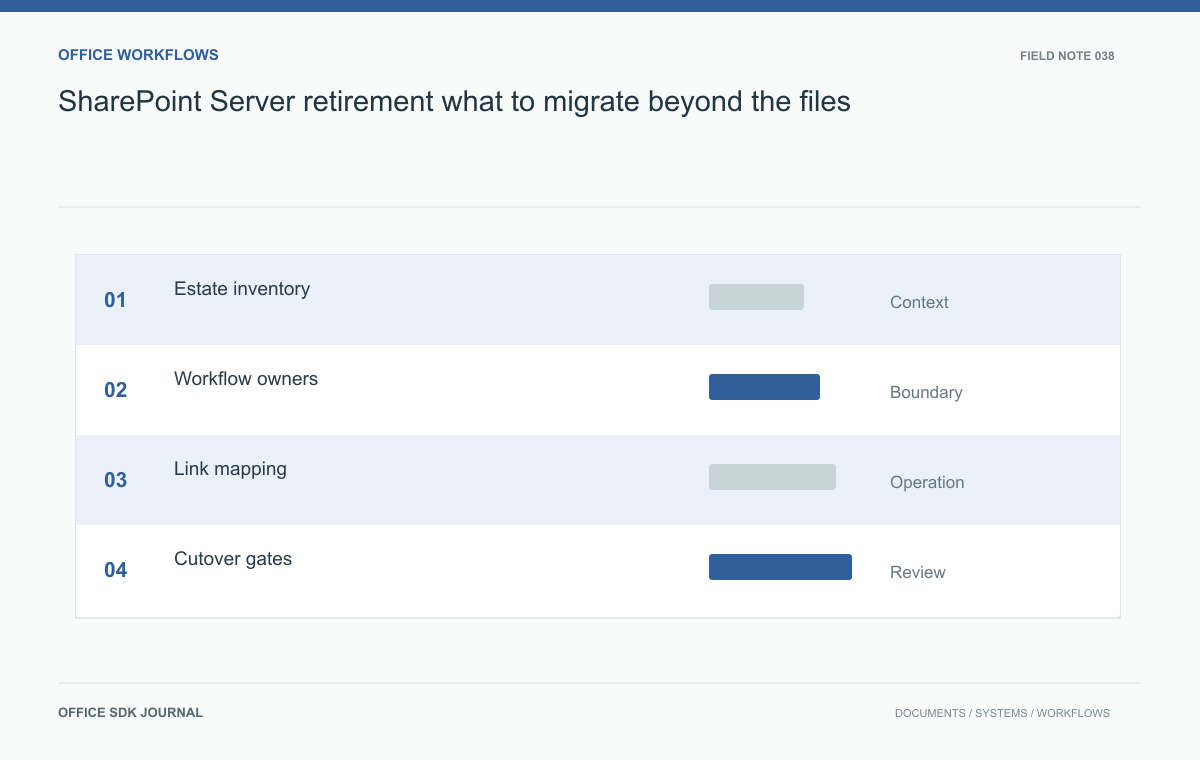
SharePoint Server retirement: what to migrate beyond the files
Build a replacement inventory around records, permissions, workflows, and recovery obligations.
Read story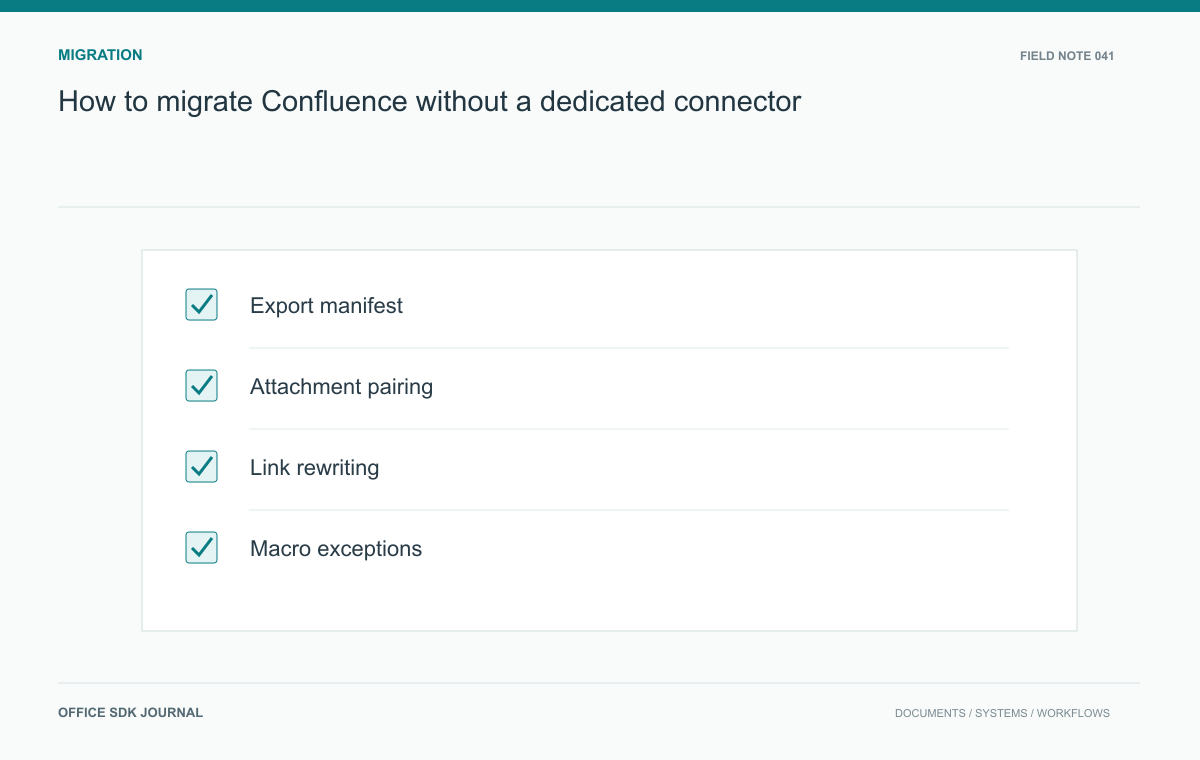
How to migrate Confluence without a dedicated connector
Prepare a manual knowledge migration with explicit handling for attachments, links, permissions, and unsupported content.
Read story