ShimoDocs vs Google Docs: a practical browser editor test
Run identical review, interruption, submitted-version, and export tasks before selecting a browser editor.
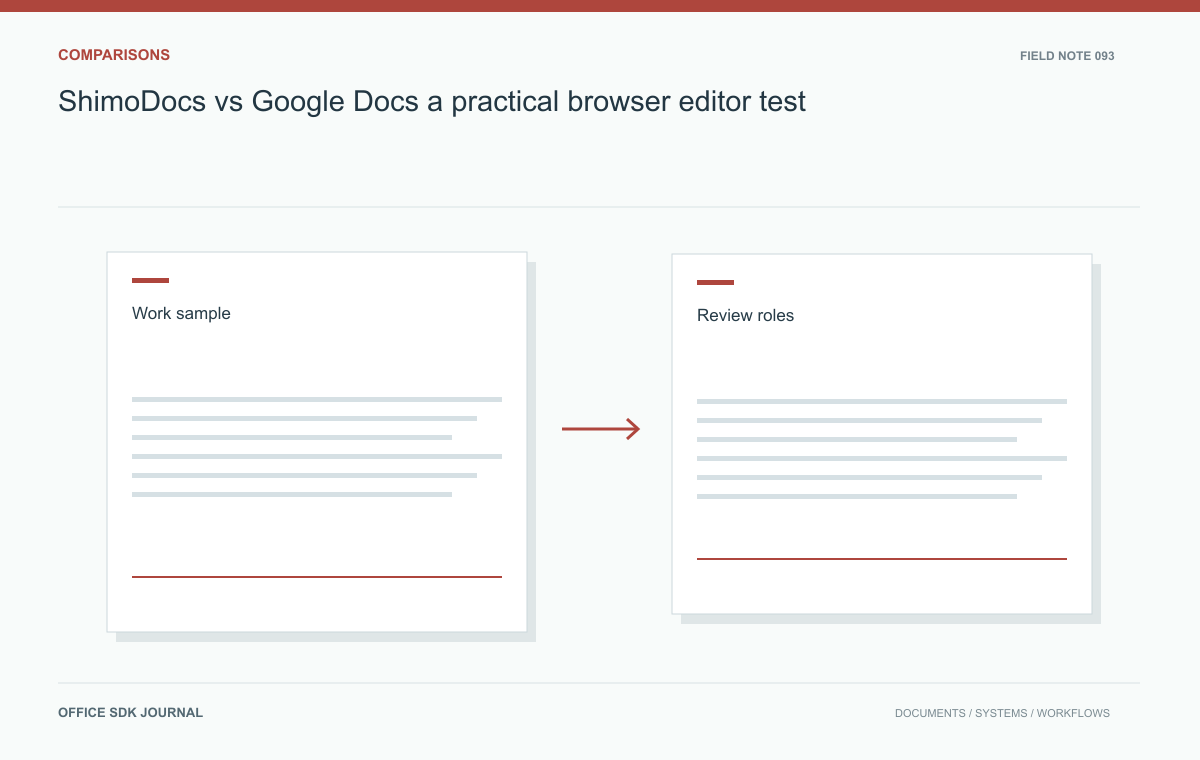
A practical ShimoDocs and Google Docs comparison uses the same document, roles, and delivery task in each proposed offer. Inspect revision behavior and recipient output as well as writing. Record what the tested configurations actually do, especially when connectivity or external review interrupts the workflow.
Choose a realistic sample
Use a sanitized report with the structures your team needs: headings, tables, images, lists, references, and page boundaries where relevant. Include a known correction task and a required delivery format. Record the software offer, deployment configuration, browser, and test date for each candidate. Keep the original artifact unchanged and define what counts as success before beginning. A comparison should measure the same work under comparable conditions. Avoid giving one candidate a simple native document while asking another to import a complex file, unless import is specifically the requirement being assessed.

Exercise the review relationship
Assign author, reviewer, and viewer roles according to the organization's needs. Have the reviewer identify an issue, propose or request a change, and confirm its resolution. Test the role boundaries through direct actions as well as visible controls. Include an external participant if cross organization review matters. Measure invitation friction, comment discoverability, and whether the author can distinguish unresolved feedback from completed work. Verify current capabilities in the selected offers rather than relying on familiar behavior from another product or edition. Preserve observations that ordinary users can understand and reproduce.
Simulate a delayed proposal
Imagine two account managers preparing a customer proposal. One loses connectivity while the other changes the pricing explanation. Restore connectivity and inspect the resulting content, user messages, and any documented conflict behavior. Next, retrieve the version submitted before a late correction and produce the requested external file. The team should know which proposal was sent and whether subsequent editing changes that record. This scenario connects collaboration, interruption, and version clarity without assuming either candidate provides a particular offline or history capability. Record unsupported cases as explicit requirements gaps.
Inspect output and daily effort
Open the exported proposal in the customer's expected application and inspect page layout, tables, images, text structure, and accessibility. Ask an ordinary employee to complete the test, then count manual repairs and support interventions. Include mobile viewing, keyboard navigation, or assistive technology where required. Compare the surrounding ownership model: who stores the file, who administers access, and how retained records are recovered. An editor may meet the writing task while the overall service arrangement conflicts with operational or data handling requirements. Keep these dimensions separate in the scorecard so tradeoffs remain understandable.
Notes from a useful test session
Give the tester a task sheet rather than a tour. Ask the author to correct one figure and one paragraph, ask the reviewer to verify the correction, and ask a viewer to retrieve the submitted copy. Use employees who resemble the intended users instead of relying only on platform specialists.
- Task completed
- Record the output or decision, not just the button pressed.
- Help required
- Note every administrator intervention or explanation.
- Repair required
- Keep before-and-after files for layout or structural repair.
- Unresolved behavior
- State the observed limitation and the followup needed.
In the proposal interruption test, do not assume any particular offline capability. Record what remains editable, what message appears, when work is acknowledged, and what happens after reconnection. Compare the final content with the intended edits from both authors. Then identify the version submitted to the customer and inspect the external file. This yields a concrete description of the tested workflow rather than a claim that one editor is universally better. If a result changes after a release or configuration adjustment, update the test record with the new conditions.

Comparison Decision notes
- Use the same sample, instructions, and required output for both candidates.
- Verify author, reviewer, viewer, and guest boundaries.
- Test interruption and identification of the submitted version.
- Inspect exported files in the actual recipient application.
- Record user time, repairs, support work, and ownership constraints.
Google Docs alternatives: choose by the document you deliver
Compare alternatives using real drafting, review, accessibility, and file delivery tasks.
Read story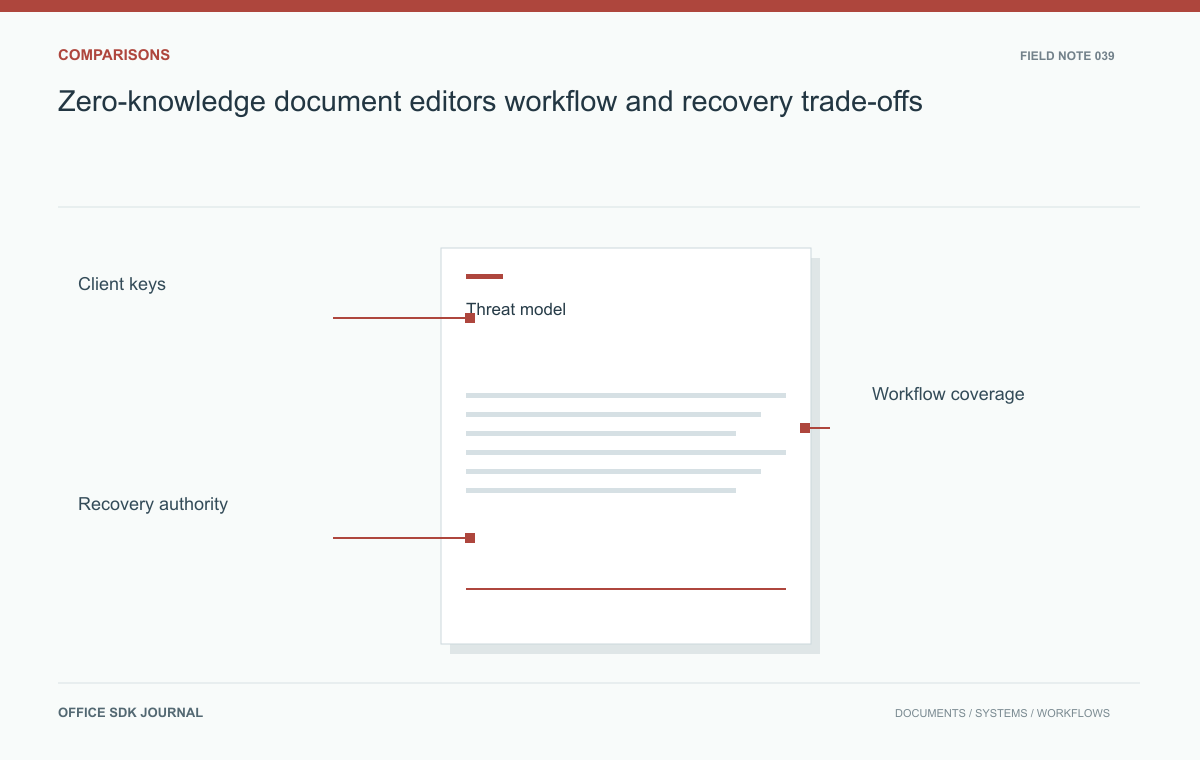
Zero-knowledge document editors: workflow and recovery trade-offs
Separate cryptographic assurances from the search, recovery, sharing, and administration work a team needs.
Read story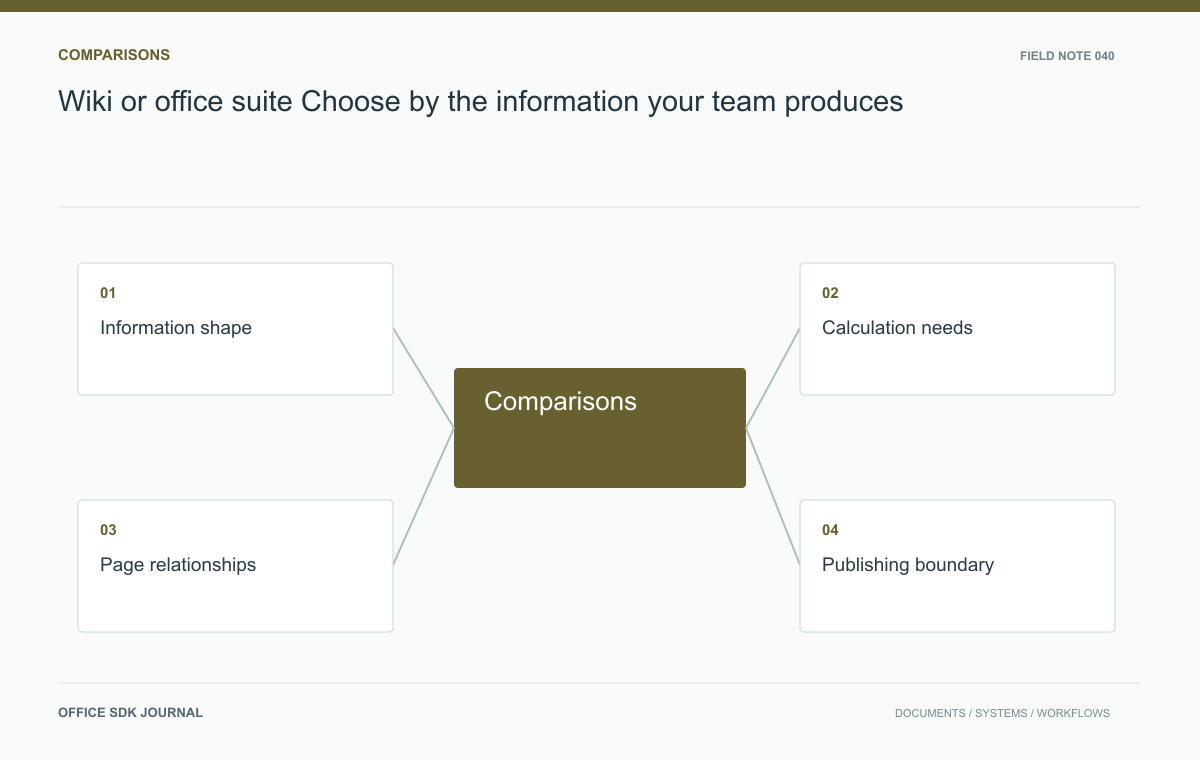
Wiki or office suite? Choose by the information your team produces
Compare evolving knowledge pages and structured office files using actual authoring and publishing tasks.
Read story