Wiki or office suite? Choose by the information your team produces
Compare evolving knowledge pages and structured office files using actual authoring and publishing tasks.
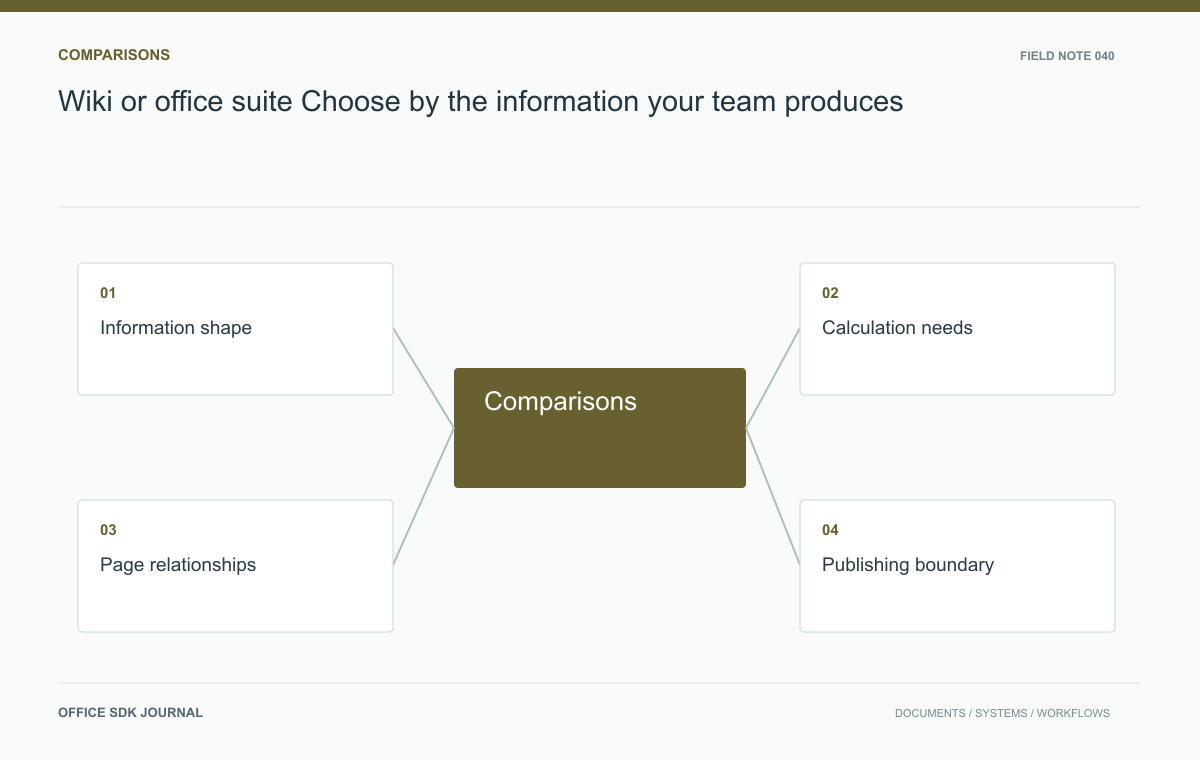
Choose a wiki for work whose usefulness depends on connected explanations, and evaluate an office workspace for files whose usefulness depends on calculations, layout, or external delivery. Test those needs in actual candidates. Many teams need both, with an explicit authoritative location for each information class.
Identify the primary output
Collect ten recent pieces of work and ask what makes each one useful. An onboarding explanation depends on navigable sections, links, and discoverability. A financial model depends on formulas, cell relationships, and repeatable results. A client presentation depends on layout and delivery in an agreed format. These needs should become acceptance tasks for candidate systems. Verify actual behavior rather than treating a product category as a capability guarantee. Record how often users must exchange files with outsiders and whether the recipient expects an editable artifact or a stable published view.
Follow the revision lifecycle
Some information improves through frequent small edits by many contributors. Other information passes through drafting, review, approval, and archival states. Determine whether the team needs a current answer, a dated deliverable, or both. A policy page might explain the latest procedure while an approved document preserves the legally relevant version. Establish how readers distinguish these states. Consider who can publish, how mistakes are corrected, and where comments belong. A workspace that makes drafting convenient still needs an explicit method for identifying material that has been approved for use.

Three outputs, three tests
| Output | Question to test | Evidence to retain |
|---|---|---|
| Service handbook | Can a new colleague find and follow the procedure? | Search terms, route taken, missing links |
| Staffing model | Do known inputs produce the expected result? | Input fixture, formulas, calculated values |
| Quarterly deck | Can the recipient open and revise the delivered artifact? | Exported file and downstream readback |
This comparison avoids a common category mistake: judging every workspace by how pleasant it is to type a paragraph. A linked page may be excellent for explanation and unsuitable for a calculation that must be recalculated. A spreadsheet may hold the correct numbers while being an awkward place to explain the policy behind them.
If the test favors complementary tools, specify the handoff. For example, the handbook explains staffing rules and links to the current model; the model owns the calculation; an approved deck records the quarterly decision. Assign someone to update the link when the model is replaced. Check permissions at every handoff, because a well maintained knowledge page can still lead a reader to an inaccessible file. Count that maintenance in the operating plan instead of assuming the tools remain coordinated on their own.
Test a service planning team
Imagine a service team maintaining troubleshooting instructions, a staffing spreadsheet, and a quarterly review deck. Put the instructions through search and cross linking exercises. Put the spreadsheet through a calculation check using known inputs. Export the review deck and inspect it in the recipient's viewing environment. Have the same staff perform all three tasks, noting duplicate entry and lost context. This scenario may justify complementary systems, but it should also reveal who owns links between them. A hyperlink alone does not guarantee that readers have permission to access the linked material.

Prevent competing sources of truth
When both types of workspace are needed, assign authority by information class. The approved staffing model can own numerical assumptions, while the knowledge page explains how to use the model. Avoid copying key figures into several independently editable places without a refresh owner. Define stable references and a review schedule for summaries. If one system is unavailable, specify which tasks can continue and which must wait. Self hosting introduces an operating responsibility for each application, including upgrades, backups, identity integration, and support, so include that duplication in the decision.
Workspace responsibilities
- Test representative explanations, calculations, and external deliverables.
- Identify the authoritative location for each information class.
- Check links using users with different group memberships.
- Verify approved version retrieval and the process for publishing corrections.
- Estimate the support and recovery work for the complete chosen setup.
ShimoDocs vs Slab: working documents or trusted knowledge?
Evaluate a knowledge workflow through drafting, publication, discovery, ownership, and review expiry.
Read story
ShimoDocs vs Confluence: linked knowledge or office deliverables?
Compare navigation, publishing, file output, and migration relationships using a real release workflow.
Read story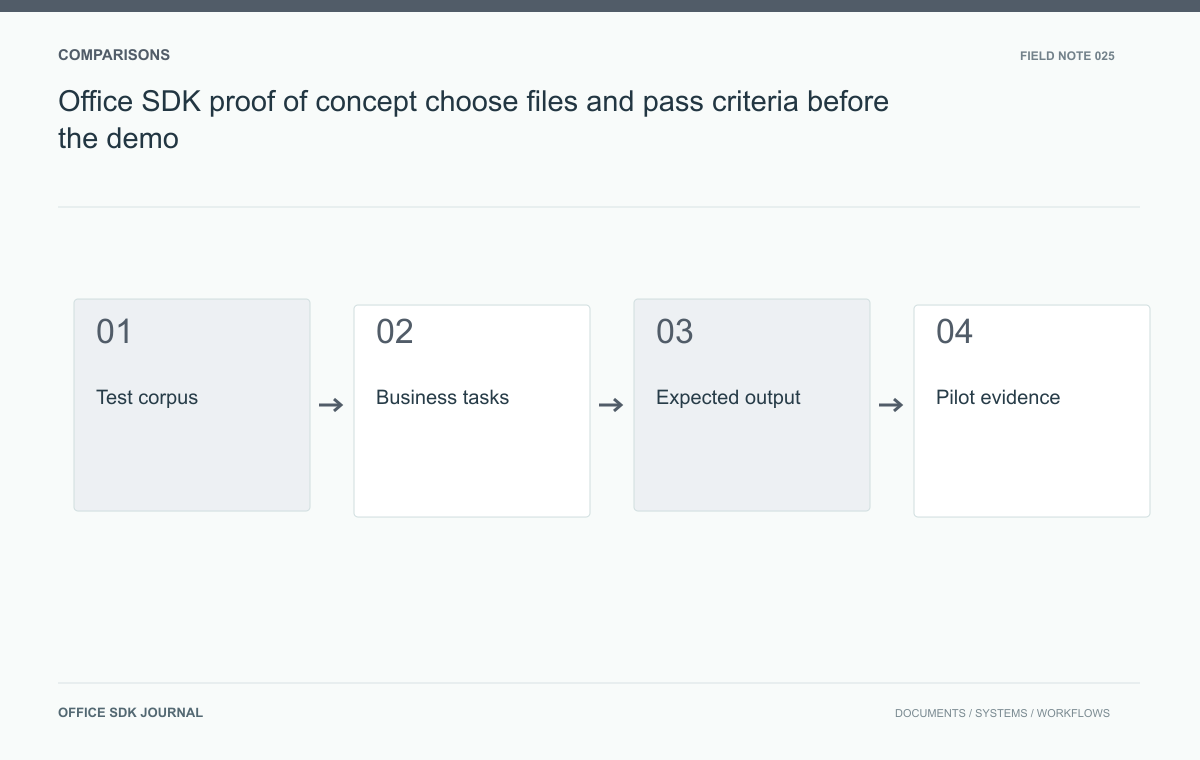
Office SDK proof of concept: choose files and pass criteria before the demo
Choose realistic files, user tasks, and acceptance criteria before a pilot so results support an actual deployment decision.
Read story