ShimoDocs vs Coda: documents, tables, and workflow authority
A practical evaluation of narrative records, structured facts, automation, and portable outputs.
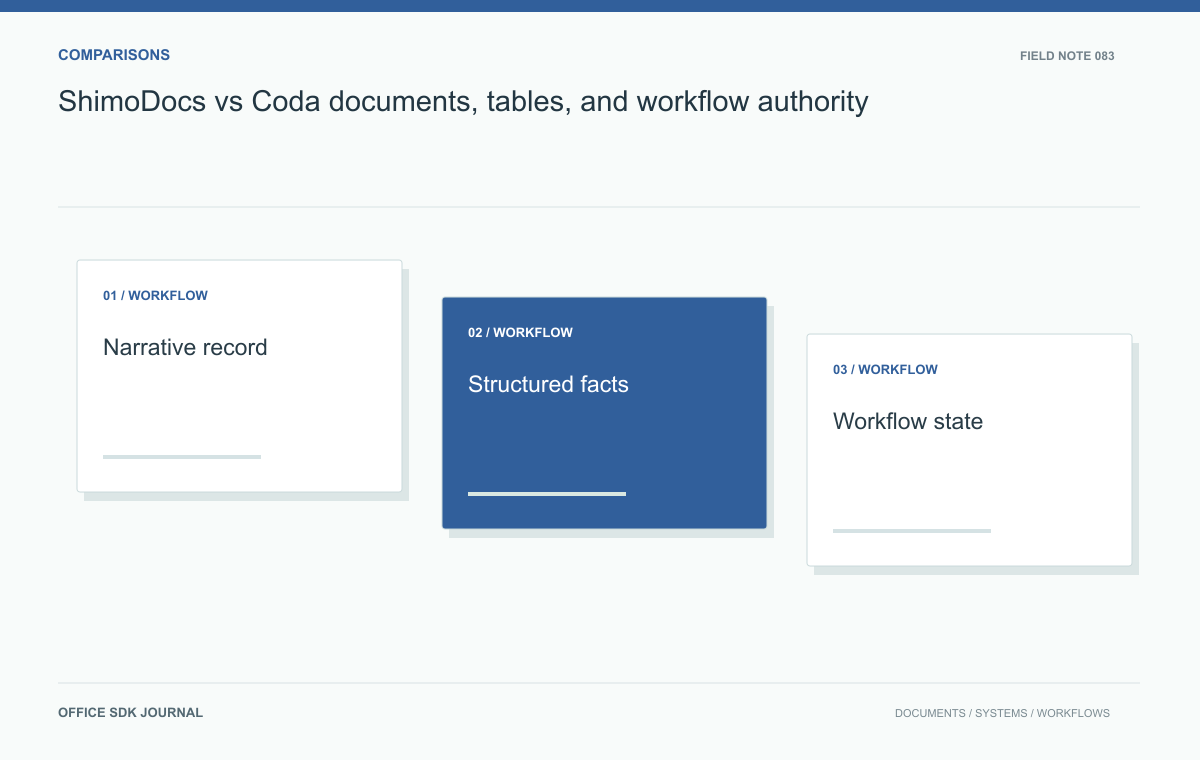
Evaluate ShimoDocs and Coda by deciding which information is a narrative record and which is structured operational data. Test the current offers against that model. The critical questions are who owns updates, how automation acts, and whether approved records remain interpretable outside the workspace.
Choose the information model
A project status report usually combines facts such as owner, deadline, and budget with explanations of risks and decisions. Facts benefit from consistent fields and validation. Explanations benefit from flexible writing and review. Identify the authoritative location for each before evaluating products. If the same deadline appears in several documents and tables, decide which value wins when they disagree. Avoid assuming that placing a table inside a page automatically provides database behavior. Test the actual edition for relations, validation, filtering, and update behavior wherever those functions are necessary for the workflow.
Suppose an operations team tracks fifty supplier assessments. It needs structured scores, reviewer assignments, evidence attachments, and a narrative justification for the final selection. Model one assessment in each candidate and then produce a portfolio view across all fifty. Change a reviewer and a deadline, and inspect which views update. Separately freeze the approved assessment and export it for the purchasing record. This scenario distinguishes a live operational model from a formal document artifact without making assumptions about either vendor's capabilities. Record any extra integration or manual work needed to complete both outputs.

Inspect automation ownership
If the model sends reminders, updates external systems, or calculates approval states, assign an owner to those actions. Determine where credentials live and whose authority an automated operation uses. Test an invalid field value, duplicate trigger, and revoked integration credential. A convenient no code interface can still create consequential business behavior. Establish how changes are reviewed and how failures are visible to the team. For complex workflows, require a reproducible definition and an audit trail so the system does not depend on one employee understanding a collection of undocumented buttons and formulas.
For the supplier assessment, keep three distinct authorities: the reviewer who supplies scores, the procurement owner who accepts the outcome, and any automation that calculates or moves state. Write each authority down before building the interface.
| Object | Normal update | Approval consequence |
|---|---|---|
| Supplier facts | Authorized owner corrects fields | Historical assessment retains its referenced values |
| Working score | Reviewer edits under the agreed rules | Material changes return the assessment to review |
| Accepted assessment | Correction creates an identified new edition | Prior decision remains tied to prior content |
These are proposed workflow rules, not assumed capabilities of either candidate. Implement a small test and record what works natively, what requires integration, and what remains manual. Then simulate a changed supplier price after acceptance. Can staff distinguish today's facts from the values used in the purchasing decision? A table that always shows the newest value is convenient for operations but may erase the context of a historical assessment unless the workflow deliberately retains it.
Test permissions and portability
A reviewer may be permitted to update an assessment score but not view other suppliers' pricing. Define that requirement independently of page organization, then test access through every applicable view and export. Investigate what leaves the platform when exporting: narrative text, table values, relationships, formulas, comments, and automation definitions may have different portability. Verify current behavior rather than interpreting a downloadable file as a complete system backup. If a workflow cannot be recreated outside the platform, include that dependency and its recovery implications in the purchasing decision.

Model Decision notes
- Identify authoritative facts, explanatory records, and approval states.
- Run one realistic assessment and a portfolio reporting task.
- Assign owners for formulas, triggers, credentials, and failure handling.
- Test required permission granularity through views and exports.
- Inspect what can be exported and what must be rebuilt elsewhere.
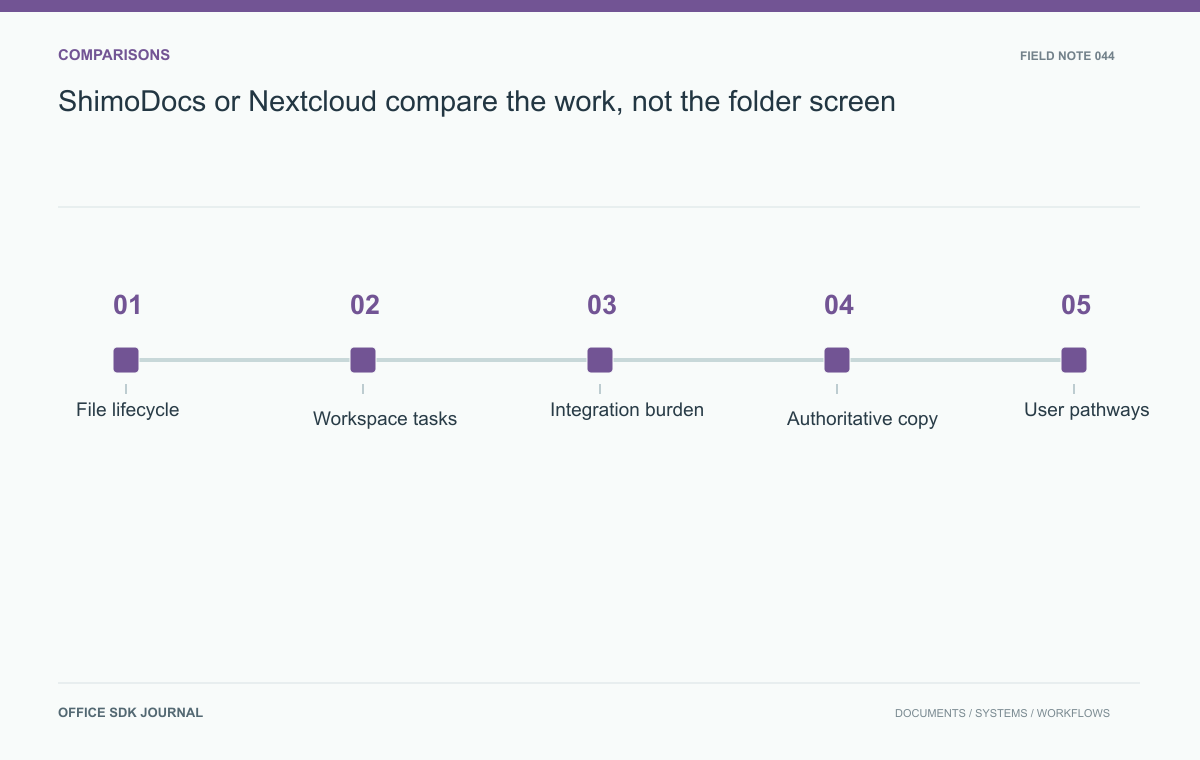
ShimoDocs or Nextcloud: compare the work, not the folder screen
Compare platform fit through file lifecycle, collaborative tasks, integration ownership, and operating effort.
Read story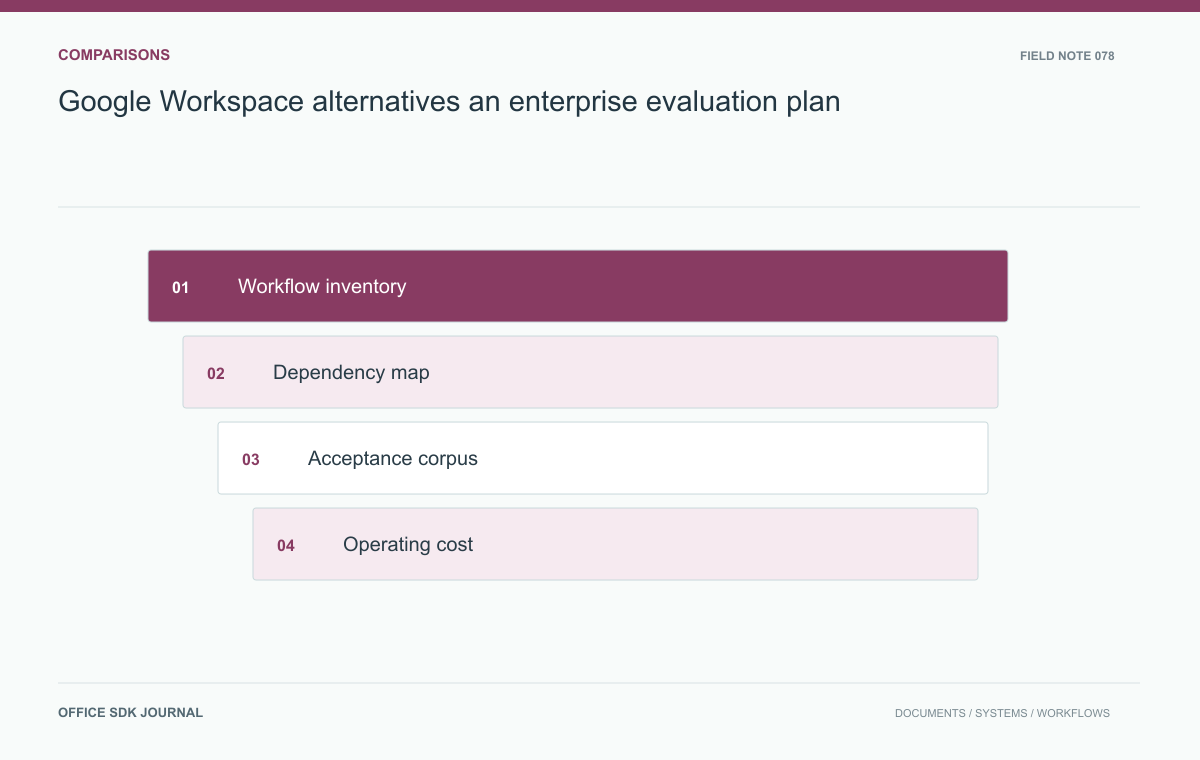
Google Workspace alternatives: an enterprise evaluation plan
Test complete work and dependencies before selecting a replacement for enterprise workspace services.
Read story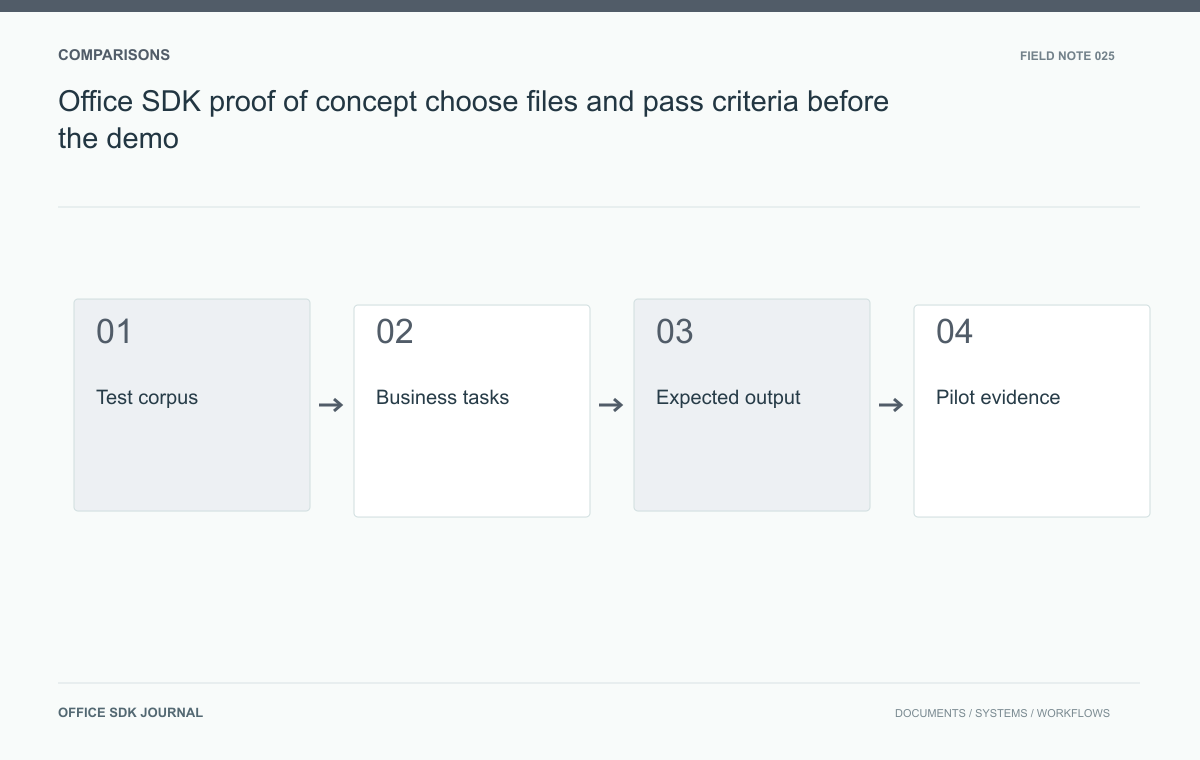
Office SDK proof of concept: choose files and pass criteria before the demo
Choose realistic files, user tasks, and acceptance criteria before a pilot so results support an actual deployment decision.
Read story