Self hosted office suite comparisons: build a reproducible lab
Normalize workload and preserve document outputs so office suite results can be reproduced and interpreted.
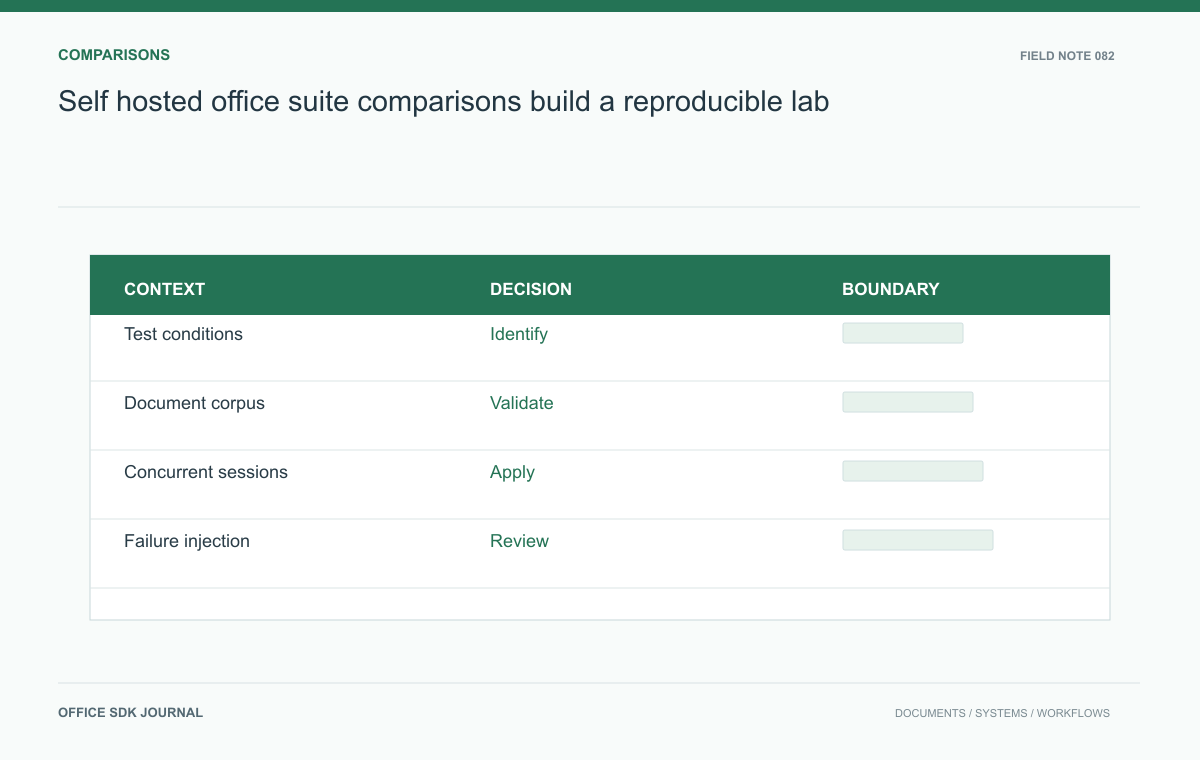
Compare self hosted office suites with the same business workload, representative files, and explicit deployment conditions. Inspect calculations and editable structure as well as pages. Preserve outputs and configuration so a result can be reproduced instead of becoming an unsupported claim about a product brand.
Normalize the comparison conditions
Record software editions, release versions, license terms relevant to the test, infrastructure resources, and external dependencies. Follow supported configurations for each candidate rather than forcing an identical architecture that one product does not support. Explain any difference in resources and include its cost. Set the same business workload and acceptance criteria: opening a workbook, collaborating on a report, exporting a presentation, and recovering after interruption. Preserve installation notes and configuration snapshots without secrets. Another engineer should be able to reproduce the evaluation and tell whether a changed result reflects software behavior or altered test conditions.
Build a varied document corpus
Collect representative files from the teams that will use the suite, then remove sensitive information. Include ordinary examples and known difficult structures such as dense charts, long tables, multilingual text, external links, and complex formulas. Tag every file with the features under inspection and the accepted result. Compare rendered pages, editable structure, calculations, and exports separately. A file that looks correct may have lost editable chart data; a workbook that opens may calculate differently. Keep original files unchanged and preserve outputs so reviewers can inspect differences beyond the initial screen recording.

Model realistic simultaneous work
A design office might have eighty staff but only twenty active editors at a typical peak. Model those sessions with the expected mix of reports, spreadsheets, and presentations, then add a measured burst of imports or exports. Observe resource use, startup times, interaction delays, and failed operations. Test two collaborators changing the same section and several users viewing without editing. Do not convert a single user timing into a capacity claim. Publish the workload description beside the results so planners can relate the evidence to their own usage patterns and hardware constraints.
Compare failure and maintenance work
Interrupt a worker, temporarily remove storage access, and expire a test certificate in an isolated environment. Verify user messages, retry behavior, monitoring signals, and recovery procedures for each supported architecture. Apply an upgrade and inspect what happens to active sessions and persisted documents. Score the clarity of runbooks and the skills required to diagnose a failure. An office suite becomes a shared dependency, so operational uncertainty affects many departments at once. Include support response arrangements and the time spent by internal administrators instead of presenting only installation speed or interface preferences.
Keep a result card for every sample
A result card makes a difficult sample useful after the demo. Give it an identifier such as CORPUS-12 and record the original file digest, feature under inspection, expected outcome, observed outcome, suite release, deployment resources, and produced files. Attach a short reproduction procedure that starts from the untouched input.
For a workbook sample, the accepted result may be that a specific formula returns the approved value and the chart references the correct range. For a presentation, the result may be that a chart remains editable after export. Do not collapse both into a single Looks good score. Ask the business owner to classify the consequence of a mismatch: cosmetic repair, lost editability, wrong result, or blocked work.
Separate three kinds of failure
- Format interpretation
- The engine changes a calculation, omits content, or interprets structure differently.
- Environment configuration
- Fonts, certificates, storage routes, or dependencies differ from the intended setup.
- Operating behavior
- The task fails under concurrency, interruption, or maintenance.
This separation directs followup work. A font package fix may resolve pagination, but it cannot establish formula correctness. An isolated successful conversion may resolve a sample problem without proving peak capacity. Report the corrected condition and rerun only the affected test plus relevant regression samples, preserving both the original failure and the verified result.

Publish the laboratory record
- Identify exact editions, versions, resources, and supported architectures.
- Preserve corpus inputs and inspected output files.
- Describe concurrency, file mix, and conversion bursts beside timing results.
- Record recovery, upgrade, and administrator effort under controlled failures.
- List untested requirements and the assumptions behind cost estimates.
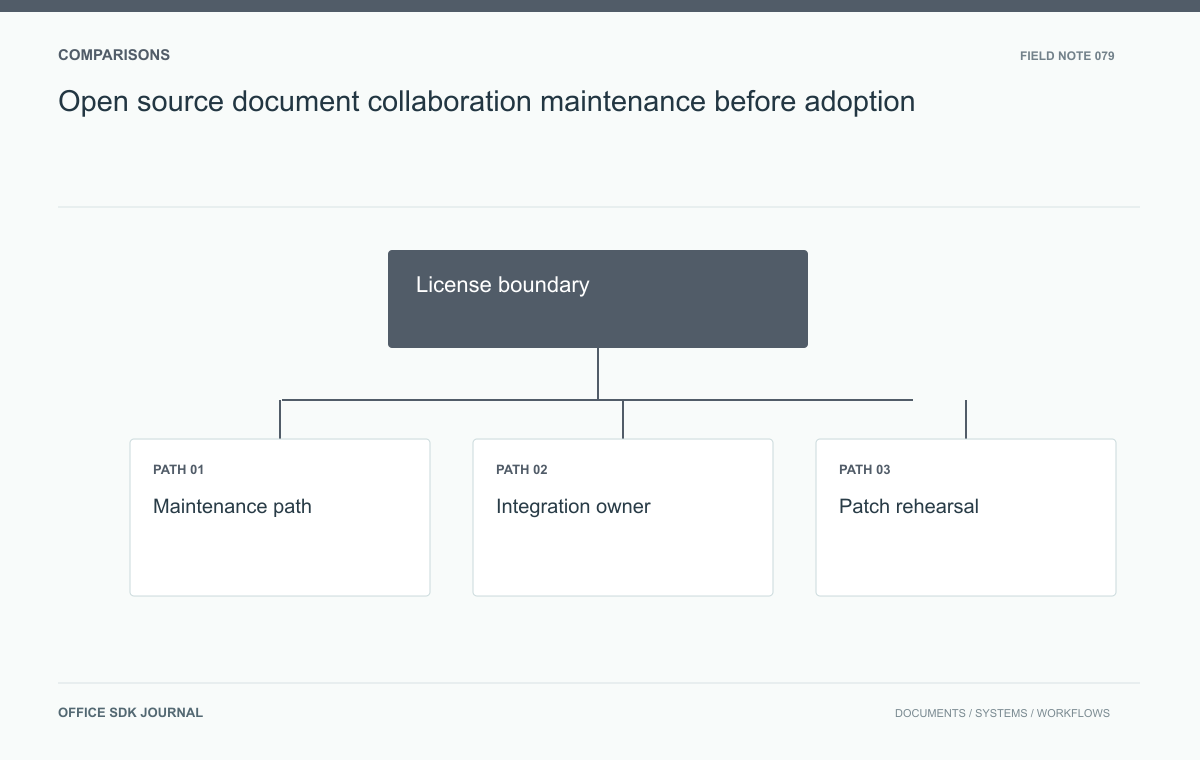
Open source document collaboration: maintenance before adoption
Inspect licensing, support, upgrade paths, and fork obligations for the exact collaboration distribution.
Read story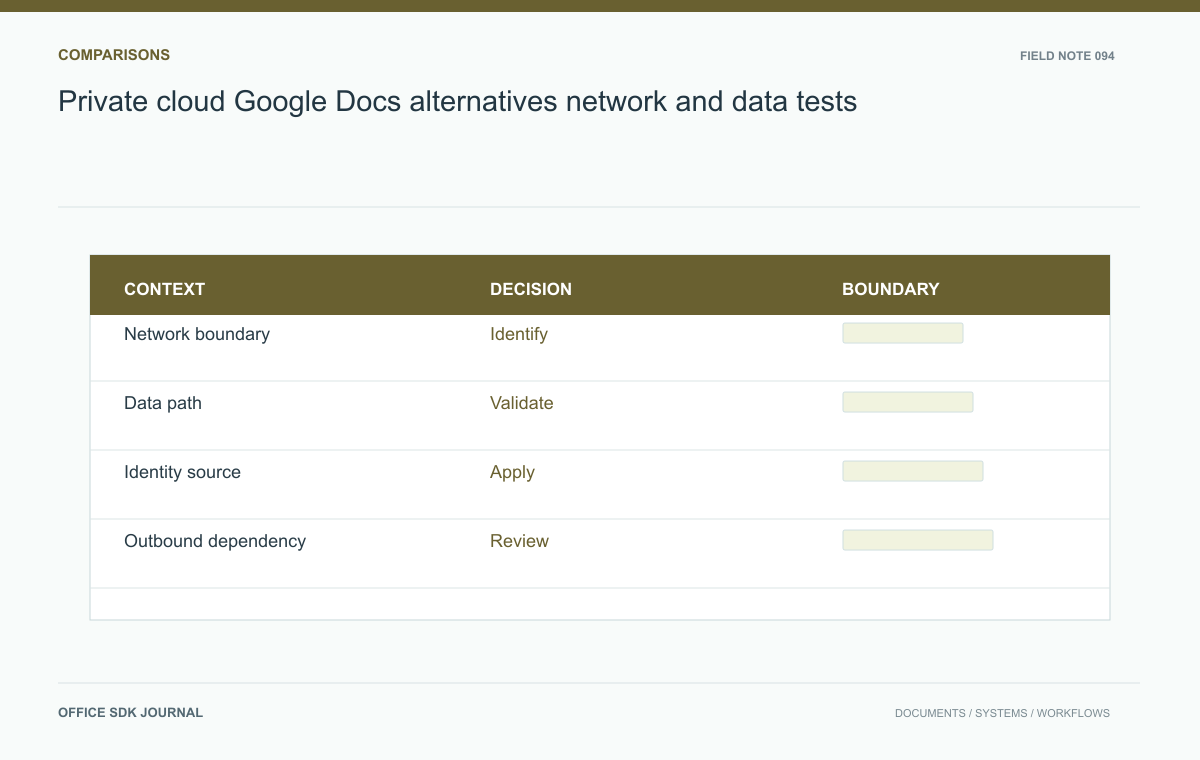
Private cloud Google Docs alternatives: network and data tests
Translate private deployment requirements into separate editing, network, dependency, and maintenance checks.
Read story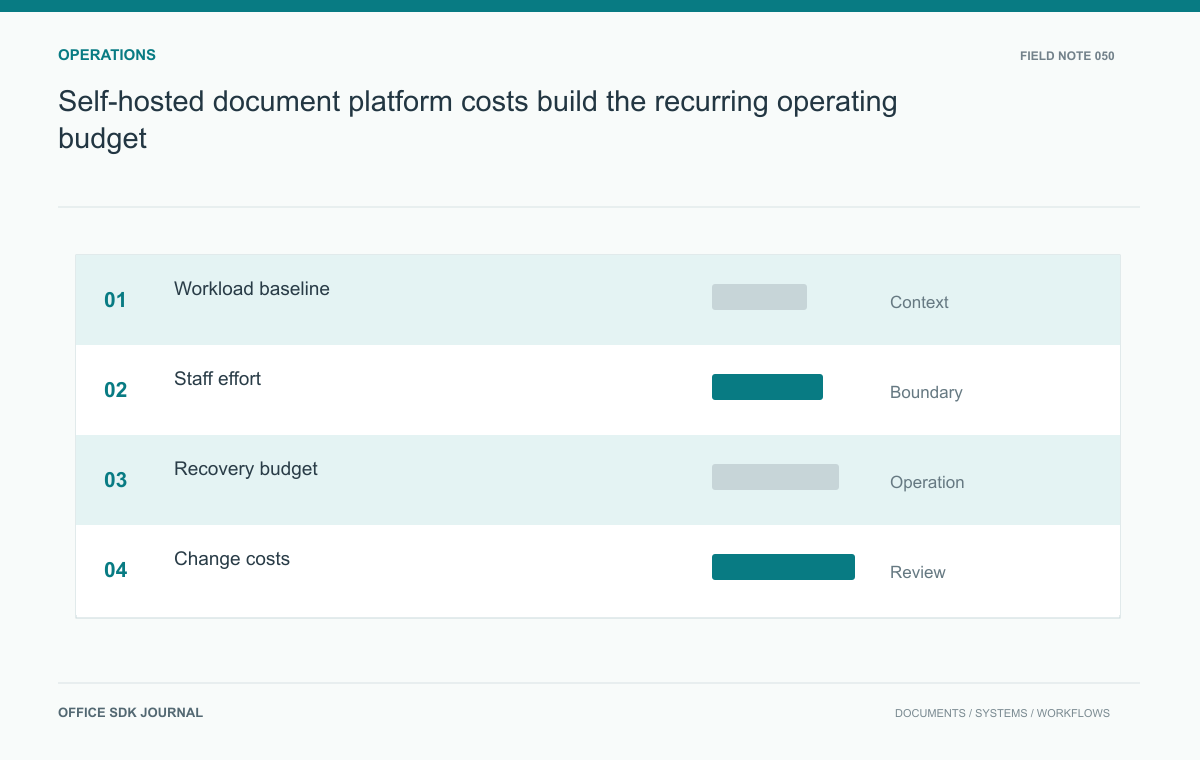
Self-hosted document platform costs: build the recurring operating budget
Estimate infrastructure and staff costs using workload, recovery obligations, support duties, and change frequency.
Read story