Air-gapped document collaboration: prepare the full offline lifecycle
Prepare installation, identity, fonts, updates, support, and recovery for a genuinely disconnected document environment.
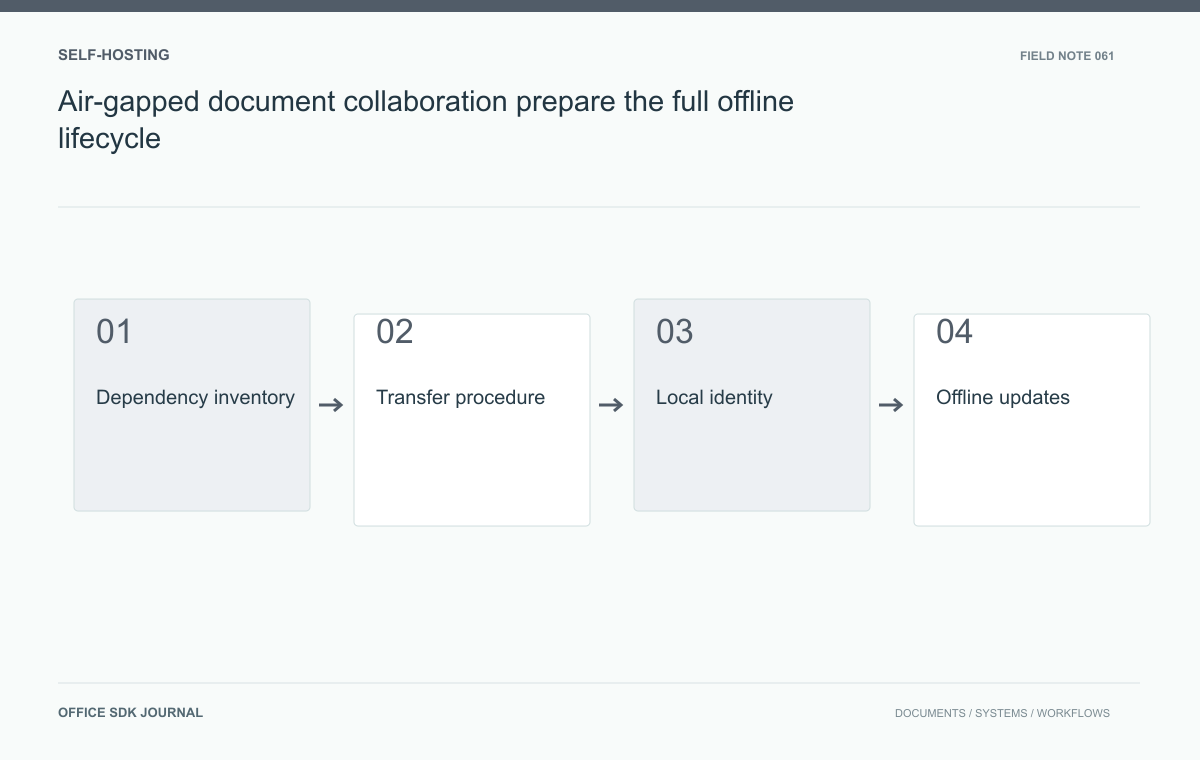
An air-gapped document service must install, start cold, authenticate users, render representative files, update, receive support, and recover within its approved boundary. Inventory licensing, fonts, packages, certificates, telemetry, and model dependencies. Verify the exact product configuration in a disconnected test environment before treating self-hosting as offline readiness.
Inventory external assumptions
Request documentation for the exact product configuration and identify every potential outside dependency. Include package repositories, image registries, license activation, font delivery, certificate validation, telemetry, AI services, and support diagnostics. Verify which dependencies can be removed, replaced, or supplied internally through supported methods. Air gap requirements differ, so record the approved network and transfer boundary with the responsible security owner. A self-hosted label does not establish offline suitability. Observe installation and ordinary workflows in a restricted test network to catch assumptions that a standard deployment guide may not make obvious.
Prepare controlled installation material
Assemble approved software packages, images, configuration templates, fonts, documentation, and integrity evidence before transfer. Record version relationships and prerequisites. Use the organization's authorized media or transfer process and retain a manifest that responders can reproduce. Establish internal DNS, time synchronization, identity, and certificate trust where required. Verify license behavior and renewal procedures in writing for the disconnected configuration. Protect administrative secrets separately from the software bundle. A working one time installation is insufficient if the organization cannot later rebuild the service without accessing a developer's laptop or an unavailable outside registry.

The rebuild bundle is part of the service
Retain an approved bundle that lets another operator recreate the deployment without the original installer's computer. It should include compatible software and images, version relationships, configuration instructions, required fonts, integrity records, and internal dependency information. Protect credentials through the organization's separate approved mechanism rather than placing all secrets beside the software.
| Bundle component | Reason it matters offline |
|---|---|
| Version manifest | A later package may not be compatible with the retained database |
| Internal trust setup | Services need local certificate and identity validation |
| Fonts and rights evidence | Cold rendering cannot depend on an external download |
| License procedure | Rebuild or renewal must work through the supported disconnected arrangement |
Test the bundle from a fresh environment. A restart of an already warmed server can hide downloaded resources and cached credentials. Ask a responder unfamiliar with the initial install to follow the written instructions and record every missing prerequisite.
Use the same discipline for updates: retain the candidate artifacts, rehearse in isolated staging, and document the supported recovery path. An air gap can slow obtaining replacements, so reproducibility and compatibility records directly affect the time needed to repair the service.
Test an offline report review
A research team opens a report, edits a shared table, exports a presentation, and retrieves an earlier version while outbound network access is blocked. Use representative fonts and harmless documents, then inspect attempted connections through approved network observations. Restart the environment and repeat the workflow so cached outside resources do not hide dependencies. Test a new user through internal identity and simulate the documented licensing boundary. This scenario can uncover missing fonts, first run downloads, or support dependencies that are invisible after an administrator has warmed the system on a connected network.
Plan maintenance and diagnosis
Define how security updates enter the network, how their compatibility is checked, and how an earlier version is retained for supported rollback. Keep a staging environment with the same isolation assumptions. Provide internal monitoring and a procedure for collecting diagnostic bundles without confidential document contents or reusable credentials. Determine whether vendor support can work from sanitized evidence and what information transfer is permitted. Rehearse backup restoration using only internal material. Assign an owner to each dependency and update artifact so isolation does not turn routine patching or recovery into an improvised exception process.

Offline acceptance
- Verify every dependency against the approved isolation boundary.
- Retain a reproducible installation manifest and protected configuration materials.
- Test fresh starts, new users, representative fonts, and exports without outbound access.
- Rehearse supported offline updates, diagnosis, and recovery.
- Confirm licensing and support procedures for the exact disconnected deployment.
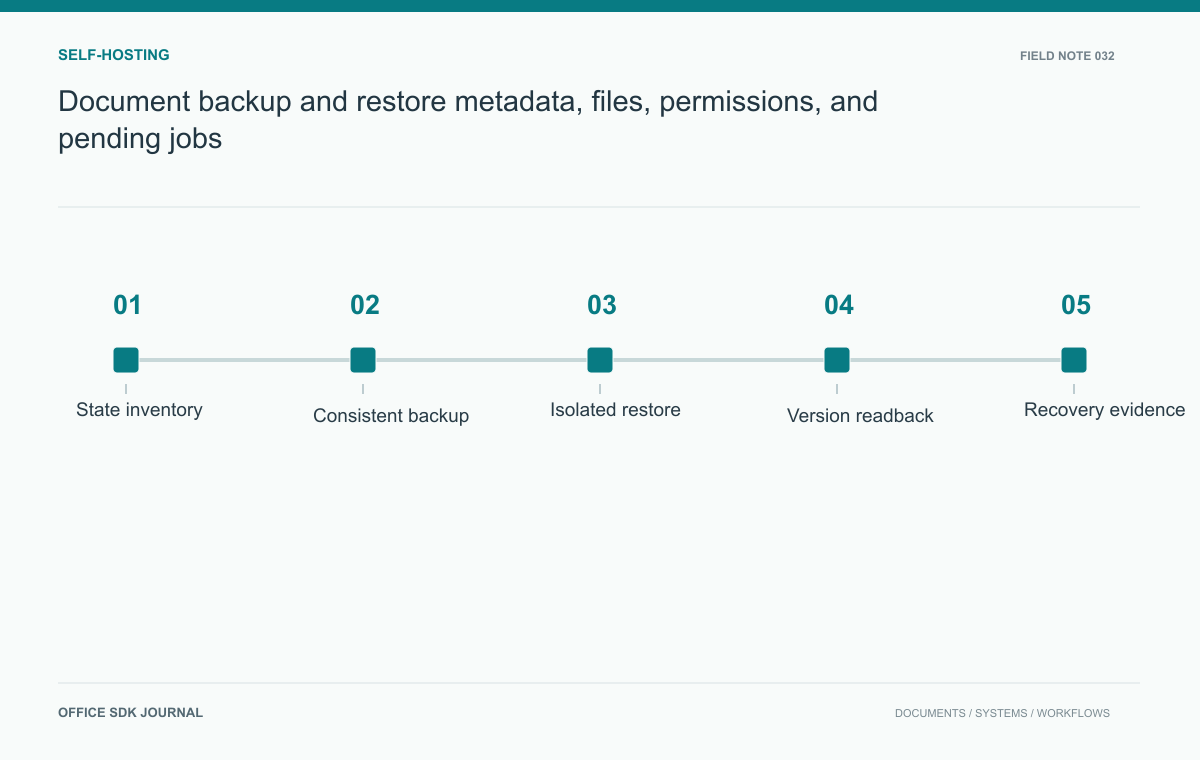
Document backup and restore: metadata, files, permissions, and pending jobs
Test recovery of metadata, stored bytes, versions, permissions, and integration mappings as one coherent document state.
Read story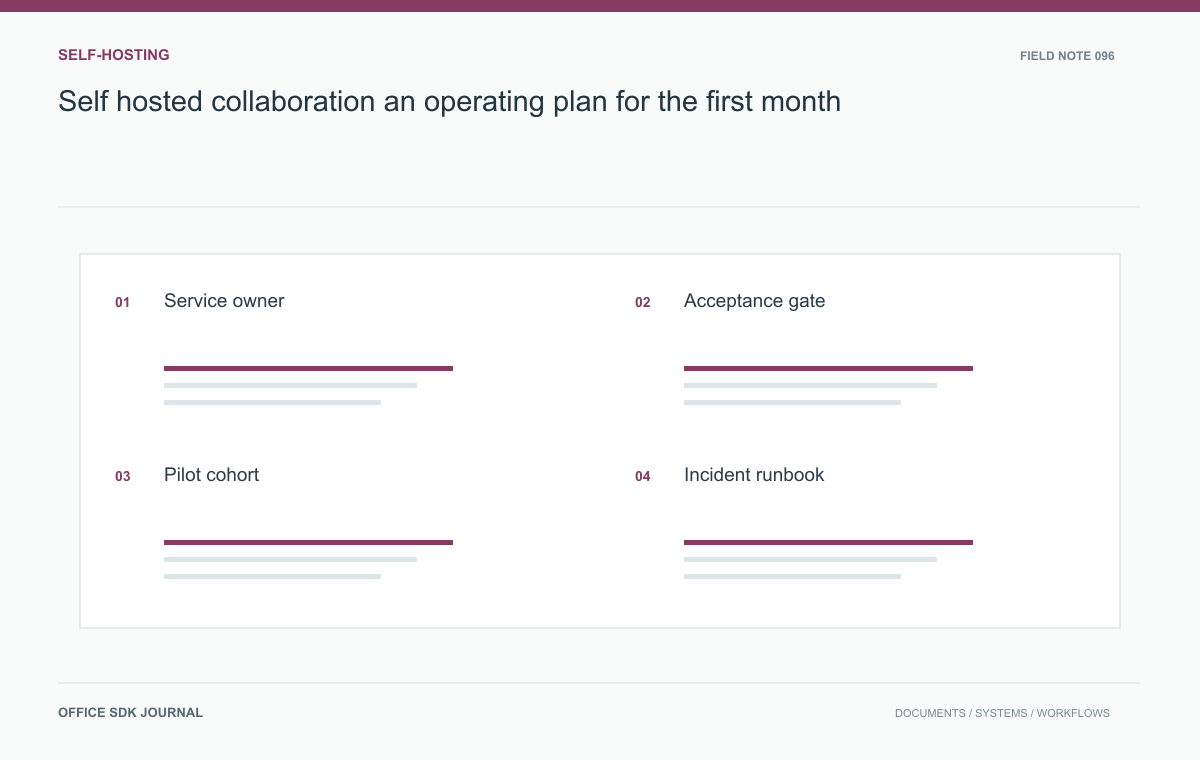
Self hosted collaboration: an operating plan for the first month
Establish service ownership, document acceptance, pilot support, restoration, and rollout evidence.
Read story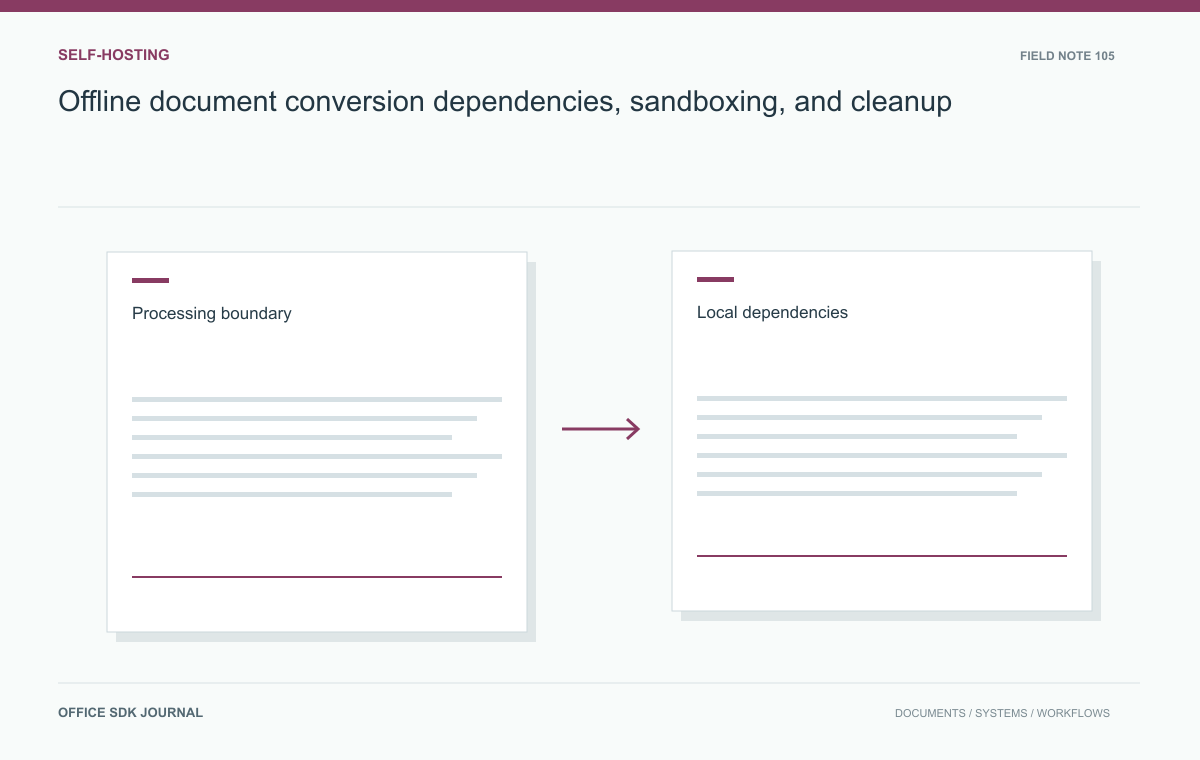
Offline document conversion: dependencies, sandboxing, and cleanup
Prove the offline boundary and validate local outputs under ordinary operation, failure, and maintenance.
Read story