Document backup and restore: metadata, files, permissions, and pending jobs
Test recovery of metadata, stored bytes, versions, permissions, and integration mappings as one coherent document state.
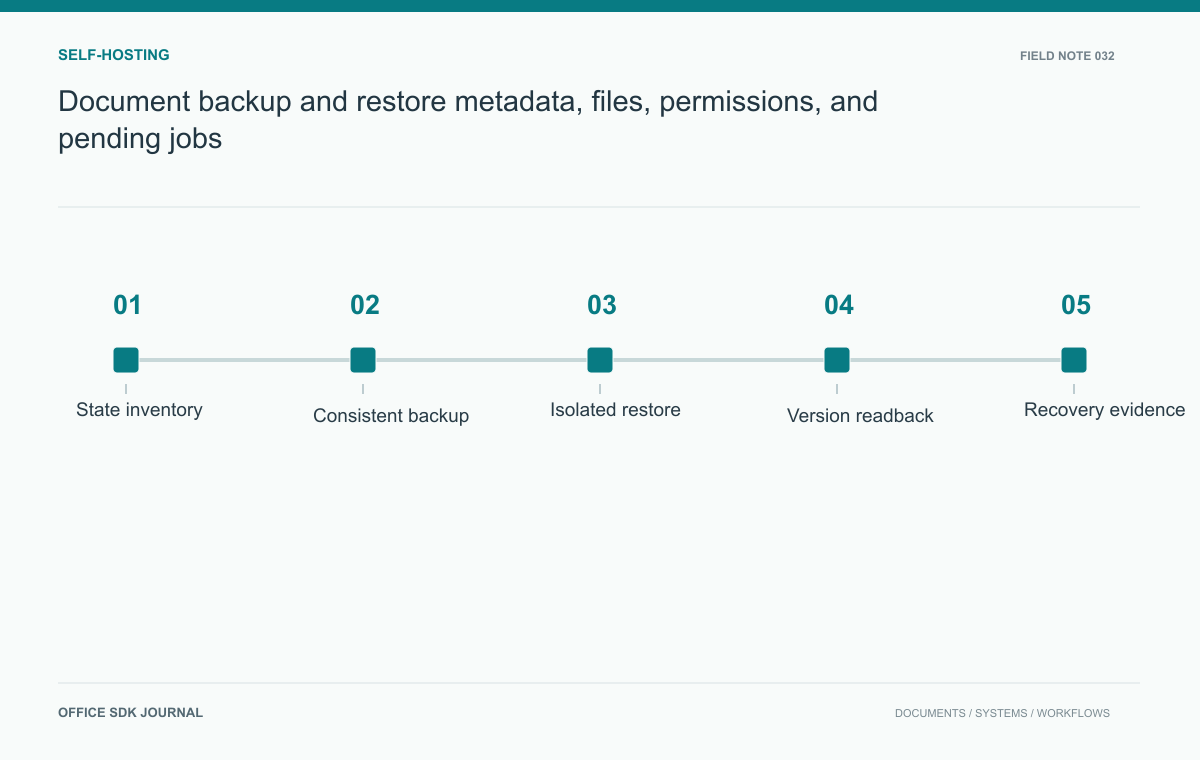
Restore a coherent document relationship, not just a database and a bucket independently. The recovered metadata must point to the right bytes and versions, permissions must still work, and pending jobs must not damage the restored state. A backup drill should prove those outcomes in an isolated environment.
Inventory authoritative and rebuildable state
List business metadata, source objects, editing representations where applicable, version mappings, permissions, encryption dependencies, configuration, and queued operations. Identify which data is authoritative and which can be regenerated, such as certain previews or search indexes. Verify the selected editor's documented backup and restore requirements; do not assume exporting a file captures every collaboration feature. Record dependencies between systems and the order in which they must recover. A missing mapping table can make intact content unreachable even when storage reports that every object was restored.
Choose recovery points that can be reconciled
Use the backup mechanisms supported by each system and define how their recovery points align. Options may include coordinated snapshots, transaction logs, immutable object versions, or a controlled pause in writes. The correct approach depends on the architecture. Establish how to detect metadata that points to missing objects and objects created after the restored metadata state. Plan reconciliation rather than assuming all backups share a perfectly synchronized timestamp. Document the acceptable recovery point and recovery time objectives as requirements to measure, not outcomes automatically guaranteed by a scheduled backup job.
Check the recovered relationships
| Recovered component | Relationship to verify |
|---|---|
| Document metadata | Current version belongs to the expected document and tenant |
| Stored object | Referenced bytes exist and match the selected recovery state |
| Permissions | Normal users receive the intended allow and deny decisions |
| Editor mapping | Business identity resolves to the correct supported editing state |
| Queued work | Resumed jobs cannot publish incompatible later results |
Run these checks with ordinary accounts as well as administrators. An administrator can often open files despite broken ownership or group mappings, masking a recovery defect. Include at least one denied-access case in the drill.
Record the selected recovery point and the maximum expected gap between systems. If storage contains an object newer than the database snapshot, classify it as an orphan or recoverable candidate according to policy. Do not automatically promote it because its timestamp is newer. If metadata references a missing object, keep the document's state explicit while reconciliation or a different recovery point is considered.

Isolate restored services from production effects
Restore into an isolated environment with outbound notifications and production callbacks controlled. Recovered jobs or credentials should not send duplicate messages, overwrite live files, or reconnect to production services accidentally. Handle secrets through the approved recovery process and verify key availability without copying them into ad hoc notes. Decide which pending operations resume and which require reconciliation. A restore that boots successfully but replays old business actions can create a second incident, so include background workers and scheduled tasks in the isolation plan.
Restore a document with history and a pending job
Create a synthetic document, save several versions, change a collaborator's role, and leave one background preview job pending. Take the planned backups and restore them to the isolated environment. Open the current and historical versions, verify their content, and test access with both permitted and denied accounts. Reconcile the pending job and inspect for missing objects or duplicate versions. Record elapsed recovery time and any manual intervention. This exercise reveals whether the backup set preserves a usable business document rather than only independently readable infrastructure snapshots.

Evidence required before reopening access
- Compare restored document and version counts with the selected recovery point.
- Verify content digests or equivalent integrity checks for representative objects.
- Test permissions and required key access.
- Record reconciliation actions and disabled external side effects.
- Update the runbook with actual recovery duration and unresolved gaps.
Measure the recovery users actually depend on
Measure recovery time from the agreed starting event to usable service, including verification and any reconciliation required before users return. Report preparation that was already completed: preprovisioned infrastructure, downloaded backups, or manually staged credentials can materially shorten a drill compared with an unplanned incident.
Keep a record of manual steps and their owners. A restoration that works only because one engineer remembers an undocumented mapping is not yet a repeatable procedure. After correcting the runbook, repeat the affected step rather than claiming the written instruction has been validated. The valuable result is an executable recovery procedure with a measured outcome and known remaining gaps.
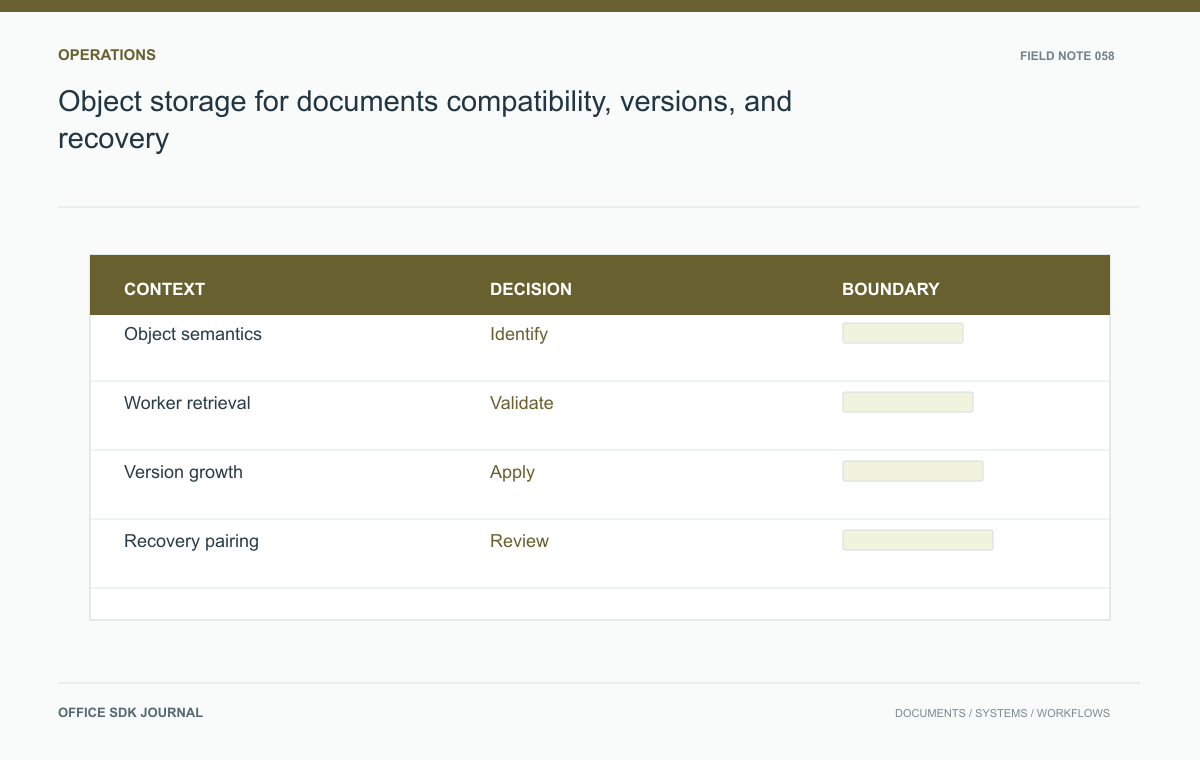
Object storage for documents: compatibility, versions, and recovery
Evaluate storage semantics, temporary access, version growth, recovery, and operational responsibility with real document paths.
Read story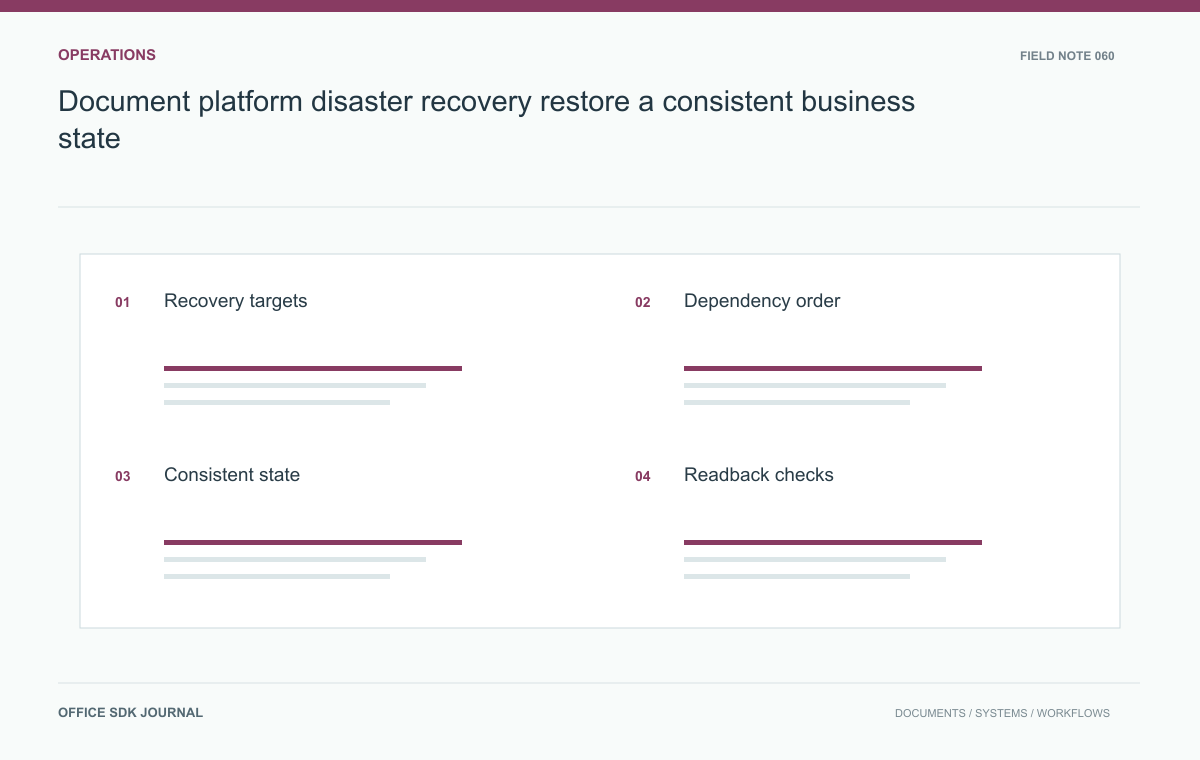
Document platform disaster recovery: restore a consistent business state
Build a disaster recovery procedure around content consistency, identity, dependencies, user readback, and controlled reopening.
Read story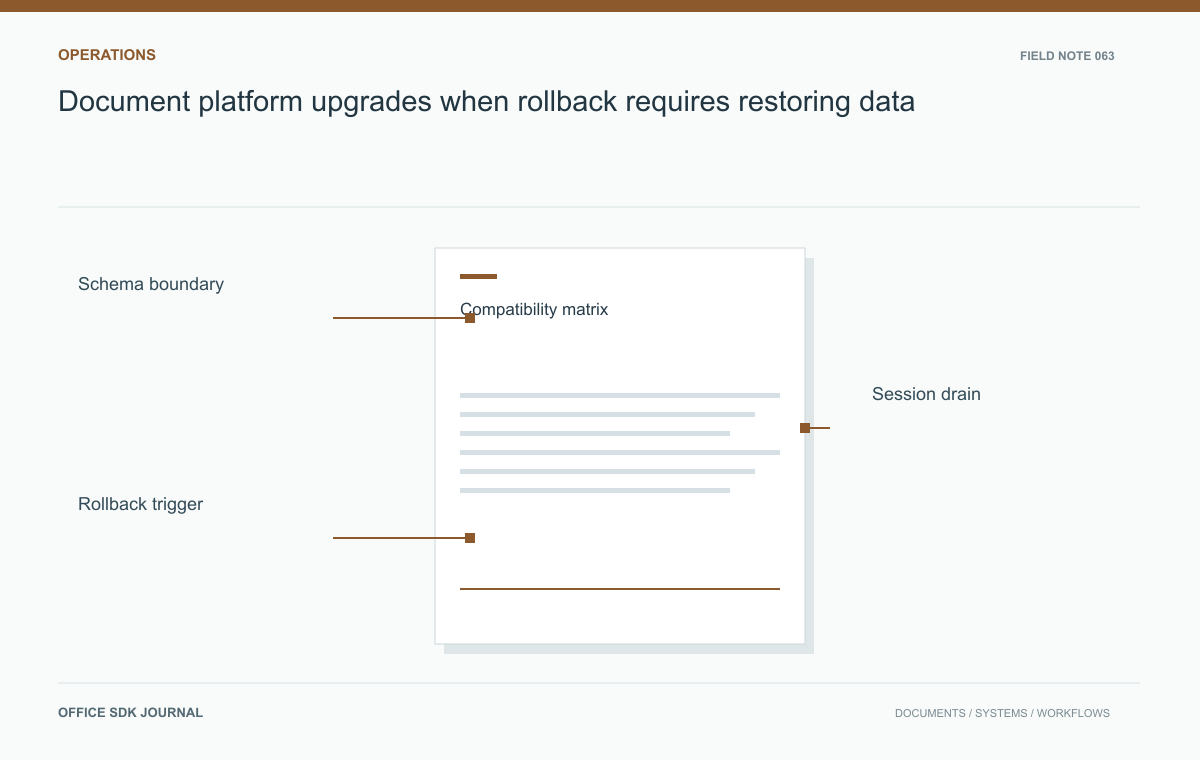
Document platform upgrades: when rollback requires restoring data
Identify schema changes, state compatibility, session handling, and validation gates before upgrading a document service.
Read story