ShimoDocs vs Microsoft 365: file exchange and suite boundaries
Compare the exact proposed offers through file round trips, board pack workflows, integrations, and operating cost.
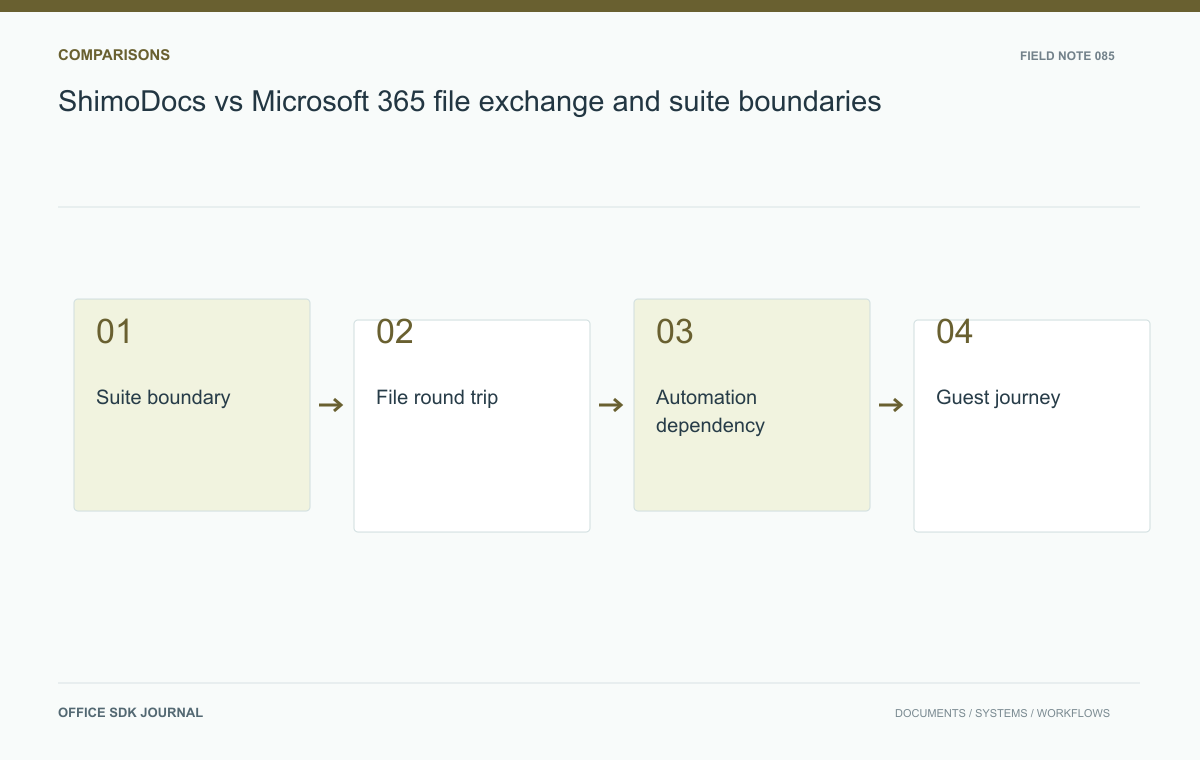
Compare ShimoDocs and Microsoft 365 at the boundaries your users cross: partner file exchange, identity, automation, guest access, and final publication. Specify the exact offers and services in scope. Suite brand names alone do not define the deployment, functionality, or cost being considered.
Specify the exact offers
Record plan names, editions, deployment models, licensing assumptions, and the services included in each proposal. A broad brand name is insufficient because capabilities and commercial terms can differ between offerings. Identify the tasks that must work online, offline, on mobile devices, and with desktop applications where relevant. Confirm these requirements from current documentation and hands on tests. Also distinguish a document collaboration decision from a wider decision about mail, meetings, identity, and storage. If some services remain with the existing provider, represent that coexistence explicitly in the architecture and cost estimate.
Test the file exchange boundary
Take a spreadsheet with formulas and charts, a report with structured headings, and a presentation with editable diagrams. Open, edit, export, and reopen each through the external applications used by partners. Inspect calculation results, page layout, comments, and editable object structure. A screenshot comparison alone cannot establish that a workbook's logic or a slide's chart data survived. Record repairs and classify them by business impact. Keep the original files and generated outputs so specialists can review any mismatch. Evaluate the exact file formats and features in use rather than extrapolating from a simple sample.
A round trip is more demanding than opening a file. Start with the untouched partner file, edit the required elements in the candidate environment, export it, and reopen it in the partner's actual application. Separately create a new candidate document and send it through the same recipient workflow.
| Artifact | Visible check | Structural check |
|---|---|---|
| Workbook | Tables and charts remain understandable | Formulas, ranges, and values remain correct |
| Report | Pagination and images remain usable | Headings, references, and review content survive |
| Deck | Text and objects render correctly | Required charts and shapes remain editable |
In the board pack, prioritize the artifacts distributed to directors. If an output needs ten minutes of repair every month, treat that as recurring work. If an unsupported feature appears only in a template that can be replaced once, treat it as transition work. Preserve the actual outputs with the scorecard so the recommendation does not depend on a remembered demonstration. Vendor documentation should inform the test, while the proposed configuration's observed behavior determines acceptance.

Follow a quarterly board pack
A company preparing a board pack may collect department workbooks, consolidate results, write commentary, assemble slides, and circulate restricted copies to external directors. Model this chain in each candidate environment. Verify who can update the underlying numbers, how the presentation refers to them, and which version is submitted. Test external identity and access revocation after the meeting. If an existing script produces the consolidation, inspect whether it can remain, must be rewritten, or needs an additional service. This complete exercise exposes integration costs that individual editor demonstrations rarely show.
Include operations and dependency cost
Compare administrator workload, user support, identity integration, recovery, migration, and training alongside license prices. For self managed offerings, include infrastructure and maintenance staffing; for hosted offerings, include contract, connectivity, and supplier dependency requirements. Use the same number of employees, guests, storage volume, and service expectations. Establish how records are exported if the chosen arrangement changes later. Ask operational owners to review the scorecard, because a suite that authors prefer may still impose unacceptable support or recovery demands on a small service team. Keep every estimate's assumptions visible.

Pilot exit Decision notes
- Identify exact offers and which surrounding services remain in use.
- Round trip representative files through actual partner applications.
- Run a complete board pack or equivalent business workflow.
- Measure integration repairs, guest friction, and administrator effort.
- Agree on pilot success criteria, rollback, and independent record export.
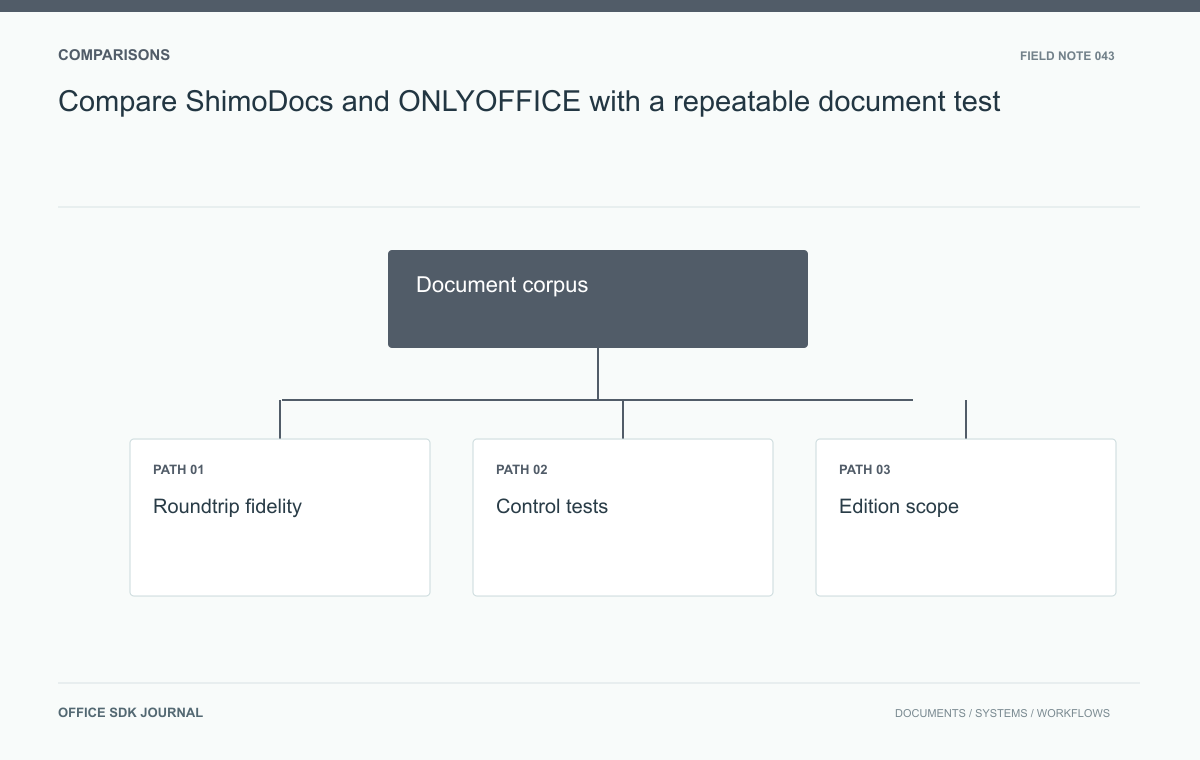
Compare ShimoDocs and ONLYOFFICE with a repeatable document test
Evaluate ShimoDocs and ONLYOFFICE candidates without substituting brand claims for demonstrated behavior.
Read story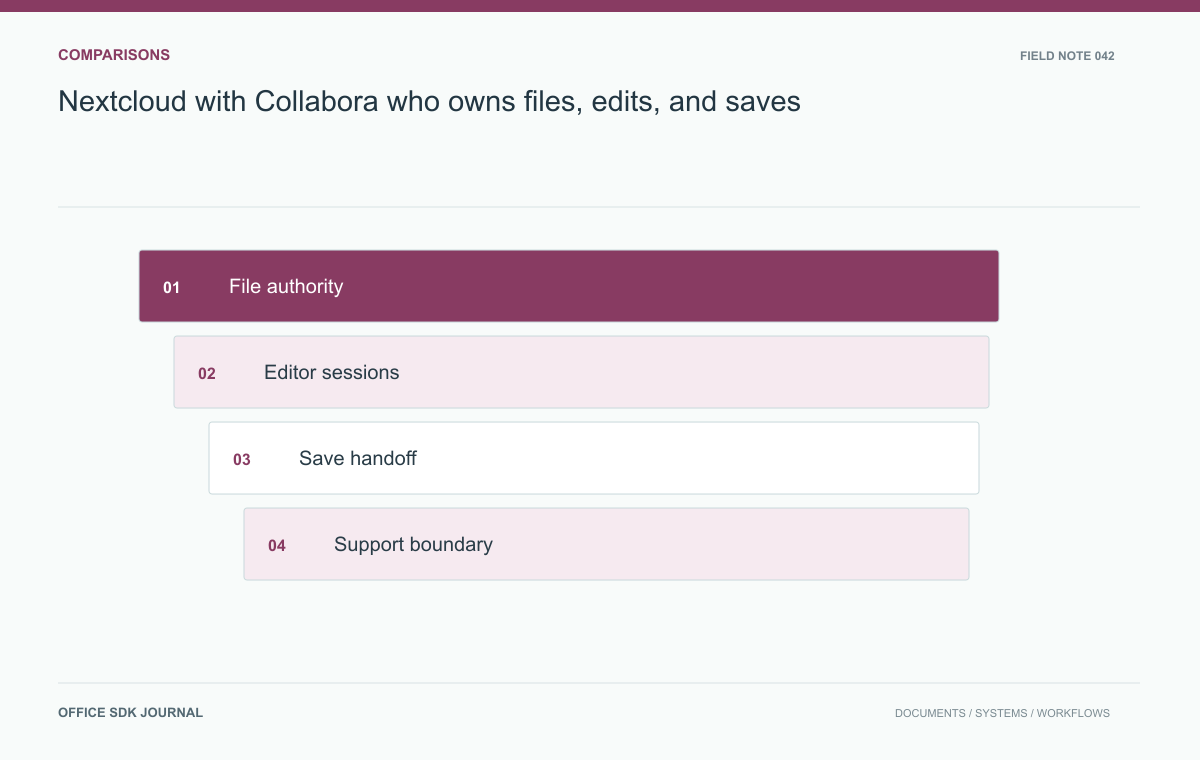
Nextcloud with Collabora: who owns files, edits, and saves?
Compare an integrated file platform and editor with a document workspace through owned operations and failure paths.
Read story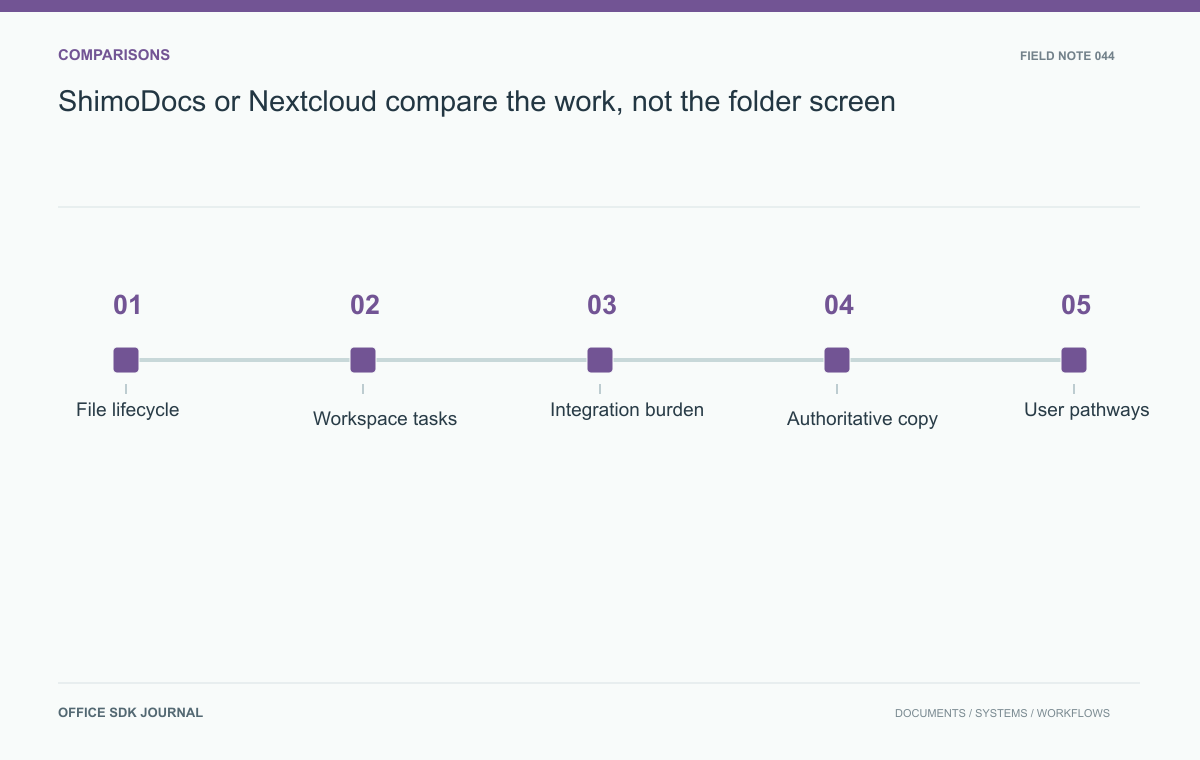
ShimoDocs or Nextcloud: compare the work, not the folder screen
Compare platform fit through file lifecycle, collaborative tasks, integration ownership, and operating effort.
Read story