ShimoDocs vs Confluence: linked knowledge or office deliverables?
Compare navigation, publishing, file output, and migration relationships using a real release workflow.
For ShimoDocs and Confluence, separate linked knowledge from office deliverables. A handbook needs discoverable relationships and maintained authority; a customer report may need structured files and precise output. Test the proposed offers against both tasks, including how existing links and attachments would migrate.
Follow readers and deliverables
Identify whether readers follow links through an evolving knowledge collection or consume a self contained deliverable. An engineering handbook may depend on cross references, search, and frequent updates. A customer proposal may require exact page layout and an editable file in a specified format. Some projects produce both. List the required structures and navigation paths, then evaluate current candidate configurations. Avoid interpreting a page export as equivalent to a native office document without examining its structure and editability. Conversely, a folder full of office files may not satisfy a requirement for connected, searchable knowledge.
Suppose a software team prepares a release. It writes internal design notes, maintains operating procedures, creates a pricing workbook, and sends a presentation to partners. Run these tasks in the proposed environments using sanitized artifacts. Test links between notes, ownership of procedures, formulas in the workbook, and the final exported presentation. Ask a new employee to find the reason for an operational decision using only the available navigation and search. This scenario exposes the distinct requirements of knowledge discovery and file production while keeping the comparison grounded in the team's actual work.

Define publication and ownership
Working pages and approved procedures need visible status and accountable owners. Define how a draft becomes published, how a review date is maintained, and how superseded instructions are identified. For external deliverables, tie the sent version to an approval record or submission event. Verify whether the products and any required extensions support that workflow in the editions under review. The organization still needs an editorial process regardless of platform. A content system cannot establish accuracy merely by making updates easy, and unrestricted editing may conflict with the need for controlled operational guidance.
Migration planning should distinguish a page's identity from its location and title. A changed title need not invalidate references, but a move to another system often changes the identifier embedded in tickets and messages. Preserve a mapping even if the first migration wave looks small.
- Export a representative group containing internal links, nested pages, attachments, and embedded office files.
- Assign each source identifier a destination identifier or an explicit retirement decision.
- Inspect link targets after import, including links inside exported office files.
- Test an old reference from a real ticket or message and document the user's route to the current item.
- Give repair work to named content owners rather than leaving a general Broken links task.
In the software release example, a design note may link to a spreadsheet and an approved operating procedure. Moving only the note leaves an apparently complete page with inaccessible evidence. Decide whether the linked artifacts also move, remain available under controlled access, or are replaced by identified snapshots. The decision should preserve context and authority, not merely make the page look clean. Record any hierarchy or permission behavior that cannot be transferred through the selected tooling.
Plan migration with relationships
If replacing an existing wiki, inventory internal links, attachments, page hierarchies, embedded content, and access rules. Test a small export and import with a page that uses all of them. Inspect broken links and missing context, then estimate repair effort across the full collection. If moving office artifacts, include formulas, layout, comments, and version relationships in the sample. Decide which content should remain linked knowledge and which should become an independent file. Keeping a migration map between old and new identifiers helps users find references left in tickets, messages, and external documents.

Content shape Decision notes
- Distinguish linked knowledge from self contained office deliverables.
- Run a release workflow covering discovery, editing, and external output.
- Define owners, publication states, review dates, and submitted versions.
- Test migration of links, attachments, structures, and access rules.
- Preserve a mapping for old references and estimate manual repairs.
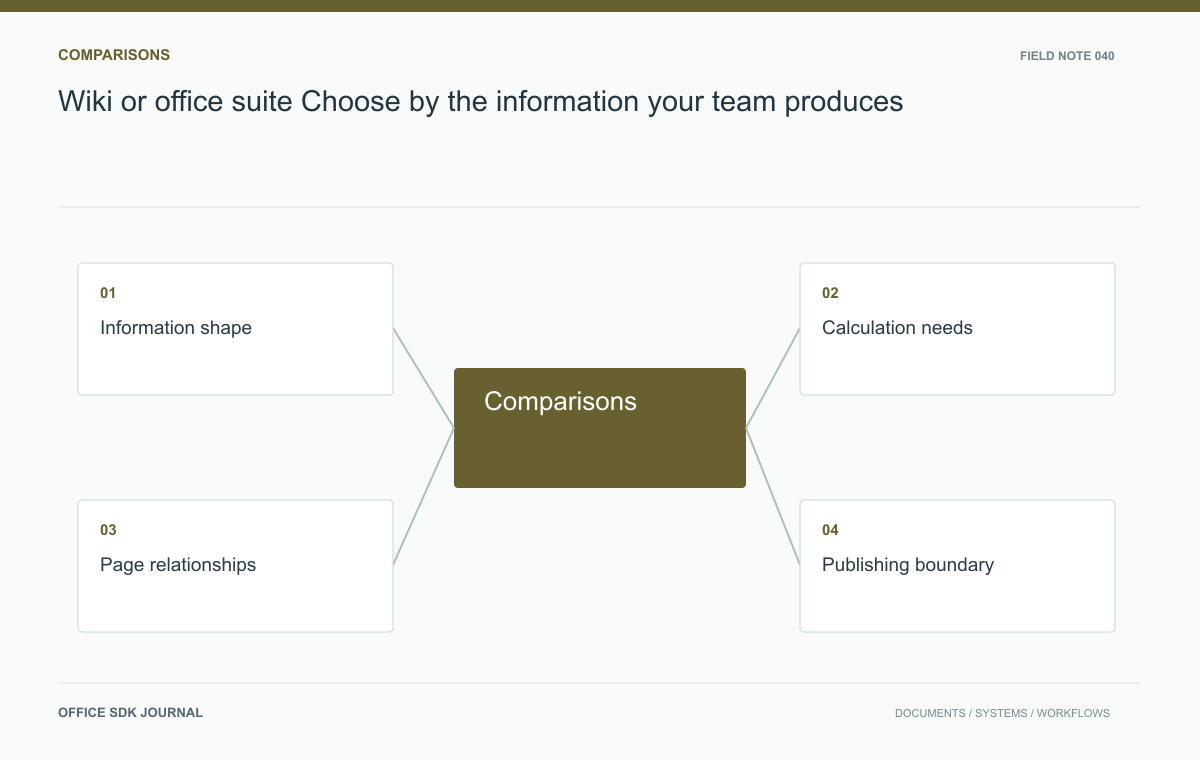
Wiki or office suite? Choose by the information your team produces
Compare evolving knowledge pages and structured office files using actual authoring and publishing tasks.
Read story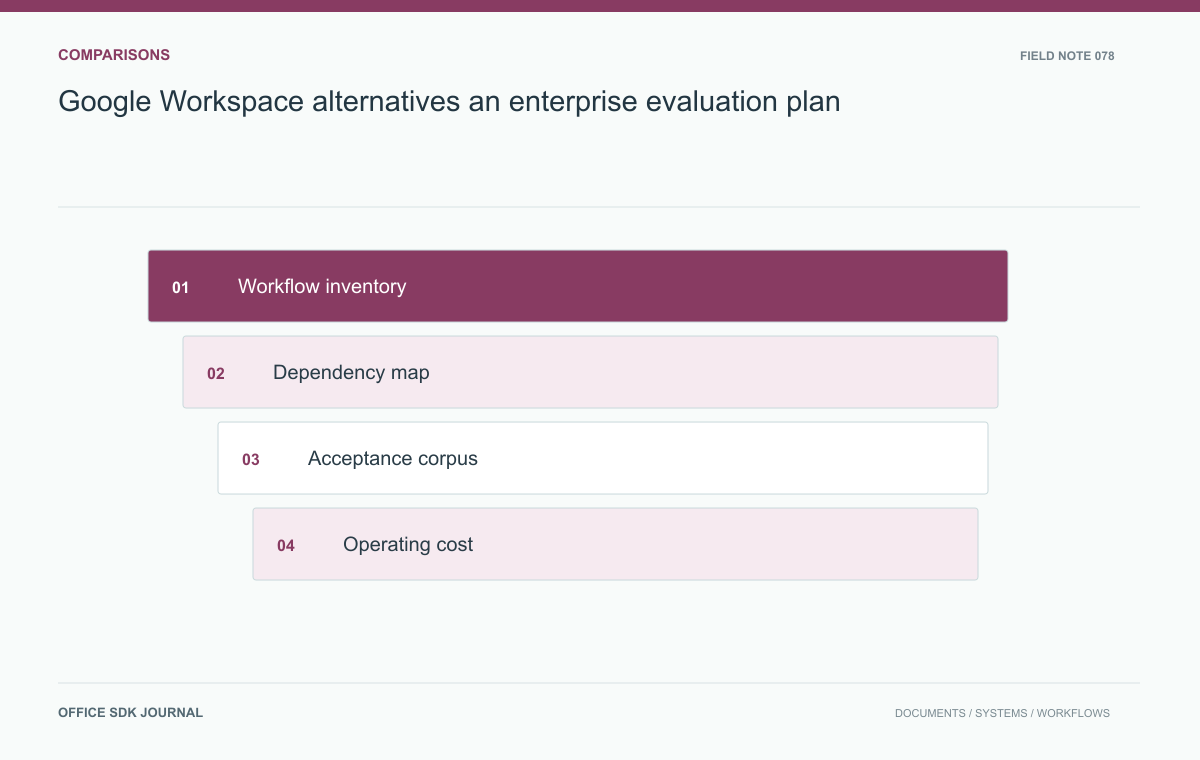
Google Workspace alternatives: an enterprise evaluation plan
Test complete work and dependencies before selecting a replacement for enterprise workspace services.
Read story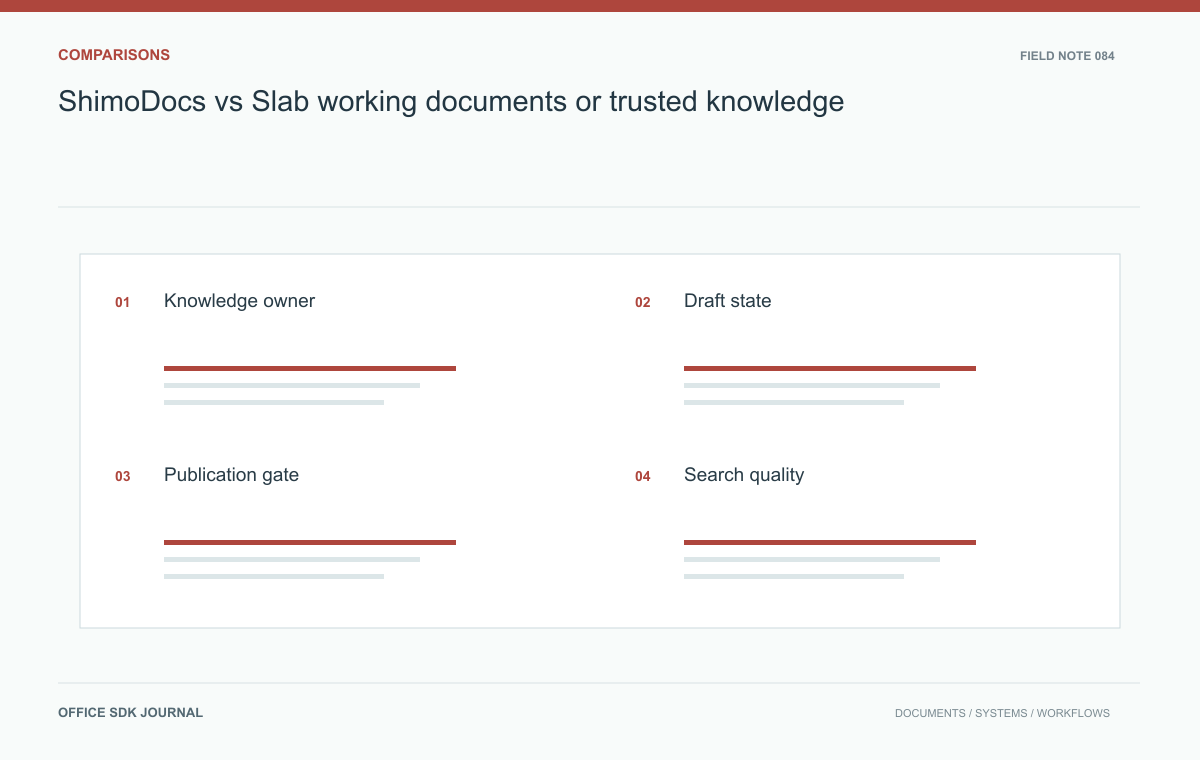
ShimoDocs vs Slab: working documents or trusted knowledge?
Evaluate a knowledge workflow through drafting, publication, discovery, ownership, and review expiry.
Read story