How to migrate Confluence without a dedicated connector
Prepare a manual knowledge migration with explicit handling for attachments, links, permissions, and unsupported content.
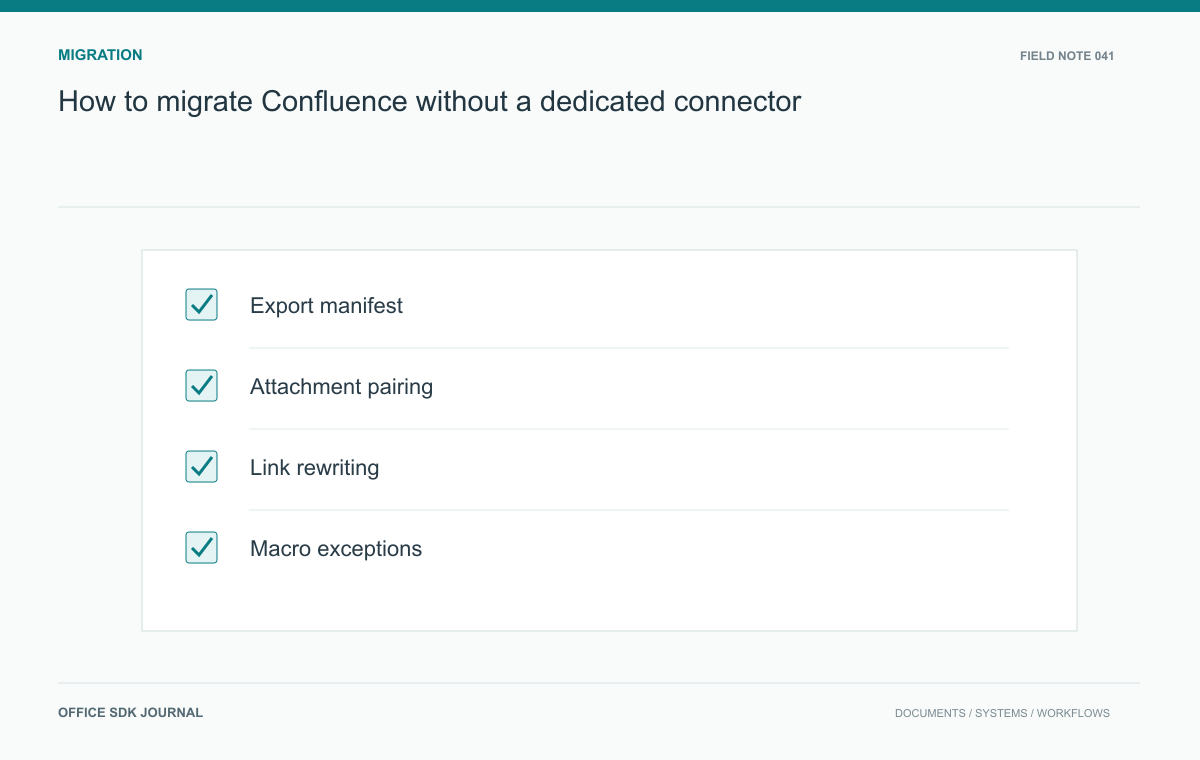
A connectorless Confluence migration needs a source manifest, supported exports, a source-to-destination identifier map, and a deliberate policy for macros and attachments. Pilot a complete handbook before bulk transfer. The real acceptance test is whether users can navigate and trust the imported information with the right access.
Create a source manifest
Inventory spaces, pages, attachment counts, owners, and permission exceptions using the source system's supported export or administrative methods. Verify the available export formats for the deployed edition; do not assume every format preserves the same metadata. Record source identifiers and parent relationships independently of display titles. Titles can repeat or change during cleanup. Retain an untouched export with a checksum and export date, then work from a separate transformation copy. This creates a reproducible starting point when a conversion rule accidentally removes a table, caption, or important block of text.

Handle unsupported page elements
Classify embedded elements such as dynamic reports, diagrams, custom macros, and included pages. For each type, decide whether to recreate behavior, preserve a readable snapshot, or leave a documented exception. Dynamic content needs particular attention because exported output may reflect only one point in time. Ask the page owner whether readers need the underlying query, its latest result, or historical evidence. Keep attachment names and their source page association together. Converting everything into a folder of files can destroy the relationship that makes screenshots and downloadable templates meaningful.
Treat broken links as mapping failures
Keep a mapping record for each source page containing its source identifier, parent identifier, destination identifier, export date, and conversion status. Include the source identifier in exception reports even if it will not appear in the public page. Repeated titles and renamed pages make title-only reconciliation unreliable.
source_id: page-042
parent_id: handbook-01
destination_id: guide-117
status: imported
attachment_count: 3
link_review: pending
These are illustrative manifest fields, not a Confluence API schema. Use the actual source export and destination identifiers available in your environment. After import, review unresolved references by target rather than fixing them one page at a time. A single missing included page can break many referring pages; a mapping correction can address the shared cause.
For a macro that cannot be recreated, ask the owner what readers need from it. A static screenshot can preserve an old report's appearance but cannot substitute for a live incident queue. Label snapshots with their date and purpose. Keep executable or interactive behavior in the exception queue until it has a supported replacement, then verify the replacement through a real reader's task.
Pilot an operations handbook
Select a handbook containing nested pages, a reused procedure, images, and a restricted incident appendix. Import it into the proposed destination and have an operator find a specific recovery step without assistance. Follow internal links and download the associated scripts or templates. Compare the restricted appendix using both permitted and unpermitted accounts. Check whether code formatting and table columns preserve the intended instructions. Record failures by source identifier so corrections can be replayed across the remaining export. This pilot tests usable navigation and confidentiality together, not simply successful parsing of a document format.
Reconcile after the final export
Set a source editing freeze or define a final change window, then export the remaining delta through a supported procedure. Rewrite internal references using the source to destination mapping. Keep a searchable exception register for pages that require human rebuilding. Owners should approve important content after transformation, especially operational instructions and policy statements. Announce where new edits belong and retain the source in an agreed readable state for a limited period. Without a clear editing boundary, corrections made in the old space can disappear from the new one after migration appears complete.

Migration closeout
- Reconcile page and attachment counts against the dated source manifest.
- Verify critical tables, code samples, images, and restricted appendices.
- Resolve broken references and record deliberate replacements for dynamic elements.
- Obtain owner approval for high consequence instructions and policies.
- Preserve the original export and document how its contents can be retrieved.
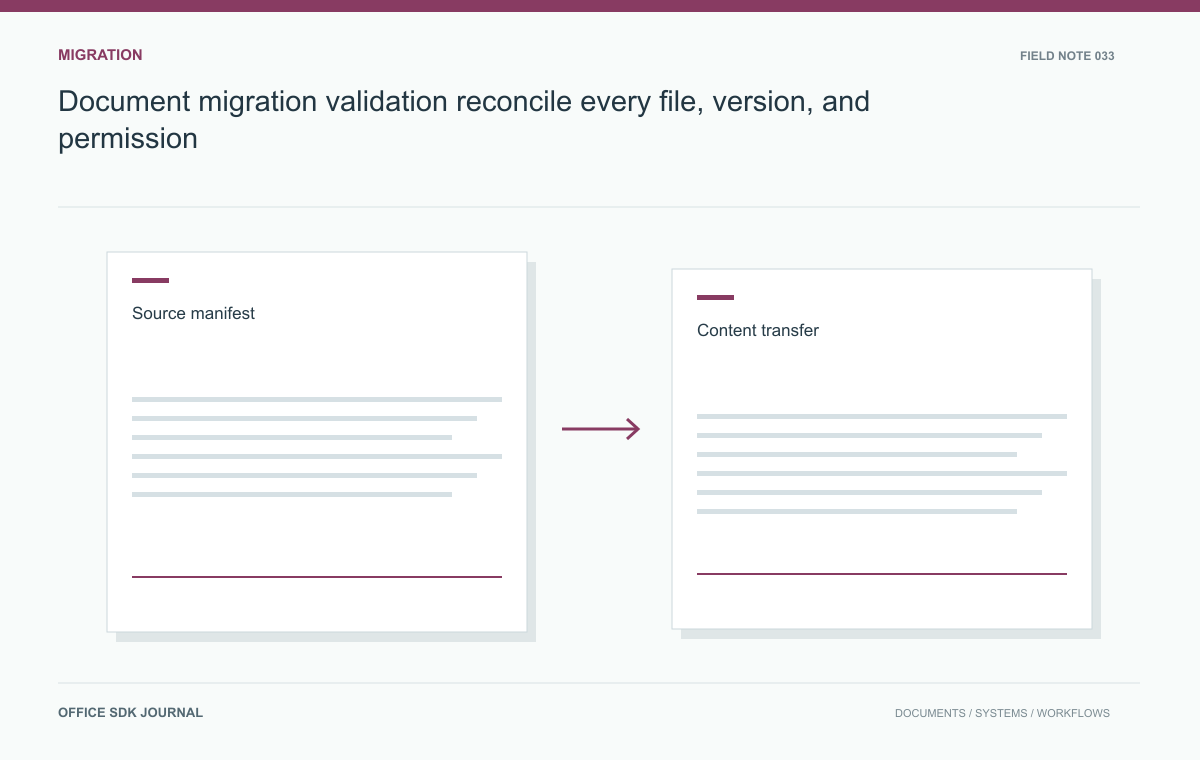
Document migration validation: reconcile every file, version, and permission
Track every source document through transfer, transformation, permission mapping, and final acceptance with an auditable manifest.
Read story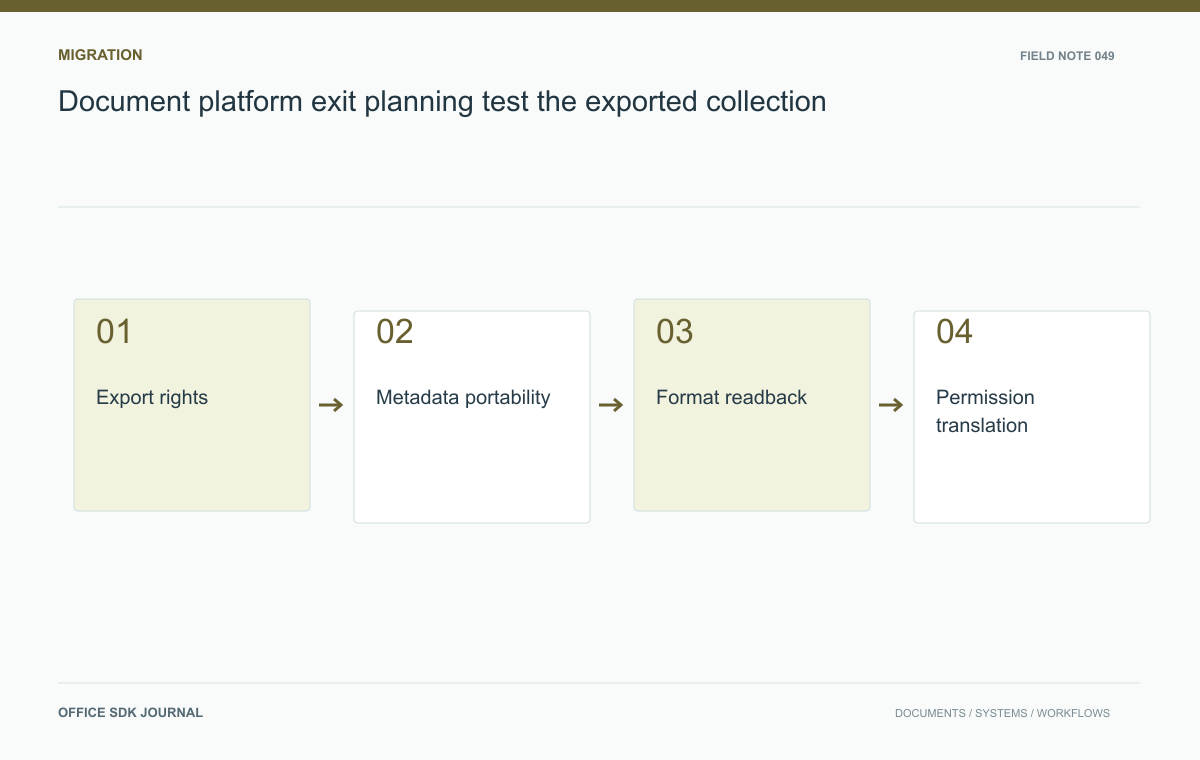
Document platform exit planning: test the exported collection
Test export, metadata recovery, permission translation, and downstream usability as an ongoing portability obligation.
Read story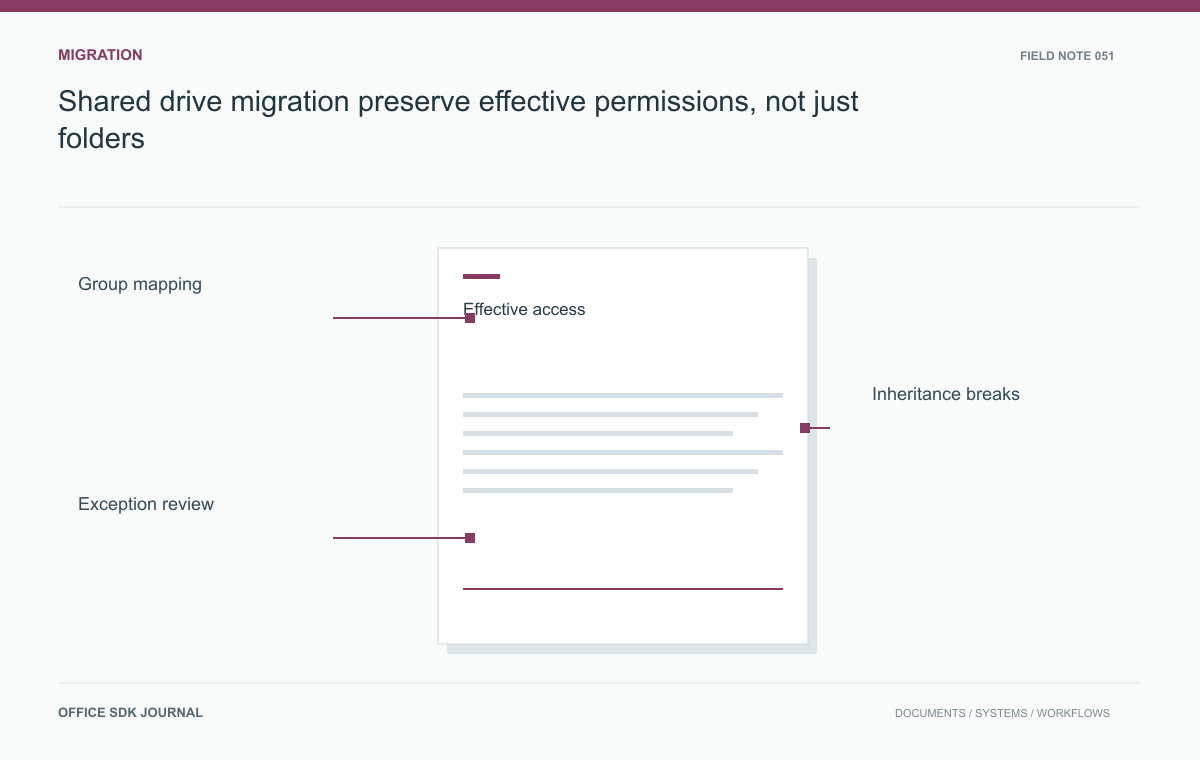
Shared drive migration: preserve effective permissions, not just folders
Inventory effective permissions, resolve group mappings, and verify access after a staged drive migration.
Read story