Document SSO integration: provisioning, group changes, and logout
Connect login, provisioning, group mapping, deactivation, and recovery instead of stopping at a successful redirect.
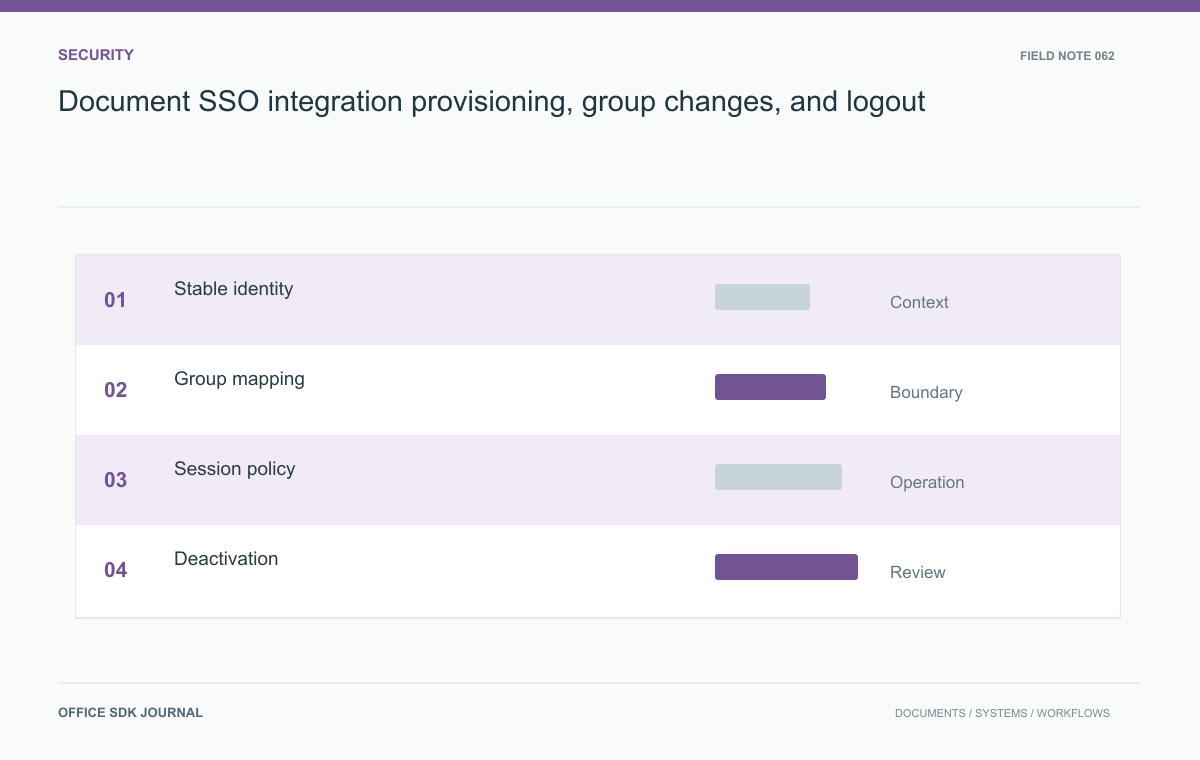
A complete document SSO integration needs stable account linking, authorization mapping, provisioning, deactivation, active-session handling, and emergency recovery. Test these transitions with ordinary identities. A successful login redirect proves authentication works at that moment; it does not prove that later access changes reach every document operation.
Choose a stable account identity
Identify the authoritative directory and the stable identifier used to connect a person to an application account. Email addresses and display names can change or be reused, so verify the selected product's mapping rules before adopting either as identity. Document the supported authentication protocol and required claims for the actual edition. Establish who manages trust material, redirect addresses, certificate changes, and clock synchronization. Test account creation and existing account linking using disposable identities. A login that accidentally creates a second account can split document ownership and complicate both access reviews and later recovery.
Map authorization separately
Define how directory groups become workspace memberships or application roles using verified provisioning capabilities. Authentication says who a person is; the application still needs an operation specific access decision. Check whether group changes arrive through login claims, scheduled synchronization, an API, or manual administration. Record the resulting delay and who monitors failed updates. Avoid mapping a broad employee group to unrestricted document access for convenience. Administrative and support roles should have distinct approval paths. If the candidate cannot express an essential permission boundary, adjust the workflow or document the limitation before rollout.

Write a lifecycle test account
Create a disposable person in the authoritative directory and track the same identity through all tests. Use a stable identifier to distinguish an account update from a new person who happens to share an email address. Record the application account identifier and group mapping without retaining credentials in the test report.
| Transition | Required observation |
|---|---|
| First login | One account receives the intended initial membership |
| Email change | Ownership remains attached to the same person where supported |
| Department transfer | New and removed rights arrive within the approved window |
| Deactivation | New requests and active sessions follow the documented policy |
Check direct download and export paths as well as the embedded editor. A browser session may remain usable after the directory account changes, depending on the actual refresh and revocation design. Measure that behavior and compare it with the acceptable window.
Also test failure of the membership synchronization path. Record who sees the error, whether access remains stale, and how an operator repairs the mapping. Treat the sync mechanism as a service dependency with an owner. Otherwise the directory may show a correct departure while the application quietly retains an obsolete grant.
Test a department transfer
An employee moves from procurement to finance while a procurement workbook remains open. Change the authoritative group membership and observe new logins, the existing session, downloads, and ownership of the employee's documents. Repeat after changing the person's email address and after deactivating the account. Use harmless content and inspect safe authorization evidence rather than reusable tokens. This scenario reveals whether the platform applies new membership only on the next login and whether direct application endpoints independently reject removed access. Compare the measured behavior with the organization's acceptable revocation window.

Plan exceptional access safely
Define how operators regain control if the identity provider becomes unavailable or its trust configuration breaks. Any emergency account should be scoped, protected, monitored, and tested through the approved procedure. Avoid leaving untracked local accounts with broad permanent access. Establish ownership transfer for departed users and a process for retrieving legitimate business records without impersonating them informally. Coordinate application session expiry with identity policy and the product's documented refresh behavior. Keep configuration recovery material available to authorized responders so restoring login does not depend on a person whose account was also disabled by the incident.
Identity acceptance
- Verify stable account linking through name and email changes.
- Test provisioning, group removal, deactivation, and failed synchronization.
- Measure revocation for active sessions and direct document operations.
- Approve ownership transfer and exceptional recovery access procedures.
- Retain safe configuration and test records for future trust changes.
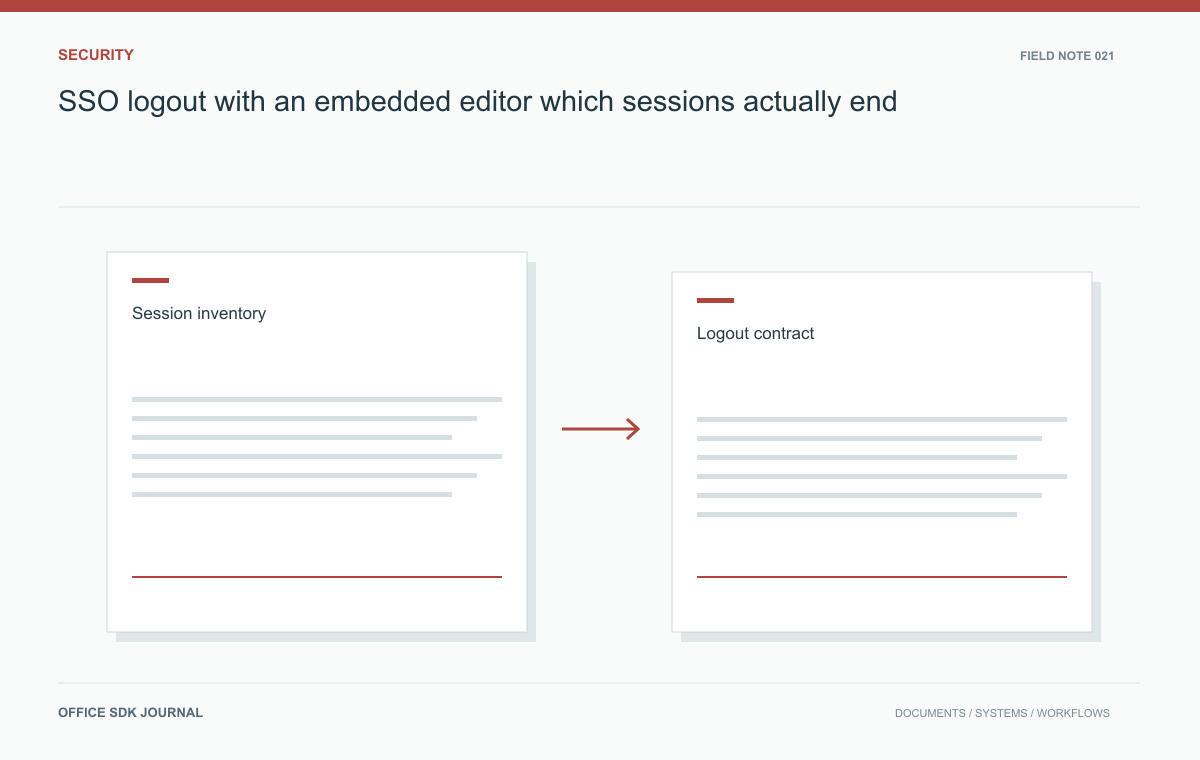
SSO logout with an embedded editor: which sessions actually end?
Identify separate session lifetimes and verify what logout, account switching, and access revocation actually terminate.
Read story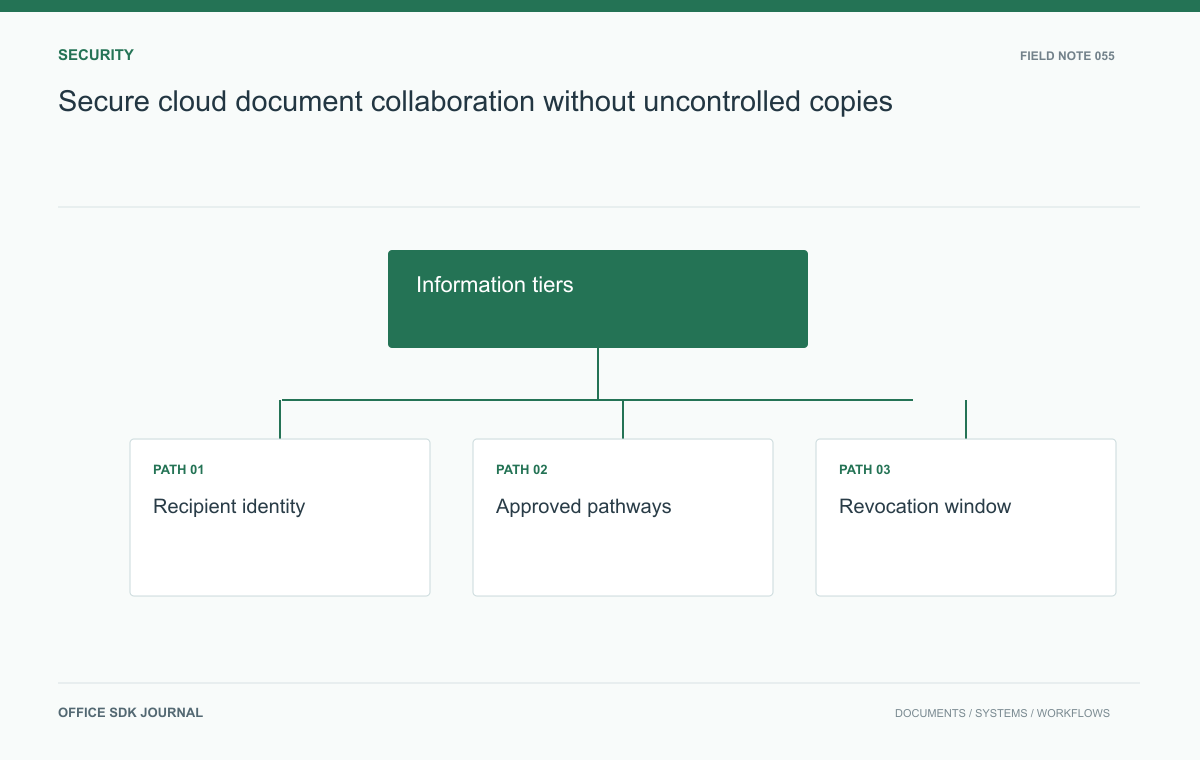
Secure cloud document collaboration without uncontrolled copies
Connect information classification, recipient identity, practical access rules, and observable revocation in cloud collaboration.
Read story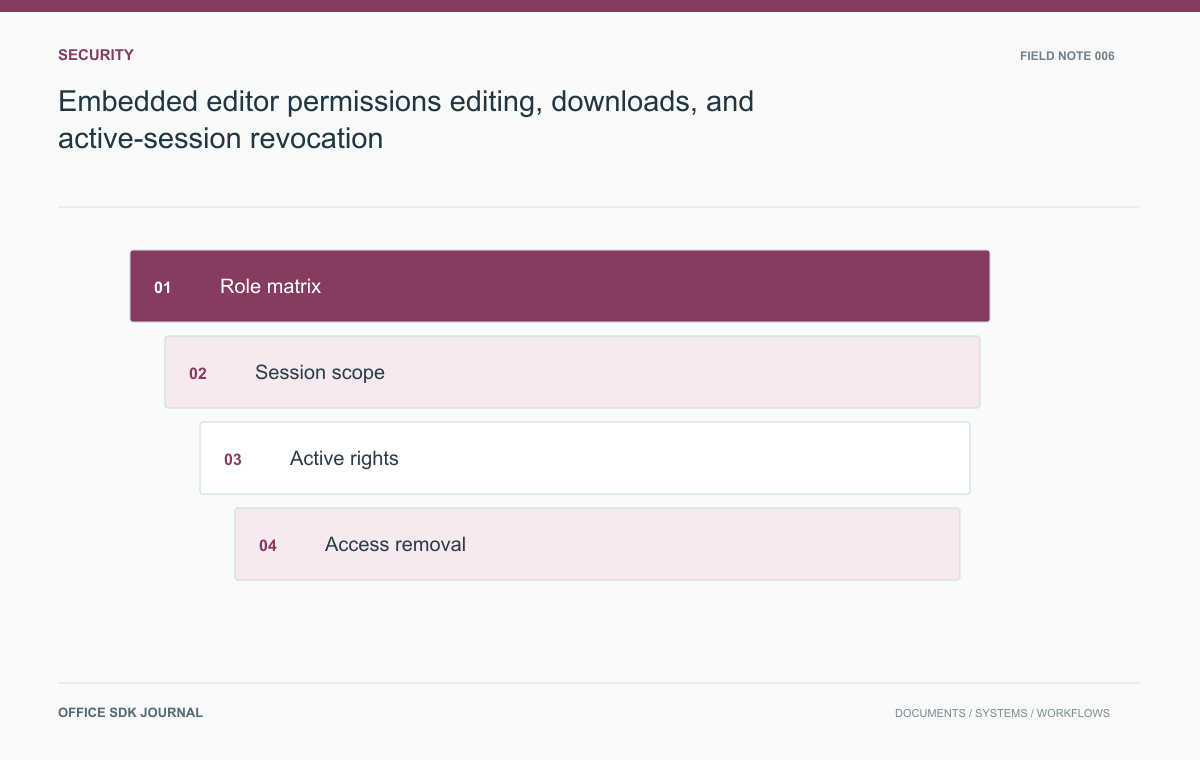
Embedded editor permissions: editing, downloads, and active-session revocation
Plan authorization checks for session creation, active editing, exports, and revocation across an embedded document workflow.
Read story