Document platform upgrades: when rollback requires restoring data
Identify schema changes, state compatibility, session handling, and validation gates before upgrading a document service.
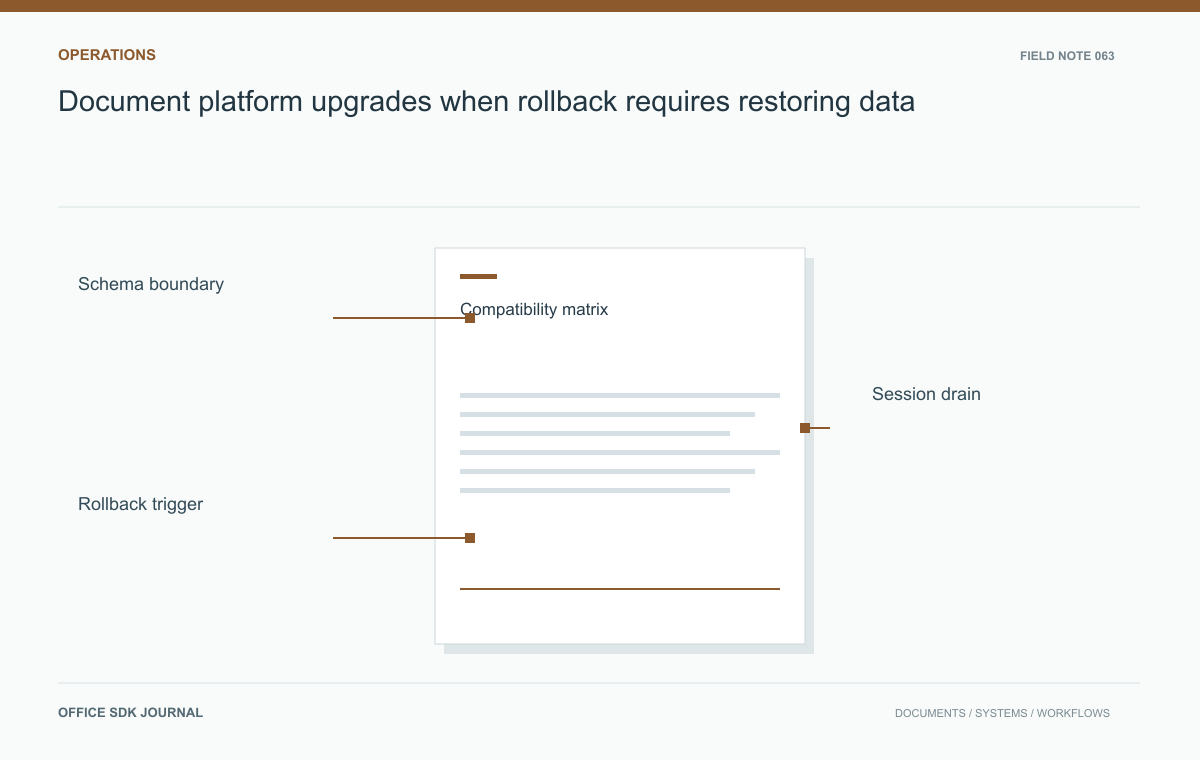
Before upgrading, identify schema migrations, state-format changes, dependency compatibility, and active-session behavior. Rehearse reversal after the new release has created state. Replacing an image can be simple; recovering documents may require a coordinated restore, explicit data-loss decisions, and business validation before reopening.
Read the complete change scope
Review release notes, supported upgrade paths, dependency versions, configuration changes, and migration guidance for the actual product. Include database, storage, identity, integrations, and conversion workers rather than focusing only on the web interface. Determine whether mixed versions are supported and whether old software can read state created by the new release. Do not assume rolling upgrades are safe because several replicas exist. Record every state transition that requires special recovery handling. The proposed deployment procedure should match documented support boundaries and explain which prerequisites must be completed before the maintenance window begins.

Prepare a representative rehearsal
Use an approved staging environment with the same topology and configuration assumptions as production. Restore sanitized representative data or an appropriate test collection, then perform the supported upgrade. Exercise source retrieval, editing, saving, export, identity, and selected version recovery. Measure migration duration and required free space. Rehearse the stated rollback or recovery procedure after new state has been created, not merely before any user activity. Keep backups and recovery credentials protected but accessible to authorized responders. A test that replaces a container successfully does not prove that business data remains recoverable.
Diagnose the reversal boundary
Ask what changed before choosing a recovery action. A bad environment variable, an incompatible dependency, and a database migration do not have the same reversal path. Use current vendor guidance for the installed versions and retain evidence of the change sequence.
| Changed state | Question before reversal |
|---|---|
| Service configuration | Can the last supported configuration be reapplied independently? |
| Application binary | Can the previous release read state created by the new release? |
| Database schema | Is reversal supported, or is a coordinated backup restore required? |
| New user edits | How will changes after the backup boundary be accounted for? |
These are decision questions, not a recommendation to reverse any particular migration. If restoring a backup would discard new work, the change lead needs a business decision and a clear communication plan. Do not discover this limitation while users continue saving into the new state.
Include a latest-safe-decision time in the runbook. A slow migration can consume the maintenance window without producing an obvious failure. That limit tells the team when to stop progressing and execute the agreed recovery procedure while responders and validators remain available.
Walk through a review window
A team has a shared report open just before maintenance. Define whether its sessions are drained, allowed to finish, or interrupted through a supported mechanism. Communicate the cutoff and verify that final changes reach durable storage. Upgrade the test service, reopen the report, make a prescribed edit, and inspect the saved artifact and permissions. Then simulate a failed conversion or an unexpected authorization result. Use those results to refine rollback triggers. This example forces the procedure to consider active work and downstream artifacts rather than treating a green startup check as sufficient success.

Define decisions inside the window
Name the change lead, business validator, and recovery authority. Set time limits and explicit conditions for proceeding, pausing, or restoring the earlier state. Include the consequences of restoring a backup after users have created new changes. Avoid promising instant rollback when schema or content compatibility requires a coordinated restore. Preserve logs and safe configuration evidence for diagnosis. After initial validation, monitor save failures, queues, and denied access against the prior baseline. Keep the change window open until agreed business checks pass, then document any accepted limitations and follow-up work.
Release decision
- Verify supported version paths and state compatibility.
- Rehearse upgrade and recovery with representative business data.
- Define active session handling and final save confirmation.
- Approve rollback triggers, time limits, and decision owners.
- Validate ordinary user work and downstream artifacts after deployment.
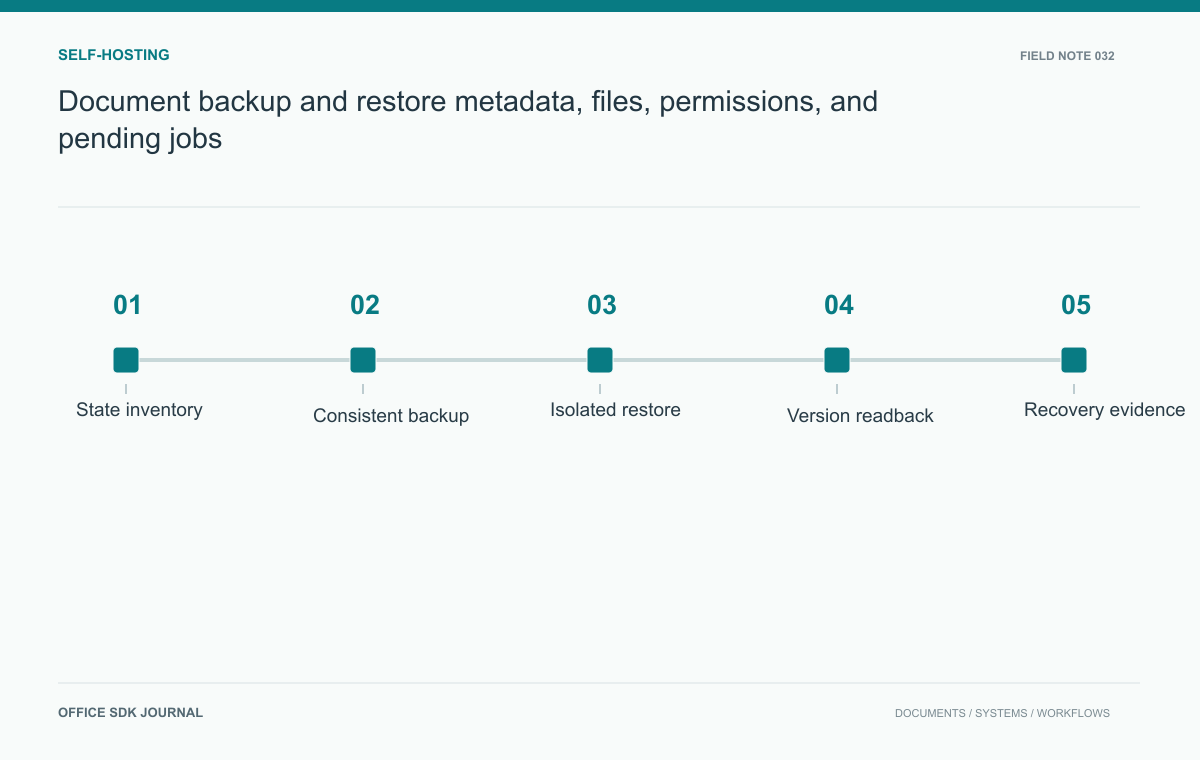
Document backup and restore: metadata, files, permissions, and pending jobs
Test recovery of metadata, stored bytes, versions, permissions, and integration mappings as one coherent document state.
Read story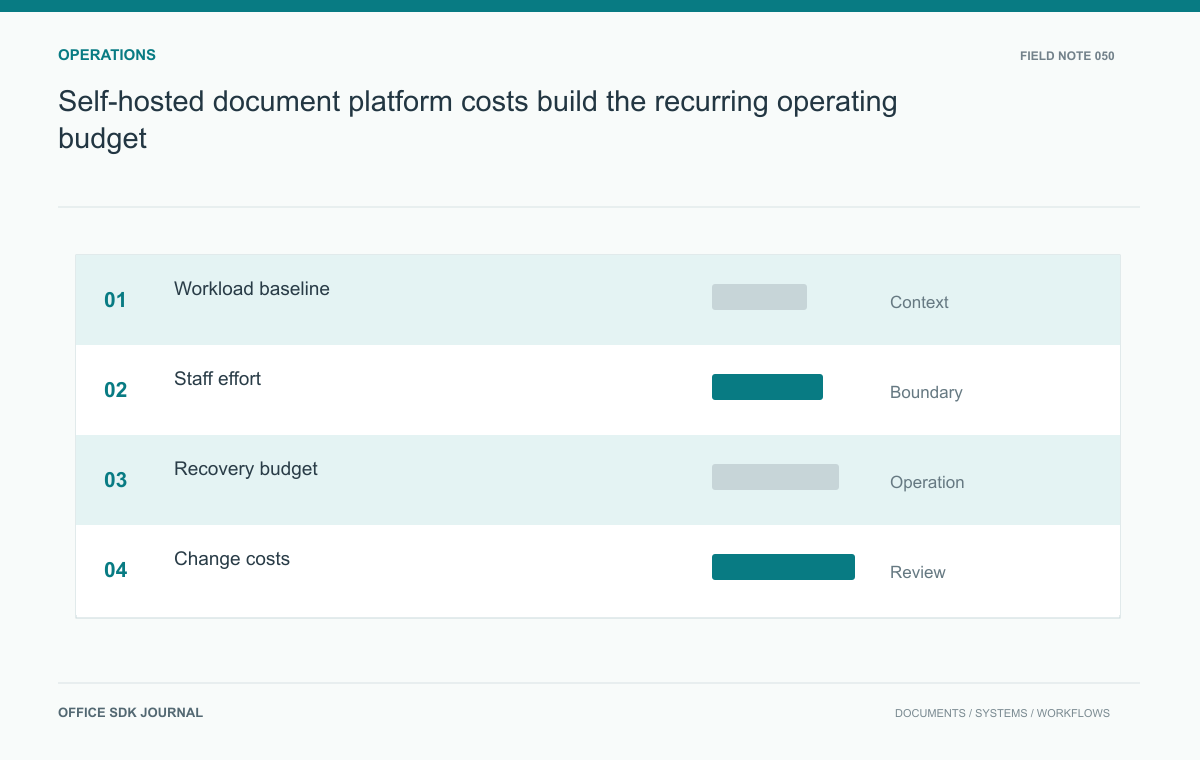
Self-hosted document platform costs: build the recurring operating budget
Estimate infrastructure and staff costs using workload, recovery obligations, support duties, and change frequency.
Read story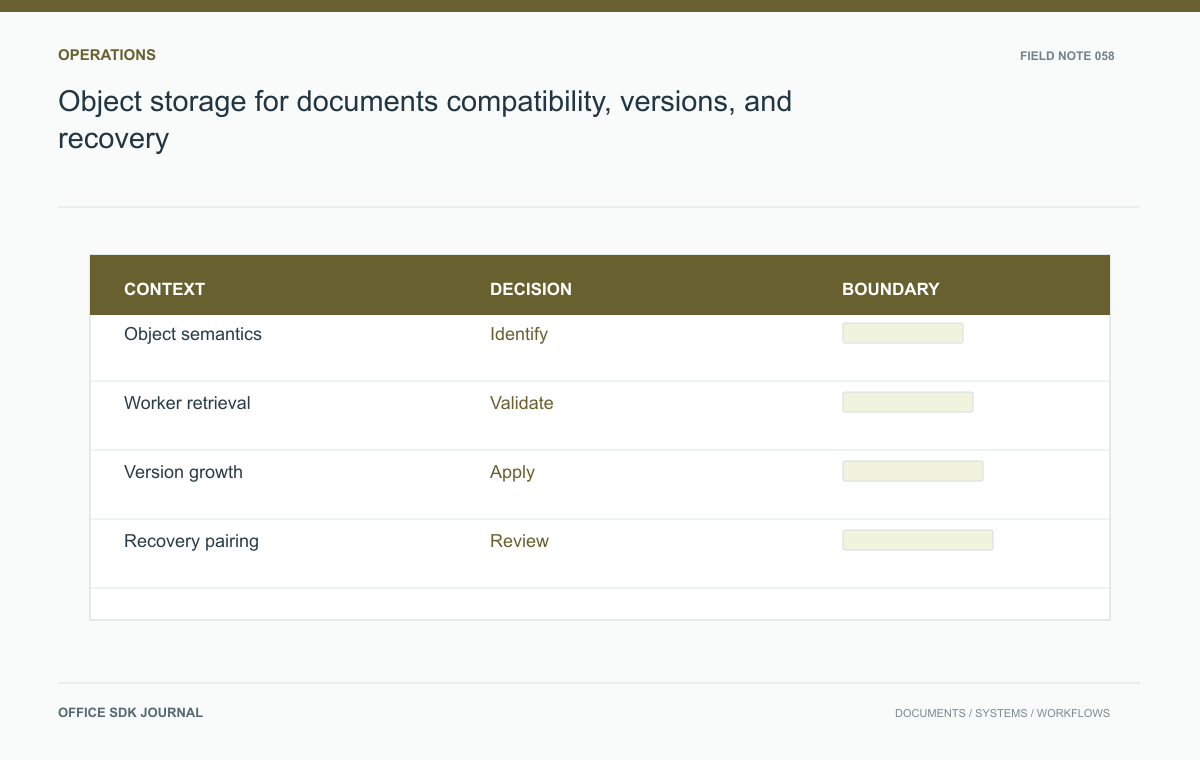
Object storage for documents: compatibility, versions, and recovery
Evaluate storage semantics, temporary access, version growth, recovery, and operational responsibility with real document paths.
Read story