Object storage for documents: compatibility, versions, and recovery
Evaluate storage semantics, temporary access, version growth, recovery, and operational responsibility with real document paths.
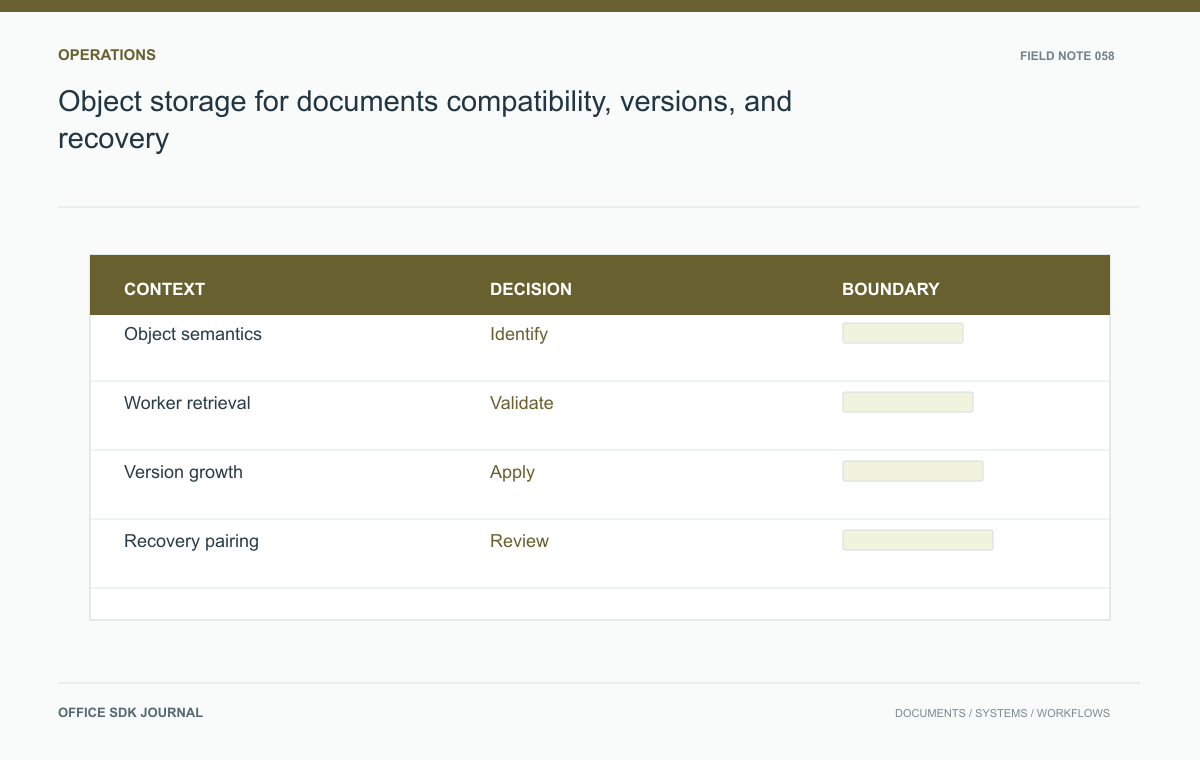
Choose document object storage by the application's actual operations and recovery needs, not capacity price alone. Verify retrieval from every real consumer, API semantics, version growth, object-to-metadata consistency, and lifecycle rules. Storage compatibility is a tested integration contract rather than a shared protocol label.
Specify the object contract
List operations the platform needs: upload, read, metadata inspection, listing, deletion, multipart transfer, and any conditional writes. Verify compatibility using the application's supported storage interface and the candidate's documented semantics. Similar API names do not guarantee identical error responses, limits, or consistency behavior. Choose immutable version keys where the application architecture supports them and keep the current version relationship in an authoritative record. Clarify how failed uploads and abandoned multipart operations are cleaned up. The storage owner and application owner should agree who investigates missing objects and which system determines whether a save is complete.

An object inventory should record its role
Distinguish current content, historical versions, generated previews, temporary conversions, and abandoned uploads. A lifecycle rule should act on an identified role and approved retention decision rather than assuming that every old object is obsolete.
| Object role | Before deletion, verify |
|---|---|
| Current version | No live document reference requires the bytes |
| Historical version | Version retention and preservation obligations permit disposal |
| Preview | It can be rebuilt or is no longer referenced |
| Temporary upload | The associated operation is abandoned under the cleanup policy |
Use the application's supported state model to establish these facts. Object age by itself is weak evidence: a years-old object can still be the current approved record, while yesterday's failed upload can be disposable after reconciliation.
During a restore rehearsal, sample every role that matters to users. Confirm that metadata resolves to the intended bytes and that previews reflect the restored version rather than a newer cached rendering. Keep storage and application administrators involved in the same test. They need a shared answer to whether a missing object is a storage failure, an incomplete publication, or a cleanup decision made from stale metadata.
Test access from real consumers
Document whether browsers, application servers, conversion workers, or editing services retrieve bytes. Test DNS, certificates, redirects, authorization, and transfer size from those exact network positions. When temporary links are used, verify expiry and retry behavior against storage documentation. Do not expose full signed URLs in routine logs. Include appropriate headers and cross origin configuration only where the actual client path requires them. A file opening in an administrator's browser proves little about a worker on a restricted subnet. Keep disposable objects for these checks so credentials and traces can be reviewed safely.
Model a revised report
A team saves ten revisions of a 12 megabyte report each working day. If the platform persists complete copies, the retained byte growth differs significantly from a system storing only changed content. Measure the selected implementation rather than assuming either pattern. Save a test report, replace it, restore an older revision, and export the current one. Verify which objects remain referenced and which become eligible for cleanup. Include previews, thumbnails, and temporary conversions in the inventory. This example connects retention policy to actual object growth and prevents a misleading estimate based only on current visible file size.
Pair recovery and lifecycle policy
Restore tests must preserve the relationship between storage objects and application metadata. Restoring one without the other can produce missing or incorrect document versions. Verify available storage protection features and their compatibility with deletion and preservation obligations. Apply lifecycle rules only after identifying object roles and retention requirements. An age based rule can delete a still current object if age is confused with business obsolescence. Test cleanup in a limited collection and retain evidence of eligibility decisions. Include network transfer, requests, replicated copies, and recovery operations when estimating cost for the complete deployment.

Storage acceptance
- Verify required operations and error semantics through the supported integration.
- Test retrieval from every real consumer network.
- Measure version, preview, and temporary object growth.
- Restore content together with its authoritative metadata.
- Validate lifecycle rules against current references and preservation requirements.
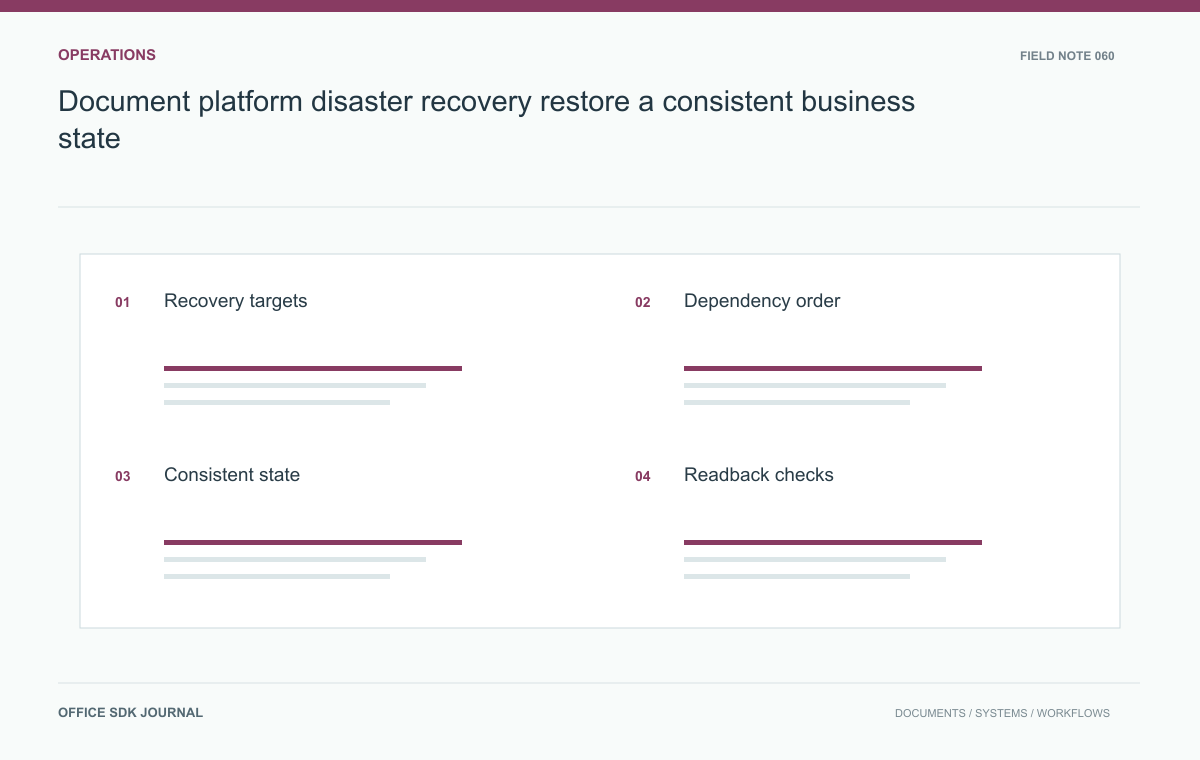
Document platform disaster recovery: restore a consistent business state
Build a disaster recovery procedure around content consistency, identity, dependencies, user readback, and controlled reopening.
Read story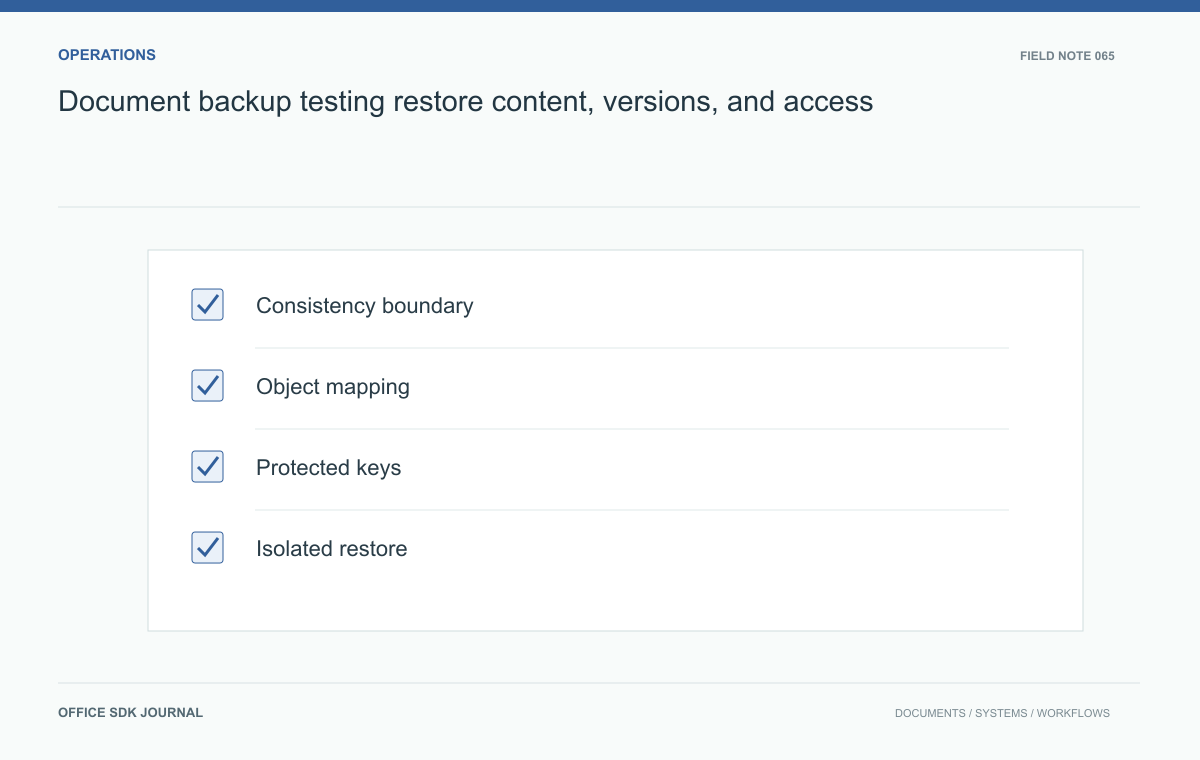
Document backup testing: restore content, versions, and access
Coordinate content, metadata, configuration, and keys, then verify ordinary user readback from an isolated restore.
Read story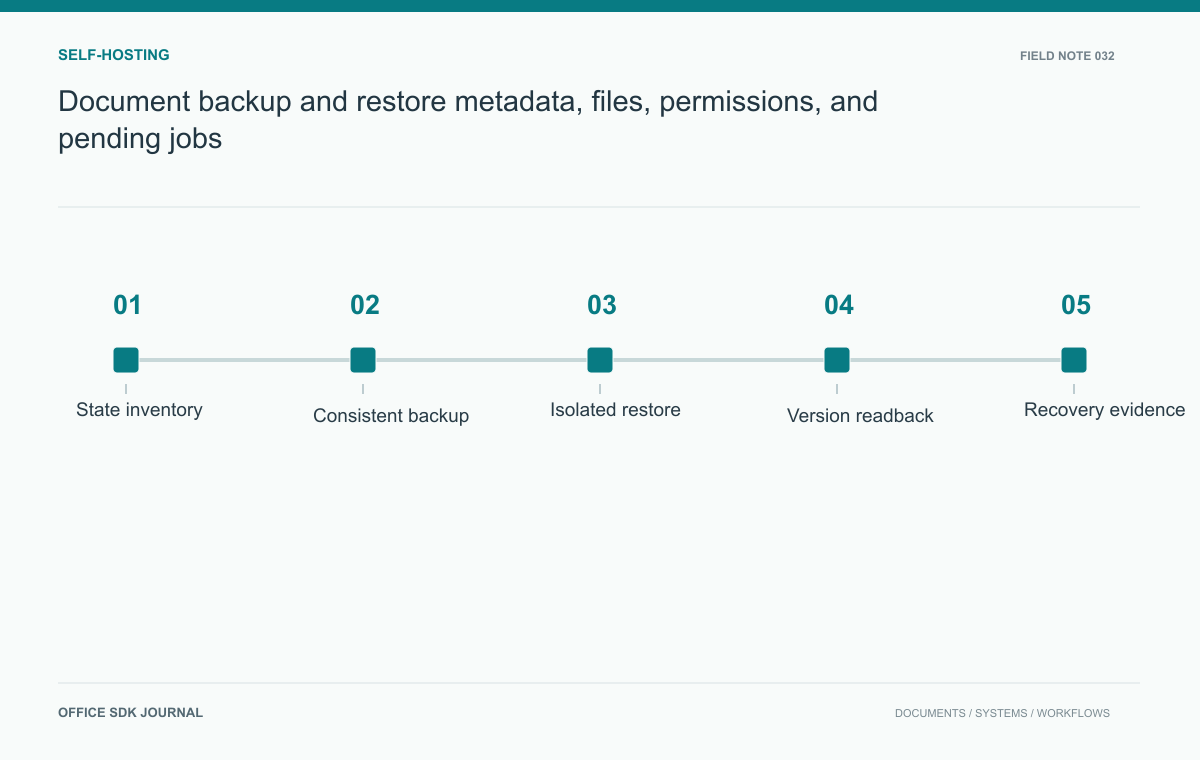
Document backup and restore: metadata, files, permissions, and pending jobs
Test recovery of metadata, stored bytes, versions, permissions, and integration mappings as one coherent document state.
Read story