Concurrent editor capacity: build a realistic load test
Plan capacity from active sessions, document behavior, opening bursts, conversion jobs, and degraded operation.
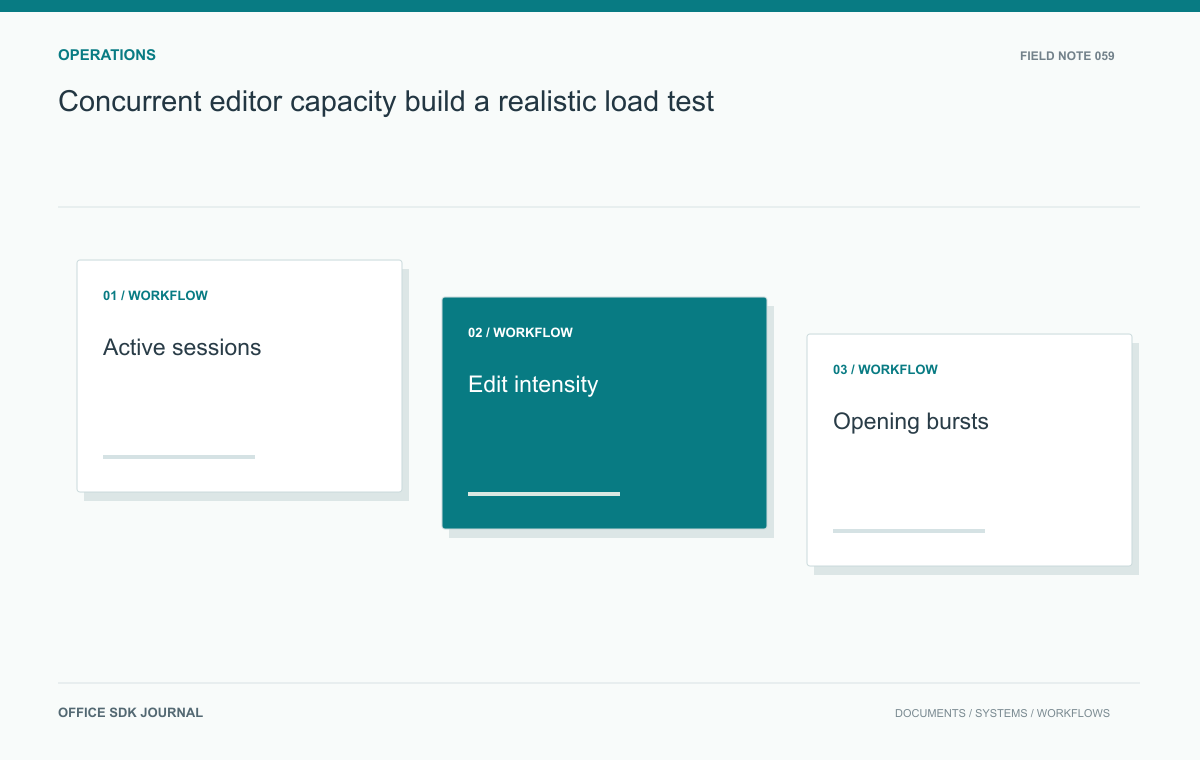
Define concurrent editor capacity in terms of connected sessions, active editing, shared documents, opening bursts, conversions, and durable saves. Test the representative mix against latency requirements and supported failure cases. A sessions-per-core figure without that workload context is not a dependable sizing result.
Define what concurrency means
Separate connected sessions, actively editing users, distinct open documents, and collaborators sharing one document. Record how the candidate system counts sessions for both operation and licensing, without assuming those definitions match. Measure session duration, active periods, reopening frequency, and viewing traffic during a pilot. Include browser reconnects and abandoned tabs. A hundred users on one shared report can have a different load profile from a hundred unrelated files. Keep the workload description with the measurements so later hardware changes or product upgrades can be evaluated against the same test rather than an ambiguous headline number.

Represent the expensive activities
Choose a realistic mix of document types and sizes, including calculation heavy spreadsheets and long reports where relevant. Measure first open, ordinary edit, save or export, and conversion as distinct activities. Include dependencies such as storage transfer, database writes, and identity checks. Verify that any load harness uses supported interfaces and does not merely keep empty connections alive. Define acceptable latency and durable completion before testing. Record resource consumption alongside user outcomes; low CPU is not reassuring if requests wait in a queue or saving fails behind another constrained service.
Publish the workload beside the result
A capacity result should be readable as an experiment definition. Include the product version and topology, test duration, document corpus, session behavior, arrival pattern, background work, and pass criteria. This makes the result reproducible when a later upgrade or workload change raises a sizing question.
arrival: planning meeting opens over 5 minutes
sessions: viewers and active editors recorded separately
corpus: reports plus shared calculation workbooks
background: normal conversion jobs continue
pass: agreed open latency and durable save completion
These are illustrative report fields, not measured limits. Replace the descriptions with the actual test data and thresholds. Record percentile latency or another approved summary alongside failures; an average can conceal a small group of users repeatedly waiting too long.
Observe what the harness truly does. Keeping sockets open is not equivalent to recalculating a workbook or importing a presentation. Conversely, an artificial script that submits edits much faster than humans may test a useful stress boundary without representing ordinary capacity. Label those cases separately. Use the business workload to decide the supported operating envelope and the stress test to understand saturation behavior, admission controls, and recovery after pressure subsides.
Simulate the morning planning burst
Suppose 120 staff join a planning meeting within five minutes, with most opening reports and 25 editing shared workbooks. Create a harmless corpus and reproduce that arrival pattern in an approved test environment. Add a normal background conversion workload instead of testing sessions in isolation. Observe opening latency, queue depth, save completion, and database or storage delay. Repeat at a modestly higher load to identify which limit approaches first. The figures are scenario inputs, not a sizing promise. Their value comes from resembling a real business event that the proposed service must handle.
Measure headroom and loss of capacity
Define growth and failure cases based on the deployment design. If the service is intended to tolerate a failed node, test the remaining supported configuration and confirm whether admission or queue controls keep it usable. Include the recovery period when sessions reconnect and workers resume accumulated jobs. Decide which activities may be delayed during saturation and which should receive explicit errors. Avoid claiming a universal sessions per core ratio from one document mix. Report a tested operating envelope with version, topology, workload, and latency boundaries so capacity decisions can be revisited when those assumptions change.

Capacity envelope
- Define session types, document mix, activity rate, and arrival pattern.
- Measure opening, editing, conversion, and durable save outcomes separately.
- Record the first limiting dependency and its observed saturation behavior.
- Test agreed growth and supported failure scenarios.
- Repeat focused measurements after material workload or topology changes.
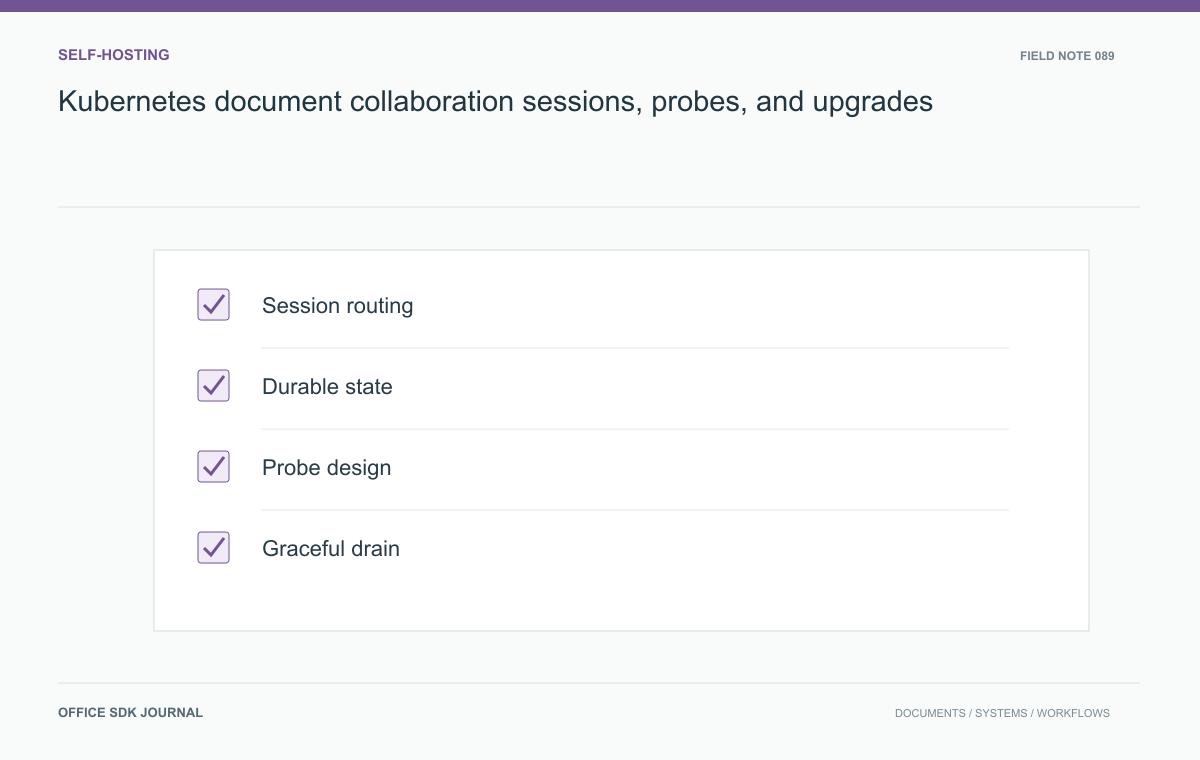
Kubernetes document collaboration: sessions, probes, and upgrades
Operate long-lived editing connections and conversion workers with supported topology, graceful drain, and meaningful checks.
Read story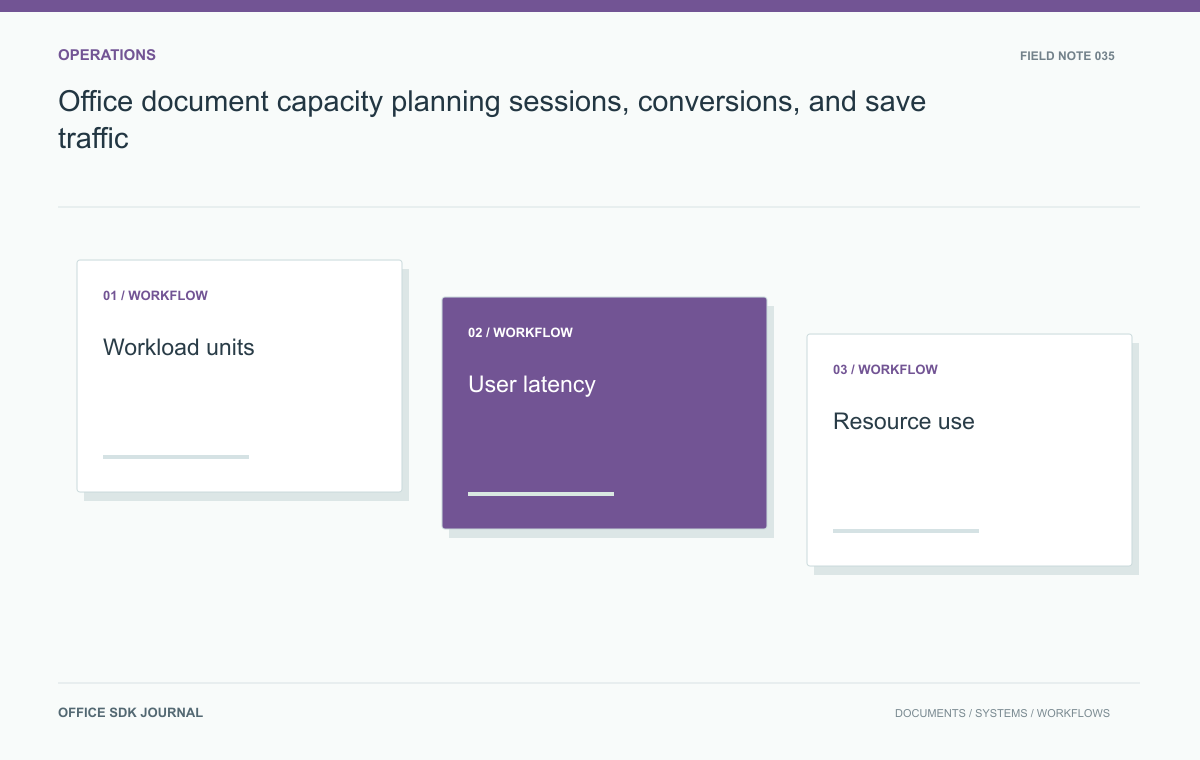
Office document capacity planning: sessions, conversions, and save traffic
Distinguish open sessions, requests, conversions, and save traffic so capacity estimates reflect the real document workload.
Read story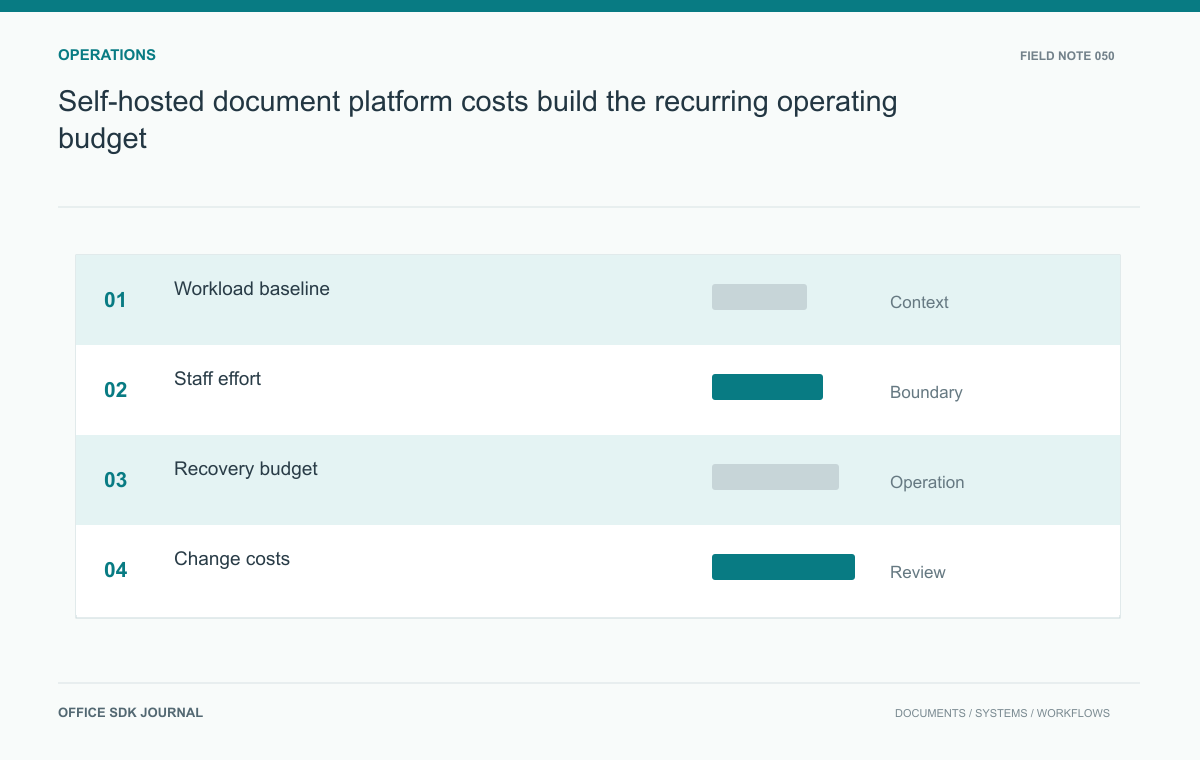
Self-hosted document platform costs: build the recurring operating budget
Estimate infrastructure and staff costs using workload, recovery obligations, support duties, and change frequency.
Read story