
Edit PowerPoint slides with your AI agent (.pptx)
Edit text and objects on a slide, check the speaker notes, then preview the presentation in Slide Show view.
Slide layouts and objects
- Use a consistent slide layout
- Use the colors and layouts in your template for the title slide, agenda, and the rest of the presentation.
- Add text boxes, pictures, and charts
- Build a slide with editable text, images, shapes, tables, and charts.
- Refine one object at a time
- Select a shape or text box to resize it or move it on the slide.
- Slide shows and speaker notes
- Review your slide show and prepare speaker notes for each slide.
- Check slide order in Slide Sorter view
- Check the slide order in Slide Sorter view, then return to Normal view to edit a slide.
- Turn a visual style into a template
- Explore creating a personal template from a visual reference, then using it with company material to build a deck.
- Refine text and diagrams in context
- Give your agent a precise selection and review its edits on the original slide before refining further.
- Set how your agent edits a presentation
- Choose Ask Every Time to review each suggestion or Always Apply to accept edits automatically in this presentation.
Edit one object on a PowerPoint slide
Update a conclusion on one slide and keep the deck’s layout and speaker notes intact.
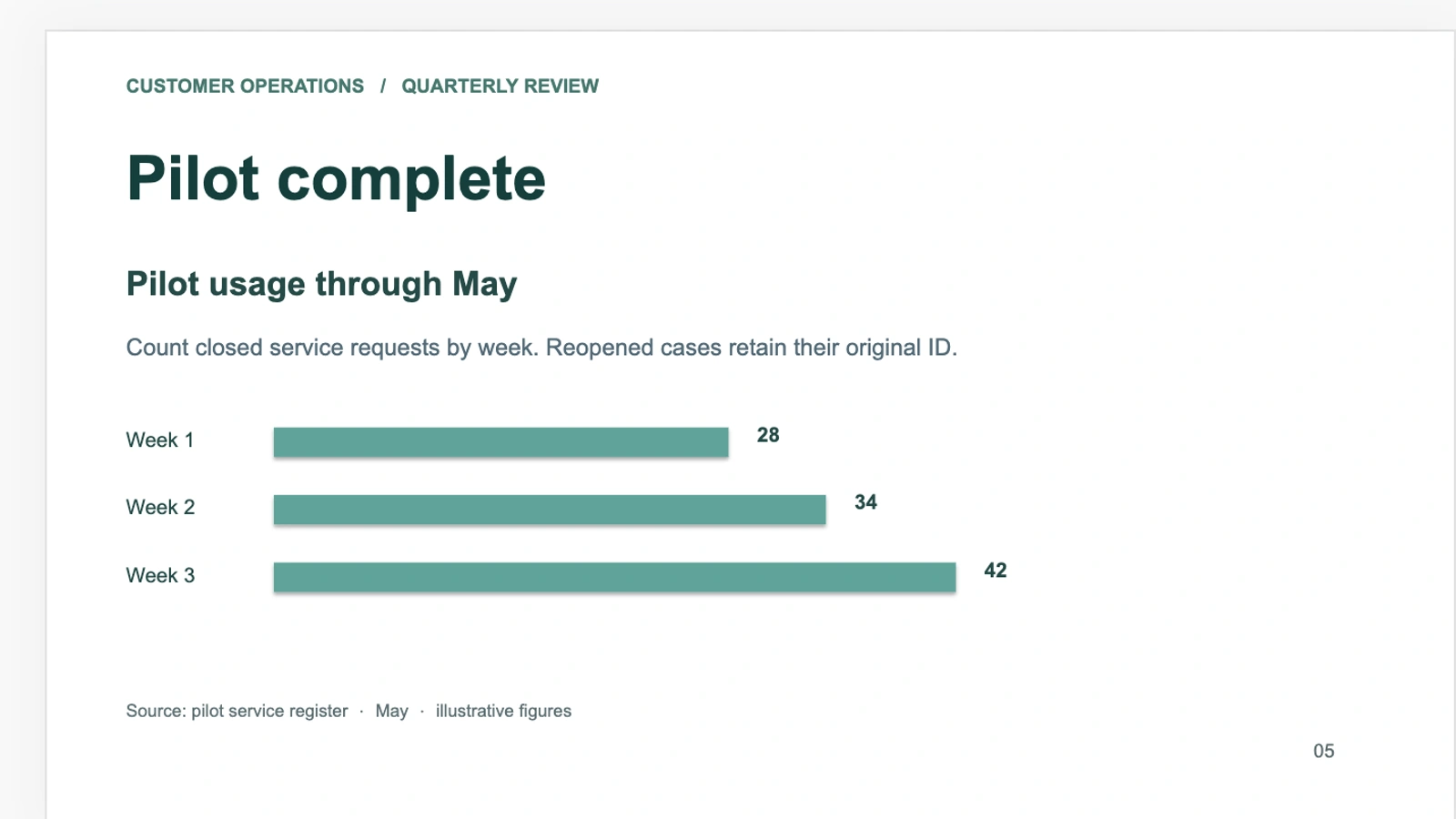
Read the slide at presentation size, then check its neighbors. Save the copy once heading levels, colors, and slide order are consistent.