
Edit one object on a PowerPoint slide
Update a conclusion on one slide and keep the deck’s layout and speaker notes intact.
Steps
- Find the slide in the thumbnail pane. Identify the text box or graphic you need by its position and content.
- Select the object and tell your agent what to change. For example, ask for a one-sentence conclusion that keeps the current font size and alignment.
- Check wrapping and spacing in Normal view. Read the speaker notes in the Notes pane and check that they match the revised conclusion.
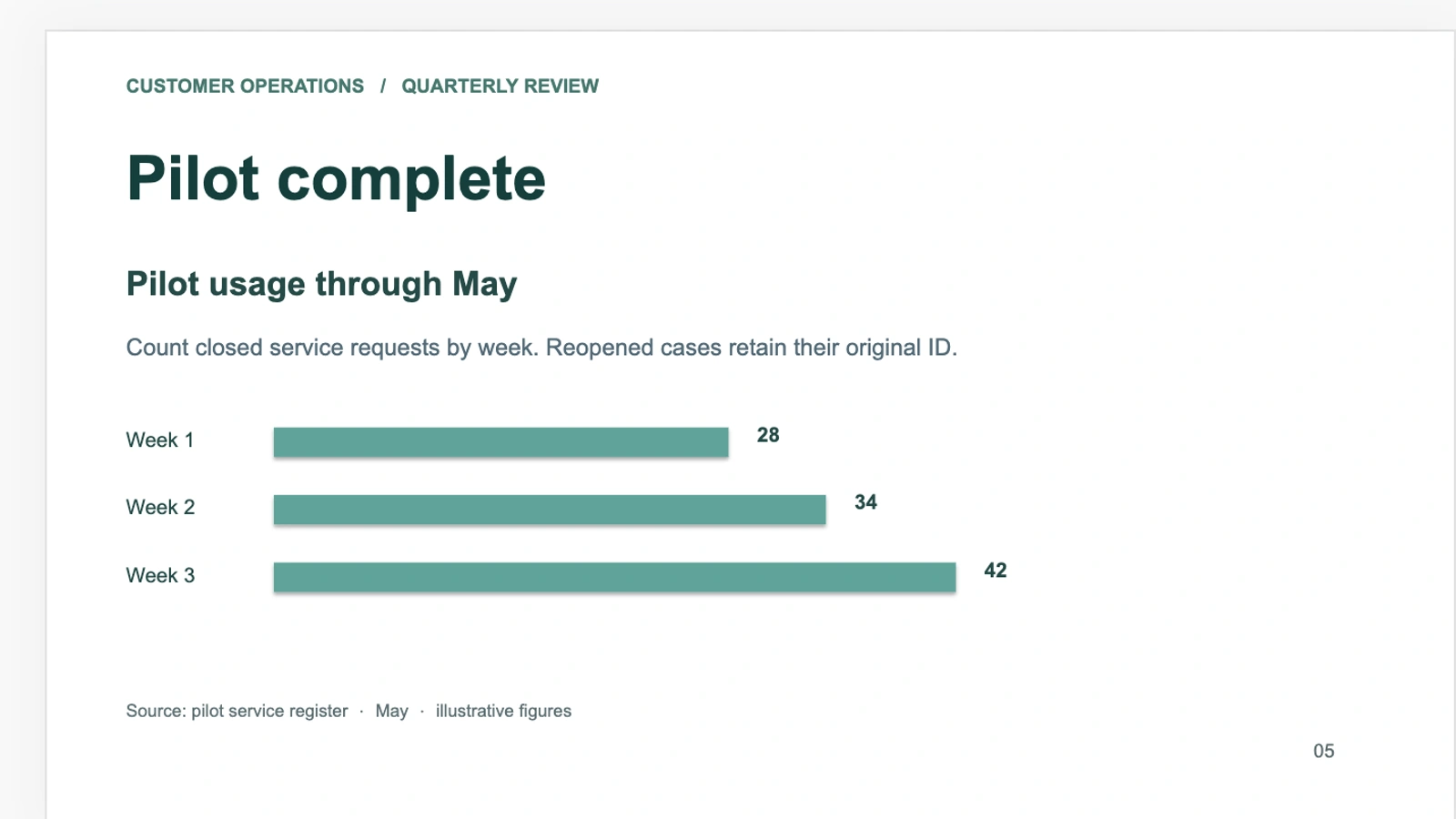
Check your result
Read the slide at presentation size, then check its neighbors. Save the copy once heading levels, colors, and slide order are consistent.
See the worked slide example