
How do I restore a Word paragraph my agent changed?
First check whether the change is still awaiting approval or is already in the document. The next step depends on that state.
Steps
- For a pending change, open the review marker beside the paragraph and read the selected passage in context. Choose Restore. Check the original wording in place before reviewing the other suggestions.
- If the change has already been applied and it was your last edit, use Undo once. Read the sentence again to confirm which edit was undone.
- If you’ve made other edits since then, save a separate copy of the current draft. Find the last agreed wording and replace just that passage. If you don’t have the original, confirm names, amounts, and dates with the author before rewriting them.
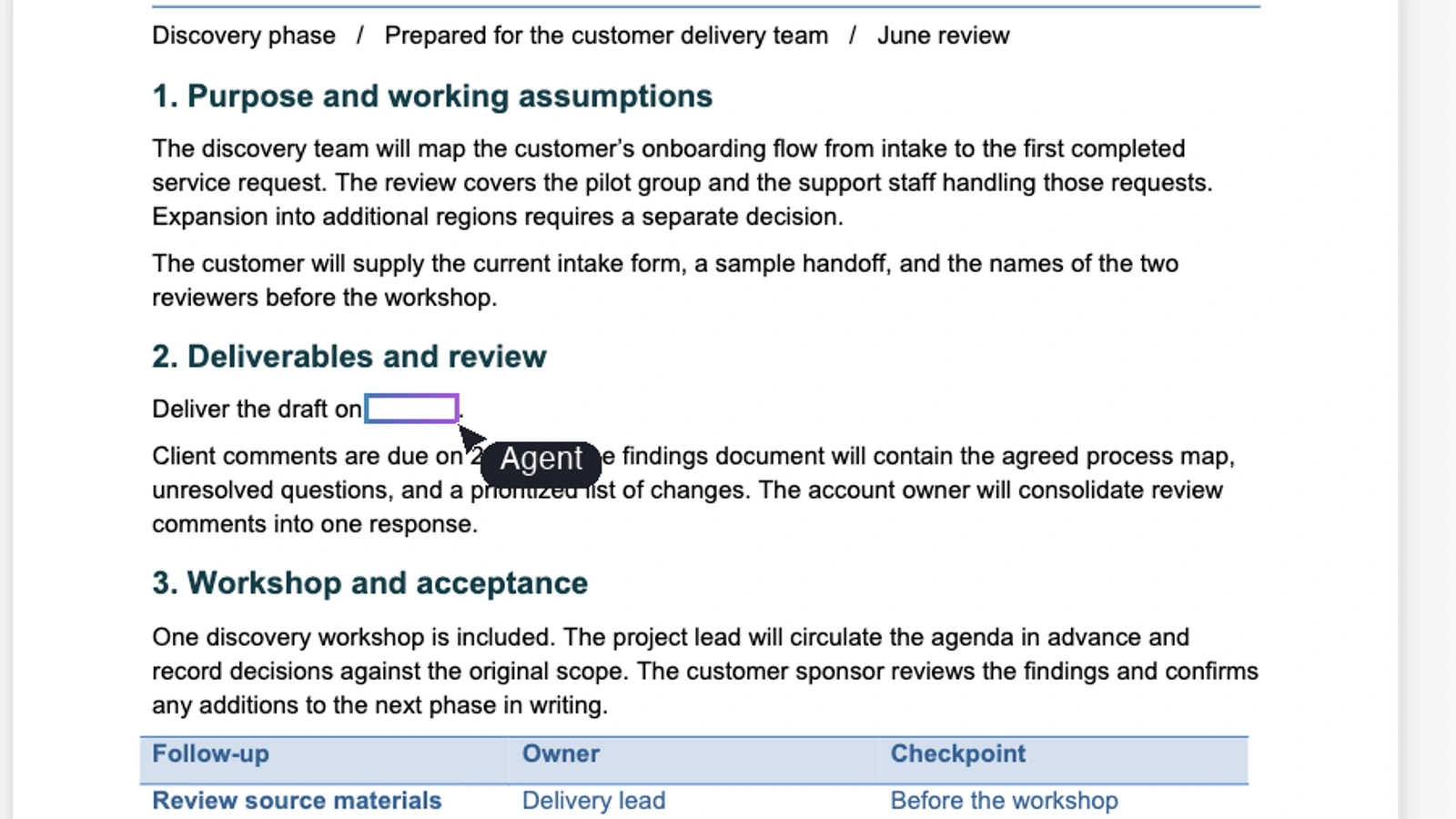
Check your result
Check the original sentence, the next paragraph’s numbering, and one later edit you intended to keep. Choose Ask Every Time for this file if you want to review the next change. Reopen the saved copy before handing it over.
Read the worked example of reviewing changes