Document text extraction: hidden content, formulas, and source locations
Set explicit extraction rules for visible text, comments, hidden sheets, formulas, images, and embedded objects.
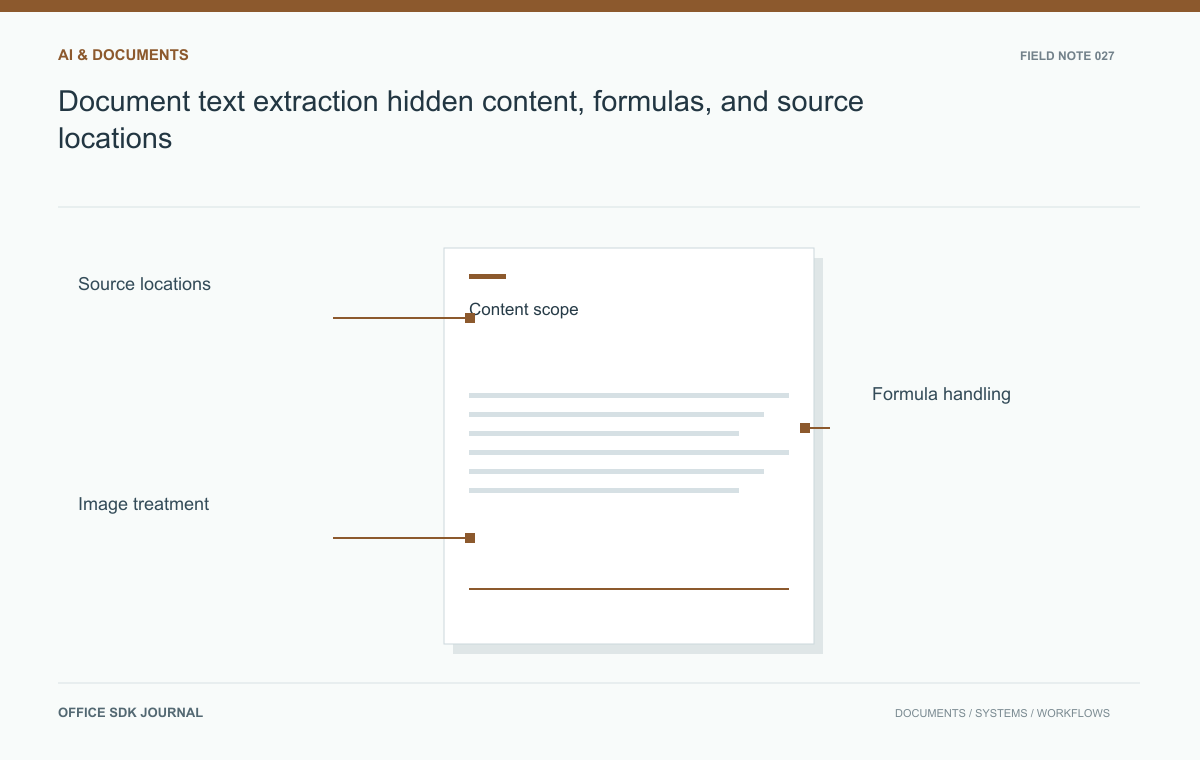
Define what extraction is allowed to include before indexing a document or sending it to an AI service. Visible text, comments, hidden sheets, formulas, cached values, OCR, and embedded files are different inputs. A parser's ability to return an element does not decide whether your workflow should expose it.
Define which document elements enter the output
List the elements the downstream workflow needs: body text, headings, tables, notes, comments, tracked changes, hidden worksheets, chart labels, image text, and embedded files. Decide inclusion separately for each category. A search index may need approved body content while an audit workflow may require review history. Do not infer visibility from parser output alone. A library that returns hidden text successfully has not decided that your application is authorized to disclose it. Keep extraction policy tied to the business purpose and the document's access rules.
| Element | Policy question |
|---|---|
| Tracked changes and comments | Should review history enter this task's search or model context? |
| Hidden worksheet | Is its content authorized for this particular extraction purpose? |
| Formula cell | Return the expression, cached result, or both with clear labels? |
| Image text | Is OCR supported, and how is uncertain text distinguished? |
| Embedded file | Should it be processed separately under its own limits? |
Save the extraction policy revision with the output. If a parser upgrade starts recognizing a previously ignored element, the policy should still govern whether it is included. Otherwise, an ordinary dependency update can broaden the data exposed to a search index without anyone reviewing the business decision.
Locations also need honest semantics. A workbook cell address can be stable within one source version but move after rows are inserted. A page number may depend on rendering rather than raw extraction. Bind references to the source version and use only the location types actually available. When downstream answers quote a passage, the user should be able to find that passage in the same version without guessing.

Preserve relationships and supported locations
Flattened text can lose relationships between a table header and its cells, a footnote and its reference, or a spreadsheet value and its formula. Retain structural information and source locations where the chosen parser supports them. Record the source document version, extraction tool version, and policy version with the result. These fields make later answers and indexing defects traceable. If exact page locations are unavailable or unstable, do not fabricate them; use supported section, sheet, or element references and explain the granularity available to downstream users.
Formulas, OCR, and embedded files need explicit treatment
A spreadsheet cell may contain a formula and a cached result, and those are not interchangeable. Decide whether downstream consumers need one, the other, or both, and identify potentially stale cached values. For image text, OCR introduces its own uncertainty and may not preserve reading order or mathematical notation. Label the extraction method and retain enough context for verification. Treat embedded objects and attachments as separate inputs with their own validation and authorization, rather than automatically expanding them into a larger unbounded extraction job.
Extraction acceptance conditions
- Declare inclusion rules for comments, revisions, hidden content, and embedded files.
- Retain source version and supported location references.
- Distinguish formulas, cached results, and OCR output.
- Apply size, recursion, and processing limits to complex documents.
- Recheck access permissions when serving extracted content or derived search results.

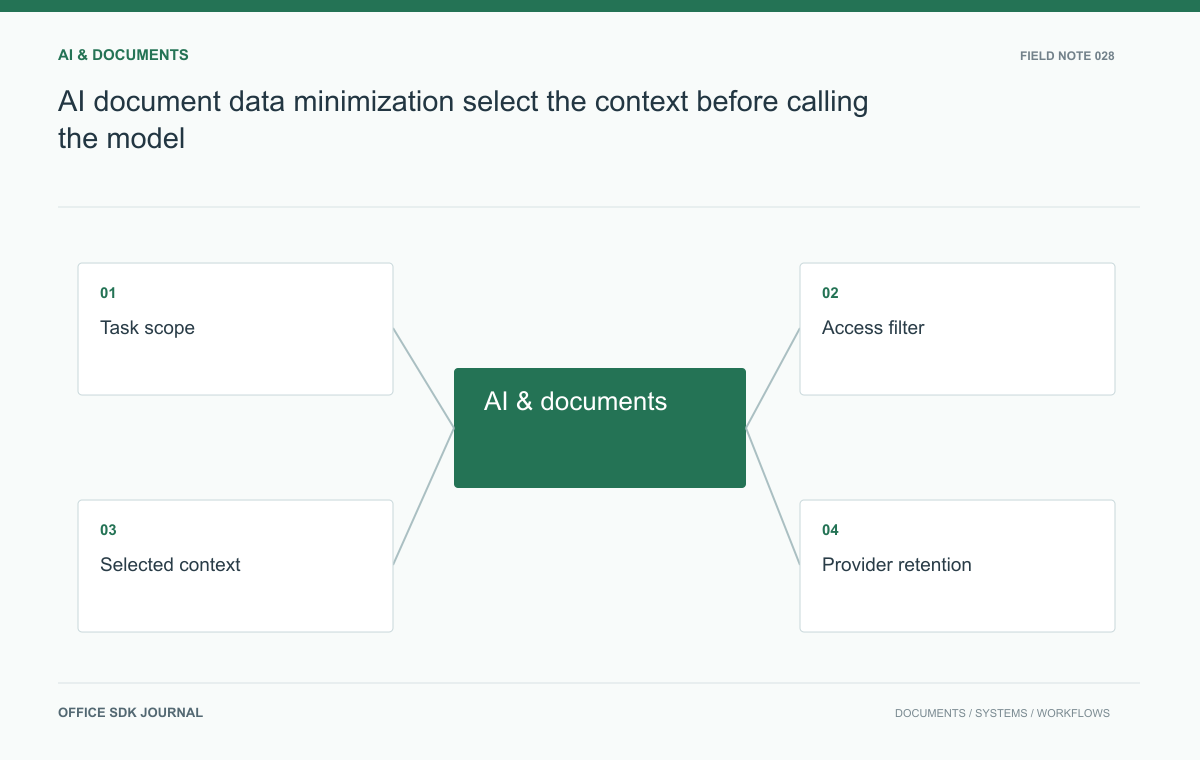
AI document data minimization: select the context before calling the model
Reduce unnecessary document exposure with task scoped selection, permission checks, and explicit handling of derived content.
Read story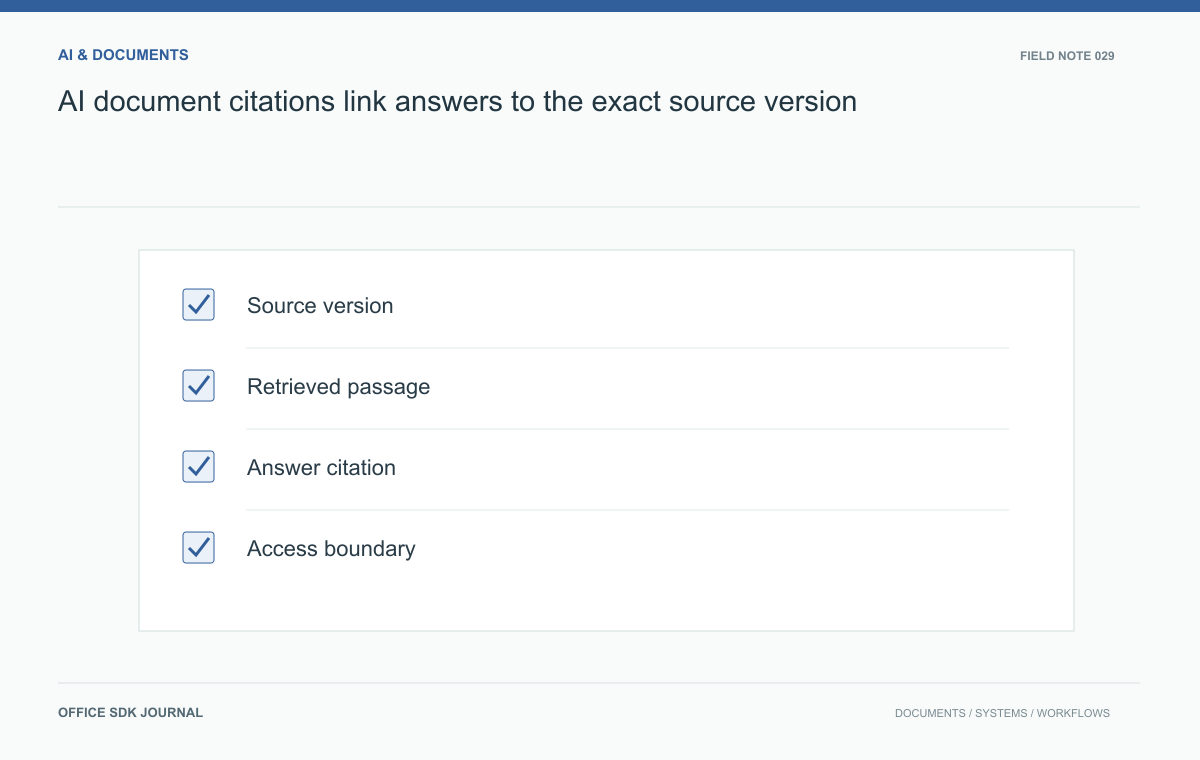
AI document citations: link answers to the exact source version
Attach useful provenance to generated answers so readers can inspect evidence, detect stale sources, and review uncertainty.
Read story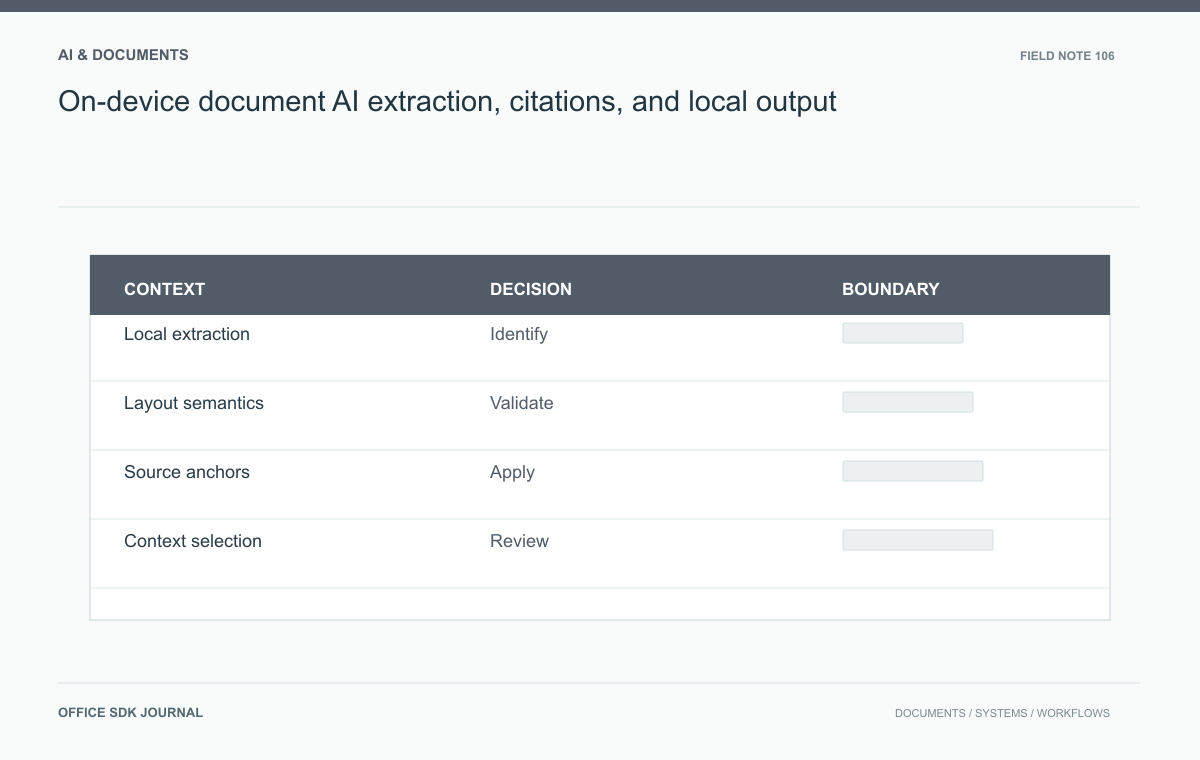
On-device document AI: extraction, citations, and local output
Preserve document meaning and evidence through local parsing, context selection, inference, and rendering.
Read story