Large Excel workbook testing: formulas matter more than megabytes
Build a workbook acceptance matrix that covers formulas, formatting, charts, and user tasks alongside byte size.
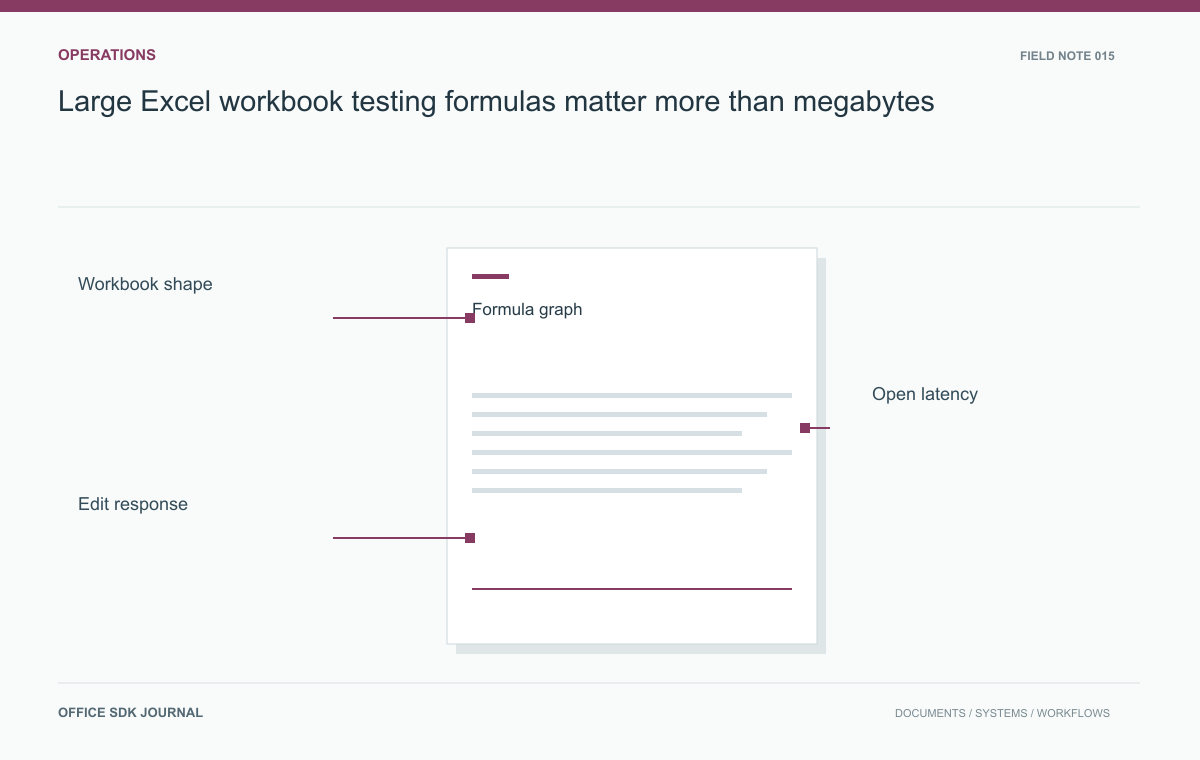
Test large workbooks by populated cells, formula dependencies, formatting, objects, and the tasks users perform. File size alone is a poor predictor of usability. Two similarly sized workbooks can place very different demands on initialization, recalculation, browser memory, and export.
Describe complexity before setting limits
Inventory worksheet count, populated cells, formula count and types, dependency depth, conditional formatting, named ranges, images, charts, and external links. Include sparse sheets whose used range extends far beyond visible data. Record features that the chosen engine does not support separately from performance concerns. A workbook that opens quickly but changes formula results has not passed. Use these dimensions to select representative files from the expected workload, with sensitive values replaced while preserving formulas, shape, and formatting patterns that influence processing cost.
| Fixture | What it isolates | Task to observe |
|---|---|---|
| Mostly static values | Data volume and navigation | Open a distant sheet and filter a range |
| Long formula chain | Dependency and recalculation behavior | Change an early input and verify the final total |
| Dense formatting | Style and rendering complexity | Scroll, edit, save, and compare output |
| Charts and images | Object loading and export | Inspect labels and export the agreed report |
Record an expected result for every timed task. A fast recalculation with the wrong total is a failure; an export that omits a chart is not a performance success. Separate unsupported functions from supported functions that process slowly, since the remediation differs.
Keep one fixture stable across upgrades and add real problem patterns as they emerge. Do not continually simplify the corpus until the system passes. If a workbook lies outside the accepted envelope, explain the restriction and the available workflow to its owner. The useful outcome is a documented range of supported work, not a headline maximum detached from formulas, client devices, or concurrent activity.

Measure opening, recalculation, and saving separately
Separate upload, source retrieval, initialization, first useful display, recalculation, editing response, saving, and export. Report each stage with its environment and concurrency conditions. A loading spinner disappearing is not necessarily equivalent to the workbook becoming usable. Define a small set of tasks such as opening a target sheet, editing an input, observing dependent totals, filtering rows, and exporting the result. Capture failures and incorrect results alongside duration, because successful timing samples alone can hide the most expensive or least reliable documents in the corpus.
Fix the environment and distinguish cold opens
Record browser version, client memory, network conditions, worker resources, and any caches that influence the run. Distinguish a first open from a repeated open. Run the same fixture at the intended concurrent load rather than extrapolating from one isolated user. Observe both client and service resource use when possible. Avoid assigning a universal capacity number from a single workbook; publish the tested workload profile and operating conditions. Repeat only the cases affected by a configuration change, while retaining a small stable set for regression comparison.
Follow a planning input through its formula chain
Build a synthetic planning workbook where several input sheets feed monthly summaries and a final dashboard. Include realistic formula chains and formatting, but no confidential financial data. Change an input near the beginning of the chain, verify the final total, then save and reopen. Compare this with a similarly sized workbook containing mostly static values. The contrast shows why byte size alone is inadequate. If a feature is unsupported, classify that limitation directly instead of interpreting the failure as insufficient server memory.

Agree on the supported operating envelope
- Define supported workbook patterns and known unsupported features.
- Agree on acceptable times for first display, common edits, and durable save.
- Verify formula results after editing and after export.
- Document the tested concurrency and client device profile.
- Provide a clear recovery or alternative workflow when a workbook exceeds the accepted envelope.
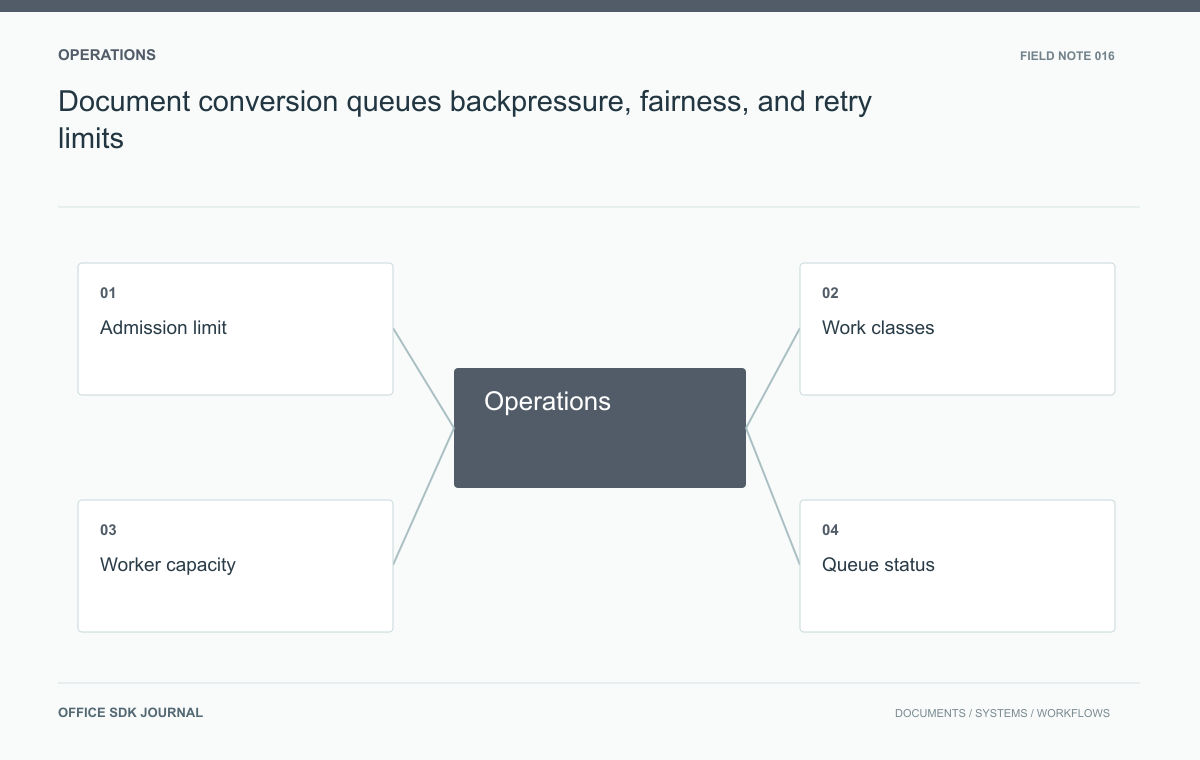
Document conversion queues: backpressure, fairness, and retry limits
Use admission limits, fair scheduling, and visible queue states to preserve predictable conversion behavior under bursts.
Read story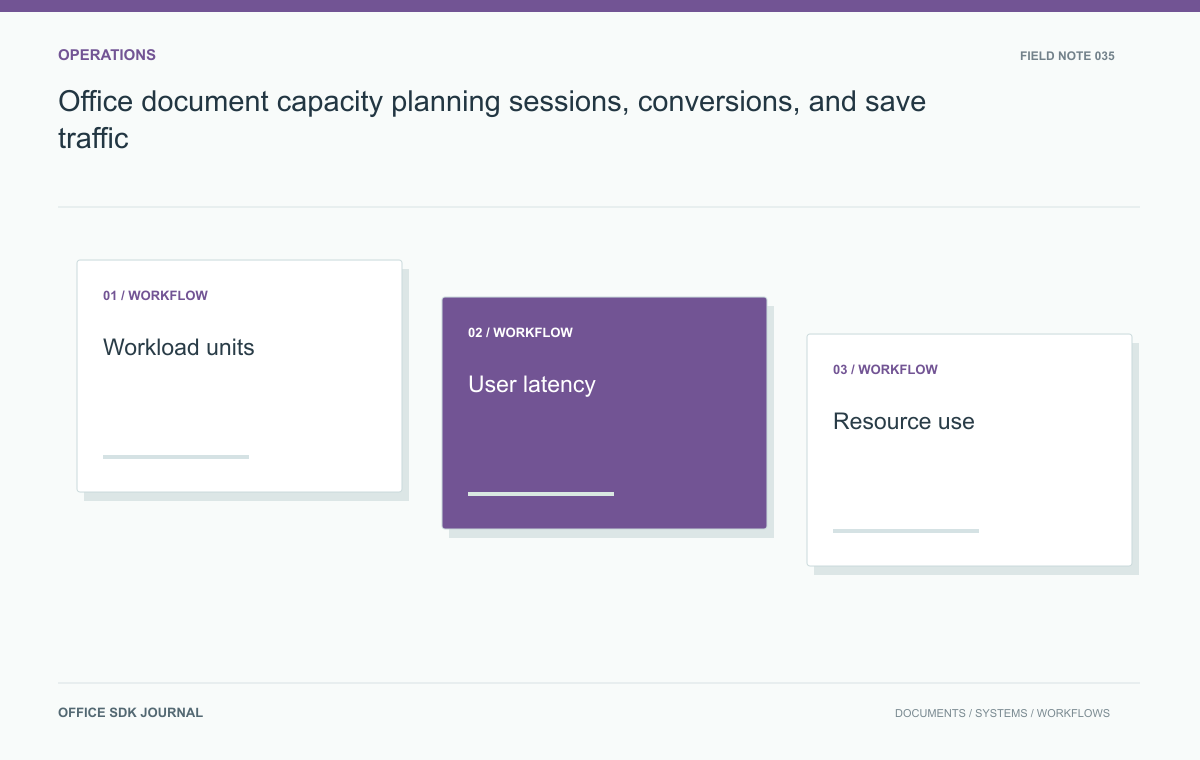
Office document capacity planning: sessions, conversions, and save traffic
Distinguish open sessions, requests, conversions, and save traffic so capacity estimates reflect the real document workload.
Read story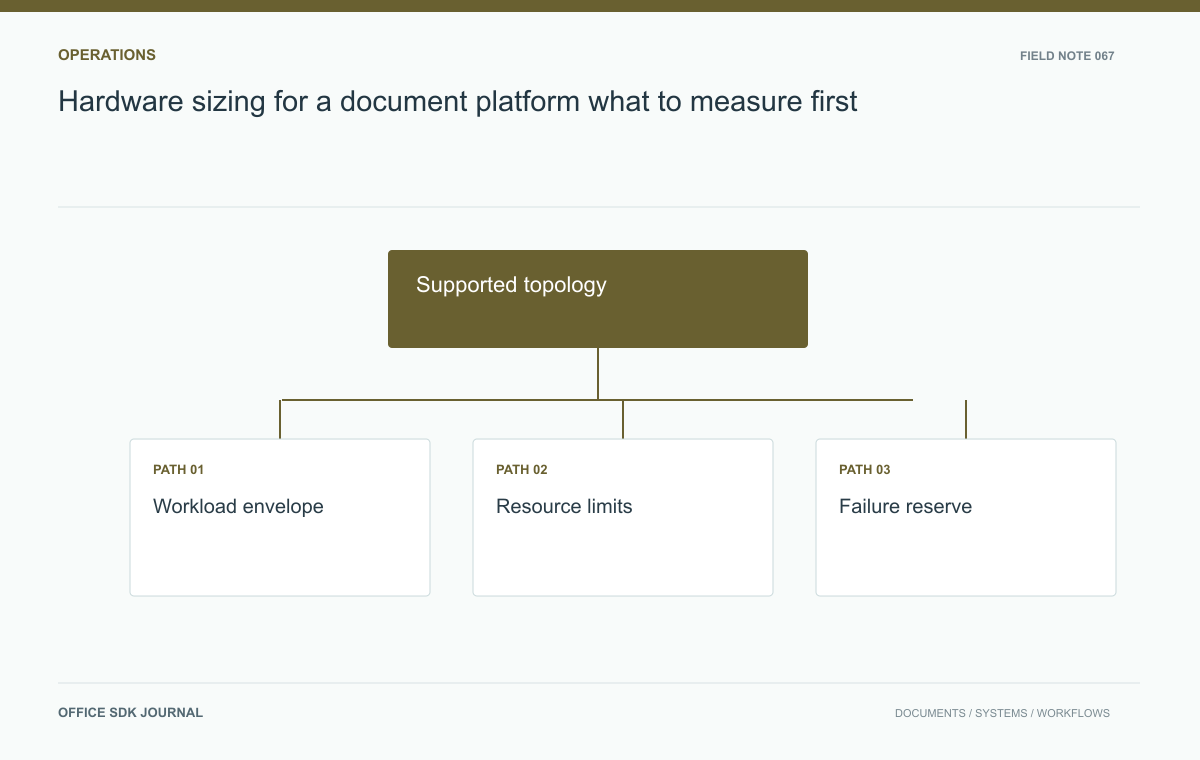
Hardware sizing for a document platform: what to measure first
Translate representative editing, conversion, storage, and failure scenarios into defensible hardware requirements.
Read story