Office SDK proof of concept: choose files and pass criteria before the demo
Choose realistic files, user tasks, and acceptance criteria before a pilot so results support an actual deployment decision.
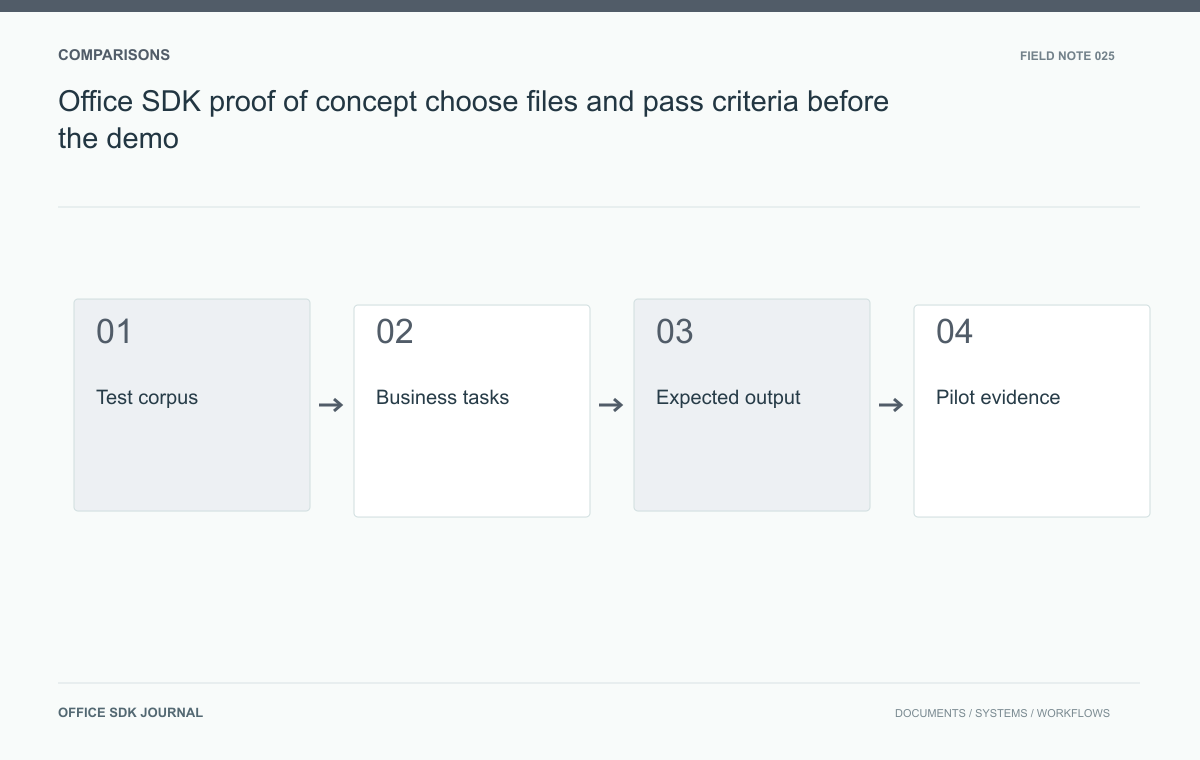
A useful Office SDK proof of concept answers whether the proposed workflow works for your documents, users, and environment. Select a representative corpus and define pass criteria before the demonstration. Include correctness, permissions, recovery, and operating conditions alongside visible editing features.
Choose a corpus that represents work and risk
Include common documents, high value documents, and known difficult examples. Cover the formats and features that users actually depend on: long tables, formulas, charts, presentations, multilingual text, and large or unusual files where relevant. Record why each fixture is included. Sanitize confidential content while retaining structure and rendering characteristics. Avoid selecting only the easiest files supplied for a demonstration, or only pathological edge cases that do not represent normal work. A balanced corpus supports both everyday usability decisions and explicit handling of important exceptions.

Write pass criteria with named evidence
For each fixture, specify actions such as first open, preview, edit, save, reopen, export, and permission revocation. State what a pass means in observable terms. Examples include a named total remaining correct, an approval snapshot retaining its version, or a revoked user being unable to create a new session. Set performance expectations with the intended environment and concurrency rather than using unexplained universal thresholds. Where a requirement is negotiable, define the acceptable workaround before testing so decisions do not shift simply to match the observed result.
| Requirement | Evidence to retain | Decision category |
|---|---|---|
| Critical formula survives editing | Fixture, expected value, reopened result | Pass or content defect |
| Restricted reviewer cannot edit | Role setup and direct-operation results | Pass or authorization gap |
| Source fetch recovers after failure | Operation trace and successful retry | Pass or implementation work |
| Required feature is unavailable | Documented capability boundary | Scope change, workaround, or rejection |
Agree which requirements are mandatory and who can accept a limitation. Otherwise, a good-looking demonstration can gradually redefine success while the original business need disappears. Conversely, a missing configuration should not be reported as a permanent product limitation before the supported setup is checked.
For comparisons, use equivalent source files and tasks while allowing each product's documented workflow. Record configuration differences instead of forcing every product through an invented common API. Keep findings tied to the tested version and deployment. A pilot result supports that decision context; it should not become an unqualified statement about every format, every document, or every later release.
Separate product limits from unfinished integration
A feature may be supported by a product but not yet configured in the pilot. Another may be unavailable regardless of integration effort. Mark these cases differently. Link each result to documentation, observed behavior, or a remaining question, and avoid presenting a planned workaround as an existing capability. Record product versions, deployment options, and enabled settings. This separation makes comparisons fair and helps the implementation team estimate remaining work without mistaking an attractive demonstration screen for a completed business workflow.
Run procurement work across several document types
Use a synthetic purchase request, its budget workbook, and a review presentation. Have a requester create the files, a reviewer inspect a fixed version, and an administrator revoke access after the exercise. Export the agreed artifacts and verify their content against the reference. Introduce one failed source retrieval and confirm that support can locate the operation. This scenario tests a connected outcome rather than isolated feature buttons. Keep the script repeatable so competing configurations or later versions can be evaluated under equivalent conditions.

Make the deployment decision from the findings
- List passed, failed, blocked, and untested requirements separately.
- Attach source versions, environment details, and evidence for critical findings.
- Assign an owner and acceptance condition to every required remediation.
- Document supported workarounds and their user impact.
- State the deployment decision and the conditions that could change it.
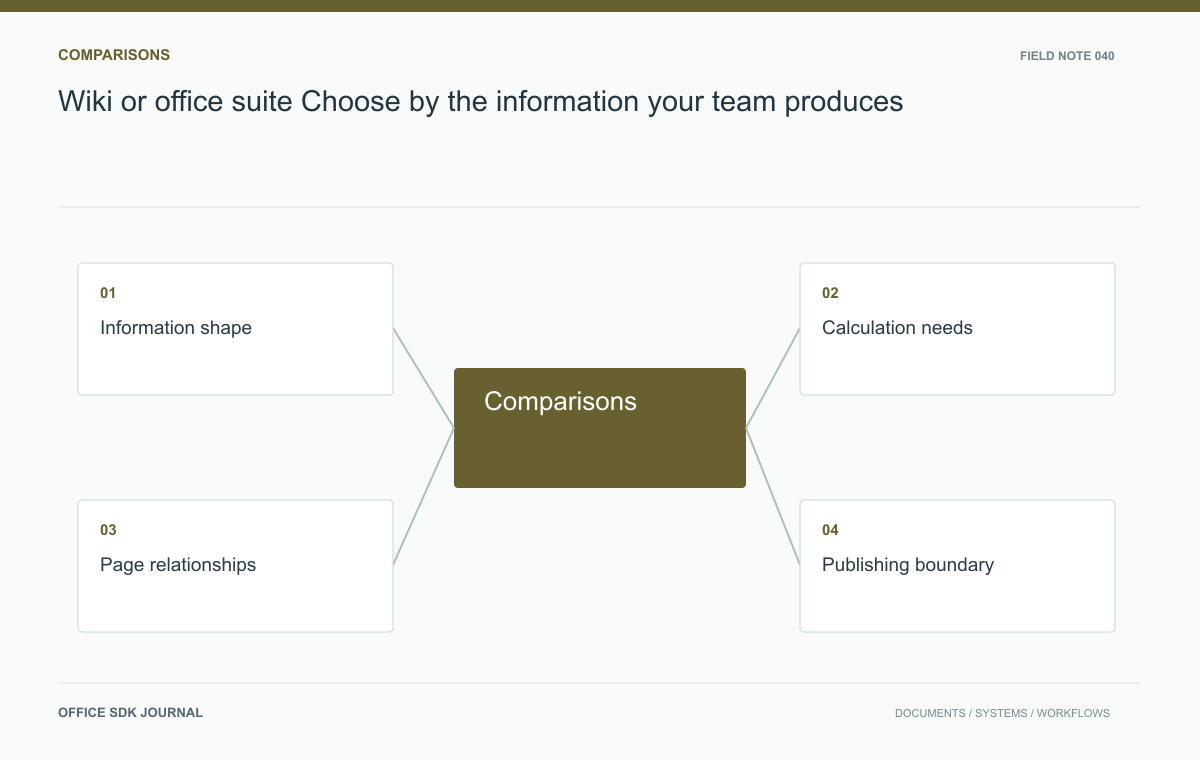
Wiki or office suite? Choose by the information your team produces
Compare evolving knowledge pages and structured office files using actual authoring and publishing tasks.
Read story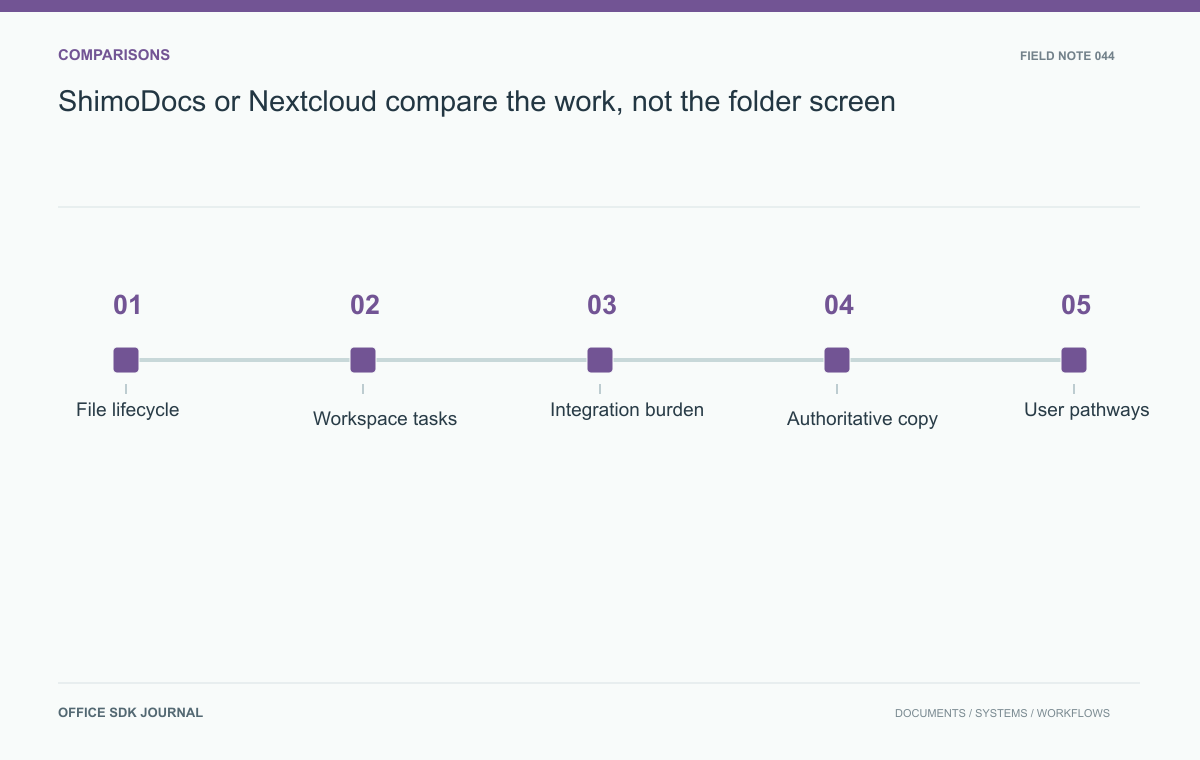
ShimoDocs or Nextcloud: compare the work, not the folder screen
Compare platform fit through file lifecycle, collaborative tasks, integration ownership, and operating effort.
Read story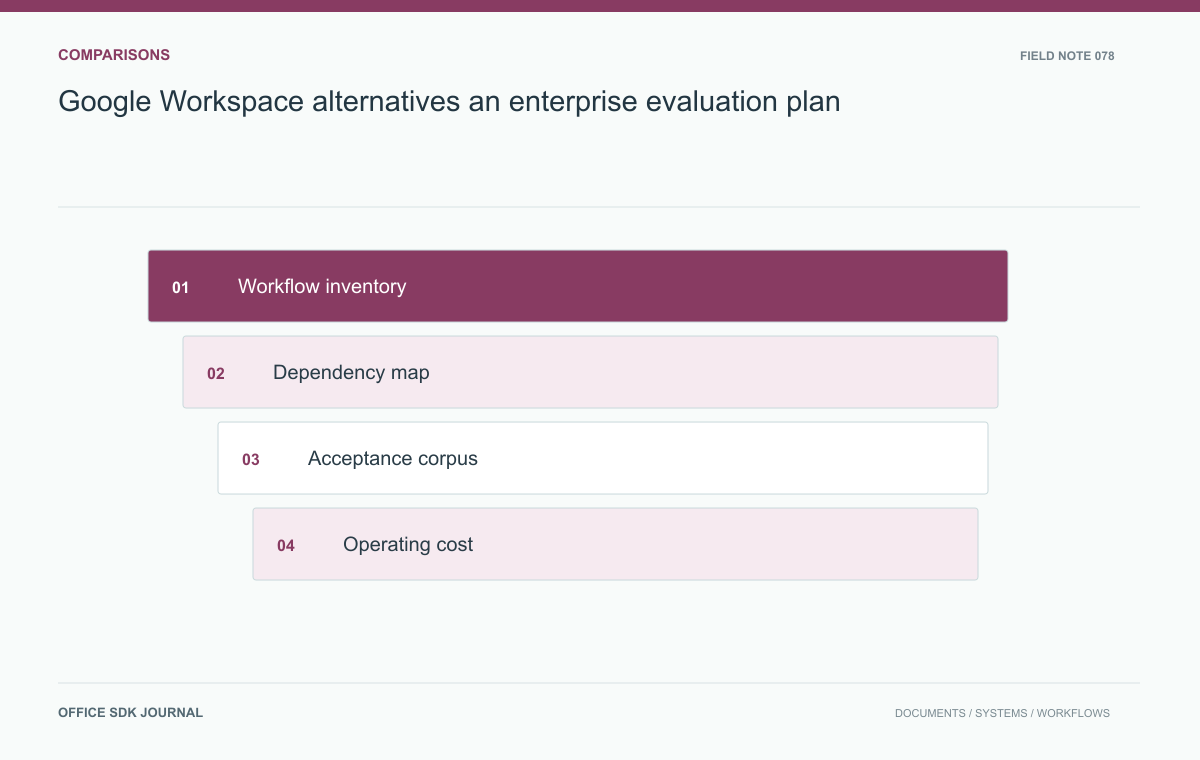
Google Workspace alternatives: an enterprise evaluation plan
Test complete work and dependencies before selecting a replacement for enterprise workspace services.
Read story