Rolling out an embedded editor safely: cohorts, release gates, and rollback
Release to defined cohorts, observe content and save behavior, and prepare a rollback that respects documents already changed.
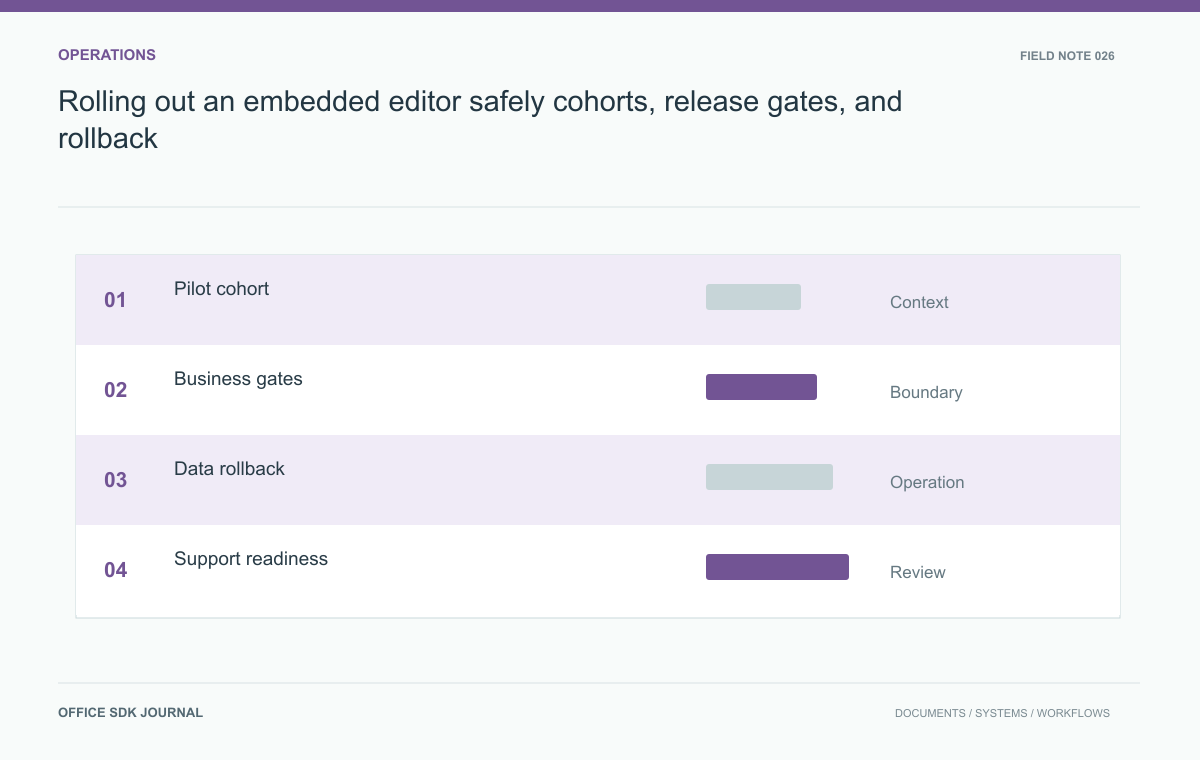
Release to a defined cohort, verify opening and durable-save behavior, and expand only after the agreed gates pass. Plan rollback for the documents already created or changed, not just the UI flag. Pending jobs and new storage representations can survive an interface rollback and still affect users.
Select a cohort with representative documents
Begin with a small group whose document types and workflows reflect the intended deployment. Include operational support and document owners who can report meaningful differences. Avoid a pilot made entirely of administrators using simple files. Define cohort membership explicitly and keep the routing stable enough that the same document does not alternate unpredictably between incompatible workflows. If routing is by tenant, folder, or document type, test the boundary conditions and explain them to users. A feature flag is useful only when its scope and consequences are understood.

Use outcome gates before expanding
Monitor opening success, time to useful display, save convergence, export correctness, permission failures, and support incidents. Use the accepted corpus and a small set of real workflow observations to complement aggregate metrics. A low error rate can hide one high impact document family that cannot be processed. Define pause criteria before expanding the cohort, and identify who owns the decision. Expansion should follow evidence that the current phase meets its requirements, not merely the absence of complaints during a short observation period with little actual usage.
- Identify cohort scope, document coverage, and an accountable release owner.
- Review correctness and save outcomes alongside latency and availability.
- Confirm support staff can correlate incidents and recover affected documents.
- Rehearse rollback with newly created content and pending jobs.
- Document unresolved limitations before expanding to the next cohort.
Rollback includes content and pending work
Disabling a new interface does not automatically convert its saved content back to the old workflow. Identify which objects, metadata, and versions the new path creates and whether the previous path can read them. Preserve a supported export or recovery route where needed. Drain or cancel background jobs carefully so a delayed save cannot publish after routing changes. Record the rollback point and verify that access controls still apply. If rollback requires a migration or manual document recovery, treat that work as part of release preparation.
Write the rollback decision before the first cohort starts. Identify the previous supported route, the format of new content, and the treatment of in-flight saves. If the old workflow cannot consume the new representation, rollback needs a supported export or migration step. Disabling a button cannot supply that missing conversion.
| State at rollback | Required decision |
|---|---|
| Unopened existing document | Route back through the previous supported path |
| Newly created content | Preserve identity and provide a readable supported representation |
| Active editing session | Drain, terminate, or defer according to supported behavior |
| Pending save or conversion | Prevent late work from violating the selected recovery state |
Make cohort routing deterministic. A document that alternates between incompatible implementations depending on which user opens it is difficult to support and can complicate persistence. Tenant or document-level assignment may be more understandable than a random per-request flag, depending on the integration. Record the assignment with diagnostic context so incident evidence identifies which path actually processed the document.

Rehearse the reverse transition with a department
Enable the new workflow for a test department containing a few representative documents. Create and edit files, leave one conversion pending, then execute the rollback procedure. Confirm that users can retrieve the latest accepted content and that the pending job follows the documented drain or cancellation rule. Reenable the feature and verify identity mappings remain consistent. This rehearsal is especially useful before introducing a new editing representation, because a successful initial rollout cannot prove that the reverse transition preserves the same business records.
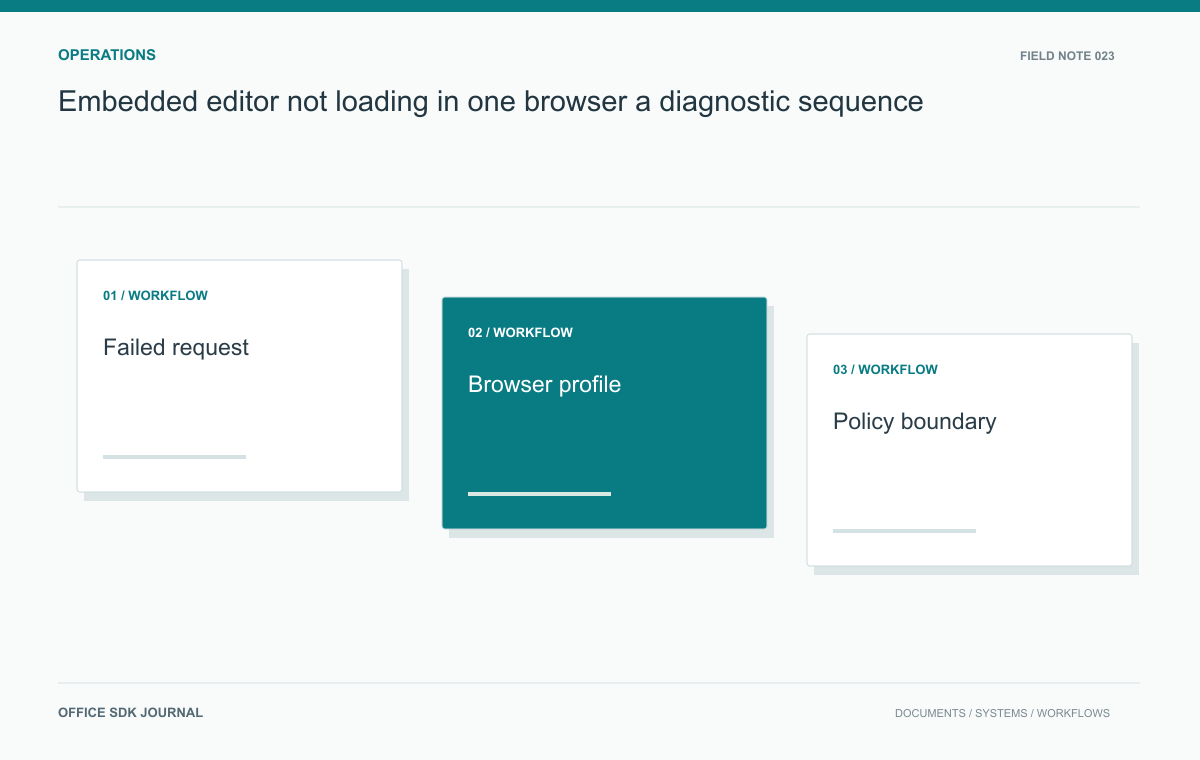
Embedded editor not loading in one browser: a diagnostic sequence
Distinguish cookies, mixed content, cross origin requests, extensions, and engine compatibility when an embedded editor fails to load.
Read story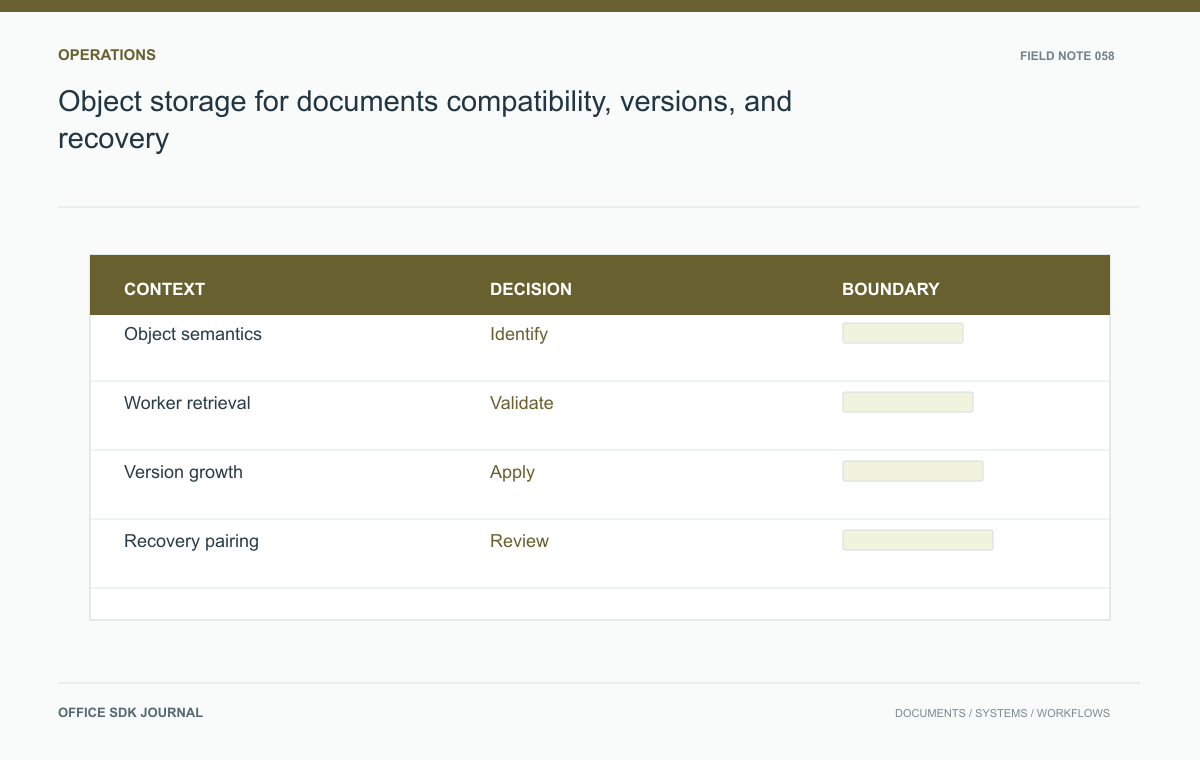
Object storage for documents: compatibility, versions, and recovery
Evaluate storage semantics, temporary access, version growth, recovery, and operational responsibility with real document paths.
Read story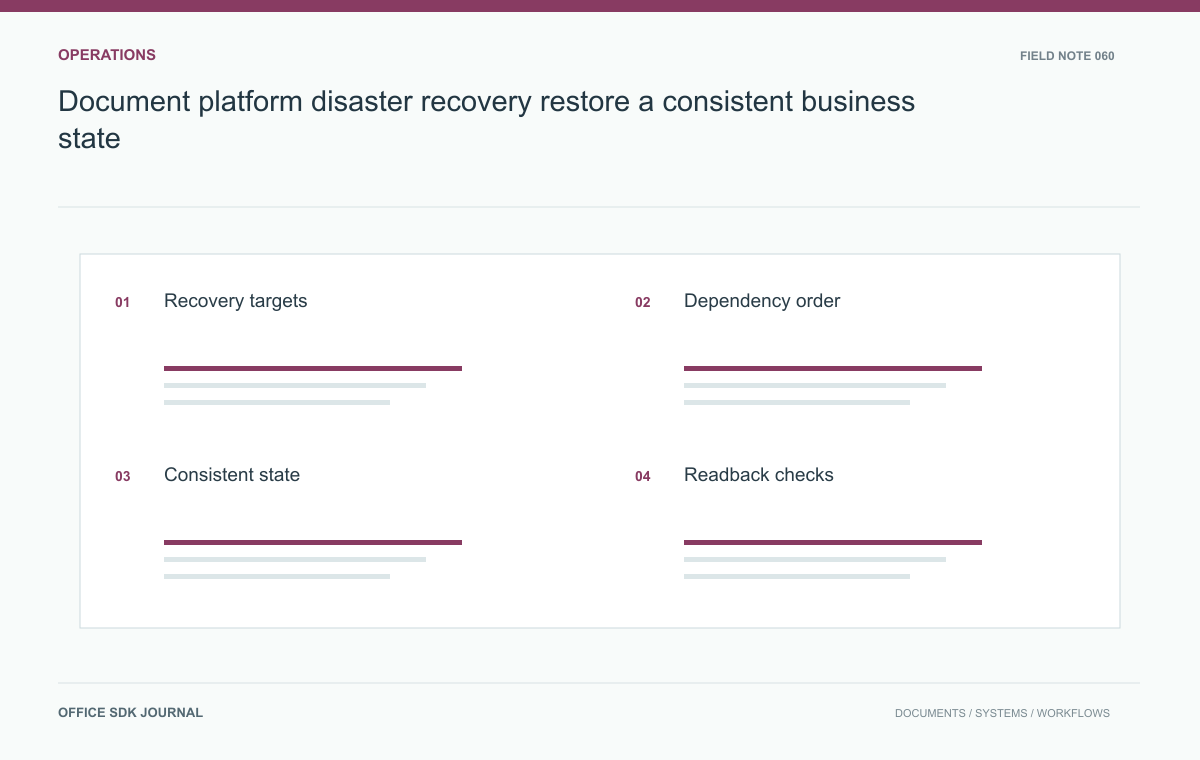
Document platform disaster recovery: restore a consistent business state
Build a disaster recovery procedure around content consistency, identity, dependencies, user readback, and controlled reopening.
Read story