SharePoint Server retirement: what to migrate beyond the files
Build a replacement inventory around records, permissions, workflows, and recovery obligations.
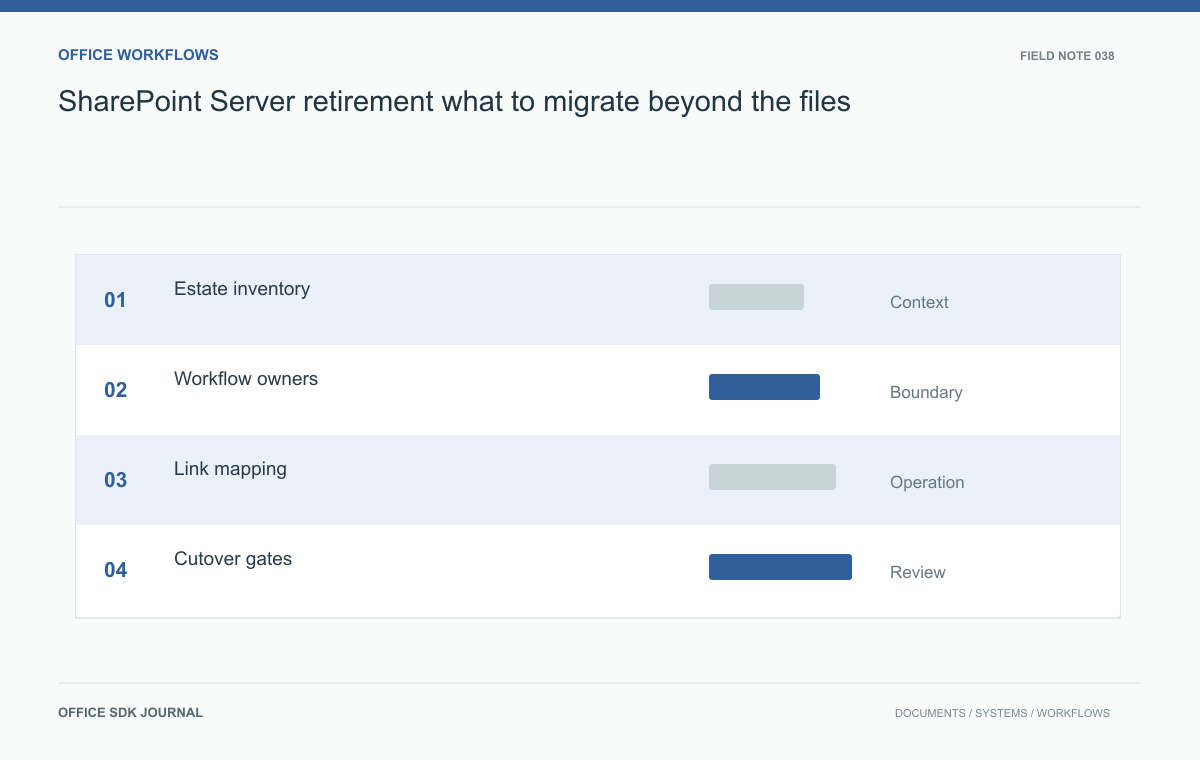
A SharePoint Server replacement needs to preserve the work attached to each library: permissions, approvals, important links, versions, and retained records. Start with a workflow inventory. Confirm the exact deployed version's support status separately; it determines timing, while the inventory determines what a replacement must do.
Inventory the work people perform
Start with libraries and sites, then connect each collection to an actual business activity. Record its owner, audience, sensitivity, retention obligation, active integrations, and weekly usage. Ask users to demonstrate approvals, searches, edits, and downloads instead of relying on feature names in a spreadsheet. Two libraries with similar storage size can have very different migration risks when one is an archive and the other drives daily procurement. Confirm the support status of the exact deployed edition and version through its official lifecycle documentation before setting a retirement deadline.

Classify what must survive
Separate document bytes from metadata, version history, discussion context, and executable workflows. Decide which elements must remain operational and which can become readable historical evidence. A custom approval process may require a redesigned workflow rather than a direct import. Assign a destination and acceptance criterion to every class of information. For old links, choose redirects, an index, or a documented lookup procedure. Keep the source identifiers in a migration manifest so investigators can connect a new record to its previous location without depending on filenames.
A replacement map for one library
A migration worksheet should answer a practical question for each item: where will someone complete this task on Monday morning? For a purchase library, that means more than finding a quotation PDF. The buyer needs the active request; the approver needs the submitted revision; finance needs the issued order; an auditor needs the relationship among all three.
| Source dependency | Destination requirement | Acceptance evidence |
|---|---|---|
| Approval list | Decision tied to request and version | Retrieve one approved and one rejected request |
| Library permissions | Buyer and approver access stays distinct | Allowed and denied operations under ordinary accounts |
| Links in monthly reports | Resolvable historical references | Open a sampled link from an old report |
Give each row an owner and a disposition: rebuild, migrate, archive, or retire. Retire only after the owner confirms that nobody depends on the behavior. Rebuilding an approval process can be sensible, but it is a separate delivery item with its own tests. Do not mark it complete because the files arrived. Estimate effort from these dispositions, then schedule the move by business process rather than equal sized storage batches.
Pilot a procurement library
Consider a department with purchase requests, quotations, and approved orders. Move a small complete batch that includes a rejected request, a revised quotation, and an order under retention. Have the requestor, approver, and records owner perform their normal tasks in the proposed destination. Compare access as each person, not as an administrator. Open earlier versions and follow links from exported reports. Record every missing behavior with its business consequence. A visually successful file import is insufficient if an approval can no longer be traced to the version actually approved.
Control the transition window
Define when the source becomes read only, how final changes are copied, and who can authorize reopening it. Communicate one authoritative editing location for every migrated collection. Reconcile the final manifest using counts, selected content hashes, permission samples, and business owner review. Preserve a recoverable source snapshot and its required software context according to the agreed policy. The rollback decision should depend on explicit failures such as missing restricted documents or broken approval evidence. Avoid allowing two writable systems to diverge while staff assume synchronization will happen automatically.

Retirement sign-off
- Assign an owner and destination to every active library and custom workflow.
- Verify restricted access, prior versions, important links, and retained records with ordinary accounts.
- Resolve outstanding exceptions before announcing the new editing location.
- Test retrieval from the retained snapshot with documented tools and credentials.
- Schedule decommissioning only after operational ownership and recovery responsibility transfer.
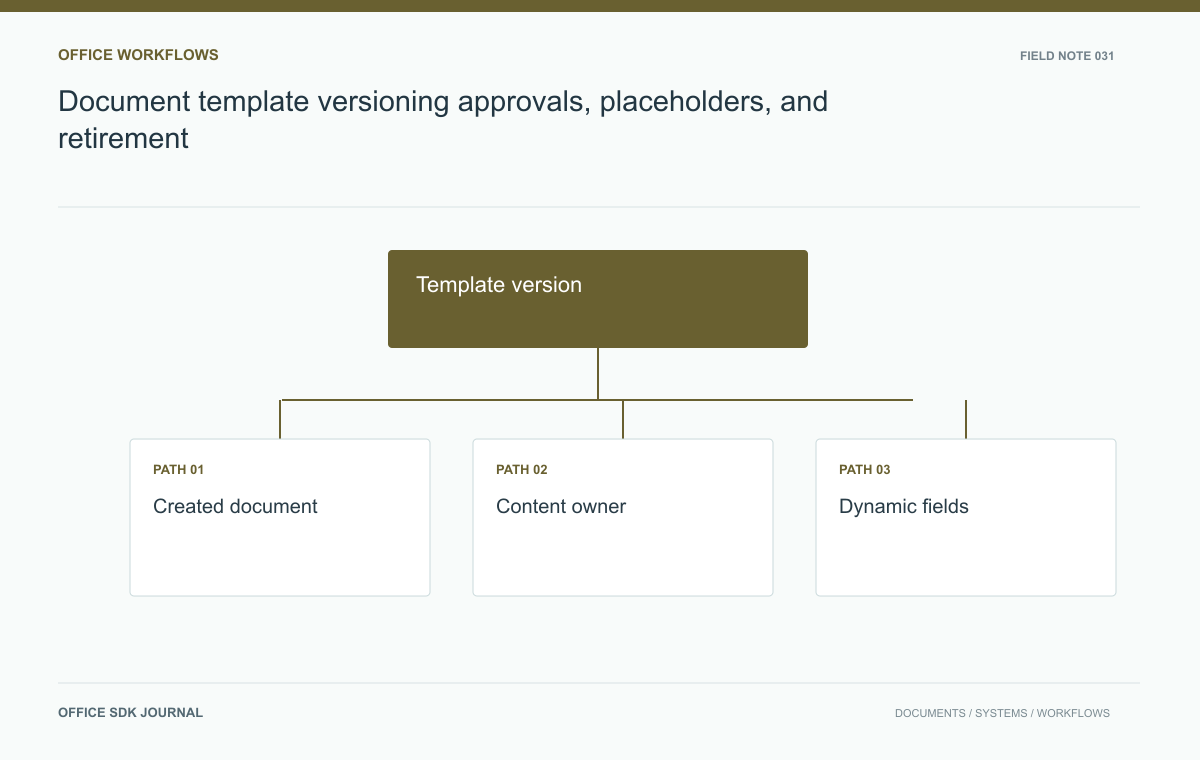
Document template versioning: approvals, placeholders, and retirement
Separate approved template versions from created documents, with clear ownership, change review, and retirement behavior.
Read story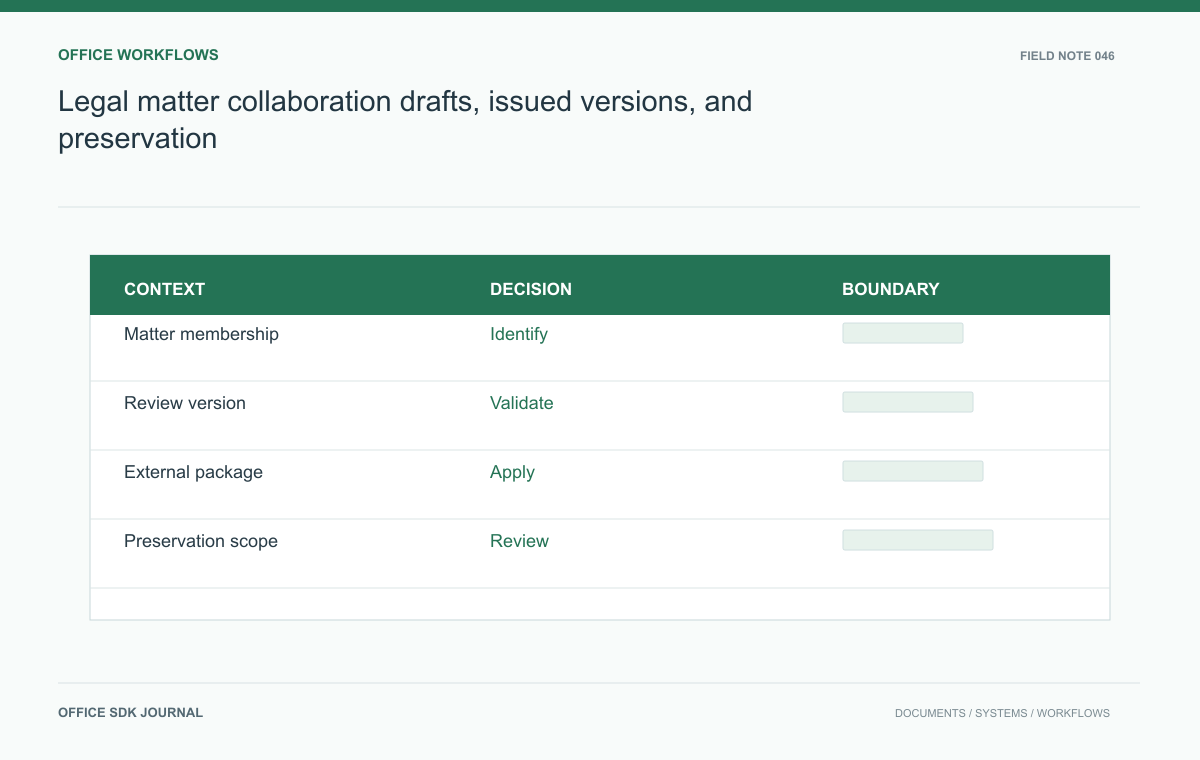
Legal matter collaboration: drafts, issued versions, and preservation
Connect matter membership, review versions, external exchange, and preservation duties in one document workflow.
Read story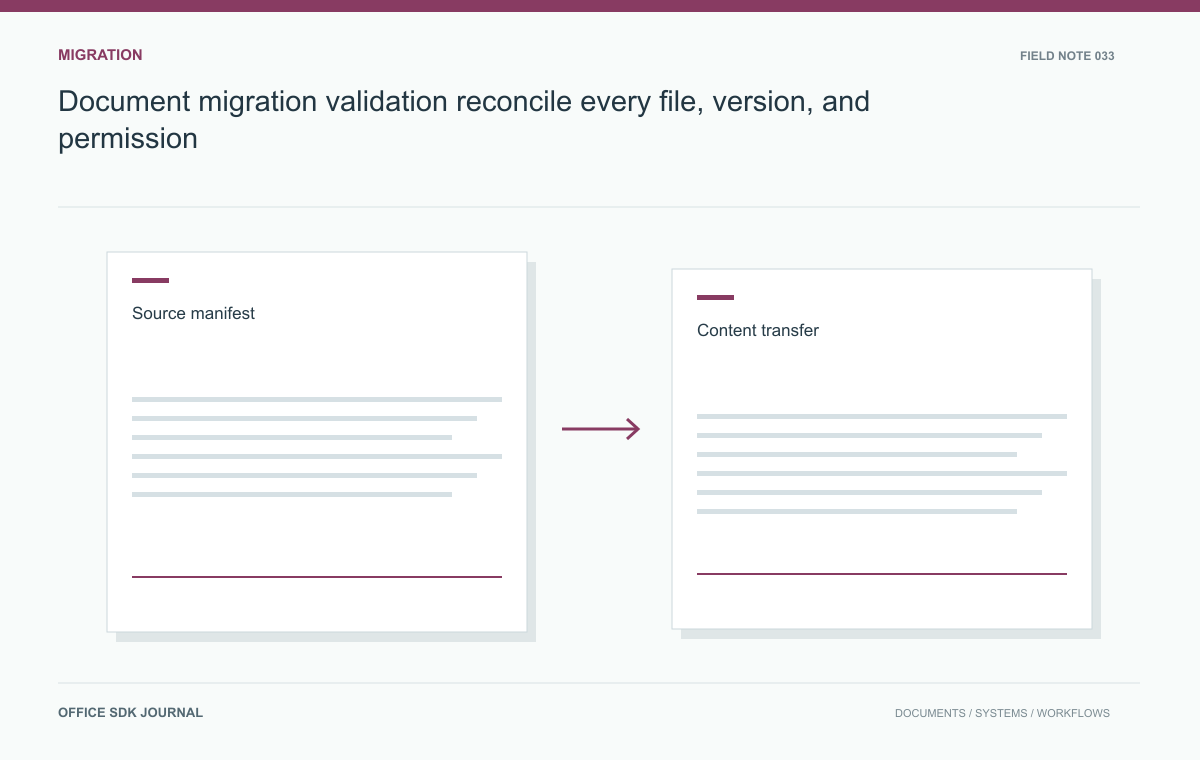
Document migration validation: reconcile every file, version, and permission
Track every source document through transfer, transformation, permission mapping, and final acceptance with an auditable manifest.
Read story