Document template versioning: approvals, placeholders, and retirement
Separate approved template versions from created documents, with clear ownership, change review, and retirement behavior.
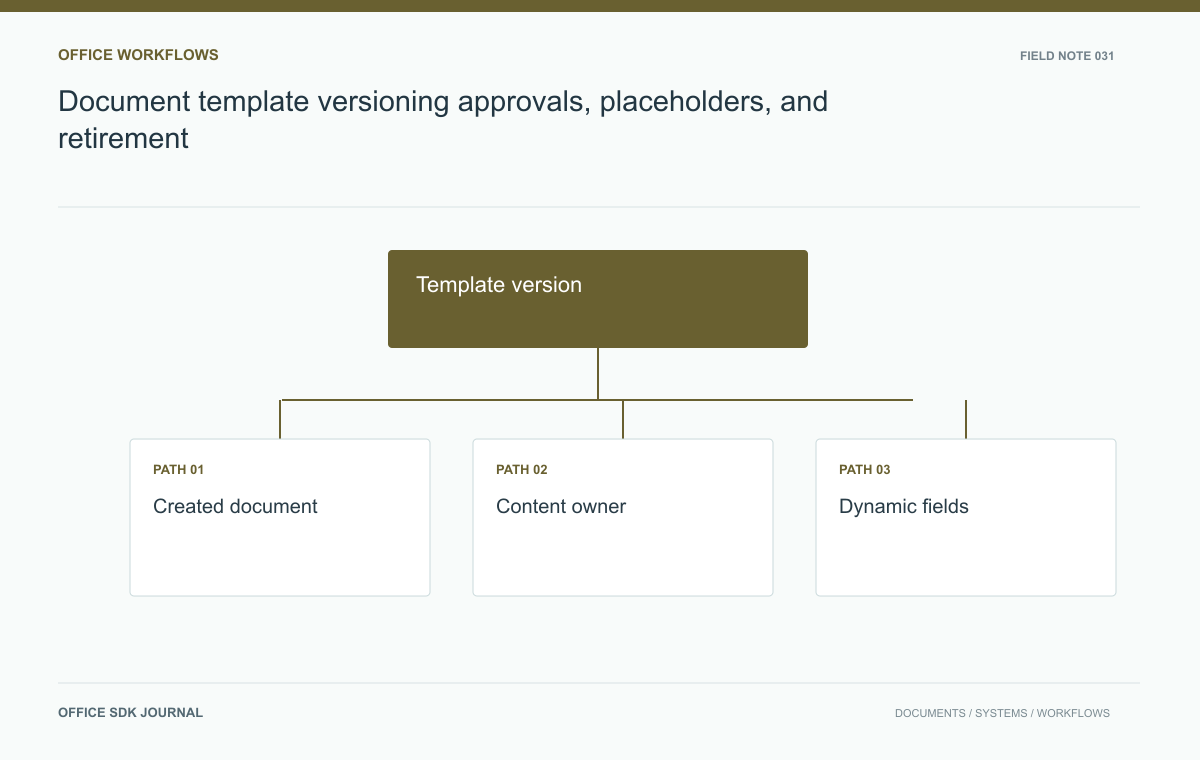
Publish templates as versioned sources and record which version created each business document. Updating a template should not silently rewrite existing documents. Give content owners a draft-and-review process, test populated output, and retire outdated versions without erasing the history that explains earlier files.
Keep template identity separate from created documents
A template is a reusable source with an approval state; a created document is a new business object. Give them separate identifiers and permissions. Record the template version used at creation so later investigations can explain where initial wording or formulas came from. Updating the template should not silently rewrite existing contracts or reports unless an explicit, supported migration workflow requires that behavior. This distinction protects historical records and prevents a routine template correction from becoming an uncontrolled content change across active projects.

Assign drafting, review, and publishing ownership
The team responsible for legal wording or financial formulas may differ from the team operating the library. Define who drafts, reviews, publishes, retires, and restores templates. Use a staged lifecycle so a draft correction can be tested before appearing in the normal creation flow. Permissions should apply to publishing and administration, not merely editing the source file. Keep review evidence and a concise change description with each published version. A template name such as Final approved copy is not a substitute for an actual controlled publication state.
Population rules need output tests
If the application fills placeholders, define their types, required values, escaping rules, and behavior when data is missing. Test long organization names, multilingual text, empty optional fields, and values containing punctuation. Spreadsheet templates need formula and number format checks after population; presentation templates need layout checks after replacement. Avoid silently leaving internal placeholder tokens in the final document. Treat external data as untrusted input and use the generation library's supported insertion methods so a field value cannot accidentally alter the surrounding document structure or workflow.
Template provenance can be small but useful: template ID, published version, population time, and generation policy revision. Avoid storing sensitive field values twice merely to prove where a document came from. If generation must be reproducible, decide deliberately which inputs are retained, by whom, and for how long.
| Field case | Expected template behavior |
|---|---|
| Required field missing | Stop generation with a named field error |
| Optional value absent | Use the approved omission or empty-state rule |
| Long organization name | Preserve readable layout without clipping |
| Special punctuation | Insert as content through supported library operations |
Test placeholder behavior in the output format users actually receive. A Word template may need a rendered page check; a spreadsheet may need formula validation after values are filled. Treat publication as the point where content review and generation checks meet. A perfectly approved source can still generate a broken document if field insertion damages layout or leaves internal tokens visible.
Library maintenance checks
- Show template owner, published version, and intended use in the selection interface.
- Require review for changes to controlled wording or calculations.
- Test populated output with realistic edge values.
- Record template provenance on every created document.
- Retire outdated templates with a clear replacement and a recoverable history.
Publish version two without changing prior agreements
In a test library, create version two of a purchase agreement with revised payment wording and one additional required field. Generate documents from both versions using synthetic data, compare output, and obtain the designated review. Publish version two, then confirm that new documents use it while existing documents retain their original content and provenance. Retire version one from ordinary selection without deleting records that refer to it. This scenario tests the practical difference between updating a reusable source and changing previously created business documents.

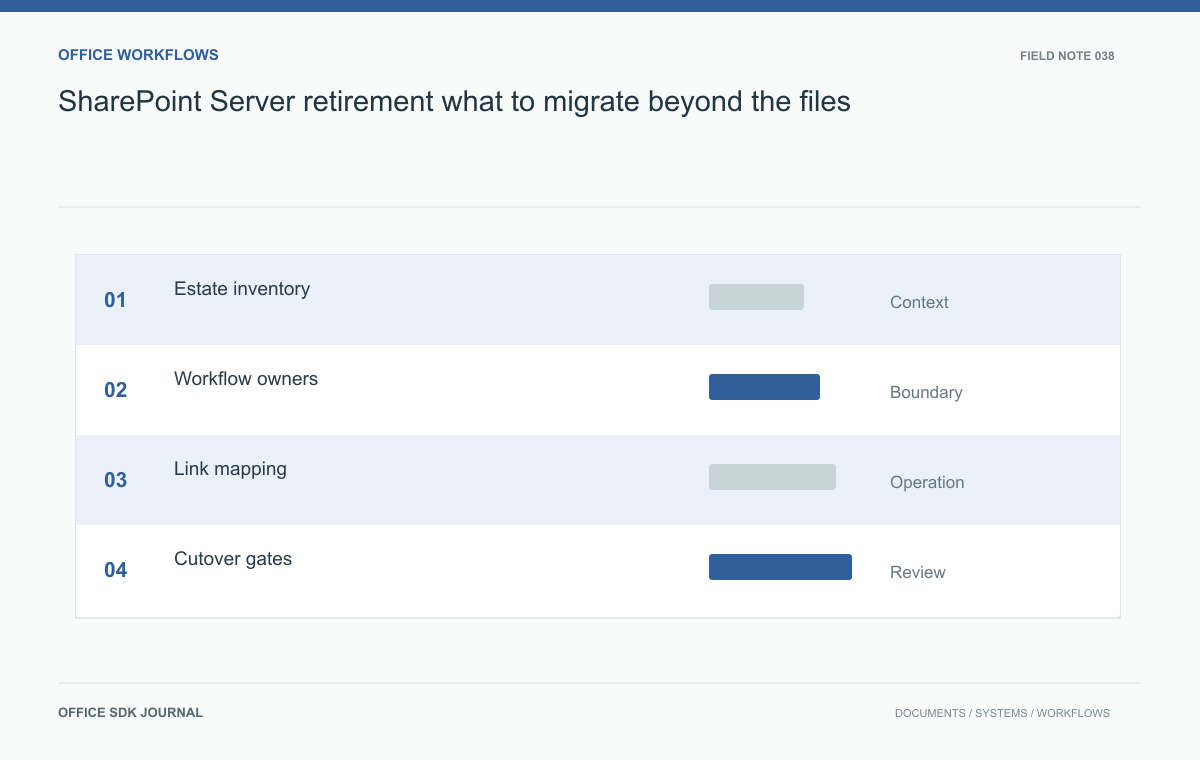
SharePoint Server retirement: what to migrate beyond the files
Build a replacement inventory around records, permissions, workflows, and recovery obligations.
Read story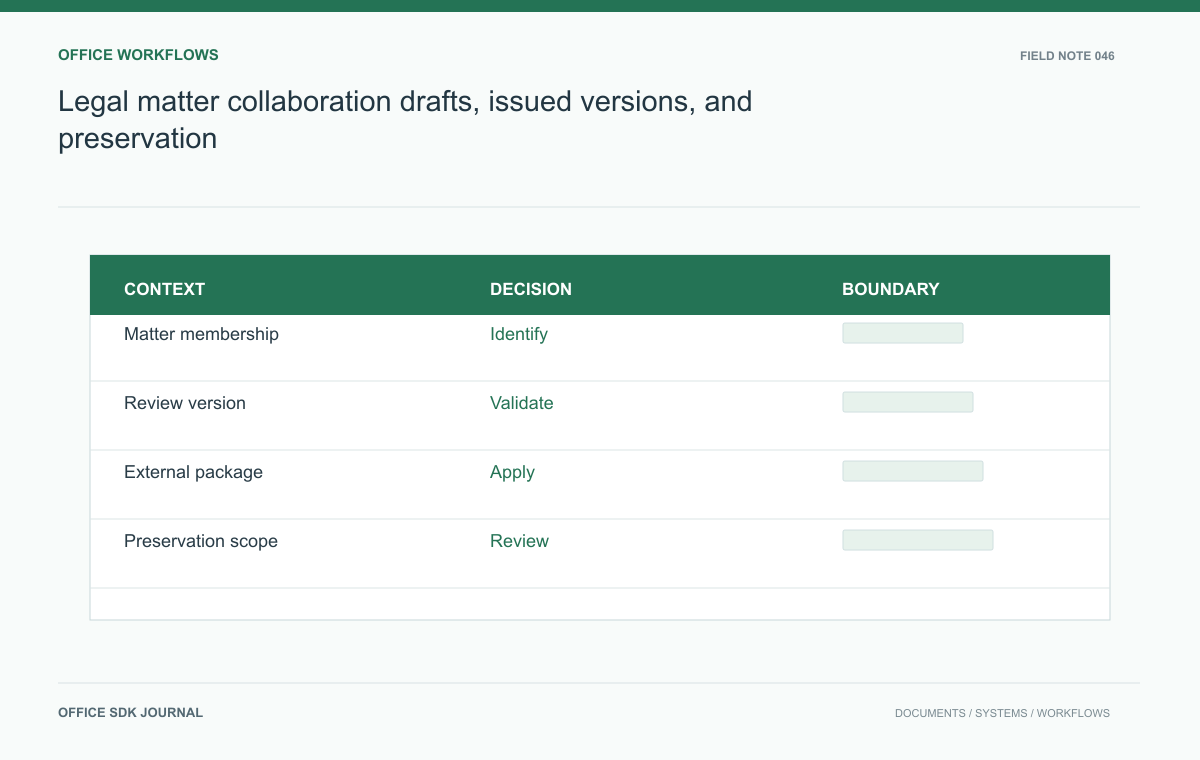
Legal matter collaboration: drafts, issued versions, and preservation
Connect matter membership, review versions, external exchange, and preservation duties in one document workflow.
Read story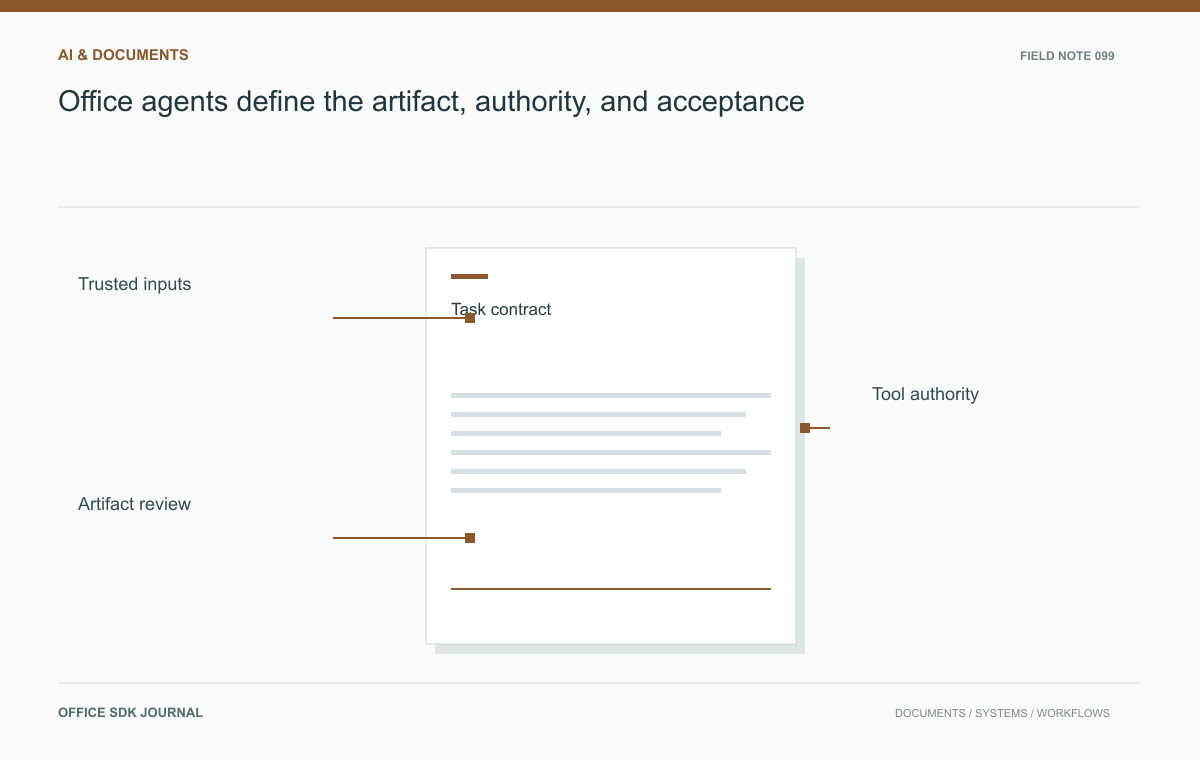
Office agents: define the artifact, authority, and acceptance
Create a work contract for agents that coordinate document, workbook, and presentation tasks.
Read story