Missing fonts in document conversion: deployment and diagnosis
Inventory, license, install, and verify fonts across editing and conversion environments to reduce unexplained layout changes.
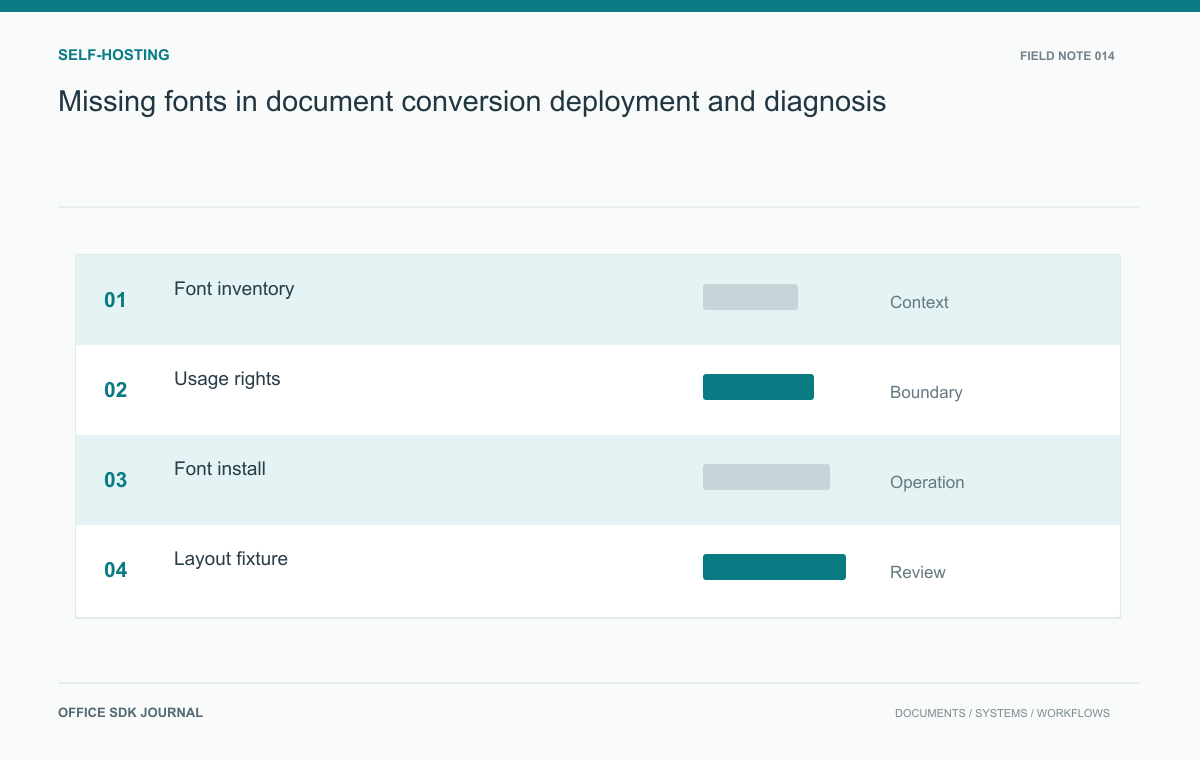
When line breaks shift or glyphs disappear, compare the fonts available to the rendering workers with those required by the source. Fonts installed on a laptop do not establish what a container can render. Package approved font files consistently, record their versions, and verify output after installation.
Identify the font dependency behind the symptom
Inspect a representative source corpus for font families, weights, scripts, and special symbols. Include templates, customer supplied files, and documents created by automated systems. A family name alone may not capture differences between font versions or available styles. Record where each font is expected to be used and whether the source embeds it. Verify the rendering engine's supported font discovery and substitution behavior from its documentation. Do not assume that a font installed on an administrator's laptop is available inside a conversion container or remote editor worker.
Start a layout investigation with the affected script, family, and style. A regular face may be present while the bold face is missing. A substitute can cover Latin letters but lack currency symbols or another writing system. Compare actual file inventories and digests, because two files with a familiar family name need not be the same revision.
| Symptom | First comparison |
|---|---|
| Line wrapping changed | Family, font revision, and selected substitute |
| Empty boxes replace characters | Glyph coverage for the affected script or symbol |
| Only some jobs look wrong | Font package and cache state across worker replicas |
| Bold text changes width unexpectedly | Installed style files and synthetic-style behavior |
After a change, start a fresh worker through the normal deployment path and render the fixture there. A manual repair on one running container proves little about the next replica. Keep the prior image and approved font package available for rollback, and remember that licensing approval must cover the intended distribution and rendering use, not merely possession of a font file.

Licensing is part of the package definition
Font files are licensed assets. Confirm that the selected license permits the intended server installation, redistribution in images, web delivery, or embedding in output. These are potentially different uses. Retain the license source and approval with the dependency inventory. If a required font cannot be deployed, choose an approved substitute and assess the resulting layout changes with document owners. Avoid downloading similarly named files from an unverified source, because matching a display name does not establish authenticity, technical equivalence, or a usable deployment license.
Install the same files on every rendering worker
Package approved font files through a controlled build or deployment process and record their digests. Apply the engine's documented cache refresh or restart procedure when necessary. Ensure every relevant worker uses the same set; a mixed fleet can produce inconsistent output depending on which node processes a document. Include architecture and operating system differences in the verification plan. Expose a safe inventory or diagnostic command for operators so they can compare environments without searching manually through an opaque container filesystem during an incident.
- Maintain an approved inventory with family, version, digest, license, and installation scope.
- Verify that editor and conversion workers discover the intended files.
- Compare representative output before and after font changes.
- Check that new worker replicas receive the same font package.
- Keep a rollback path for the prior approved font set and associated image.

A multilingual fixture makes fallback visible
Create a synthetic document with Latin text, Chinese text, numerals, currency symbols, bold and italic runs, and a narrow table near a page boundary. Render it on each worker image and compare line breaks, glyph coverage, table width, and page count. Then intentionally remove one expected font in a test environment to observe the fallback. This makes the dependency visible and provides a recognizable symptom for troubleshooting. Include only scripts relevant to the deployment, while preserving any uncommon symbols that business templates actually require.
How to test Word, Excel, and presentation conversion to PDF
Compare structure, critical values, and rendered pages with an agreed corpus instead of relying on a successful conversion response.
Read story
Offline document conversion: dependencies, sandboxing, and cleanup
Prove the offline boundary and validate local outputs under ordinary operation, failure, and maintenance.
Read story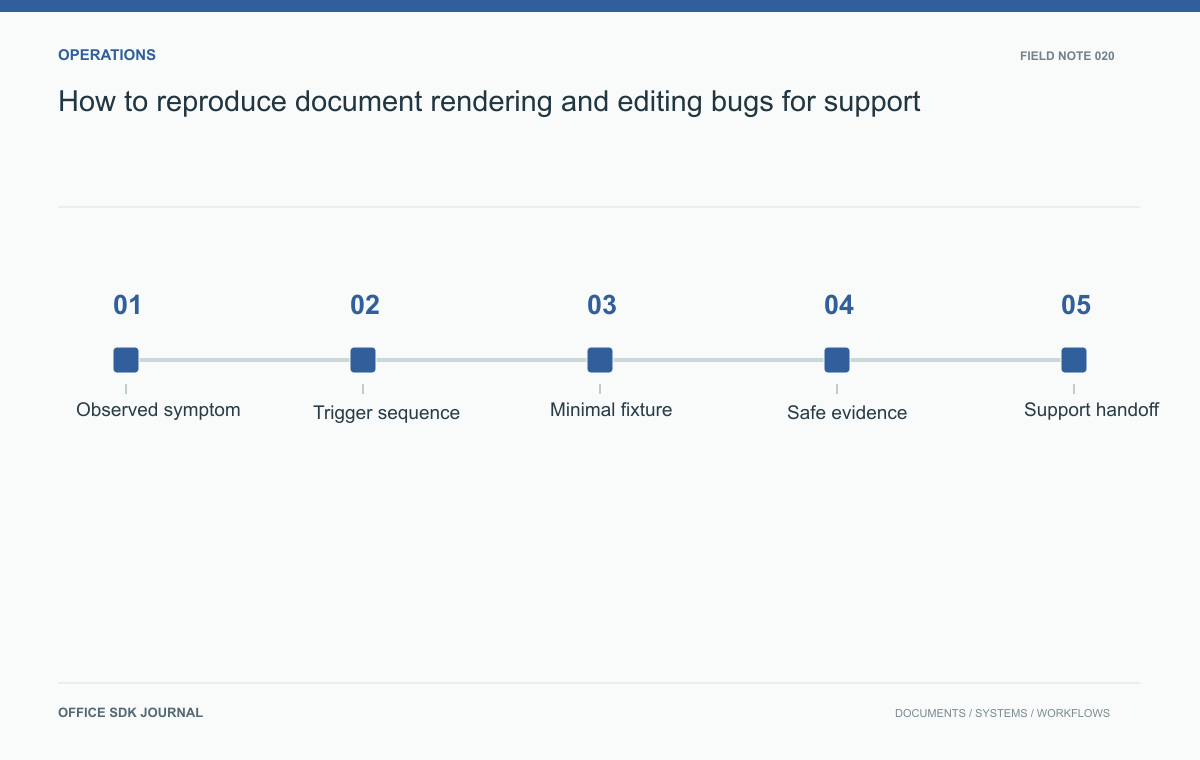
How to reproduce document rendering and editing bugs for support
Collect the environment, operation sequence, and smallest useful fixture so document failures can be reproduced safely and precisely.
Read story