How to test Word, Excel, and presentation conversion to PDF
Compare structure, critical values, and rendered pages with an agreed corpus instead of relying on a successful conversion response.
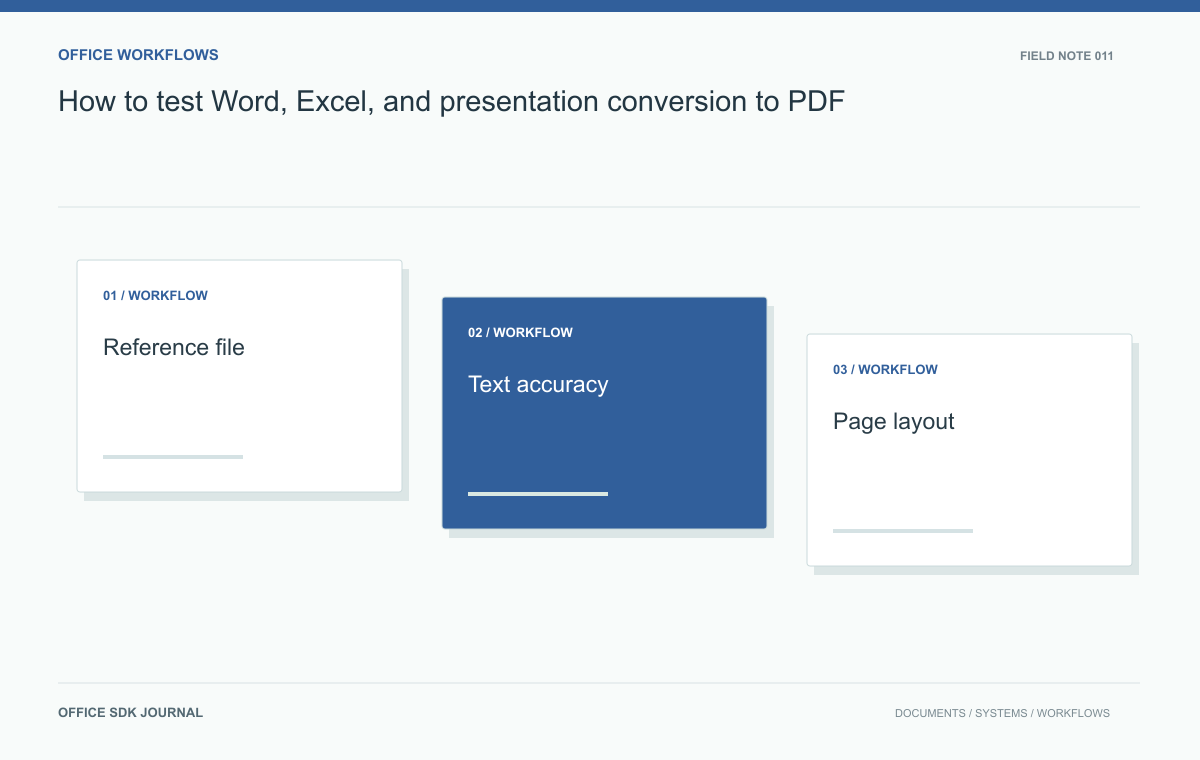
A successful conversion response only establishes that an output was produced. To accept a PDF, compare critical content and rendered pages against an agreed reference: text and values first, then pagination, clipping, charts, and fonts. The reference application and export settings must be recorded or the comparison is ambiguous.
Choose a reference before comparing output
Decide which application, version, fonts, and print settings define the reference output for each document family. Different layout engines can produce different pagination, so an unspecified reference invites subjective disputes. For an issued contract, signatures and page references may matter most. For a spreadsheet report, totals and selected print areas may dominate. Record these priorities alongside the reference PDF. Keep the editable source and reference together, with version identifiers, so future comparisons do not accidentally use changed source content or an unrelated export.
Check content separately from appearance
Verify that expected text, tables, page count, links, and critical numeric values are present. Inspect hidden sheets, tracked changes, comments, and print areas according to the export policy rather than assuming they should all appear. Check whether text remains searchable when that is a requirement. A visual comparison can miss a lost link destination or a number rendered in the wrong reading order. Conversely, a text comparison can miss clipping. Structural and visual checks answer different questions and should support one another.
| Finding | Typical acceptance treatment |
|---|---|
| Missing paragraph or changed total | Content defect requiring resolution |
| Clipped signature or table row | Layout defect with a direct business impact |
| Different antialiasing | Review as rendering noise rather than lost content |
| Different page break | Assess against page references and the document's intended use |
Use this classification before setting a visual-difference threshold. Otherwise, a tool can pass a page with one missing critical digit while failing a harmless font smoothing change across thousands of pixels. Automated differences locate candidates for review; business requirements determine severity.
For spreadsheet exports, identify the selected sheets, print area, scaling, and whether formulas were recalculated. For presentations, record slide dimensions and whether notes belong in the output. For Word documents, check tracked changes and comment inclusion according to policy. These settings can legitimately change the resulting PDF. Preserve them with the fixture so an upgrade comparison measures renderer behavior rather than a changed export request.

Render comparable pages and review the differences
Render reference and candidate pages at the same dimensions and resolution, then compare them with consistent alignment. Pixel differences are useful for locating changes, but antialiasing and font rendering can create noise. Review meaningful regions such as headers, table edges, charts, and page breaks. Define acceptable tolerances for the workflow rather than treating every changed pixel as a defect. For large corpora, use contact sheets to find anomalies and inspect affected pages at full size before classifying an issue or approving an exception.
A table crossing several pages
Create a synthetic purchase report with a repeating table header, mixed length descriptions, a total row, and a footer containing page numbers. Include enough rows to cross several pages. Convert it and inspect the first, middle, and final page boundaries. Confirm that no row disappears, totals remain visible, and text does not overlap the footer. Repeat after removing a required font from the test environment. This example reveals layout dependency and pagination behavior without relying on confidential production documents or invented performance claims.

Evidence to retain with the release
- List critical content that must survive conversion without alteration.
- Record approved fonts, print settings, and the reference application version.
- Inspect every page for small critical documents and use justified sampling for larger collections.
- Classify clipping, missing content, and changed values separately from cosmetic shifts.
- Retain failing sources and comparison images in a restricted regression corpus.
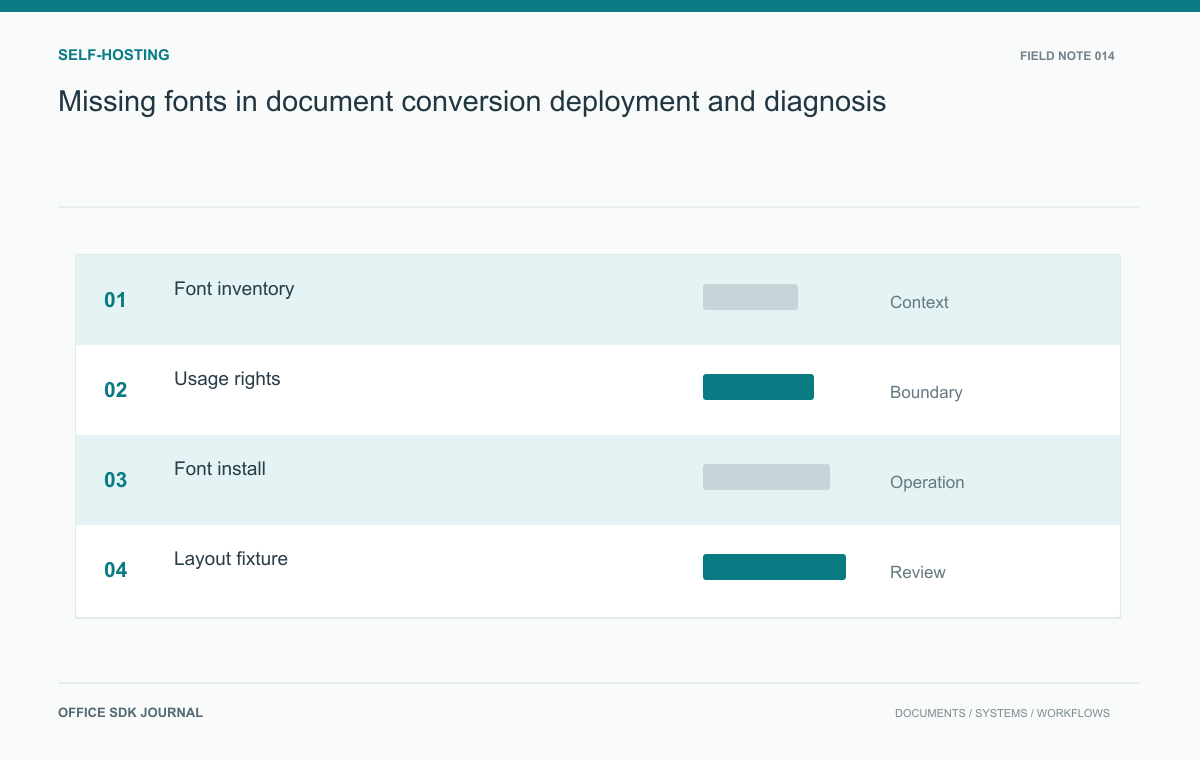
Missing fonts in document conversion: deployment and diagnosis
Inventory, license, install, and verify fonts across editing and conversion environments to reduce unexplained layout changes.
Read story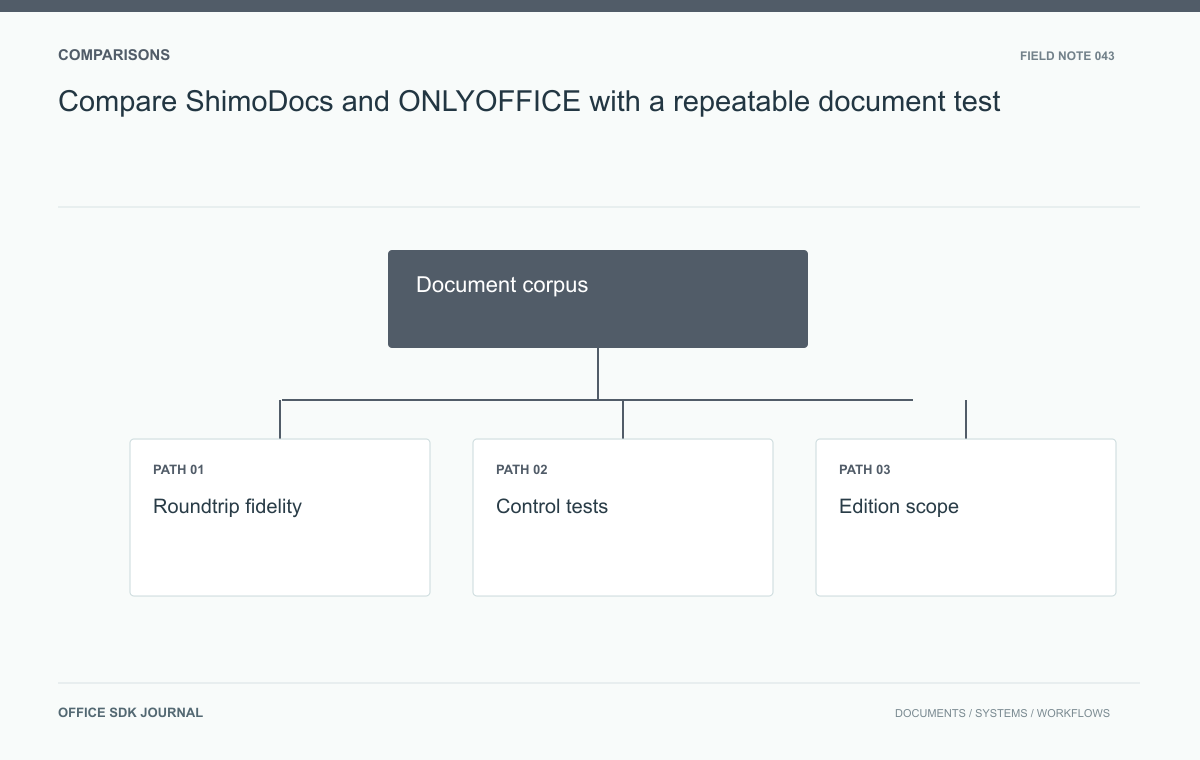
Compare ShimoDocs and ONLYOFFICE with a repeatable document test
Evaluate ShimoDocs and ONLYOFFICE candidates without substituting brand claims for demonstrated behavior.
Read story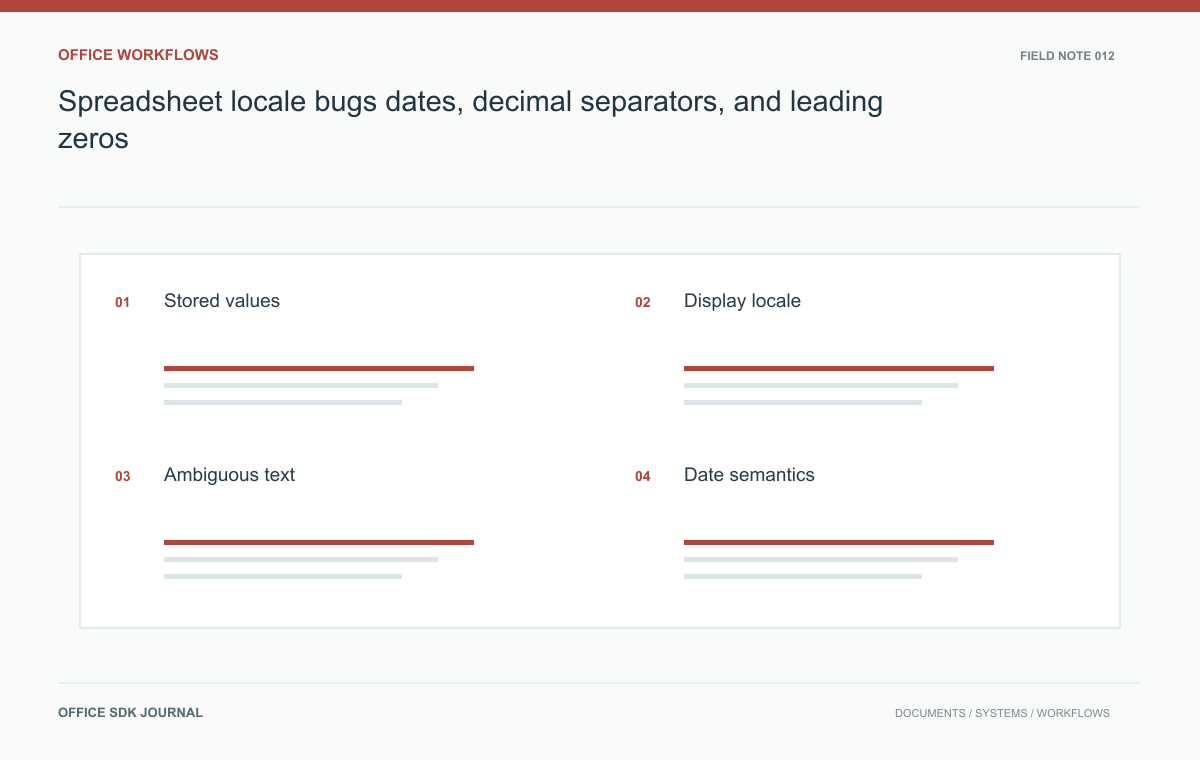
Spreadsheet locale bugs: dates, decimal separators, and leading zeros
Test stored values, display formats, and text imports separately when spreadsheets move between users and systems.
Read story