Why collaborative editing does not resolve uploaded file conflicts
Understand why a collaborative editor still needs application rules for uploads, restores, and external replacements.
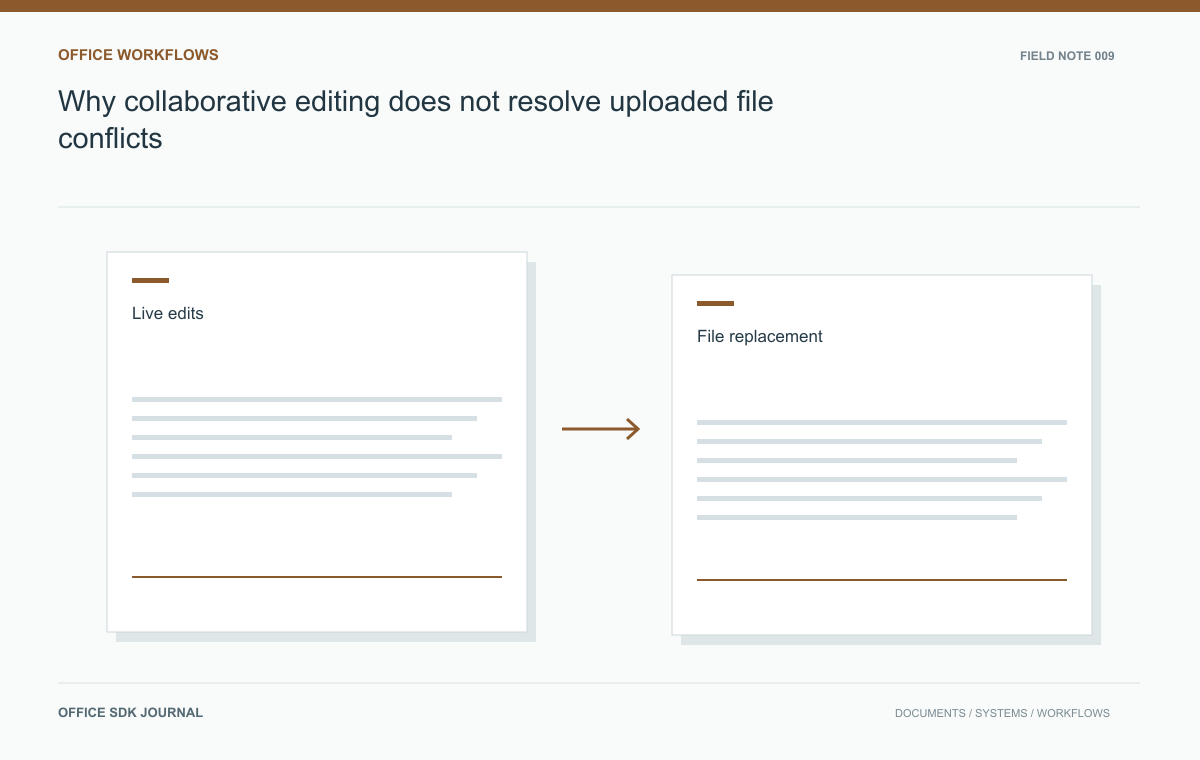
Collaborative editing coordinates changes inside the editor's supported session. An uploaded replacement is a whole file from outside that session, often based on an older version. Protect that boundary with a base-version check and an explicit conflict policy rather than assuming the editor can merge both histories.
Two different kinds of concurrent change
Inside a collaborative document, the editor's supported mechanism coordinates operations according to its own model. Outside that session, your application may receive complete files from imports, scheduled jobs, or desktop users. These files express whole states rather than individual editing operations. A replacement can therefore discard changes even when the editor's collaboration algorithm works correctly. Document which operations enter the live session and which replace or fork its source. This map prevents the assumption that enabling collaboration eliminates all version conflicts throughout the application.

Choose a whole-file replacement policy
Possible policies include blocking replacement while a session is active, requiring an explicit checkout, creating a separate branch or copy, and allowing a guarded replacement after users finish. The right policy depends on product capabilities and business expectations. A warning alone is weak protection if an automated job can still overwrite the source. Enforce the chosen policy on the server and define an administrator recovery path. If merging complete files is unsupported, say so clearly instead of implying that later edits will automatically combine.
| Replacement policy | Useful when | Consequence |
|---|---|---|
| Block during active work | Replacement is rare and coordination is practical | The uploader waits or uses another document |
| Create a separate copy | Both states must remain available | A person decides how to reconcile the content |
| Guarded replacement | The candidate has an identifiable base version | A changed base triggers a conflict instead of overwrite |
There is no universal winner. Blocking requires a reliable definition of an active session; a forgotten tab should not lock a project indefinitely without a recovery process. Creating copies preserves content but can scatter decisions across several files. Guarded replacement detects a race but does not perform a semantic merge.
Keep the rejected upload available for the agreed recovery window. A useful conflict screen shows the candidate's base version, the current version, and the permitted next actions. Avoid a single ambiguous Overwrite button when the action will discard accepted work. If an administrator can force replacement, audit the selected candidate and affected version so the decision can be reconstructed later.
Carry a base version through external editing
When a user downloads a file for external editing, record the version it came from. On upload, compare that base version with the current version before accepting replacement. A mismatch should trigger the agreed conflict workflow. Conditional requests or database compare and update operations can implement this pattern where supported. The version check must be part of the commit operation, because a separate early check can become stale before storage completes. Preserve the uploaded candidate long enough for the user to resolve the conflict safely.
- Test browser upload, bulk import, restore, and automated synchronization with an active editing session.
- Require a base version or an explicitly authorized force operation where replacement is allowed.
- Explain conflicts using document versions and user actions rather than internal locking terminology.
- Retain the rejected candidate for the documented recovery window.
- Verify that administrators can resolve conflicts without silently discarding another user's work.
The Monday download and Tuesday upload
An analyst downloads a planning workbook on Monday, edits it offline, and uploads it on Tuesday after colleagues have changed the online version. Treat the upload as a candidate based on Monday's version. Offer a new copy, a controlled comparison, or an authorized replacement according to policy. Do not silently publish it as the latest version merely because its upload time is newer. In testing, keep a live browser session open during the upload and observe how users learn that their document context has changed.

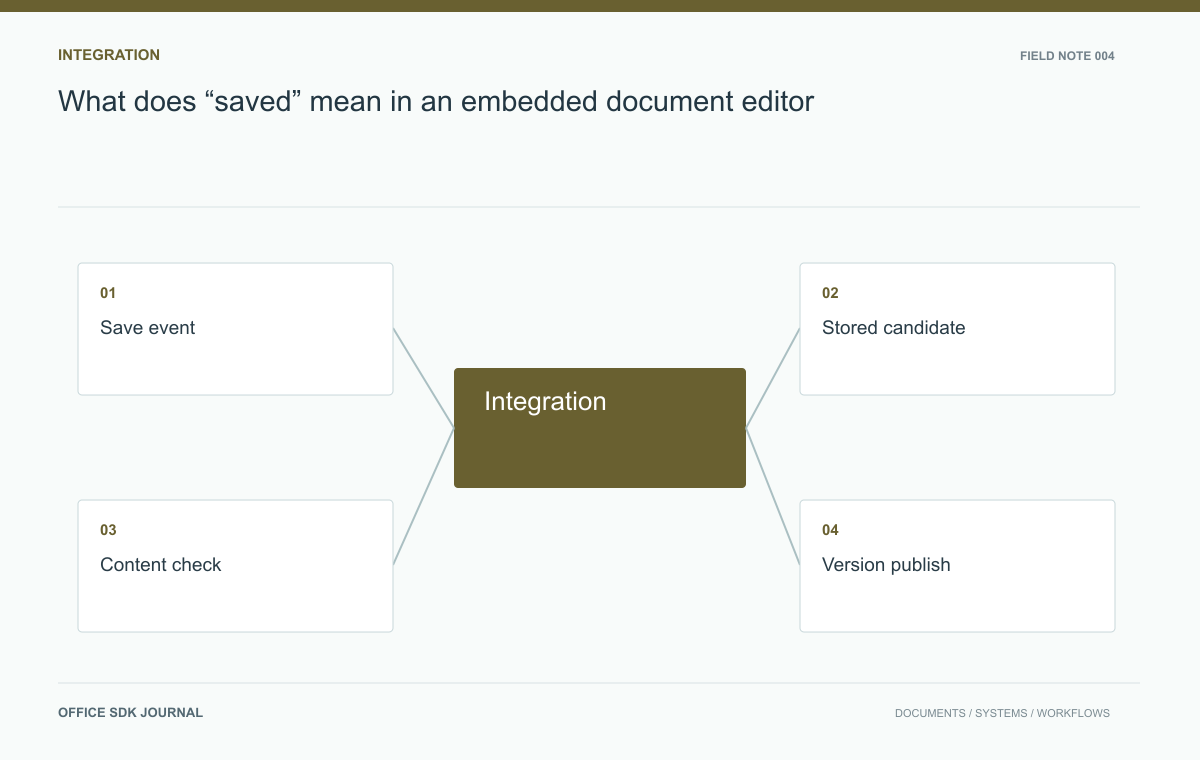
What does “saved” mean in an embedded document editor?
Distinguish session updates, durable application versions, and exported files to build a save contract users can trust.
Read story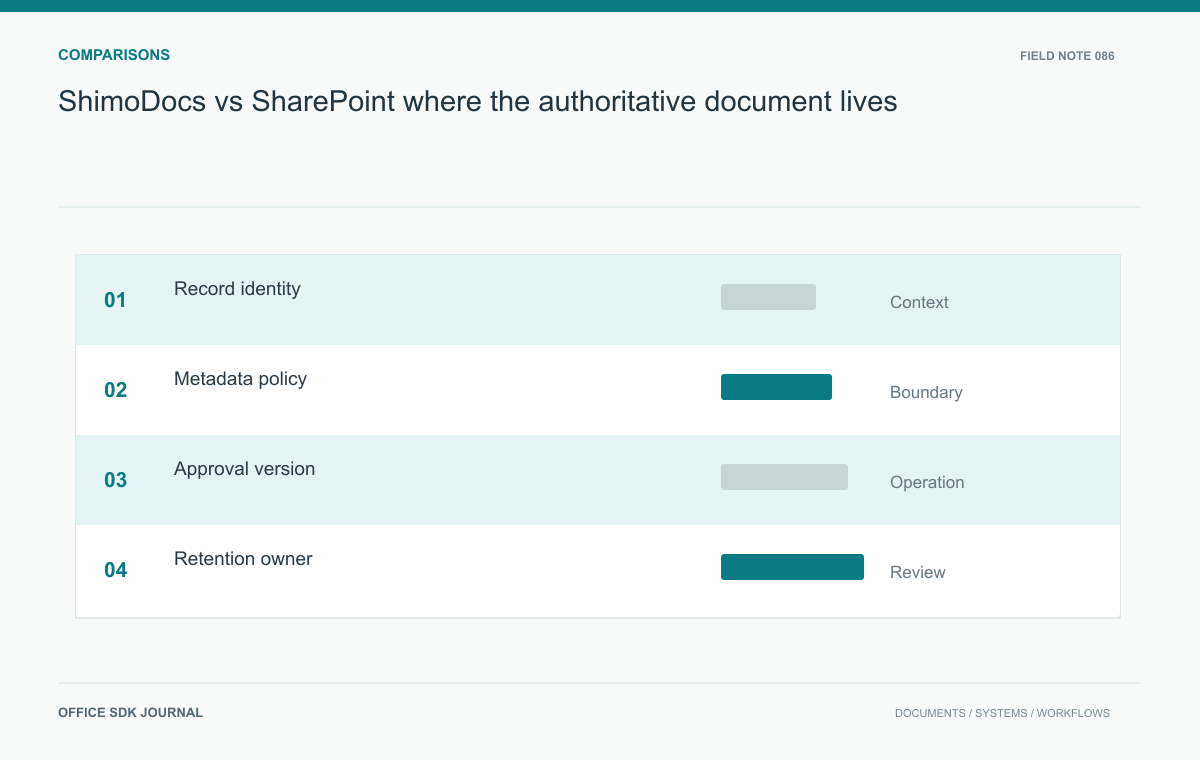
ShimoDocs vs SharePoint: where the authoritative document lives
Evaluate editing and document management through metadata, approval versions, lifecycle handoffs, and recovery.
Read story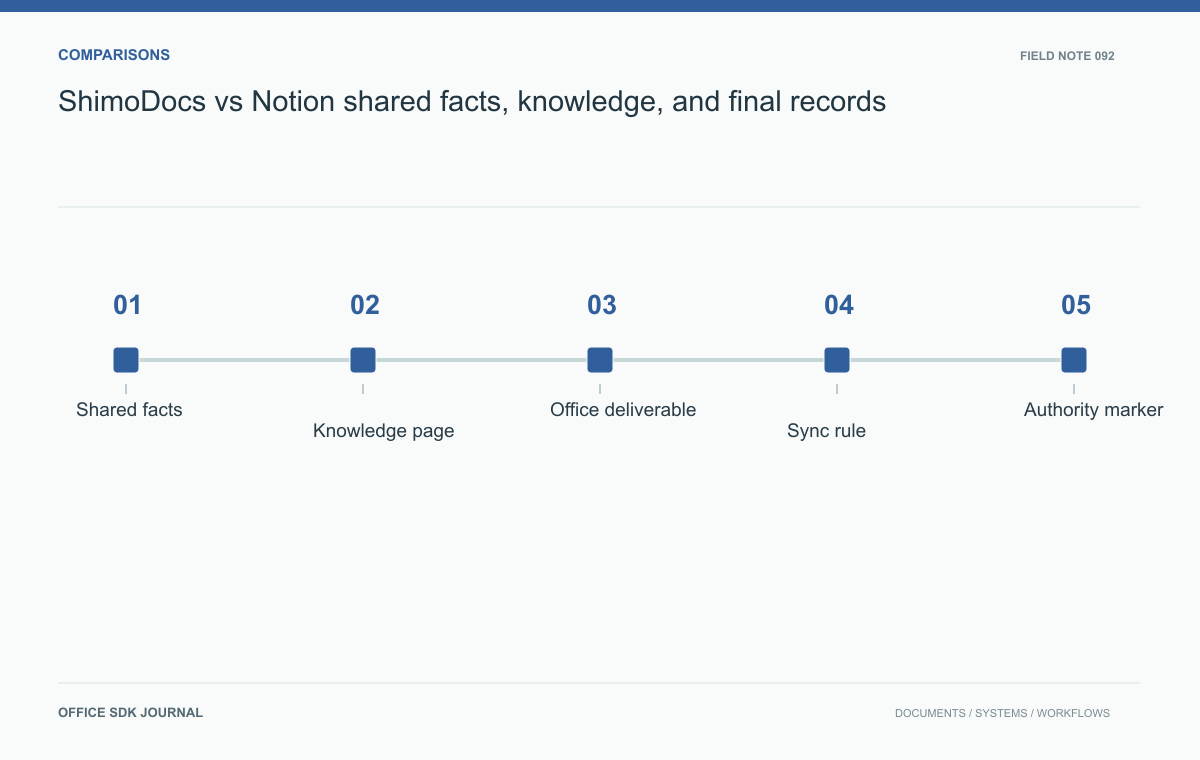
ShimoDocs vs Notion: shared facts, knowledge, and final records
Compare the proposed content models through project handover, update ownership, synchronization, and portable exports.
Read story