ShimoDocs vs Notion: shared facts, knowledge, and final records
Compare the proposed content models through project handover, update ownership, synchronization, and portable exports.
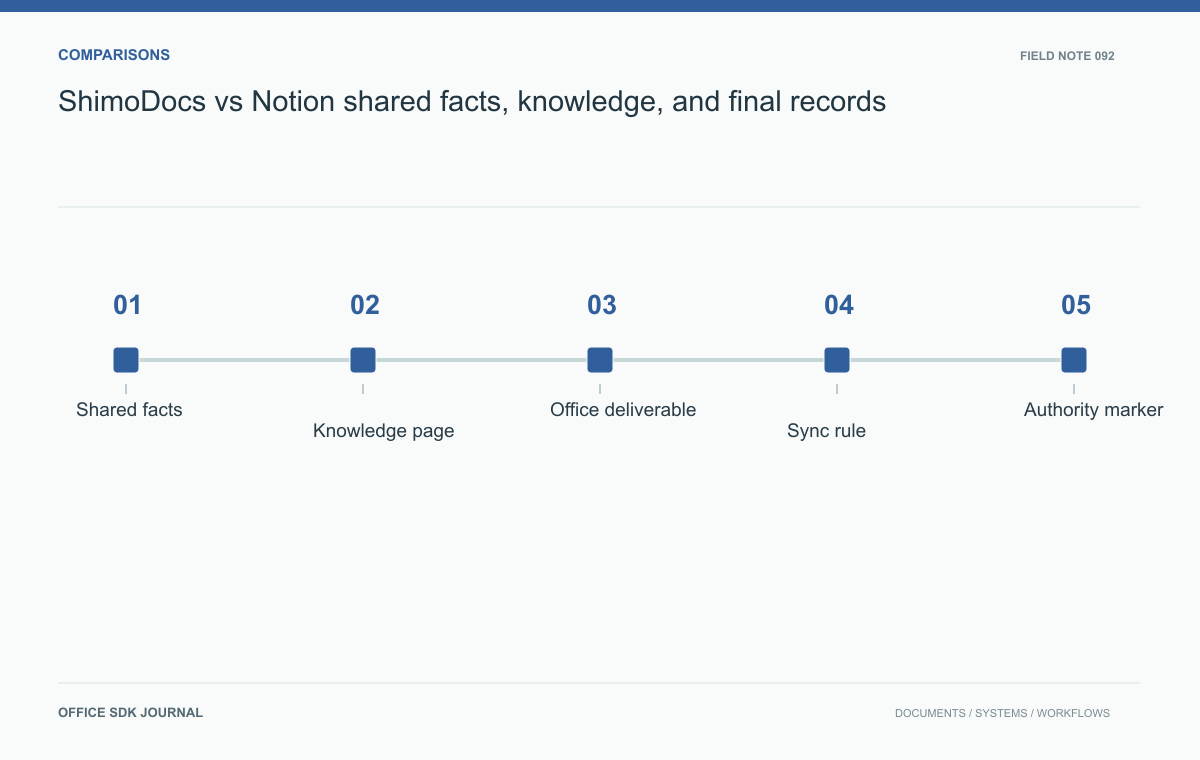
Compare ShimoDocs and Notion by locating the authority for shared facts, maintained knowledge, and approved files. Test a project handover in the proposed configurations. A convenient page model is useful only if users can tell which values are current and which records are historical.
Model the information before the UI
List the entities that matter to the team: projects, people, milestones, budgets, decisions, and procedures. For each, identify authoritative fields and the person responsible for updates. Then distinguish narrative pages from deliverable files. A project deadline may belong in a structured record, while the reasons for changing it belong in a decision note. An exported customer report may need a fixed submission version. Evaluate the exact candidate configurations against these roles. Flexible page creation can be helpful, but it can also create several apparently authoritative copies of the same fact without an update rule.
Run a project handover example
Imagine an implementation team handing a completed project to support. The handover needs customer contacts, deployed configuration, outstanding risks, operating instructions, and a final acceptance document. Build one representative handover in each environment. Ask a support engineer to find the current escalation contact, identify the accepted configuration, and export the final report. Change a contact afterward and inspect which artifacts should update and which should remain historical. This example distinguishes live shared facts from approved records while revealing navigation, file structure, and manual synchronization work required by the selected model.

Make authority visible
Users should recognize whether they are viewing a working note, maintained knowledge, or an approved document. Define status labels, owners, review dates, and version identifiers independently of the platform's visual style. Test search results and linked views for that clarity. If a current project page links to a historical acceptance file, retain the difference explicitly. Avoid updating the accepted record simply because today's configuration has changed. Determine whether the proposed products, extensions, and permissions can support these distinctions in practice. A content model works only when its authority rules survive normal editing and discovery.
Several dates matter in the handover and should not be collapsed into Last updated. The support contact can change today while the accepted deployment remains the version approved last month. A later operating change may create a new procedure without altering the historical acceptance record.
| Information | Expected timing | Authority |
|---|---|---|
| Escalation contact | Current | Accountable support owner |
| Accepted configuration | At acceptance | Identified approval record |
| Operating procedure | Current approved edition | Procedure owner and review process |
| Risk noted at handover | Historical observation plus current status | Project record and ongoing risk owner |
Build a small test where all four change at different times. Ask a new support engineer to identify the right contact and the configuration that was actually accepted. If the answer requires the project manager to explain the page, the information model needs work. Evaluate search and links as well as editing. Then export the package and check that these temporal meanings remain interpretable outside the chosen platform. A static export of today's page may be insufficient for the historical record.
Inspect synchronization and portability
If information appears in both a page and an office file, define whether it is copied manually, generated, or synchronized. Establish direction, timing, and conflict handling. Test a failed update and identify who notices it. For exit planning, export the handover with text, attachments, relationships, and required metadata, then inspect it outside the platform. A visually readable export may still lose the relations or structured fields needed for continued operation. Include that rebuilding effort in the decision and consider limiting unnecessary coupling between business data and proprietary presentation structures.

Handover Decision notes
- Identify authoritative entities, fields, owners, and update rules.
- Build a handover with live facts, operating guidance, and an approved artifact.
- Check authority markers in pages, search, and linked views.
- Test synchronization failures between duplicated representations.
- Export enough structure and metadata to continue the workflow elsewhere.
ShimoDocs vs SharePoint: where the authoritative document lives
Evaluate editing and document management through metadata, approval versions, lifecycle handoffs, and recovery.
Read story
ShimoDocs or Nextcloud: compare the work, not the folder screen
Compare platform fit through file lifecycle, collaborative tasks, integration ownership, and operating effort.
Read story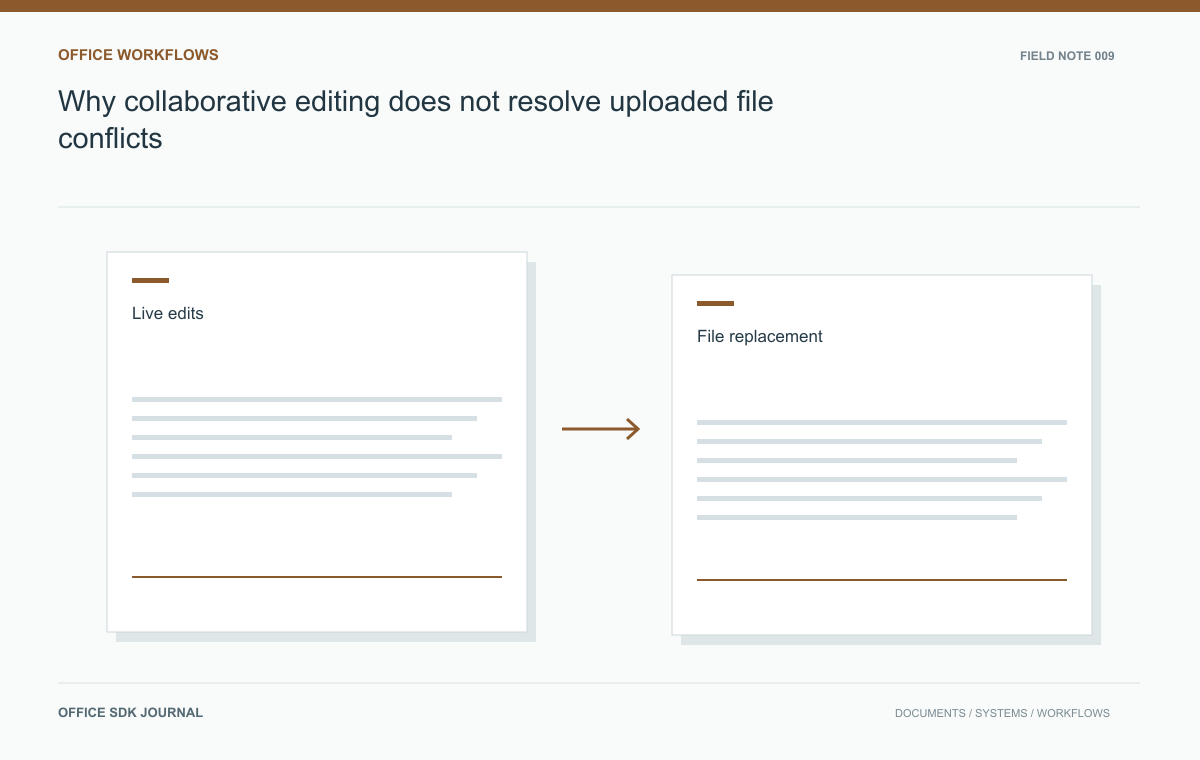
Why collaborative editing does not resolve uploaded file conflicts
Understand why a collaborative editor still needs application rules for uploads, restores, and external replacements.
Read story