Document import progress: safe retries after upload and conversion failures
Give users honest progress, safe retries, and clear recovery when upload, validation, conversion, or registration fails.
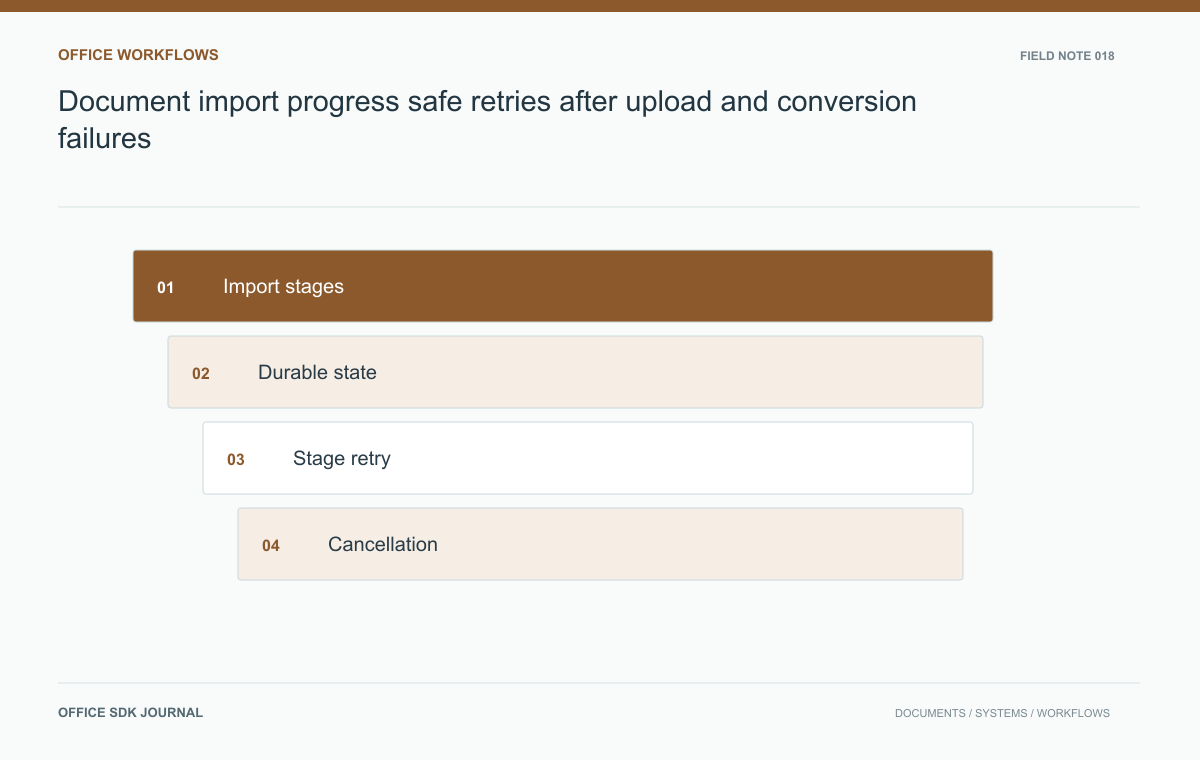
Show the import stage you can verify: uploading, waiting, validating, processing, or ready. Persist the operation so a refresh does not lose its result. When a stage fails, retry that work under the same logical import identity rather than asking the user to create another upload by default.
Model observable stages and durable operation identity
Define the backend states that the interface can observe reliably. Uploading can often report transferred bytes, while validation or conversion may only report that work is waiting or running. Avoid combining these into a fabricated percentage that pauses at ninety nine percent for an unknown period. Use stage names and a stable operation identifier instead. Record terminal success, terminal failure, cancellation, and any state requiring manual review. The interface should derive its message from persisted state so a page refresh does not restart or forget the operation.
| Stage | Progress that can be honest | Possible recovery |
|---|---|---|
| Uploading | Transferred bytes when available | Resume or restart through the supported upload mechanism |
| Waiting | Accepted and queued; no invented percentage | Cancel or wait according to queue policy |
| Processing | Current observable stage | Retry retained source if the failure is temporary |
| Ready | Published document identity | Open the completed result |
Keep the original operation visible even when a retry creates a new execution attempt. The user is tracking one intended import, while support may need to inspect several attempts. Store that relationship so the activity view can show the final outcome without counting attempts as separate documents.
For batch imports, show item-level results alongside the total. A batch with one unsupported file and nine completed files is neither wholly failed nor wholly successful. Let the user recover the failed item without rerunning the completed nine. If retained sources expire, show that fact before offering Retry; an action that can only fail again is misleading progress design.

Retry the failed work, not the whole user intention
If bytes arrived successfully but conversion failed temporarily, the user should not have to upload them again unless retention or integrity checks require it. Keep the source and operation record for a documented period, and retry with the same logical identity. Permanent problems such as an unsupported format need a different action from temporary worker unavailability. Explain that distinction with a useful message. A generic Retry button that starts a complete new import can create duplicate records and leave several workers competing to publish the same intended document.
Cancellation and closing the tab mean different things
Canceling an upload, removing a queued job, and stopping a running converter are different operations. State which one the system can complete at the current stage. If running work cannot be interrupted, cancellation may mean discarding its eventual result and cleaning up temporary objects. Ensure that a canceled operation cannot later appear as a successful document unexpectedly. Also decide what happens when the user closes the browser: background processing may continue, but the result must remain discoverable through an activity view or another persistent application entry point.
Close and reopen a mixed batch import
Import a small synthetic folder containing a valid document, an unsupported file, and a file whose conversion is intentionally delayed. Close the tab after upload, reopen the application, and inspect the operation list. Each item should retain its own state and recovery action. Retry the delayed item after restoring the worker and confirm that only one final document appears. Announce status changes accessibly, and ensure a failure does not disappear merely because neighboring files succeeded. The batch summary should reconcile with its individual results.
- Declare which backend state means the document is ready to open.
- Persist operation IDs and stage results across browser refreshes.
- Separate permanent input problems from temporary service failures.
- Verify safe retry and cleanup after cancellation.
- Show a final count of completed, failed, pending, and canceled items for batch work.

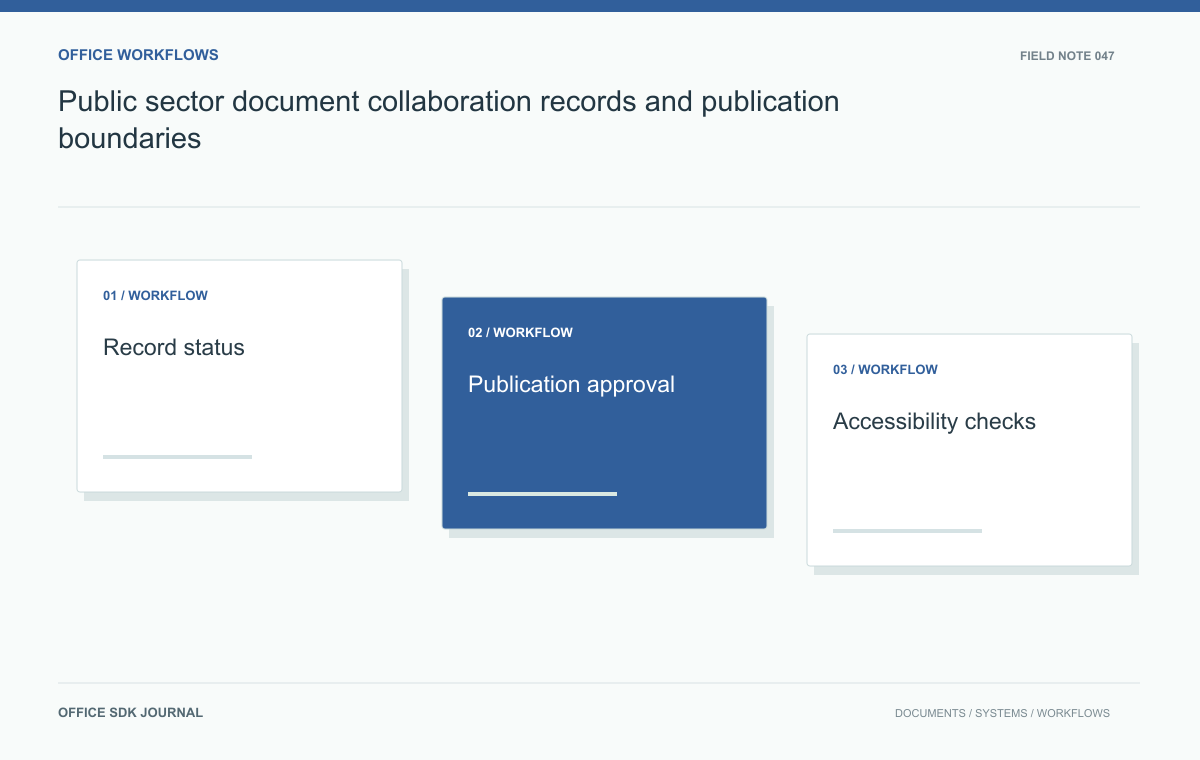
Public sector document collaboration: records and publication boundaries
Define working drafts, official records, access decisions, and accessible publication in public sector workflows.
Read story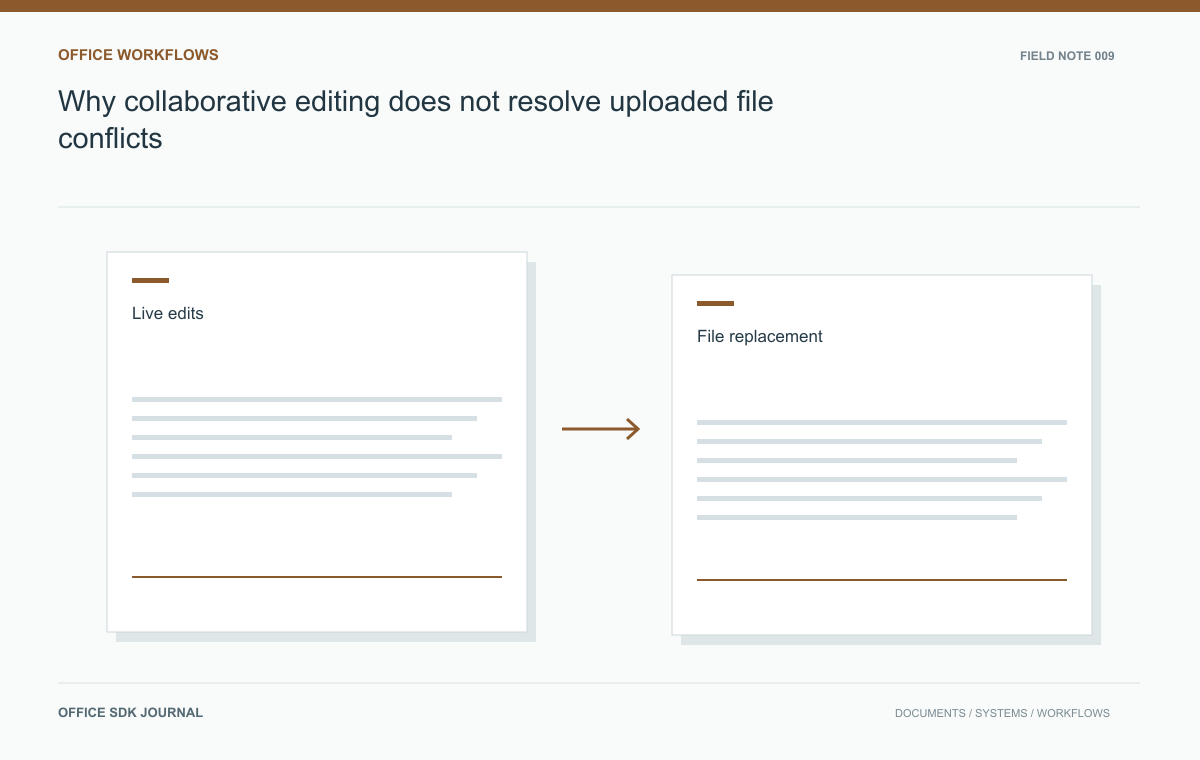
Why collaborative editing does not resolve uploaded file conflicts
Understand why a collaborative editor still needs application rules for uploads, restores, and external replacements.
Read story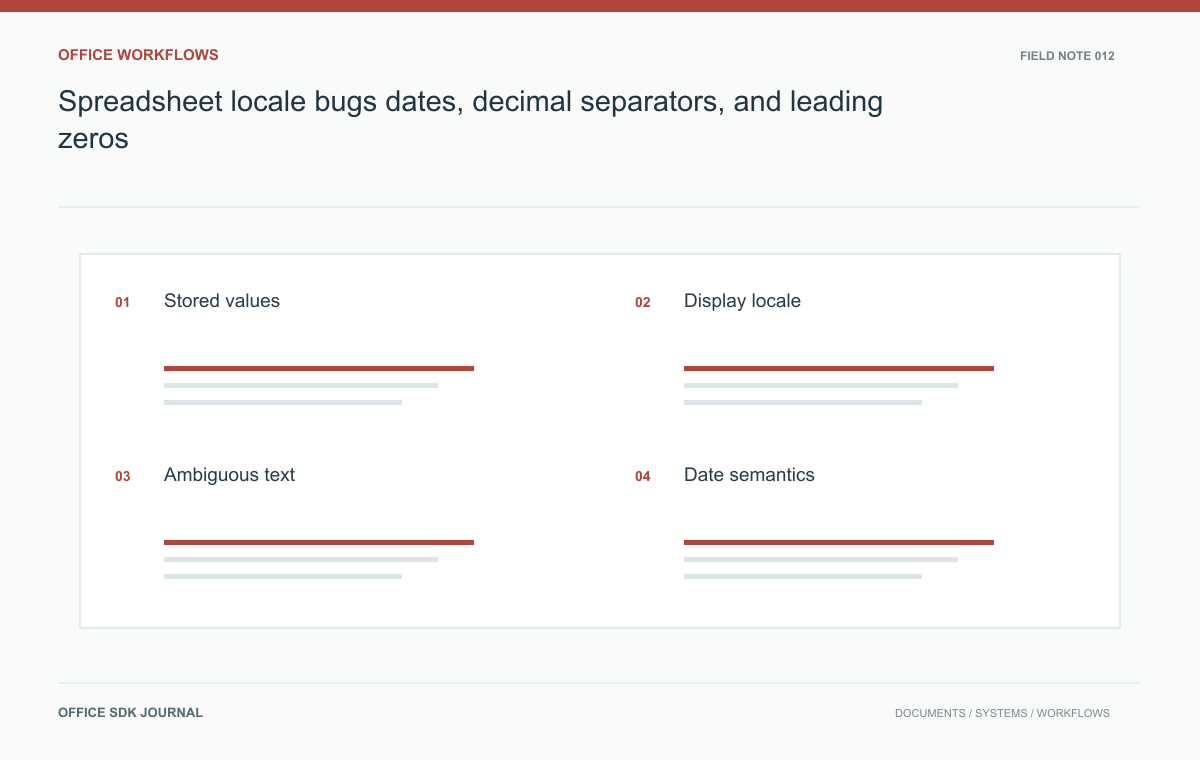
Spreadsheet locale bugs: dates, decimal separators, and leading zeros
Test stored values, display formats, and text imports separately when spreadsheets move between users and systems.
Read story