Editable AI PowerPoint: inspect objects before accepting the deck
Verify editable charts, text, diagrams, themes, and the next real revision in the recipient application.
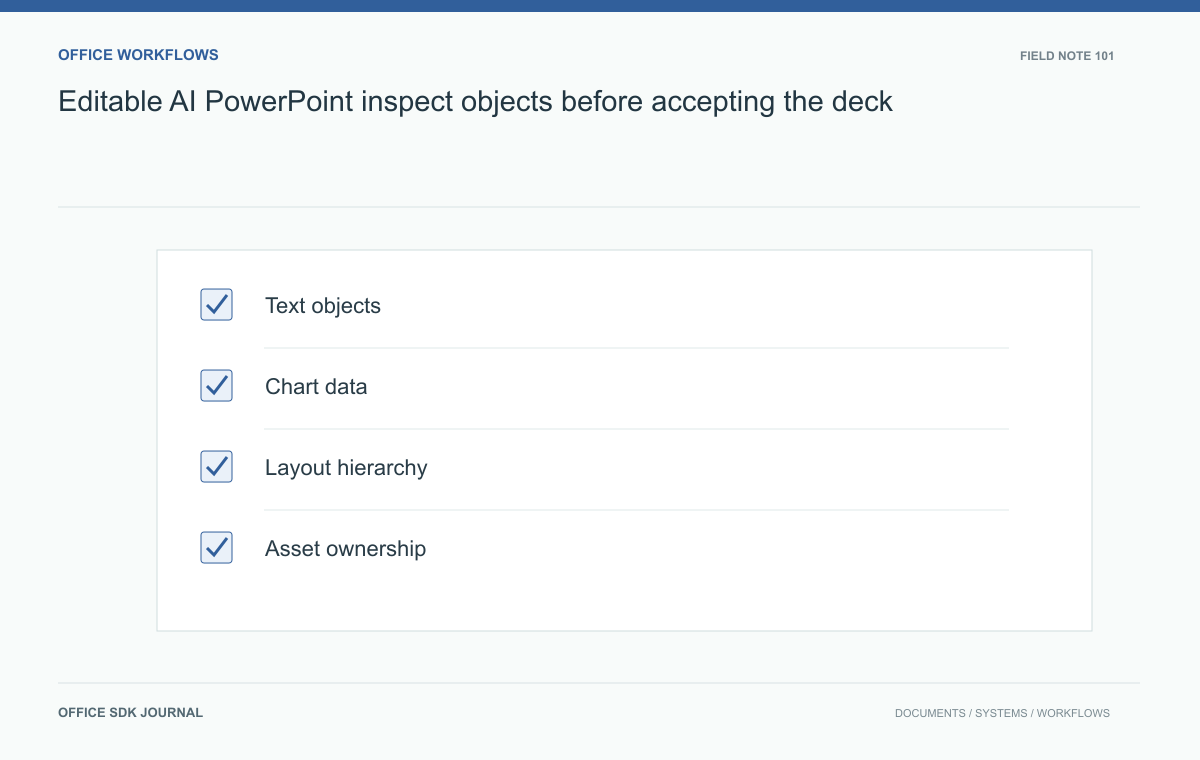
An editable AI PowerPoint deck should let the team change the objects that matter: text, figures, chart data, diagrams, and branding. Inspect the exported file and perform the next revision task. A presentation file extension and an attractive preview do not establish practical editability.
Define required editability
List the changes the team expects to make after generation: update a title, replace a figure, change chart values, move a diagram node, apply the brand theme, or translate a slide. A background image may be acceptable for decoration but unsuitable for a chart that changes weekly. Specify which elements must be native editable objects and which may remain raster images. Inspect the actual exported presentation rather than assuming an editable format guarantees editable content. Also identify the target applications and versions, because a deck's usability can differ when opened in the recipient's environment.

Inspect structure and data
Select text and shapes individually, check grouping, and verify that reading order makes sense. For charts, inspect whether the underlying values can be edited and whether labels match the source data. Confirm that diagrams contain manageable objects rather than hundreds of fragmented paths or one flat image. Review fonts, theme colors, slide masters, and placeholders if the workflow relies on consistent branding. Use a representative slide with a dense table and one with a visual diagram. Simple title slides rarely reveal the structural problems that make generated decks costly to maintain.
Try next week's sales update
Suppose a manager uses an AI deck for a weekly sales meeting. Before accepting it, update the regional totals, add a newly opened territory, and replace a product image. Record the time spent and any layout damage. Check whether the total and explanatory sentence still agree after changing the chart. Then duplicate a slide and apply the standard template. This revision exercise tests the deck's practical reuse, not just its first presentation. If the manager must recreate a chart or rebuild the entire slide to change one number, record that as an editability failure.
Check delivery and asset rights
Open the file in the intended recipient application and inspect text wrapping, missing fonts, object placement, animations if required, and notes. Export a PDF and compare it with the editable file's visible content. Confirm that images and other assets have an appropriate source and permitted use; generation does not automatically establish rights to every incorporated asset. Review alternative text, color contrast, and reading order according to the audience's accessibility needs. Remove temporary notes, placeholder labels, and unsupported factual claims. A useful acceptance process covers structure, accuracy, accessibility, and distribution together.
Object checks by revision task
| Next task | Inspect | Common obstacle |
|---|---|---|
| Update sales figures | Editable values, series, and chart labels | Chart is a flat picture |
| Translate the deck | Text objects and room for longer labels | Text baked into images |
| Change a process step | Manageable shapes, connectors, and grouping | Diagram is fragmented or flattened |
| Apply branding | Theme, fonts, placeholders, and reusable layouts | Every slide needs manual formatting |
For the weekly sales update, change one value that alters a chart label and one territory name that wraps to two lines. Both are ordinary revisions, but they expose different structural weaknesses. Inspect whether related totals and narrative remain consistent, then reopen the deck in the application used by the presenter.
Record limitations precisely. Background photography can reasonably remain an image; a chart reused every week may need editable data. A complex diagram might be acceptable as an image for one final presentation but unsuitable as a reusable template. The acceptance decision should reflect the planned lifecycle, and any regeneration route should preserve approved facts and required assets.

Deck Decision notes record
- List the elements that must remain editable for future work.
- Inspect text, charts, tables, diagrams, themes, and object grouping.
- Perform the next expected revision and measure repair effort.
- Open the file in recipient software and inspect the exported PDF.
- Review factual claims, assets, notes, and accessibility.
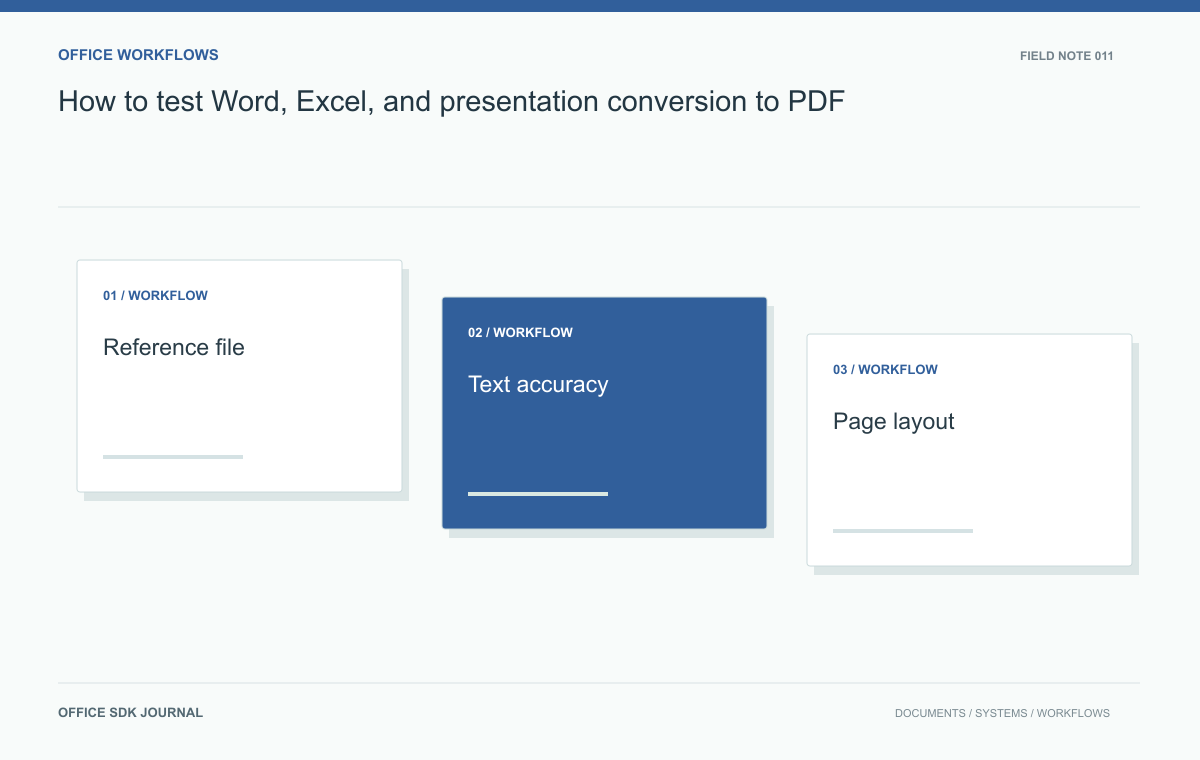
How to test Word, Excel, and presentation conversion to PDF
Compare structure, critical values, and rendered pages with an agreed corpus instead of relying on a successful conversion response.
Read story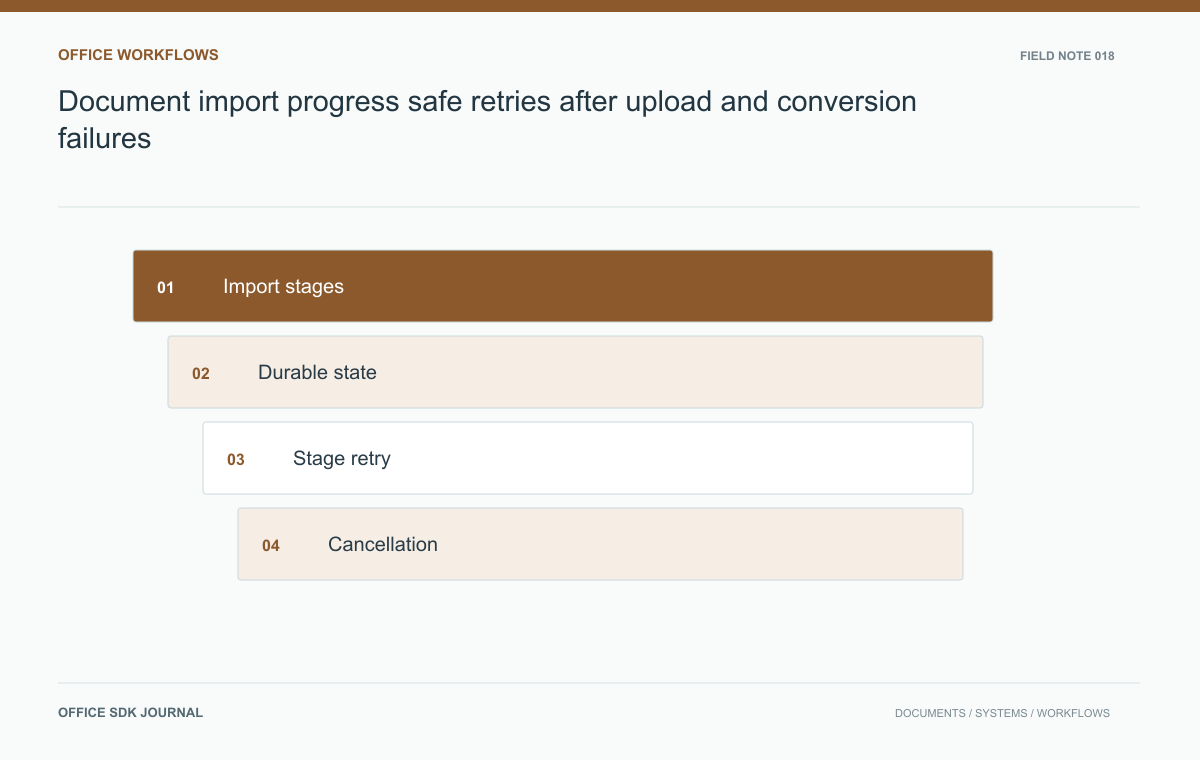
Document import progress: safe retries after upload and conversion failures
Give users honest progress, safe retries, and clear recovery when upload, validation, conversion, or registration fails.
Read story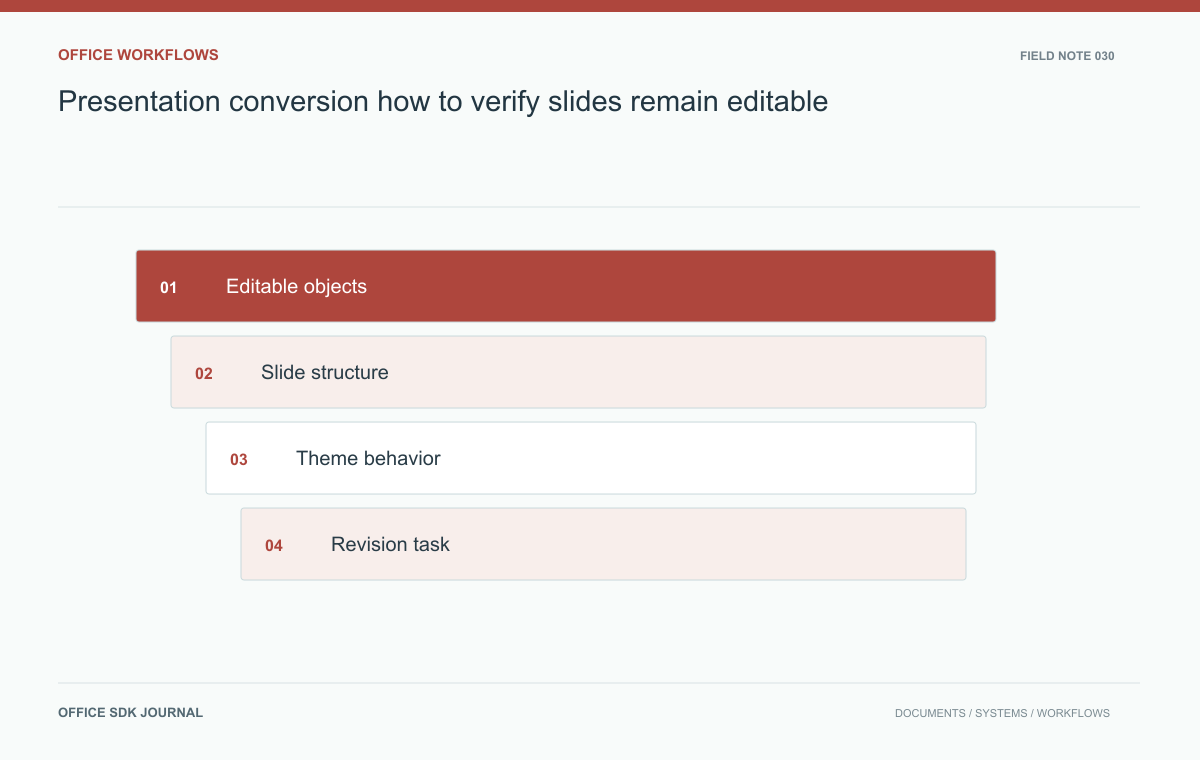
Presentation conversion: how to verify slides remain editable
Verify text, shapes, charts, notes, and master behavior when a presentation must remain editable after import or conversion.
Read story