AI Word formatting: a pre-send review of the actual file
Inspect styles, rendered pages, hidden content, accepted claims, and Word-to-PDF consistency before delivery.
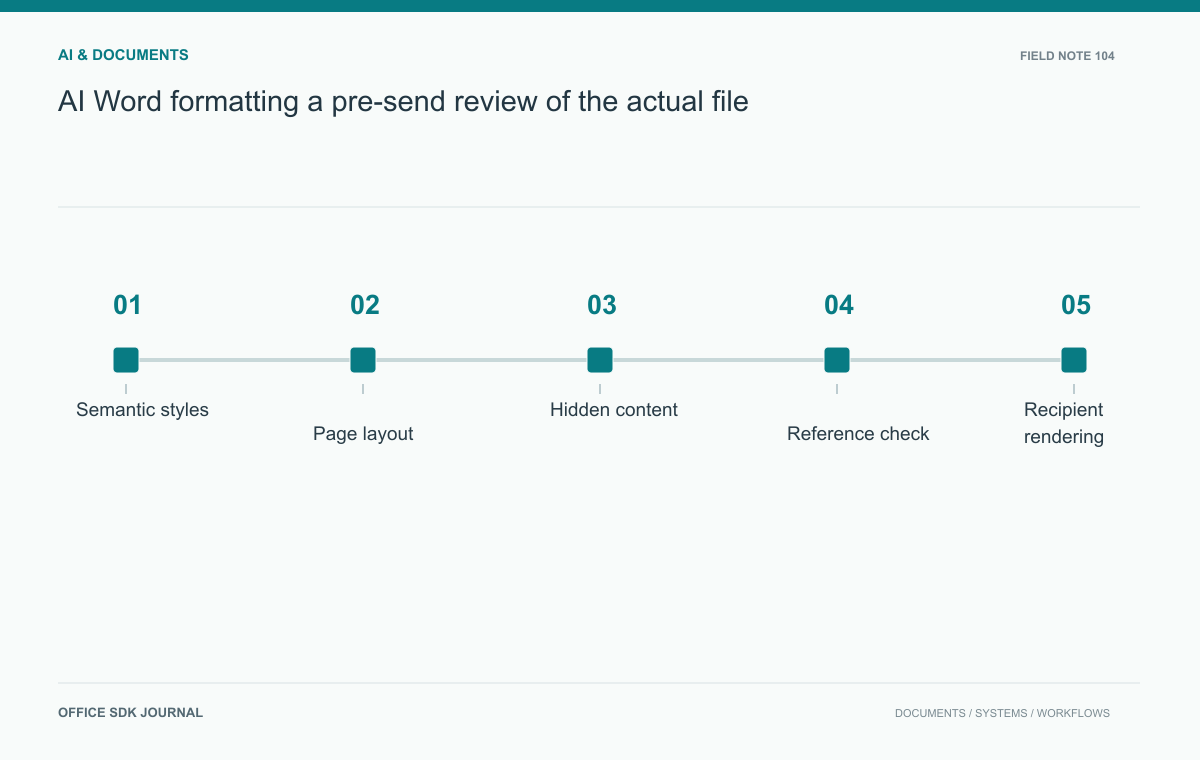
Before sending an AI-generated Word document, inspect semantic structure, rendered pages, factual content, and hidden review data. Verify the final file in the recipient's environment and compare any PDF delivery copy. Successful file generation does not prove readable layout or acceptance of the document's commitments.
Check structure before appearance
Verify that headings use meaningful styles and form a logical hierarchy. Lists should behave as lists, not as manually typed symbols and spaces. Inspect table structure, labels, captions, and links. These properties support navigation, accessibility, and later editing even when the pages already look attractive. Confirm that sections and page breaks are intentional rather than accidental results of repeated blank paragraphs. If the document uses a template, check that generated content follows its required styles and numbering. A document can appear correct in one view while remaining difficult to revise or interpret with assistive technology.
Render and inspect every page
Open the file in the intended application and inspect a rendered version page by page. Look for clipped text, overlapping objects, split table rows, isolated headings, unexpected blank pages, and inconsistent margins. Check headers, footers, page numbers, and any table of contents after updating fields. Pay special attention to long names, multilingual text, and dense tables because they expose layout weaknesses. Keep the original generated file and a review copy so corrections are traceable. A successful file creation message confirms only that a file exists, not that its rendered output is readable or professionally usable.

Test a customer proposal
Imagine an AI generated proposal containing a scope table, pricing, assumptions, and signature fields. Confirm that the price matches the approved source and that qualifications have not disappeared during summarization. Check whether the scope table continues cleanly across pages and whether each signature label stays with its line. Open the document on a second relevant application or environment if recipient compatibility is important. Export the proposed PDF delivery copy and compare it with the Word file. The recipient should receive the same accepted terms regardless of which supported representation they read.
Remove unintended information
Inspect comments, tracked changes, document properties, hidden text, embedded objects, and leftover template instructions. Decide which review annotations should be retained and which should be removed before external circulation. Confirm source references and links resolve to the intended materials and do not expose internal resources unnecessarily. Review generated claims for evidence and identify any placeholders or incomplete sections. A formatting pass must not obscure a substantive issue: a neat table containing an invented commitment remains unacceptable. Keep the final approval tied to the exact file version that will be distributed.
A page review log catches recurring defects
Use a page review log when the document is substantial or formally delivered. Record page, defect, affected content, correction, and verification. This is more reliable than a general Looks fine comment.
| Observation | Possible correction to investigate |
|---|---|
| Heading isolated at page bottom | Paragraph keep behavior and section structure |
| Table text clipped | Column widths, cell margins, and row height rules |
| Signature label separated | Grouping and intentional page break |
| Unexpected blank page | Section break, empty paragraph, or layout constraint |
Use the editing application's supported controls and verify the rendered result after correction. Changing a font size to fix one page can shift later pages and damage a previously correct table.
Keep approval tied to the delivered file
For the proposal, the approval record should identify the file that was actually checked, not merely the project name. If a later regeneration changes pricing, scope, assumptions, or pagination, determine which checks need repeating and obtain the required approval for the successor.
Retain the reviewed Word file and delivered PDF with a clear relationship. If the PDF is the authoritative sent record, label that explicitly. A Word file reopened after a font or field update can render differently, so the delivery check should use the final output rather than an earlier preview. Keep the record concise enough for routine use while preserving the evidence needed to explain what was accepted.

Final delivery Decision notes
- Verify headings, lists, tables, links, and document navigation.
- Inspect rendered pages for clipping, overlap, pagination, and field updates.
- Reconcile figures, scope, assumptions, and commitments with approved sources.
- Review hidden content, comments, revisions, and metadata.
- Compare final Word and PDF outputs and approve the sent version.
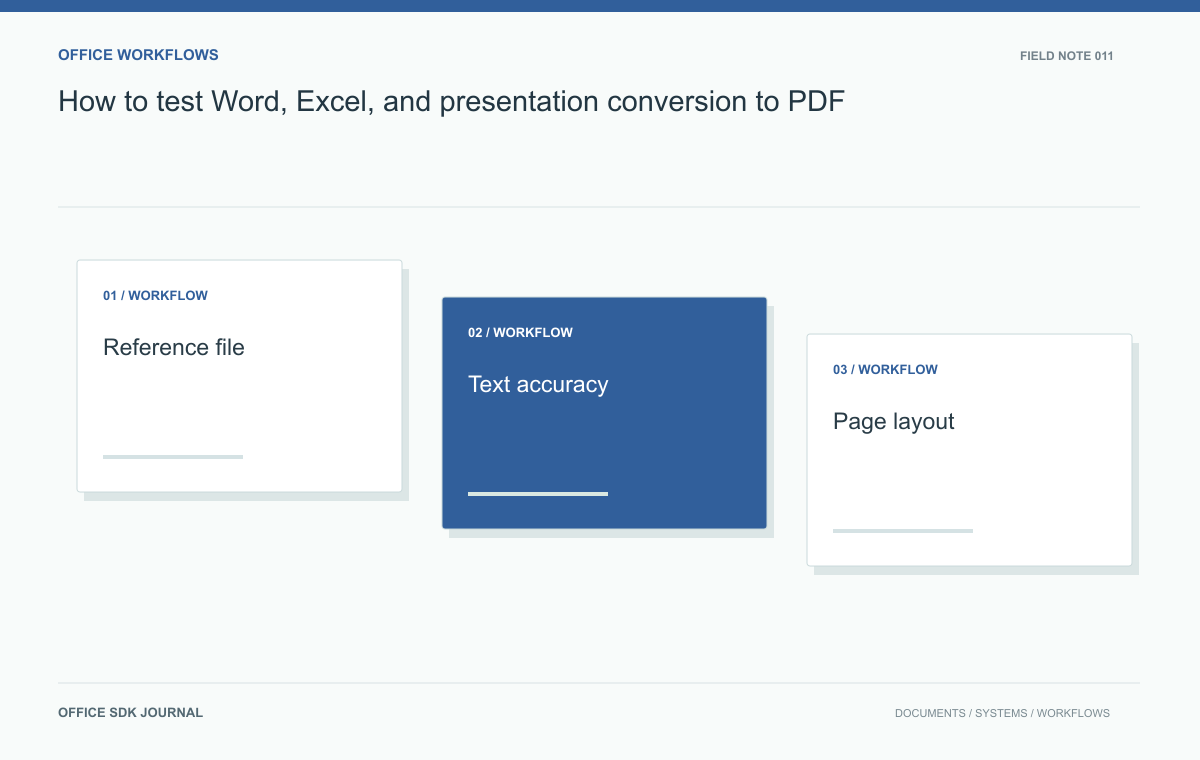
How to test Word, Excel, and presentation conversion to PDF
Compare structure, critical values, and rendered pages with an agreed corpus instead of relying on a successful conversion response.
Read story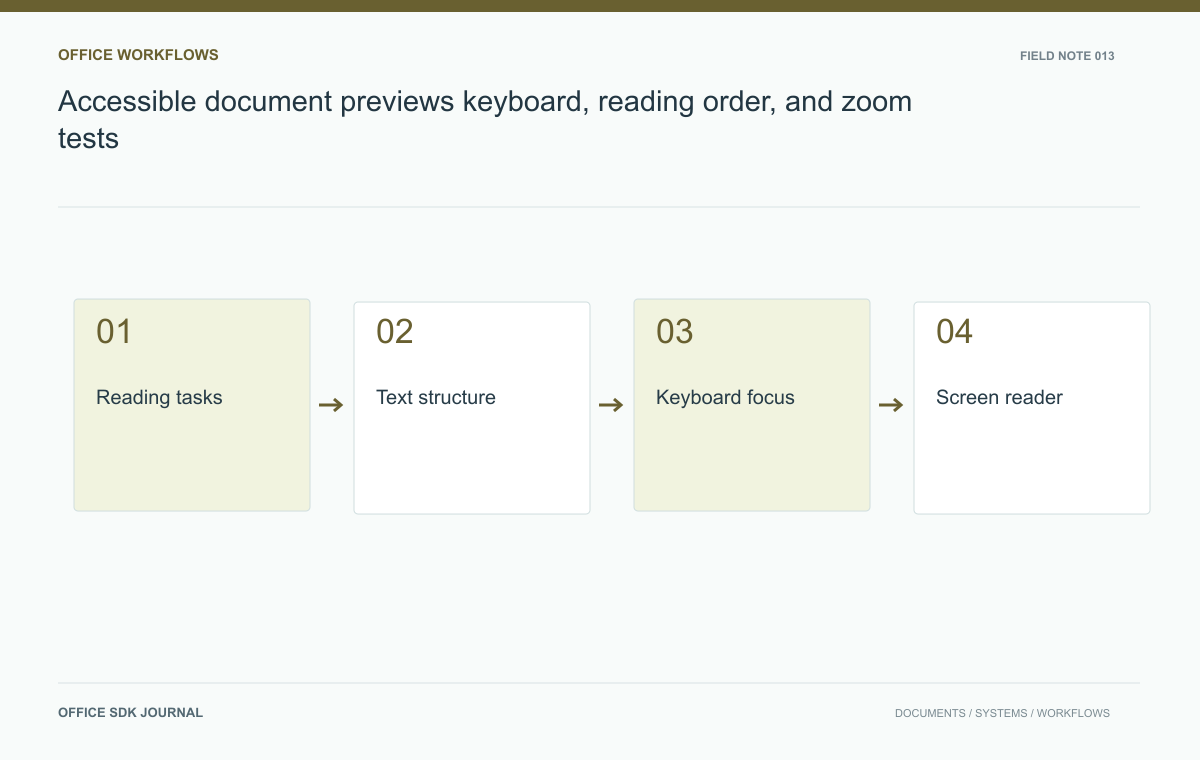
Accessible document previews: keyboard, reading order, and zoom tests
Evaluate keyboard use, reading order, zoom, and meaningful alternatives across the preview shell and rendered document.
Read story
Google Docs alternatives: choose by the document you deliver
Compare alternatives using real drafting, review, accessibility, and file delivery tasks.
Read story