Presentation version history: recover the deck actually sent
Keep milestones, source provenance, comparisons, and distribution records so deck history answers real questions.
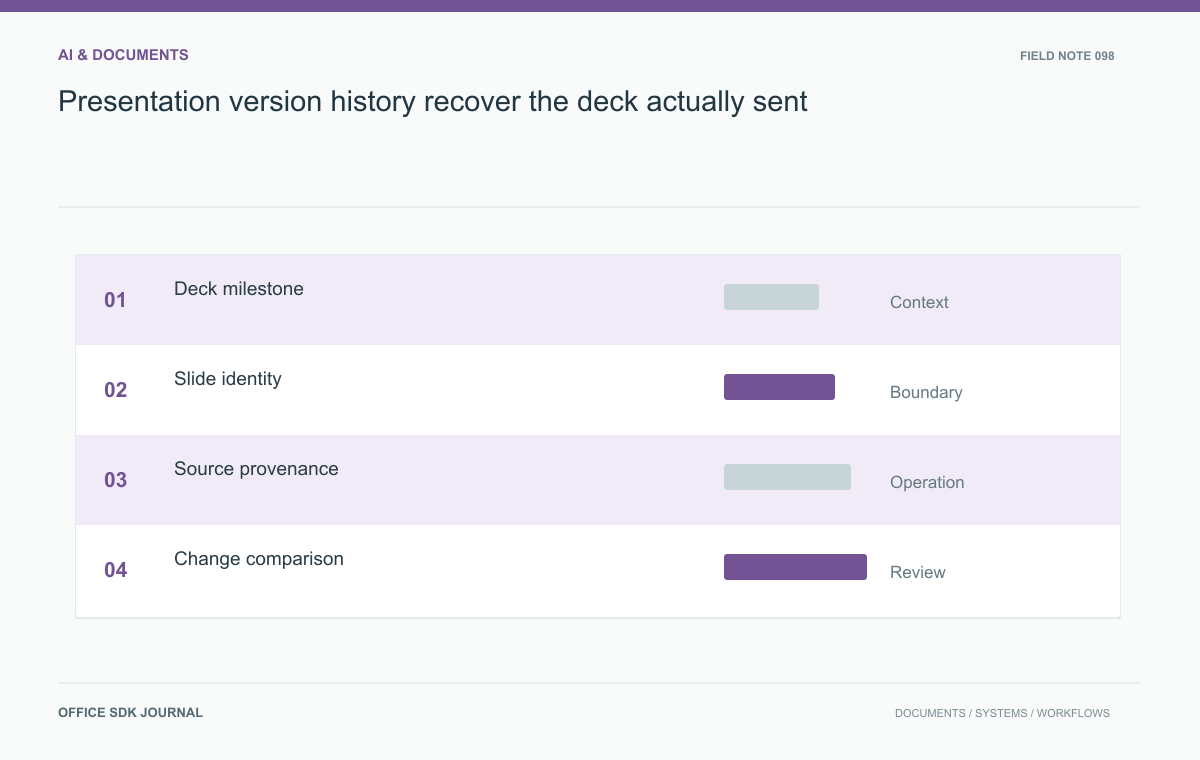
Useful presentation history identifies the deck that was reviewed, sent, or presented, together with the source data behind important claims. Autosave timestamps alone are not enough. Preserve meaningful milestones and compare data changes separately from layout so historical figures and decisions remain explainable.
Distinguish checkpoints from milestones
Frequent editing checkpoints protect work, while named milestones capture business meaning such as Reviewed by finance or Sent to the customer. Keep both where the chosen tooling permits, but do not make users infer a submission from the newest timestamp. Tie a milestone to the exact deck content and relevant attachments. Assign stable slide identities if the implementation needs comparisons across reordering or duplication. A slide's position is a weak identifier because inserting an agenda changes every subsequent number. Define retention and deletion policies for history, particularly when previous decks contain sensitive figures or superseded statements.

Capture enough provenance
Record which datasets, documents, prompts, or manual inputs contributed to important slides. For generated content, preserve the task specification and review outcome at a level appropriate to confidentiality and reproducibility. Do not assume that saving a prompt makes later generation identical; models and surrounding tools can change. For numerical claims, preserve the source version or extraction date and any transformation logic. A chart whose data has moved on may still be correct for a historical meeting. Provenance helps reviewers distinguish an outdated deck from an accurate record of what was known at the time.
Reconstruct an investor meeting
Imagine a team revising an investor presentation the night before a meeting. Finance changes a revenue chart, legal adjusts a disclaimer, and the presenter simplifies the narrative. Mark the final reviewed deck and separately record the version actually distributed. A week later, a director asks why the growth figure differs from the current dashboard. Retrieve the sent deck, its source data date, and the chart calculation. This scenario requires content and provenance together. Restoring the newest editable deck alone may not reproduce the material the audience saw or the evidence behind its claims.
Compare changes meaningfully
Useful comparisons distinguish text edits, layout changes, chart data changes, and slide additions or removals. Inspect the chosen product's actual history and comparison features before designing around them. If comparisons are built externally, preserve both semantic structure and rendered previews where practical. Rendering can show visual differences, while structured data explains changed values or references. Avoid presenting a layout only change as equivalent to a changed financial claim. When restoring a prior version, create a clear new working state and protect later submissions from accidental replacement. Record who initiated restoration and what happened to subsequent edits.
The sent deck is a separate record
In the investor meeting scenario, the final reviewed deck and the distributed deck may be identical, but verify that rather than assuming it. A presenter can make a last-minute change after review or attach the wrong file. Record distribution against the actual artifact using a version identifier and, where useful, an integrity digest.
- Reviewed milestone
- The version accepted by the named reviewers.
- Sent milestone
- The exact artifact delivered to the audience.
- Presented milestone
- The version displayed, if different from the distributed copy.
- Working successor
- The current editable deck prepared for later use.
These are proposed record distinctions; assess what the chosen tools can capture. If the platform cannot record distribution, the surrounding business process may need to do it.
For a questioned growth chart, retrieve its source period and transformation before comparing it with today's dashboard. The historical deck may be accurate for the data available then. If the chart was wrong, create an identified correction and preserve the earlier record according to policy. Overwriting it can make it impossible to explain what the audience saw. A history reconstruction should produce both the visual artifact and enough provenance to interpret it.

Historical reconstruction test
- Name the milestones that matter and bind them to exact content.
- Preserve source versions and dates for consequential claims.
- Identify the deck actually sent or presented.
- Compare content and data changes separately from appearance.
- Test restoration without erasing later approved records.
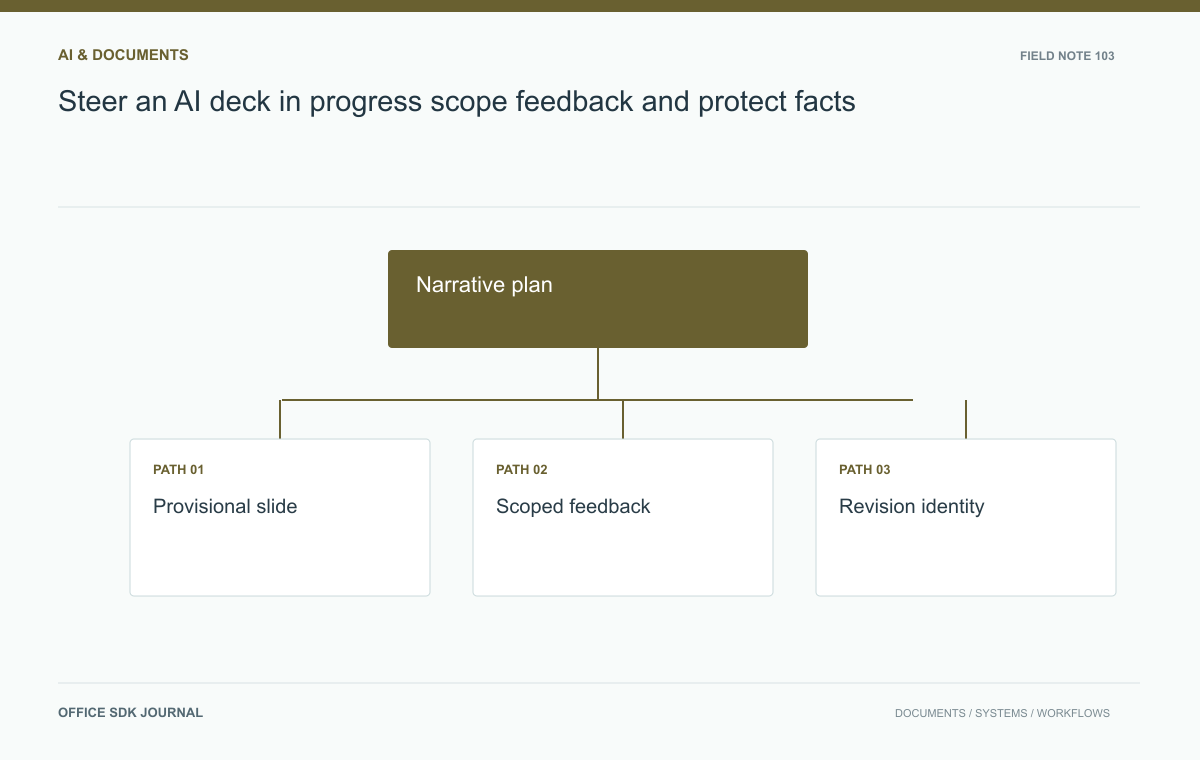
Steer an AI deck in progress: scope feedback and protect facts
Use accepted outlines, versioned comments, bounded revisions, and final consistency checks during deck generation.
Read story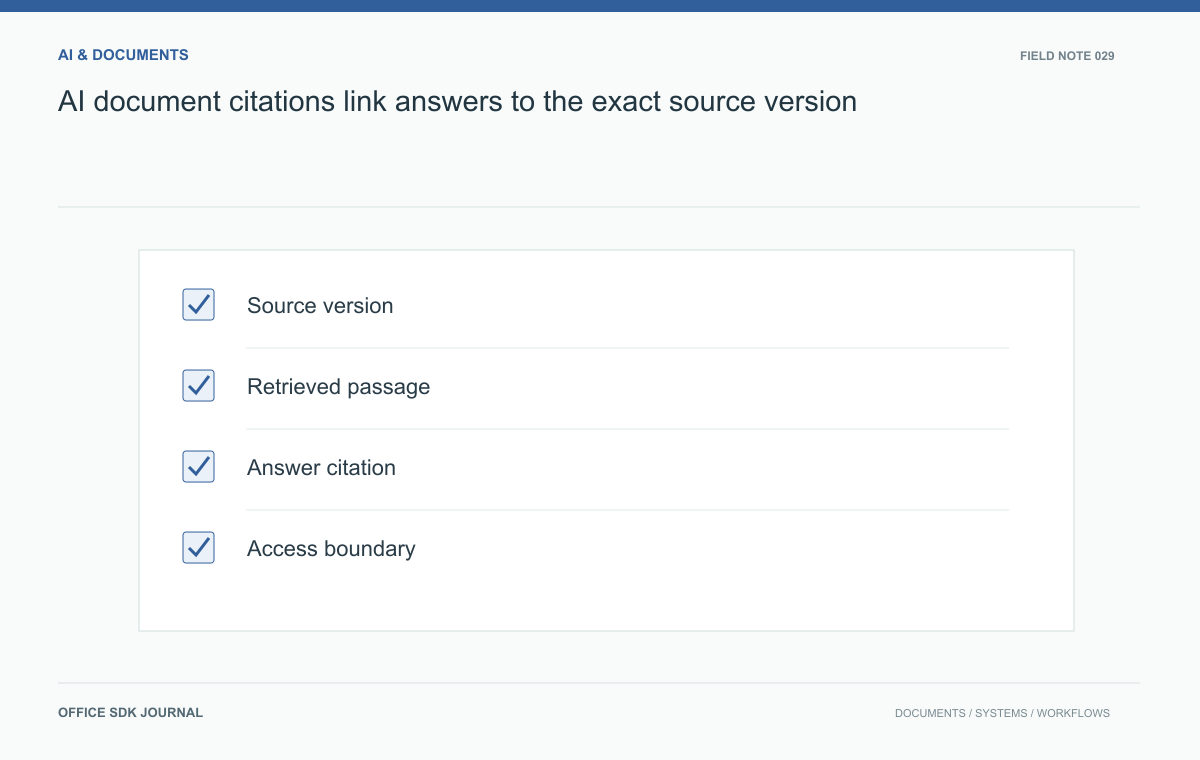
AI document citations: link answers to the exact source version
Attach useful provenance to generated answers so readers can inspect evidence, detect stale sources, and review uncertainty.
Read story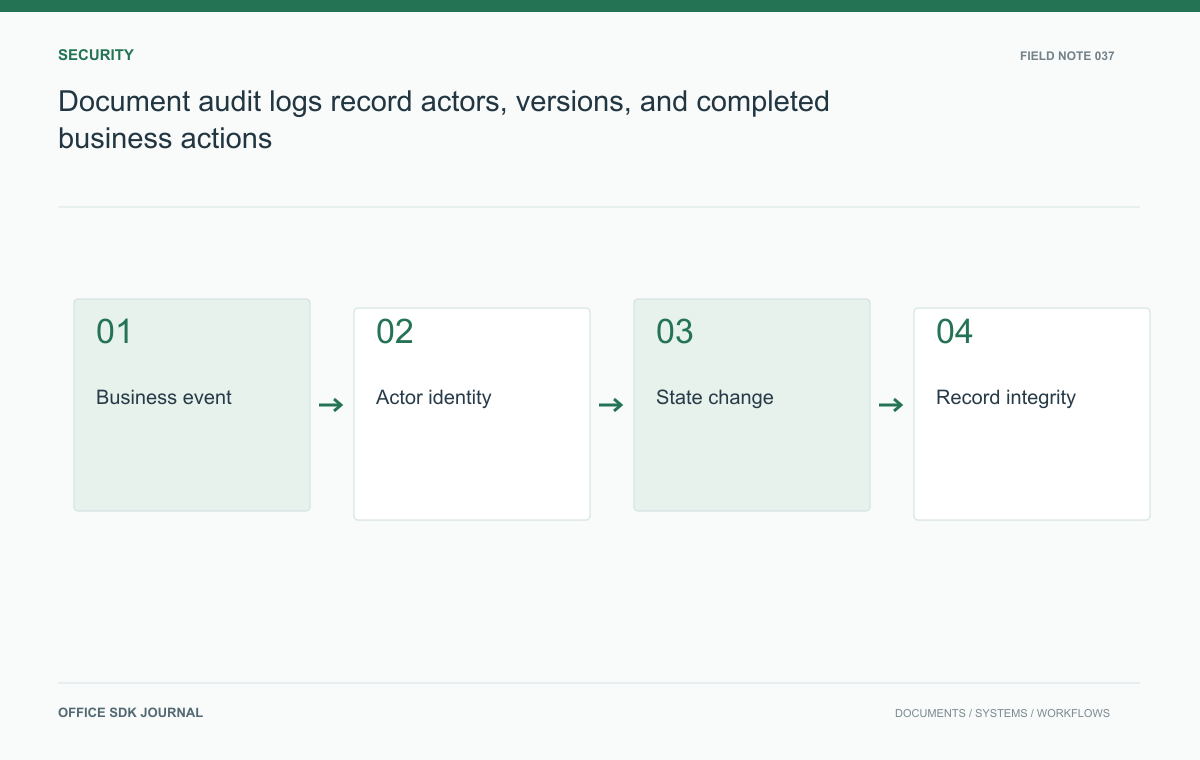
Document audit logs: record actors, versions, and completed business actions
Record business actions, version relationships, and authorization context without confusing audit history with raw application logs.
Read story