Steer an AI deck in progress: scope feedback and protect facts
Use accepted outlines, versioned comments, bounded revisions, and final consistency checks during deck generation.
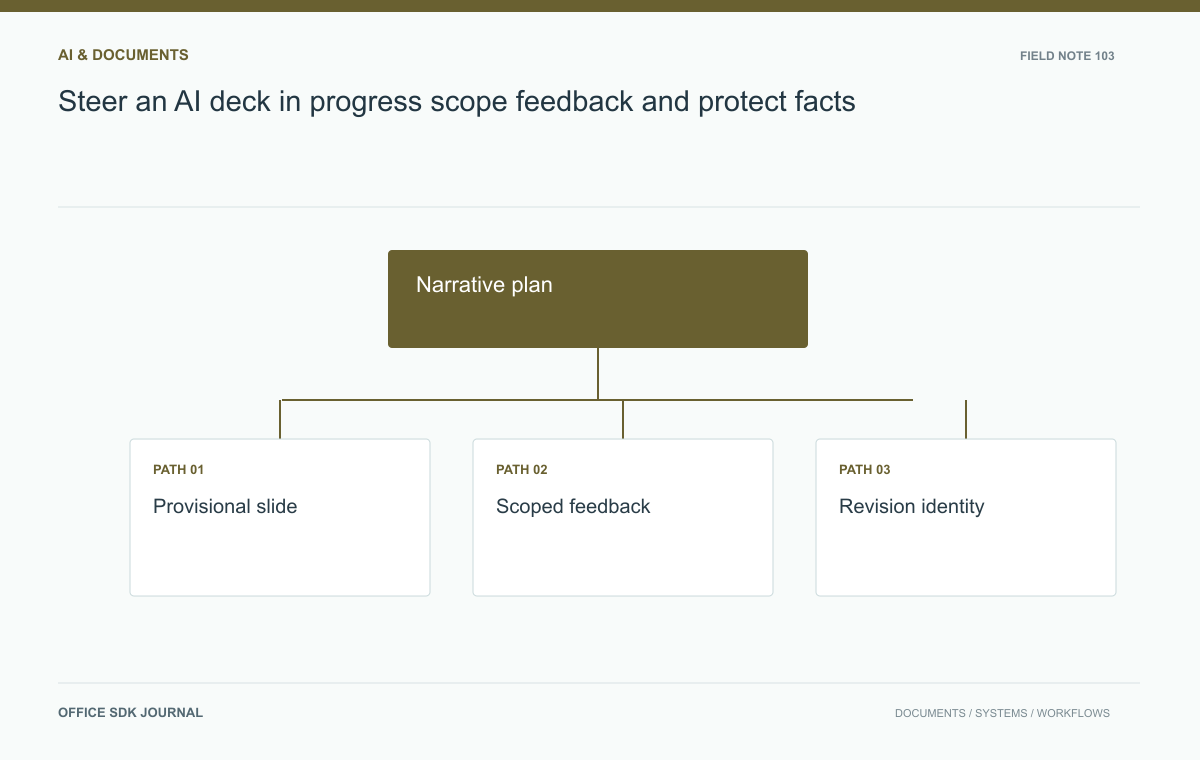
Steer an AI deck by approving its narrative, identifying the draft version under review, and giving bounded feedback that says what to change and preserve. Recheck facts and transitions after each significant revision. Incremental slide approval does not replace review of the complete presentation.
Approve a narrative before detail
Start with audience, meeting purpose, required conclusion, and the evidence supporting it. Review a short outline before investing in detailed slides. Specify the role of each slide: introduce the problem, show data, explain options, or request a decision. Mark mandatory content and constraints such as a fixed number of slides. The outline becomes a stable reference for later feedback. If the audience or conclusion changes during drafting, acknowledge that as a plan revision rather than applying scattered cosmetic edits to slides built for a different story.

Label provisional work clearly
While a deck is being assembled, text, layout, assets, and data may be at different stages of completion. Show or record which parts are provisional so reviewers do not mistake a temporary placeholder for an accepted fact. Use slide identities or clear titles when giving feedback; position numbers can shift as slides are inserted. Identify the generation version to which the comment applies. Without that link, a delayed instruction can overwrite a newer change. Confirm the actual tool's revision and cancellation behavior before relying on interactive steering in a time sensitive workflow.
Steer a product review example
Suppose a product team is generating six slides for an executive review. After seeing the first two, the owner decides that the audience needs operational risks before feature details. Update the outline and request moving the risk section, while preserving approved figures and customer quotations. Later, the owner asks to simplify one chart rather than regenerate the whole deck. A good revision request names the slide, the required change, and the elements to preserve. After the update, inspect whether the transition to surrounding slides still works. Local improvements can create repetition or gaps in the overall narrative.
Bound revisions and verify facts
Separate factual corrections, narrative changes, and visual preferences. Factual corrections should trigger checks wherever the same value or claim appears. Narrative changes may require outline revision. Visual changes should normally preserve accepted evidence. Keep a change record for important decisions and stop generation or publication when the underlying requirement becomes unclear. Do not assume a regenerated chart still uses the same numbers, or that a shorter sentence preserves its original qualification. At the final pass, inspect all slides, notes, references, and exports together to detect inconsistencies introduced by incremental feedback.
Feedback that changes the right layer
| Feedback | Layer affected | Followup |
|---|---|---|
| Lead with operational risks | Narrative plan | Revise outline and transitions |
| The margin figure is wrong | Evidence and repeated claims | Correct source use throughout the deck |
| Make this chart simpler | Visual representation | Preserve values and necessary qualifications |
| Add a new decision request | Purpose and conclusion | Check whether the accepted plan still fits |
A useful instruction might be: On the slide titled Operational risks, replace the crowded chart with the three accepted categories; preserve the values, source date, and qualification in the note. That is more testable than Make it cleaner.
For the executive review, keep the revised outline with the generation version. When a late comment arrives, confirm that it refers to the current slide rather than an earlier draft with the same position number. If the tool cannot apply a bounded change reliably, pause and work from an identified copy. Then inspect adjacent slides and the conclusion. Simplifying one chart can remove the evidence needed for the next slide, while moving a risk section can leave the original introduction repetitive.

Complete-deck Decision notes
- Approve the narrative purpose and slide outline before detailed assembly.
- Identify provisional content and the version under review.
- Give scoped feedback with elements to change and preserve.
- Recheck repeated facts and narrative transitions after revisions.
- Inspect the complete deck and exported files before approval.
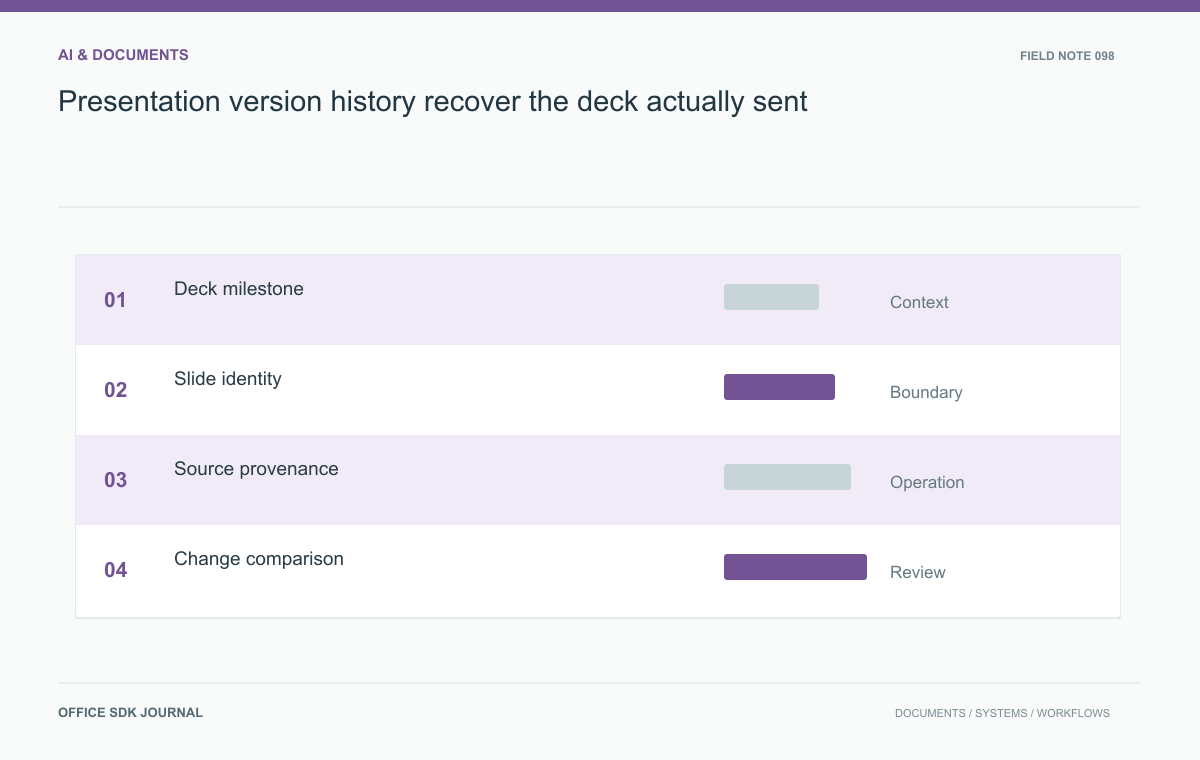
Presentation version history: recover the deck actually sent
Keep milestones, source provenance, comparisons, and distribution records so deck history answers real questions.
Read story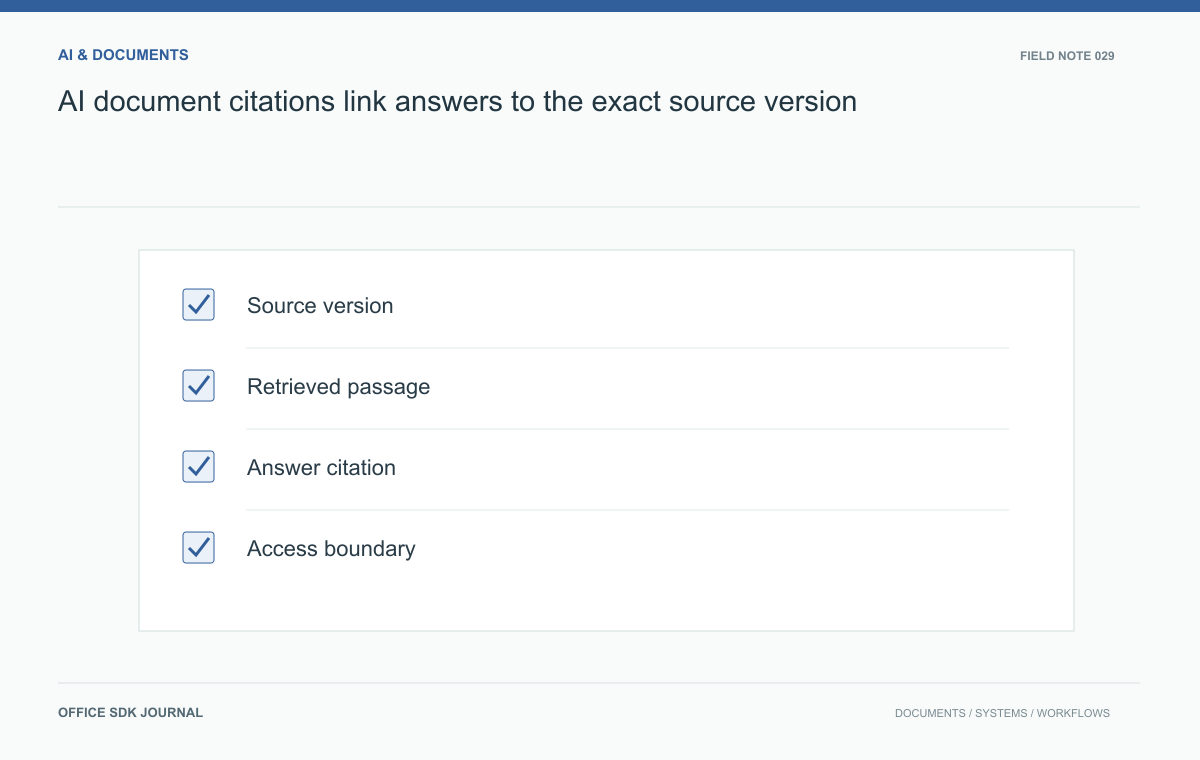
AI document citations: link answers to the exact source version
Attach useful provenance to generated answers so readers can inspect evidence, detect stale sources, and review uncertainty.
Read story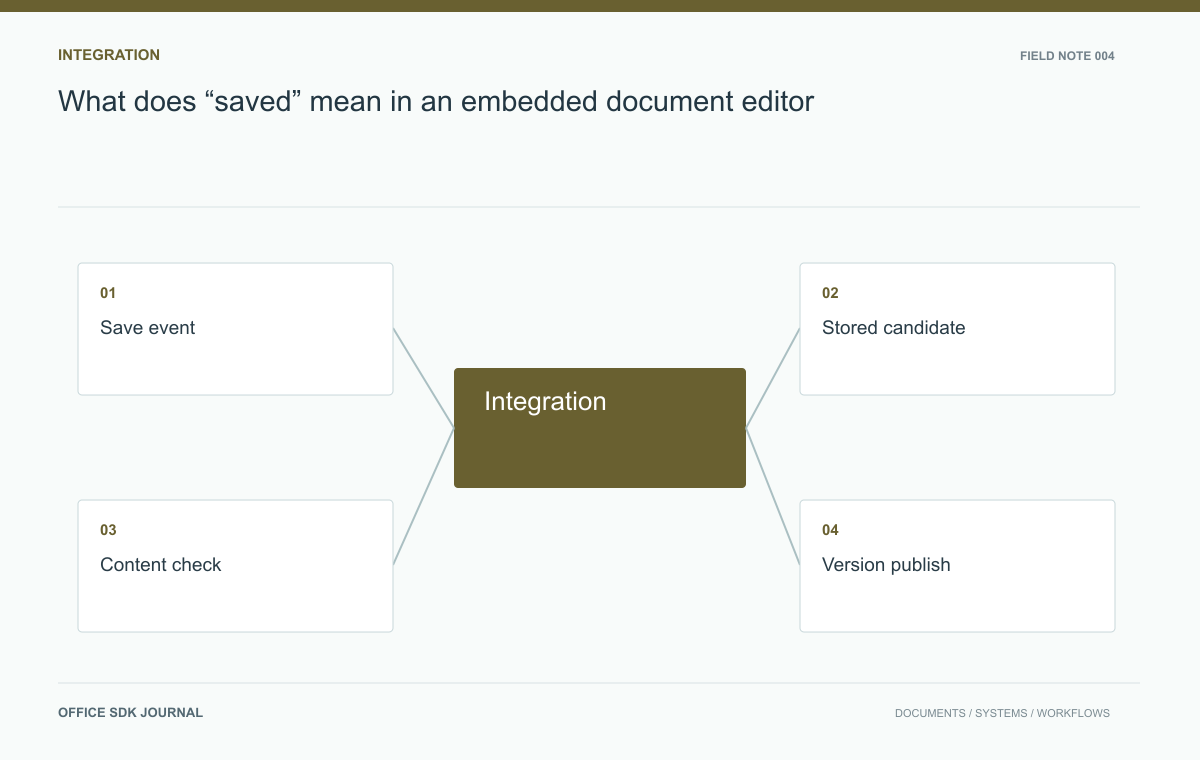
What does “saved” mean in an embedded document editor?
Distinguish session updates, durable application versions, and exported files to build a save contract users can trust.
Read story