Spreadsheet locale bugs: dates, decimal separators, and leading zeros
Test stored values, display formats, and text imports separately when spreadsheets move between users and systems.
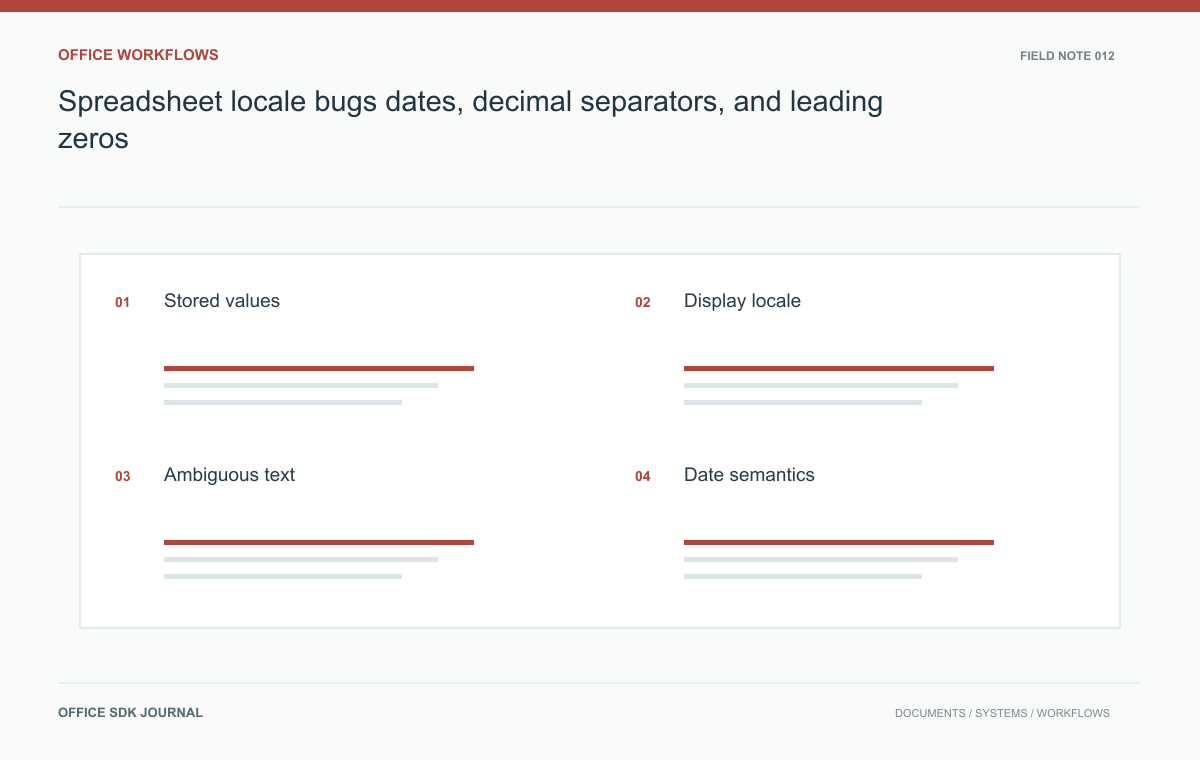
Compare stored cell values as well as displayed text when a workbook crosses locale boundaries. Opening an existing numeric cell is different from parsing a CSV string such as 03/04/2026. Declare import rules explicitly and preserve identifiers as text when leading zeros or exact digits matter.
Where values can change meaning
A numeric cell can display as a date, percentage, currency, or plain number depending on its format. Changing the display does not necessarily change the underlying value, while parsing imported text can change the value itself. Record which transformations the workflow performs: opening an existing workbook, importing CSV, copying text, recalculating formulas, or exporting to another format. These operations have different risks. Verify date system handling using the selected spreadsheet engine's documentation, particularly when workbooks originate from environments with different date system settings.
The string 03/04/2026 can mean different calendar dates in different locales. A value such as 1,234 may be interpreted as a grouped integer or a decimal value depending on parsing rules. For structured imports, prefer an explicit schema and a declared locale. Where the interface accepts ambiguous text, show a preview of the parsed result before committing large changes. Do not infer the desired convention solely from browser language if the business dataset uses a fixed regional standard independent of the user's personal preferences.
| Input | Question the importer must answer |
|---|---|
| 03/04/2026 | March 4 or April 3 under the declared date convention? |
| 1,234 | Grouped integer, decimal number, or literal text? |
| 000127 | Identifier whose leading zeros must be preserved? |
| 2026-04-03 | A calendar date or part of an explicitly timed event? |
Give a bulk import a typed schema where possible. If the source has no schema, show a preview that makes the parsed value visible alongside the original string. A display format applied after an incorrect parse can conceal the mistake rather than repair it.
For exported data, document the convention the receiver should use. A CSV does not carry the same formatting and type information as a workbook. Even a carefully exported identifier may be auto-converted by the next application. Include a field specification or choose a structured transfer format when exact types are essential. Test the real receiving application rather than checking only that the generated text contains the expected characters.

Calendar dates are not timestamps
A contract start date is often a calendar date, while an audit timestamp identifies a moment in time. Converting both through the same timezone logic can shift a date unexpectedly. Preserve the intended data type through extraction, APIs, and exports. If a workbook stores local times without timezone information, document the assumption used by downstream systems. Test daylight saving transitions where relevant, but avoid inventing a timezone conversion for values that never represented an instant. A clean display can still conceal a changed business meaning.
Run a payroll fixture through the complete round trip
Use a synthetic workbook containing employee start dates, decimal hours, percentages, currency totals, and identifiers with leading zeros. Open and export it under the supported language and locale settings. Compare cell values, formulas, and displayed text with the expected fixture. Include an ambiguous CSV date and a long numeric identifier to expose automatic conversion. Confirm that a text identifier remains text and that the total is unchanged after a round trip. Keep personal data out of the fixture while retaining the exact format patterns that matter.
- Declare locale and date system assumptions for every structured ingestion path.
- Preserve identifiers as text when arithmetic is not intended.
- Compare stored values as well as rendered formats after a round trip.
- Require a parsing preview for ambiguous bulk text imports.
- Document how downstream services distinguish calendar dates from timestamps.

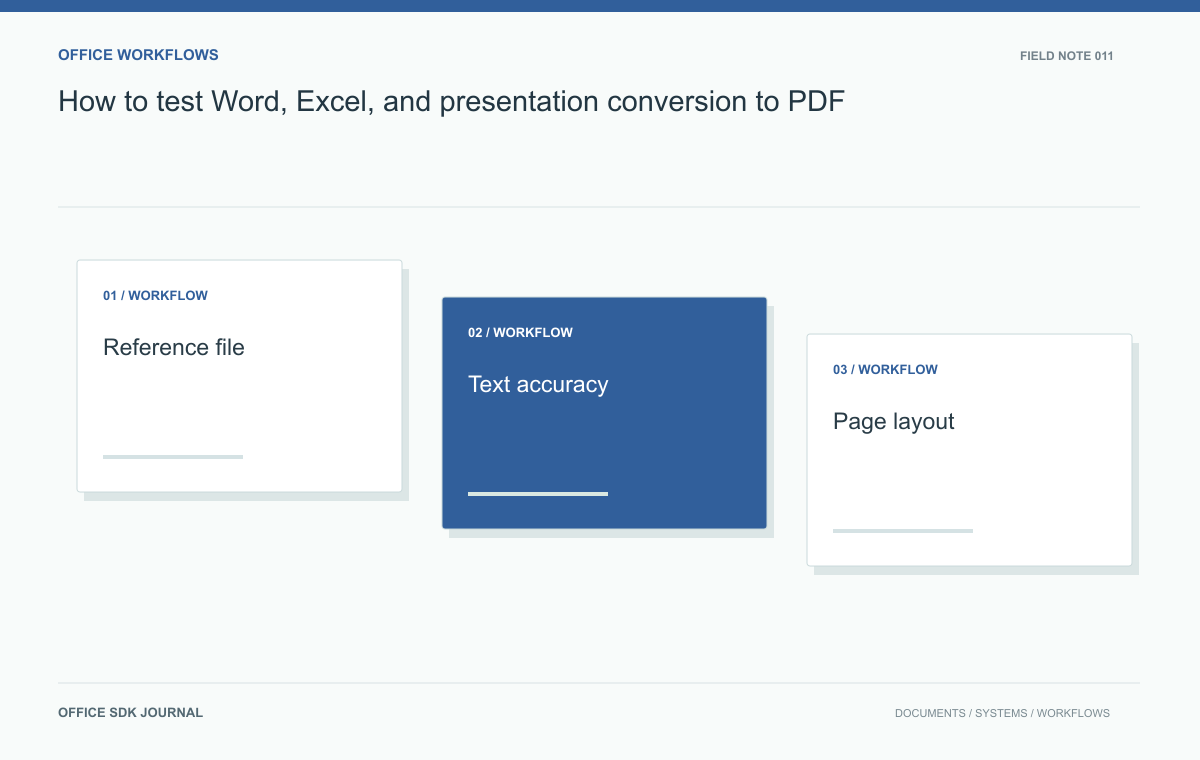
How to test Word, Excel, and presentation conversion to PDF
Compare structure, critical values, and rendered pages with an agreed corpus instead of relying on a successful conversion response.
Read story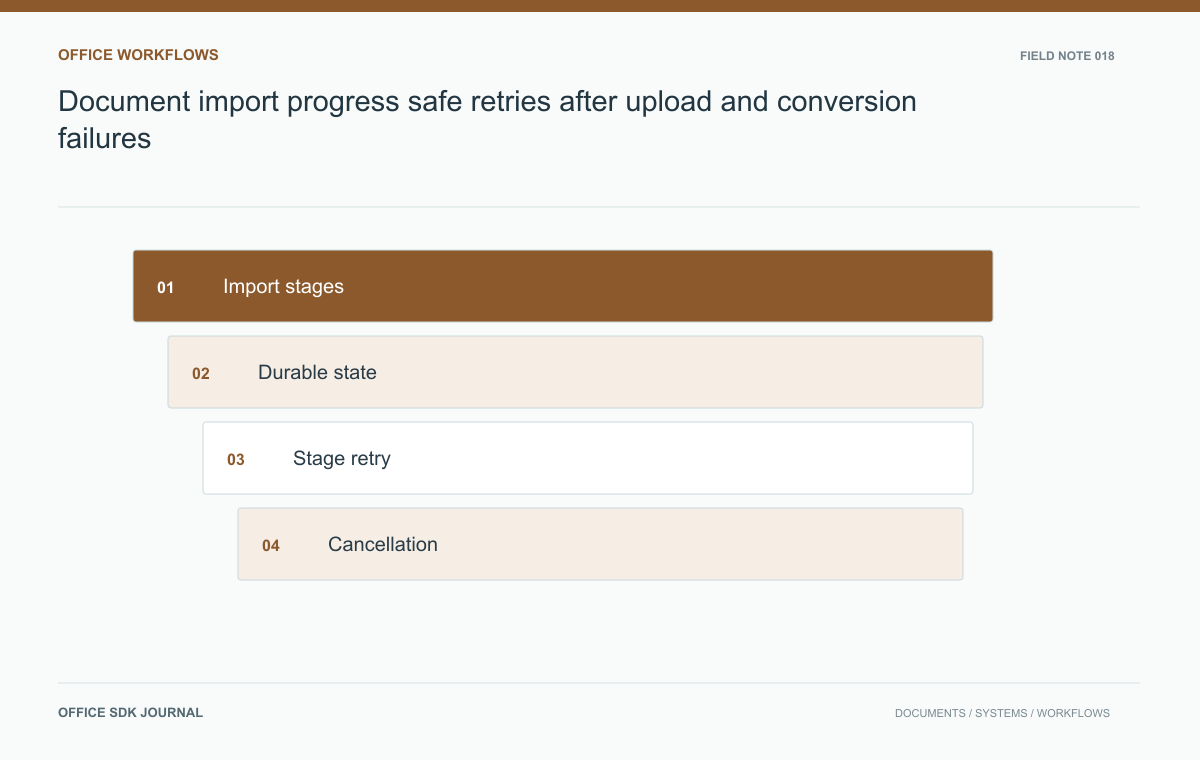
Document import progress: safe retries after upload and conversion failures
Give users honest progress, safe retries, and clear recovery when upload, validation, conversion, or registration fails.
Read story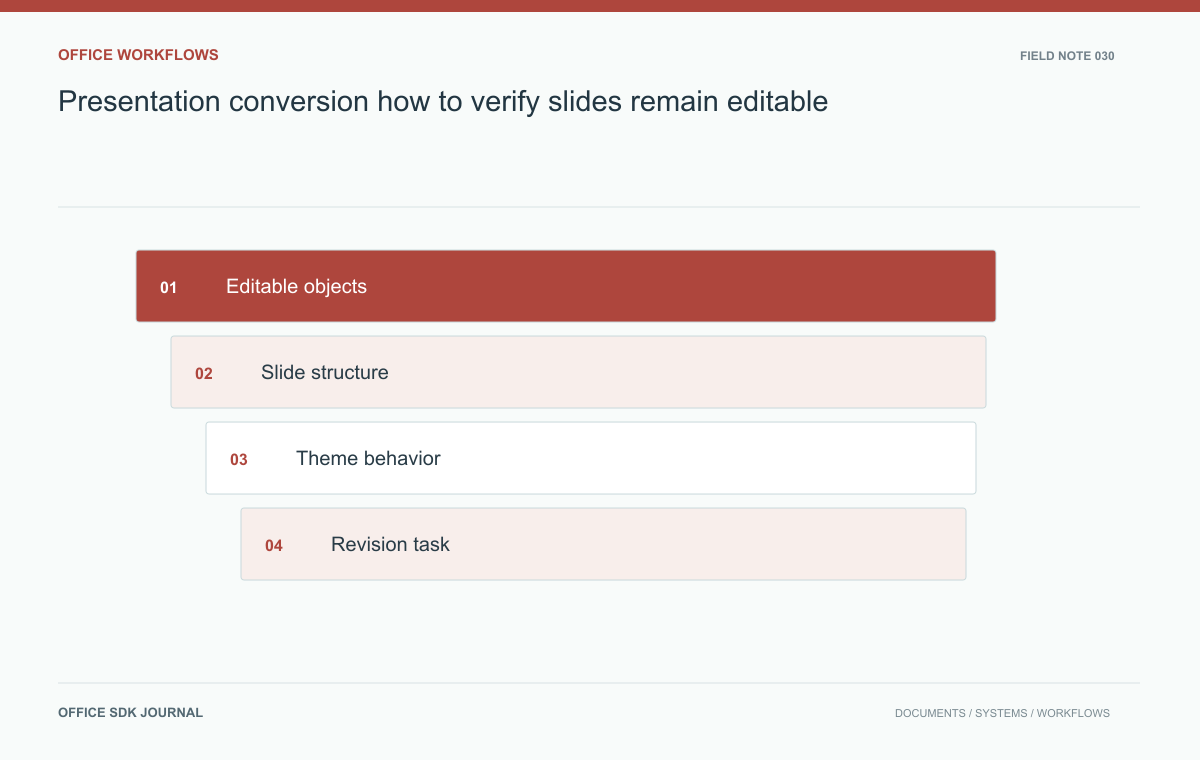
Presentation conversion: how to verify slides remain editable
Verify text, shapes, charts, notes, and master behavior when a presentation must remain editable after import or conversion.
Read story